Table of Contents
This curated overview of top 5 best VPN apps for torrent 2021 focuses on useful options, standout features, and details worth checking before making a choice.
1. ExpressVPN
Topping the list of the Top best VPN applications for Torrent 2021 is ExpressVPN. Cross-platform VPN app, works on Windows, Mac, Linux Android and iOS.
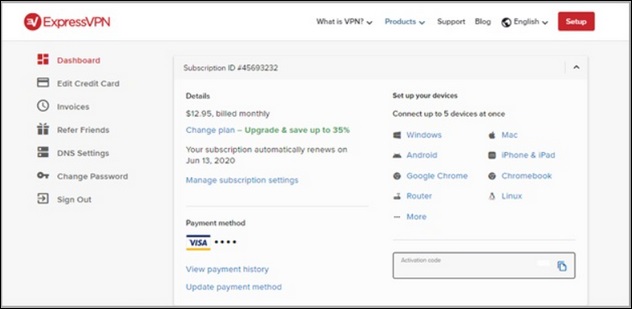
Outstanding features of ExpressVPN include: with more than 3000 servers located in 160 countries worldwide, fully equipped with torrent tools to optimize the transfer speed while ensuring security. with features like WebRTC leak protection, use of private DNS servers and Perfect Forward Secrecy.
In addition, with the policy of no record of user login or browsing information, you can rest assured when using ExpressVPN.
Download ExpressVPN to your computer and install it here.
2. CyberGhost VPN
With a network of 6200 servers located in over 110 countries, CyberGhost is a great VPN application for torrenting tasks that is still very user friendly and works on all platforms Windows, Mac, iOS and Linux. .
The goal is to provide the best torrent experience, CyberGhost is designed to automatically filter and use the server with the fastest, most stable connection.
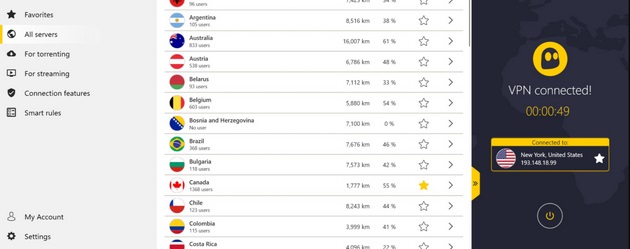
Besides, the basic requirements of a torrent VPN application such as not saving browsing history, login information, killing switch or split tunneling will of course still be guaranteed on CyberGhost.
Download CyberGhost to your computer and install it here.
3. Private Internet Access
All 12000 servers in 65 countries support P2P torrenting, Private Internet Access allows users to use VPN service and torrent tasks with unlimited bandwidth connection. In addition to the basic features of a VPN application, the Port forwarding function allows the user to redirect the user's VPN address through the NAT firewall, thereby providing the best possible information transfer rate.
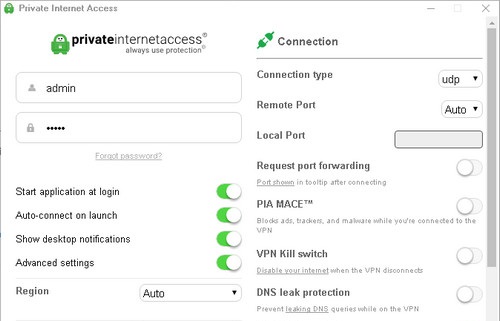
The cross-platform VPN app works on Windows, Mac, iOS, Android, and Linux.
Download Private Internet Access and install it here.
4. NordVPN
Known for its extreme security, NordVPN couldn't be better suited for torrenting. Having more than 5200 servers located in 80 countries, although not 100% of these servers support P2P connection, NordVPN will filter out which server has the best connection in your area. torrent, giving you the best P2P experience.
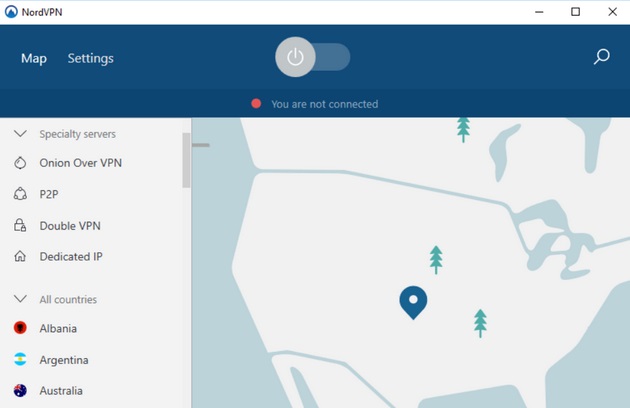
In addition to features such as dual encryption of data, optional different protocols, DNS leak protection, and no logging of browsing history, logins, NordVPN also allows users to make transactions using Bitcoin.
NordVPN supports and works on Windows, Mac, iOS, Android and Linux.
Download NordVPN and install it here.
5. Surfshark
Surfshark is the last VPN application that supports downloading Torrent that TipsMake.com wants to recommend to you. Rated as one of the fastest VPNs as well as equipped with a variety of useful features including: kill switch, split tunneling, no logging, . will definitely bring you use the best P2P experience.
Also, like NordVPN, not all Surfshark servers support P2P.
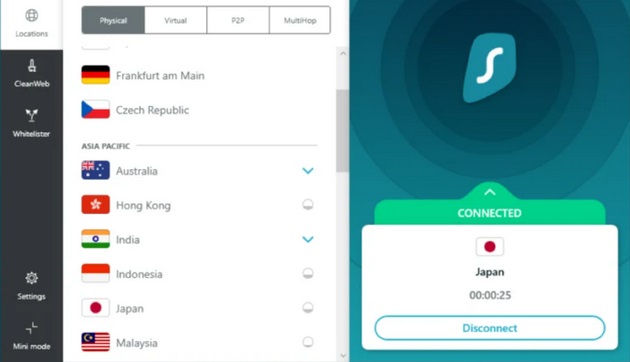
To download Surfshark to your computer and install it, you can access it here.
Besides, you can also refer to the top VPN for Android with the highest safety and security standards to avoid data collection.
Above TipsMake has just introduced to you Top 5 best VPN applications for Torrent 2020. Wish you success.
Key Takeaways
Use the information above as a practical reference for top 5 best VPN apps for torrent 2021. Review each step carefully, confirm any requirements, and choose the option that best fits your situation.
FAQ
What does this guide explain about Best VPN Apps for Torrent 2021?
It explains the main concepts, practical considerations, and useful steps related to best VPN apps for torrent 2021 without requiring advanced knowledge.
Who can benefit from learning about Best VPN Apps for Torrent 2021?
This information is useful for readers who want a clear overview, practical guidance, and reliable steps related to best VPN apps for torrent 2021.
What should I check before applying this information?
Review the requirements, confirm that your device, software, or situation matches the instructions, and back up important data before making major changes.
Related Articles
 Top Most Popular Torrent Sharing Websites16 minutes read
 What Is Torrent? How to Use Torrent? Explained12 minutes read
 9 Tools to Download the Best Torrent Files: Torrent Download Site6 minutes read
 5 Best Torrent Clients for Windows8 minutes read
 How to Download Torrent File by IDM?: Download Torrent Files by IDM3 minutes read
 Top 10 Torrent File Download Apps on Android6 minutes read
Reader Comments 0
Sign in with email or Google to join the discussion.