Table of Contents
This curated overview of top 10 applications to read PDF files on mobile phones focuses on useful options, standout features, and details worth checking before making a choice.
1. Adobe Acrobat Reader
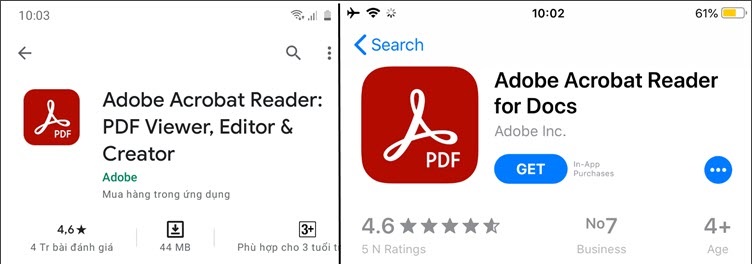
Adobe Acrobat Reader is a great PDF reader with features such as markup, PDF annotation. The PDF format is also developed by Adobe, so you can have confidence in the safety and compatibility of PDF files on this application.
Link to download the app for Android here.
Link to download the app for iOS here.
2. CamScanner
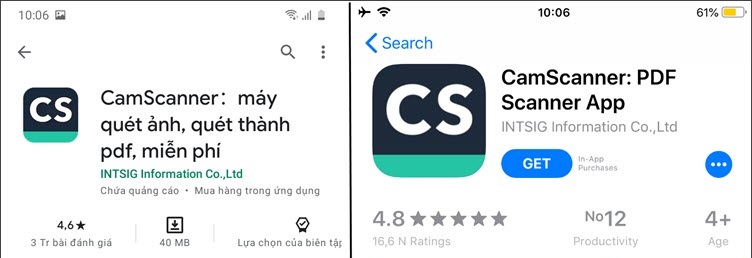
CamScanner is one of the powerful PDF file processing applications for readers and editors. You can process the captured images and package them into PDF format beside the built-in PDF reader. The monthly paid version gives you 10GB more cloud storage and a few other advanced editing features.
Link to download the app for Android here.
Link to download the app for iOS here.
3. Foxit PDF
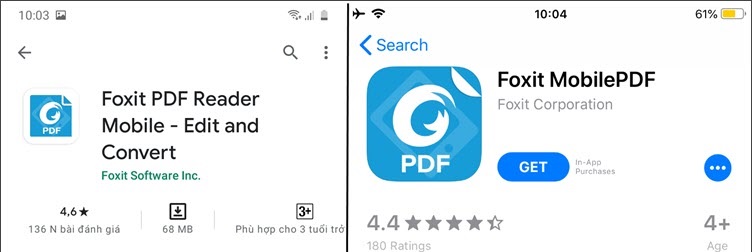
For computer users, we probably know Foxit PDF - a tool to read PDF files quickly and gently. Mobile version does not disappoint users with many useful and unique features similar to the desktop version.
Link to download the app for Android here.
Link to download the app for iOS here.
4. Xodo PDF
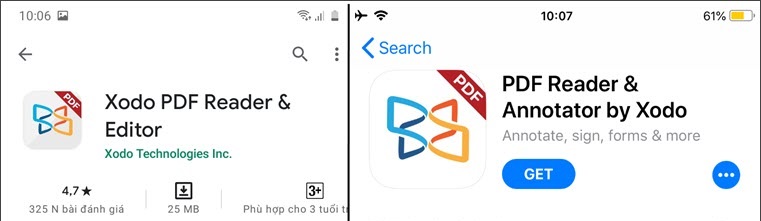
This is a completely free file reader. With the ability to process PDF files quickly and smoothly, you can surf and read PDF files without encountering lag. You can even mark up on a blank PDF page if you really want to.
Link to download the app for Android here.
Link to download the app for iOS here.
5. Docusign
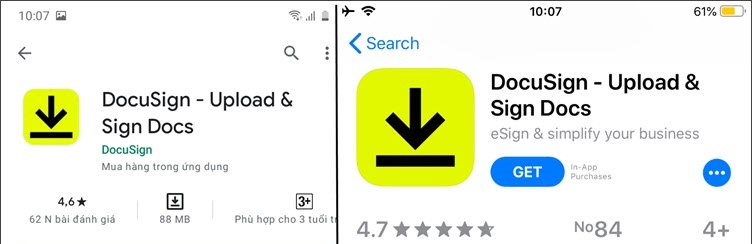
Docusign is not just an application to read and process PDF documents, but this application also helps you create beautiful and standard signature templates. You can read PDF files on your computer and take notes, sign PDF documents and send them by email or share them via cloud services such as Google Drive, Dropbox .
Link to download the app for Android here.
Link to download the app for iOS here.
6. Fast Scanner
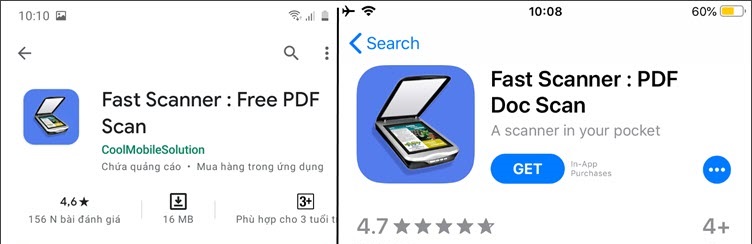
Fast Scanner turns your smartphone into a document scanner and packaged as a PDF file. In addition, Fast Scanner also helps you read PDF files and edit files such as notes, bookmarks on PDF pages.
Link to download the app for Android here.
Link to download the app for iOS here.
7. PDF Viewer
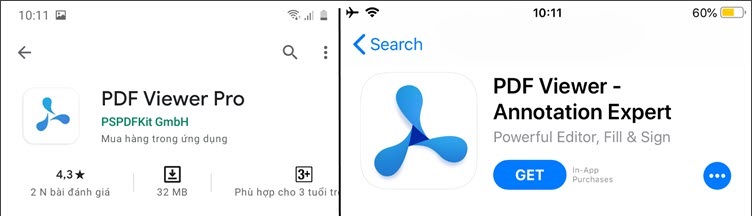
PDF Viewer is one of the good PDF readers that you can download and use completely free of charge. Mobile version is designed with many powerful features for users. Free version users can open, read, store PDF files from your phone or to cloud services. In addition, you can bookmark PDF pages, edit documents with a few other basic features.
Link to download the app for Android here.
Link to download the app for iOS here.
8. Gaaiho PDF Reader
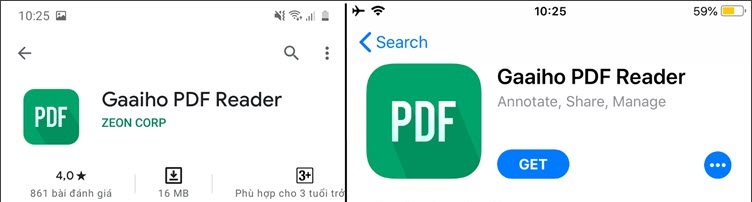
Similar to other PDF reader apps on mobile phones, Gaaiho PDF Reader with main function is reading and basic processing of PDF files. A few useful features are available like sharing documents via Dropbox or Evernote.
Link to download the app for Android here.
Link to download the app for iOS here.
9. Polaris Office
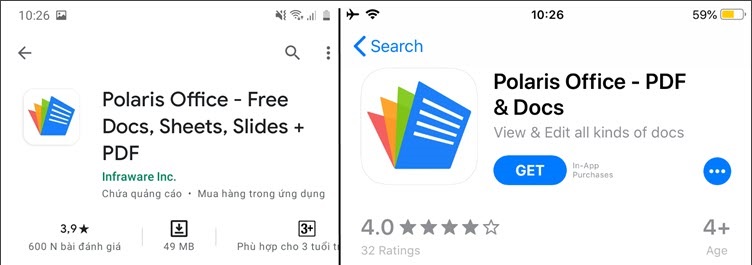
Polaris Office helps you to read PDF files on your phone and also helps you to read other useful text files such as doc, xls . Integrated cloud data synchronization feature, you can easily transfer documents. data on the computer on the phone and access anytime, anywhere on different devices.
Link to download the app for Android here.
Link to download the app for iOS here.
10. PDFelement
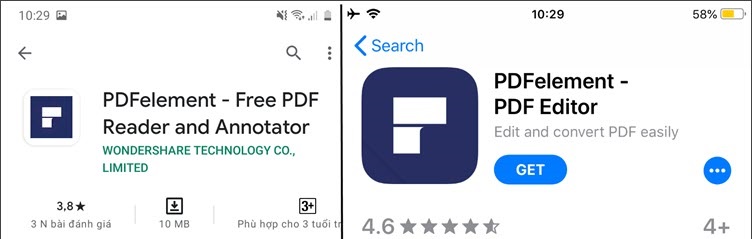
PDFelement is software that speeds up the work to do on PDF documents. Mobile PDFelement inherits the same unique and useful features as the PC version, such as the ability to edit, highlight, and more, waiting for you to explore.
Link to download the app for Android here.
Link to download the app for iOS here.
With PDF reader applications on your phone, you can use and edit PDF documents anytime, anywhere without needing a computer next to you. Have a nice day!
Key Takeaways
Use the information above as a practical reference for top 10 applications to read PDF files on mobile phones. Review each step carefully, confirm any requirements, and choose the option that best fits your situation.
FAQ
What does this guide explain about Applications to Read PDF Files on Mobile Phones?
It explains the main concepts, practical considerations, and useful steps related to applications to read PDF files on mobile phones without requiring advanced knowledge.
Who can benefit from learning about Applications to Read PDF Files on Mobile Phones?
This information is useful for readers who want a clear overview, practical guidance, and reliable steps related to applications to read PDF files on mobile phones.
What should I check before applying this information?
Review the requirements, confirm that your device, software, or situation matches the instructions, and back up important data before making major changes.
Related Articles
 Top 5 Applications to Read Word Files on Mobile Phones4 minutes read
 Top 5 Applications to Read DWG Files on Phones5 minutes read
 Virus 'Penalizes' Users of Pirated Applications on Smartphones3 minutes read
 How to Read and Write Files Using JES Application7 minutes read
 Top Most Worthwhile Phones for Students12 minutes read
 How to Use Comi to Read Comics on the Phone7 minutes read
Reader Comments 0
Sign in with email or Google to join the discussion.