Table of Contents
The iPhone 16e is a sensible option for someone who already likes iOS and mostly wants calls, messages, video chats and family photos. Before buying, check whether the screen feels comfortable to read, what accessories they already use, and which apps or services they would need to move.
What the iPhone 16e offers for everyday use
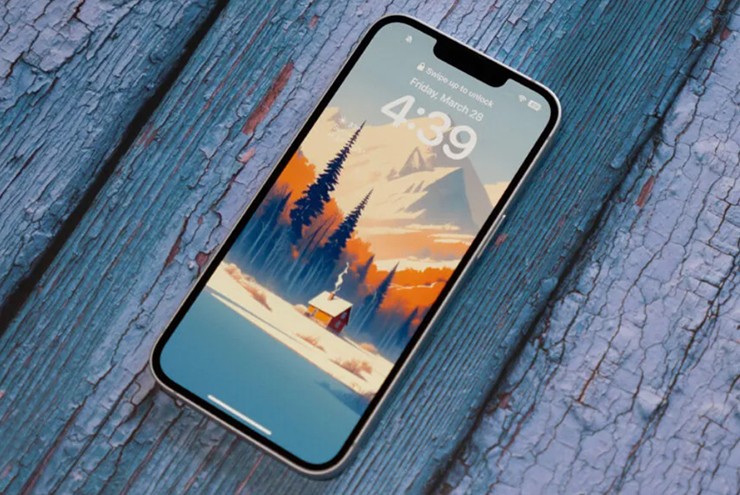
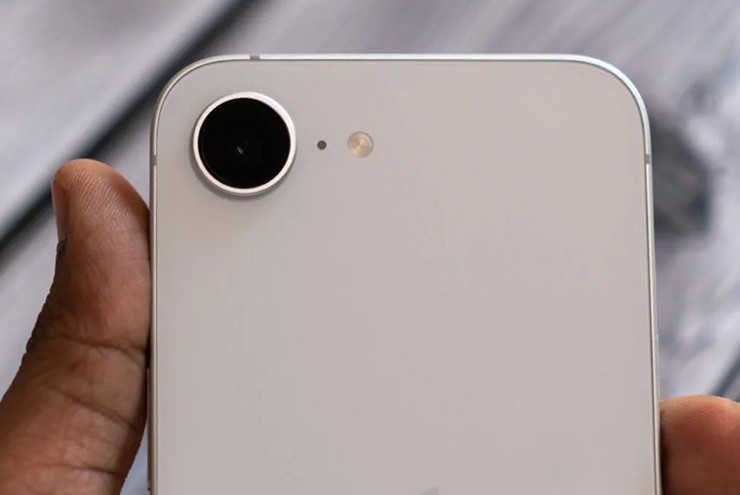
Apple lists a 6.1-inch OLED display, an A18 chip, a USB-C charging port and a single 48 MP rear camera. That camera covers ordinary snapshots and offers a 2× framing option, but the 16e has no ultrawide rear camera for tight group shots. It supports Qi charging. If the person uses a magnetic charging stand or wallet, check compatibility because the phone lacks built-in MagSafe. See Apple’s iPhone 16e specifications for details.
Set it up around the person using it
- Open Settings > Display & Brightness > Text Size and test legibility in Messages and Contacts. The iPhone text size guide covers larger accessibility sizes as well.
- Put the apps and family contacts they use most within easy reach. Have them try making a call, answering it, and opening a photo.
- If a standard Home Screen feels crowded, explore Assistive Access. Test the simplified layout together and check that any apps they still need are accessible.
When it’s worth comparing alternatives
Someone comfortable with Android may prefer to keep their familiar gestures, apps and account setup. Compare the 16e’s local price and seller warranty with those of other phones in the same budget. For a used 16e, check battery health, storage and whether the seller has removed Activation Lock before you pay.






Reader Comments 0
Sign in with email or Google to join the discussion.