Table of Contents
AI can help scammers write convincing messages or imitate someone’s voice. The safest check is to verify the request independently. Call the person on a number you already have, open the company’s official app, or use a support number you found yourself.

Common requests to check before acting
A link to fix an account or delivery
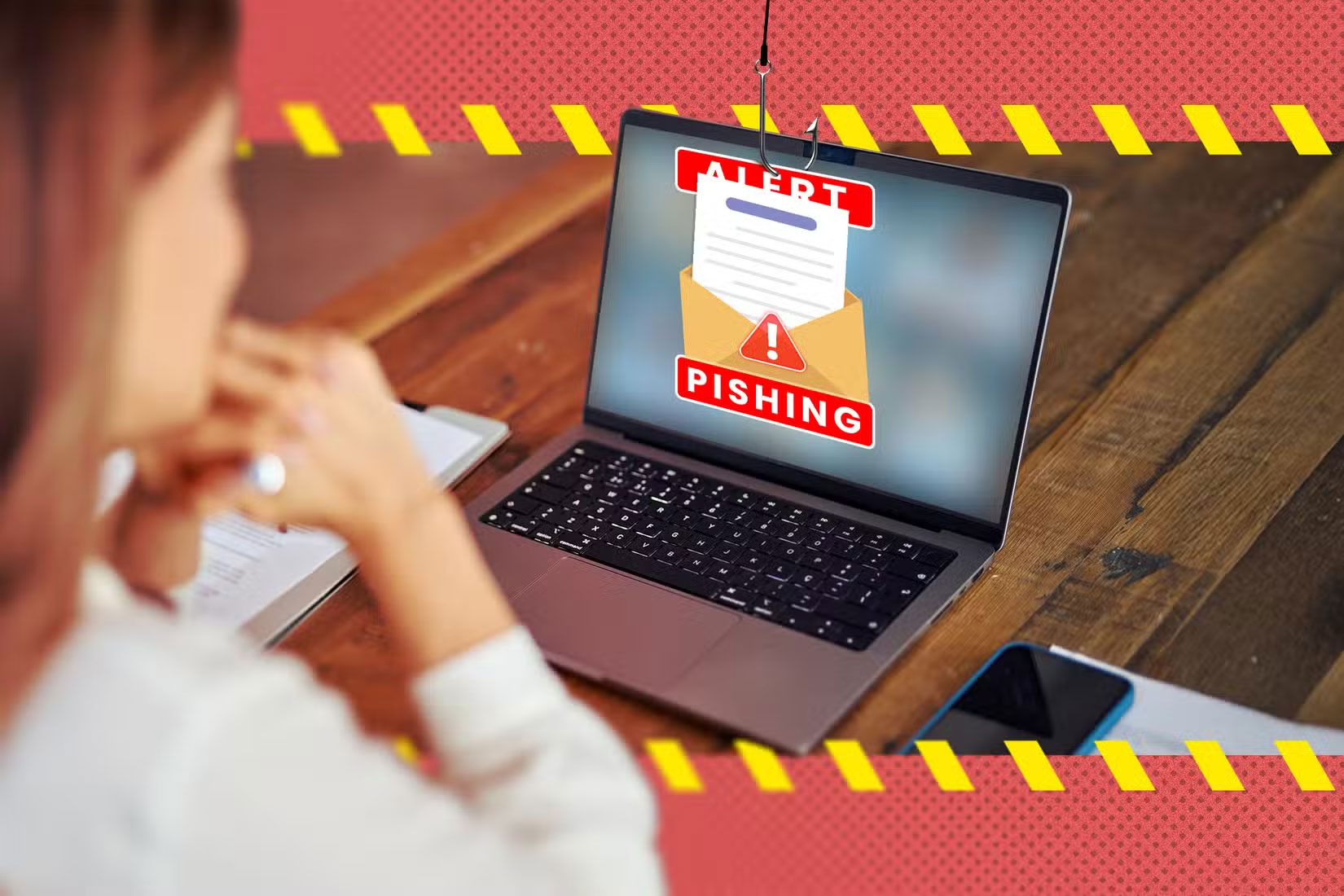
A polished email or text can still lead to a fake login page. If the message claims your account is locked, open the account directly. Never share a sign-in code in a message or on a call you didn’t initiate. See how to inspect suspicious links.
A friend or relative needs money now
A familiar voice or social profile can be imitated or compromised. If the person asks you to pay urgently or keep the request secret, call them back on their usual number. If they don’t answer, check with someone close to them before sending money.
An online relationship turns into a money request

Treat requests for gift cards, cryptocurrency, or emergency travel costs as warning signs, especially if you’ve never met the person. Pause contact and talk to someone you trust. The FTC’s romance scam guidance has examples.
Support asks for access to your device

Close unexpected pop-ups and contact the company through its official site. Don’t grant remote access or install software from a support link sent by an unknown person.
Check surprising videos and posts before sharing
Look for the original recording or confirmation from independent sources. Voices, screenshots, and comments can be fabricated. A viral clip may lack the context needed to evaluate it.
If you shared details or sent money
For payment details or transfers, contact the bank or payment provider using its official channel. For account credentials, go to the service directly, change the password, and review active sessions. Report the impersonating account or message on the platform where it appeared.






Reader Comments 0
Sign in with email or Google to join the discussion.