Table of Contents
This guide covers the new 'Apple mac mini' box with practical context and easy-to-follow details. Use it to understand the subject and apply the information confidently.
Yesterday, Apple officially introduced the Mac mini with a redesign of the unibody style with an aluminum case. This version also has an HDMI port and SD memory card slot. The machine is only 3. 5 cm thin.
With a starting price of US $ 699, users will have a mini Mac with configuration including a 2. 4 GHz Core 2 Duo processor, 2GB of RAM, a 320GB hard drive, and a Mini DisplayPort jack and increased performance. Double compared to the previous version thanks to the NVIDIA GeForce 320M graphics chip inside according to the manufacturer.
 Simple design container.
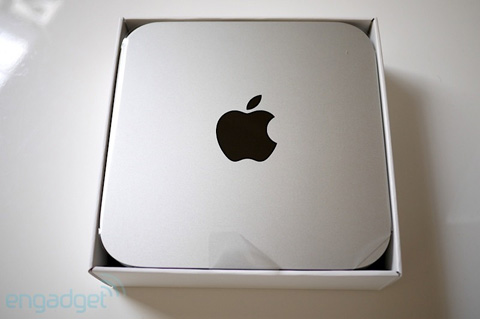 The machine fits inside.
 Accessories come with simple machines.
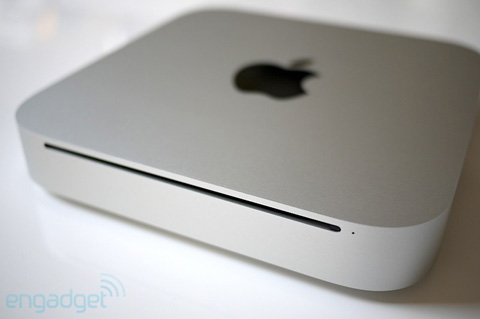 Disk swallowing reader.
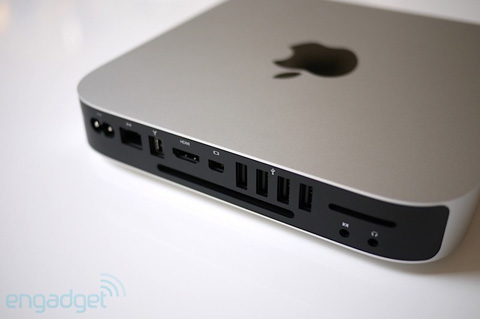 Next to the new Mac mini.
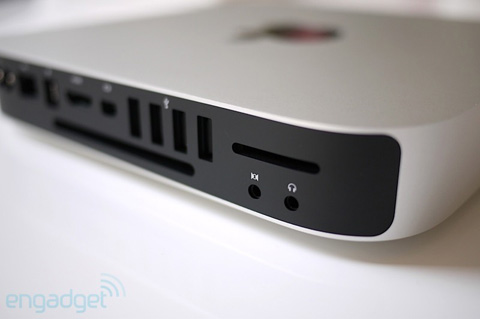 SD memory card reader.
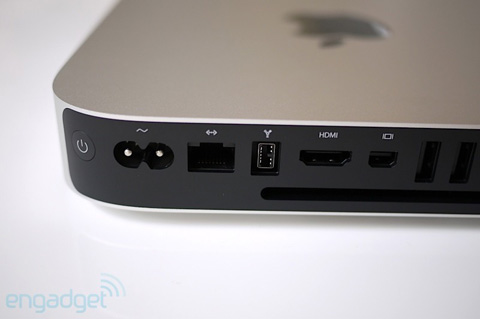 HDMI port is also one of the new Mac mini improvements.
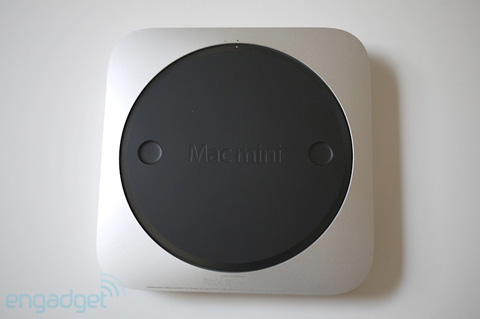 The underside of this device.
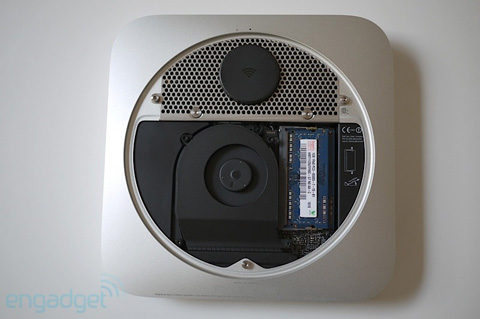 Inside the machine.
FAQ
What should I check before following these steps?
Confirm device and software compatibility, save important data, and make sure you have the required permissions, files, and account access.
Why might the process not work?
Common causes include outdated software, missing permissions, incompatible hardware, an unstable connection, or completing a step in the wrong order.
Can I undo the changes if necessary?
That depends on the tool or setting. Use built-in restore options when available, keep a backup, and record the original configuration first.
Related Articles
 Apple Stopped Selling Mac Mini OS X Server Versions3 minutes read
 Learn About Mini PC8 minutes read
 Apple Is Developing Its Smallest Computer Ever: What You Need to Know5 minutes read
 The 7 Top Mini PCs for Every Budget: Top Picks and Buying Guide10 minutes read
 Review iPhone 12 Mini: Battery Life up to 7 Hours15 minutes read
 Apple Doesn't Like Netbooks3 minutes read
Reader Comments 0
Sign in with email or Google to join the discussion.