Table of Contents
A compatible iPhone can connect to an external monitor. It usually mirrors the phone screen, though some apps send a separate video or presentation view. Apple’s public instructions describe those two behaviors. A monitor and a keyboard alone don’t give the iPhone a Samsung DeX-style desktop.

What an external display can show
- Screen mirroring: Both screens show the same controls and app. A phone-shaped image may leave unused space on a widescreen monitor.
- App-specific second screen: A compatible app can show different content on the monitor, such as video playback. The behavior depends on the app.
- Desktop workspace: Samsung DeX on supported Galaxy devices provides a separate desktop-style layout with windows. Rumors about a similar iPhone mode don’t establish current support.

Connect your iPhone to a display
- Check Apple’s iPhone display compatibility list for your exact model. A USB-C connector alone doesn’t guarantee wired display output.
- Use a USB-C cable that supports video with a compatible display, or a supported USB-C-to-HDMI adapter. Select the corresponding input on the monitor.
- Open the app you want to use and test what appears on each screen. If wired output is unavailable, try AirPlay with a supported receiver.
Can it replace a laptop for your task?
Test the actual task first. A presentation or video can work well with an external display, especially if the app handles the second screen. If you need multiple independently sized windows, desktop applications or a specific peripheral, confirm each requirement before relying on the phone. A pair of display glasses that acts like a monitor has the same limitations as the display mode it receives.
Related Articles
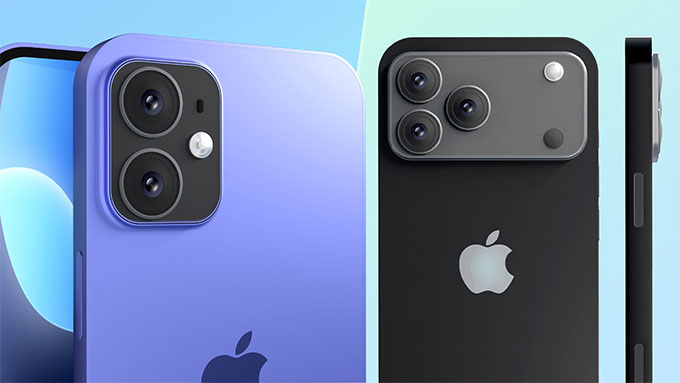 iPhone 18 Rumors: Release Schedule, A20 Chip, Cameras, and What Is Unconfirmed
 Apple announces Tap to Pay feature for iPhone
 The insurance center in Vietnam confirmed that the users of the old iPhone will be replaced with the battery for $ 29
 Apple postponed the replacement of the new iPhone battery for $ 29 for failing to meet demand
 2 basic steps to replace, upgrade laptop RAM
 Instructions for replacing batteries for iPhone 5
Reader Comments 0
Sign in with email or Google to join the discussion.