Table of Contents
The current Play Together monthly coupon announced for August 2026 is PT26AUGMONTHLY. Coupon status can change without notice, and the international HAEGIN version and Play Together VNG may run separate promotions. If the code is rejected, confirm that it was issued for your version of the game.
Current Play Together coupon
| Coupon | Status |
|---|---|
PT26AUGMONTHLY | Official August 2026 monthly coupon; redeem promptly |
The code was announced by the official Play Together account. The reward and availability shown by the game are authoritative.
Redeem a coupon on Android or Steam
- Launch Play Together and sign in to the correct account.
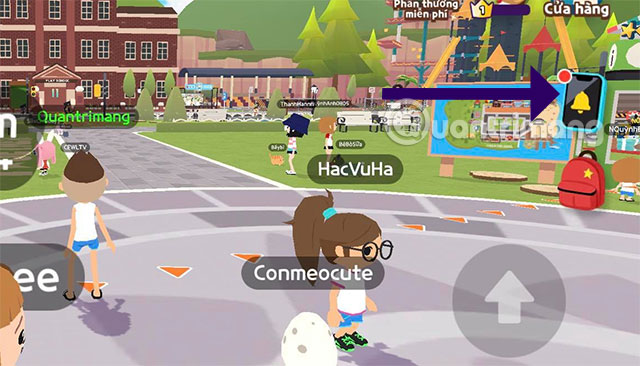
- Tap the in-game Phone icon.
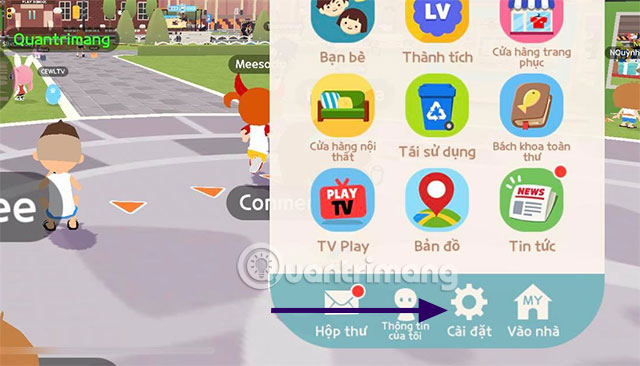
- Open Settings.
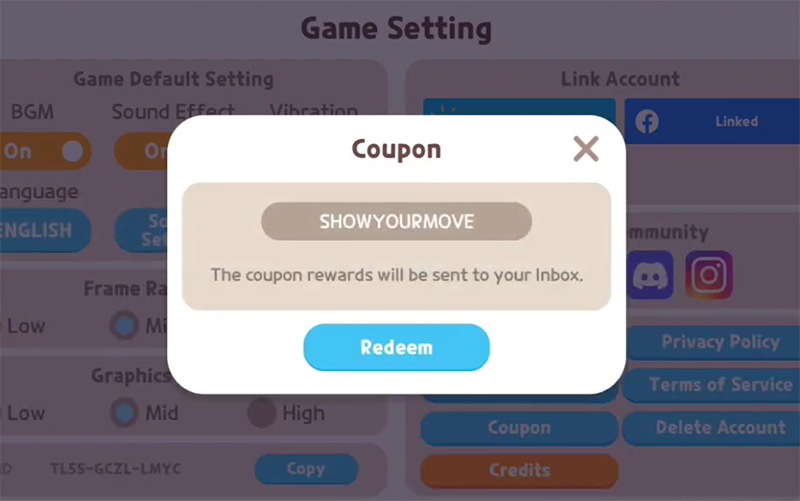
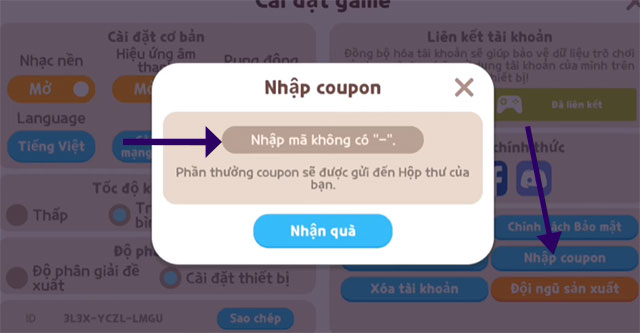
- Select Enter Coupon.
- Enter the code exactly as shown and tap Claim Reward.
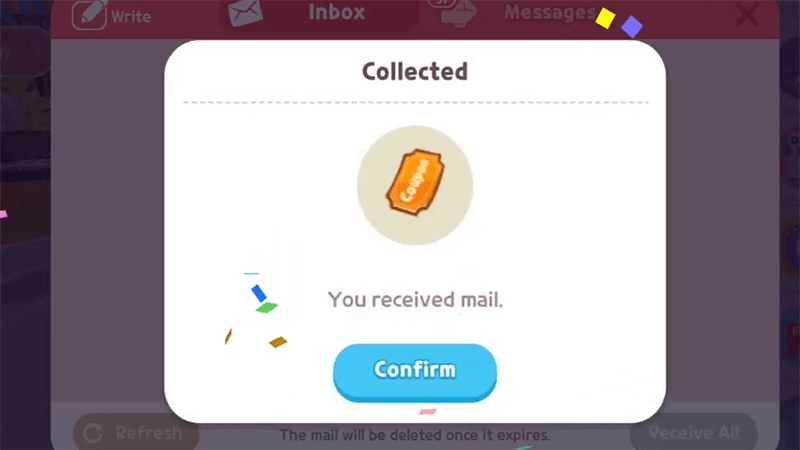
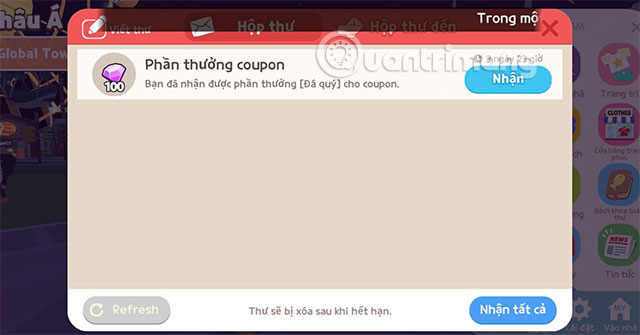
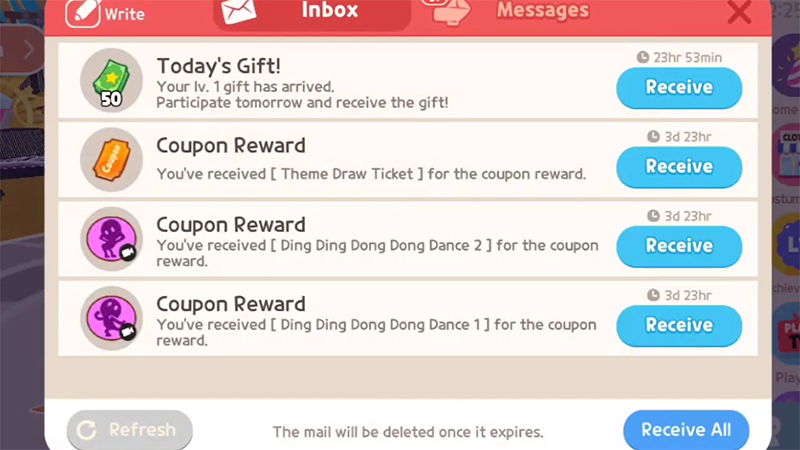
- Open the in-game mailbox and claim the delivered item before its storage period ends.
Redeem a Play Together coupon on iPhone or iPad
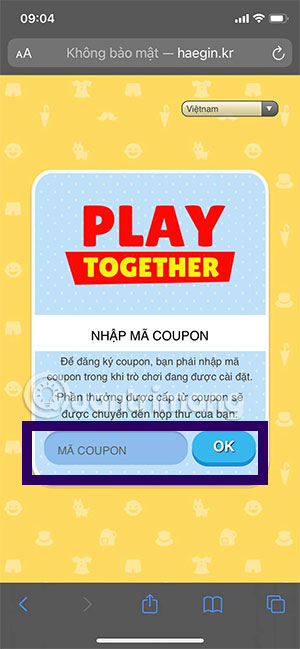
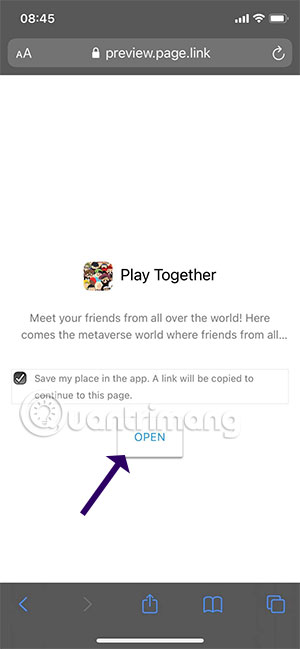
iOS players should use HAEGIN's official Play Together coupon page:
- Install Play Together and sign in to your game account first.
- Open the official coupon page on the same device.
- Enter the coupon and complete the account or platform selection requested by the page.
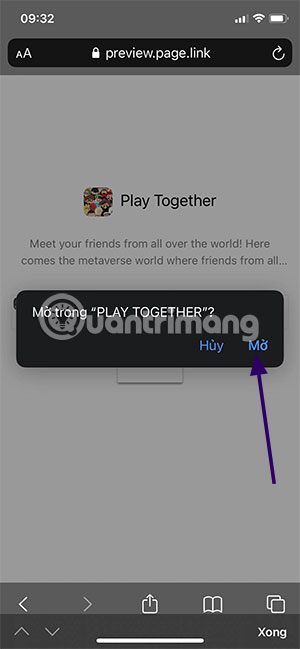
- Allow the link to open Play Together if prompted.
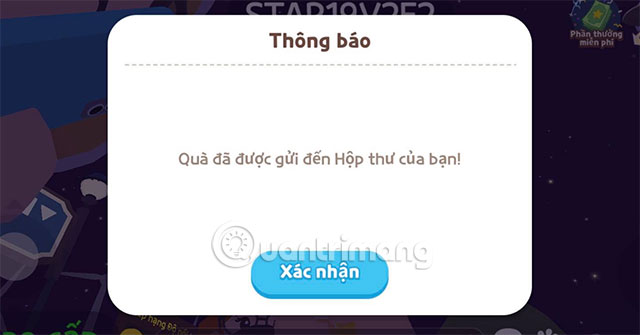
- Check the in-game mailbox and claim the reward.
Do not enter a password on a copied coupon site. The official page asks for the coupon and routes the reward to the installed game; it should not require a third party to control your account.
What about Play Together VNG?
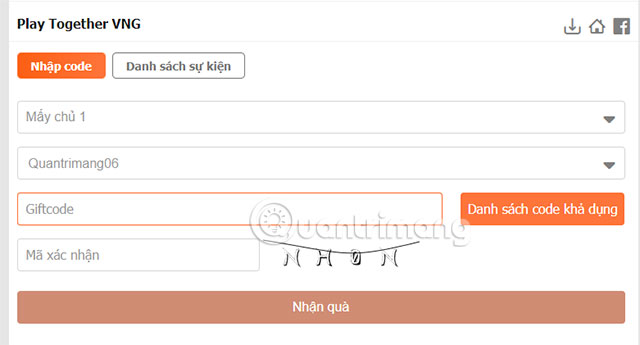
Play Together VNG has its own announcements and may use different campaign codes or a separate redemption process. A global HAEGIN coupon may be unavailable to VNG players, and a VNG code may not work on the international service. Check the version name on the login screen and use that publisher's official event page.
Older redemption screenshots
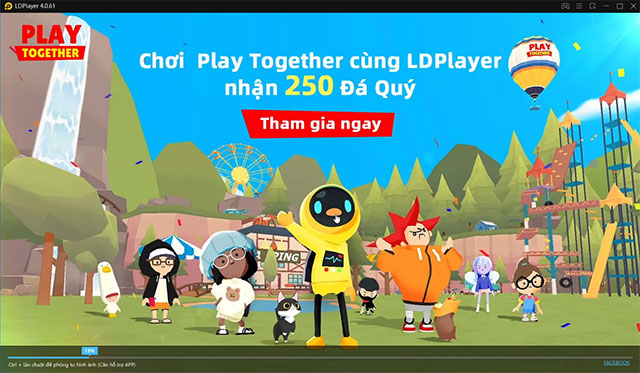
These images are preserved from the original guide and show the previous web, Android, and mailbox workflow. The interface may have changed, but they remain useful for identifying the Phone, Settings, Coupon, and Mail areas.
Why a Play Together code may not work
- Expired coupon: monthly and collaboration coupons have fixed deadlines.
- Wrong game version: international and VNG promotions may be separate.
- Already used: a coupon generally works once per account.
- Typing error: remove spaces and check letters and numbers carefully.
- App not running correctly: close Play Together completely, restart it, and retry once.
- Reward not collected: open Mail; delivered items can expire after their mailbox storage period.
Where to find new coupons
Use official Play Together notices, verified social accounts, and the VNG news page for your region. Avoid coupon generators, modified apps, and pages that request payment or account credentials.
Related Articles
 Code Play Together April 10, 2024 Receive Diamonds and Star Coins Explained16 minutes read
 Code Play Together: Latest Giftcode List and How to Enter5 minutes read
 Latest Free Fire Code April 20213 minutes read
 Microsoft Announced That 'Employees Do Not Play April Fools' for Fear of Fake News3 minutes read
 Play Pac-Man 'Lady' Version of the Game at Any Place in the World in Google Maps on April This Year4 minutes read
 Latest Muscle Legends Codes (April 228 minutes read
Reader Comments 0
Sign in with email or Google to join the discussion.