Table of Contents
This guide provides a clear overview of microsoft, including the main concepts, practical steps, and common questions. Use it to understand the topic, compare the available options, and make a more informed decision.
Here is a screenshot of the interface of the Designer application (Preview):
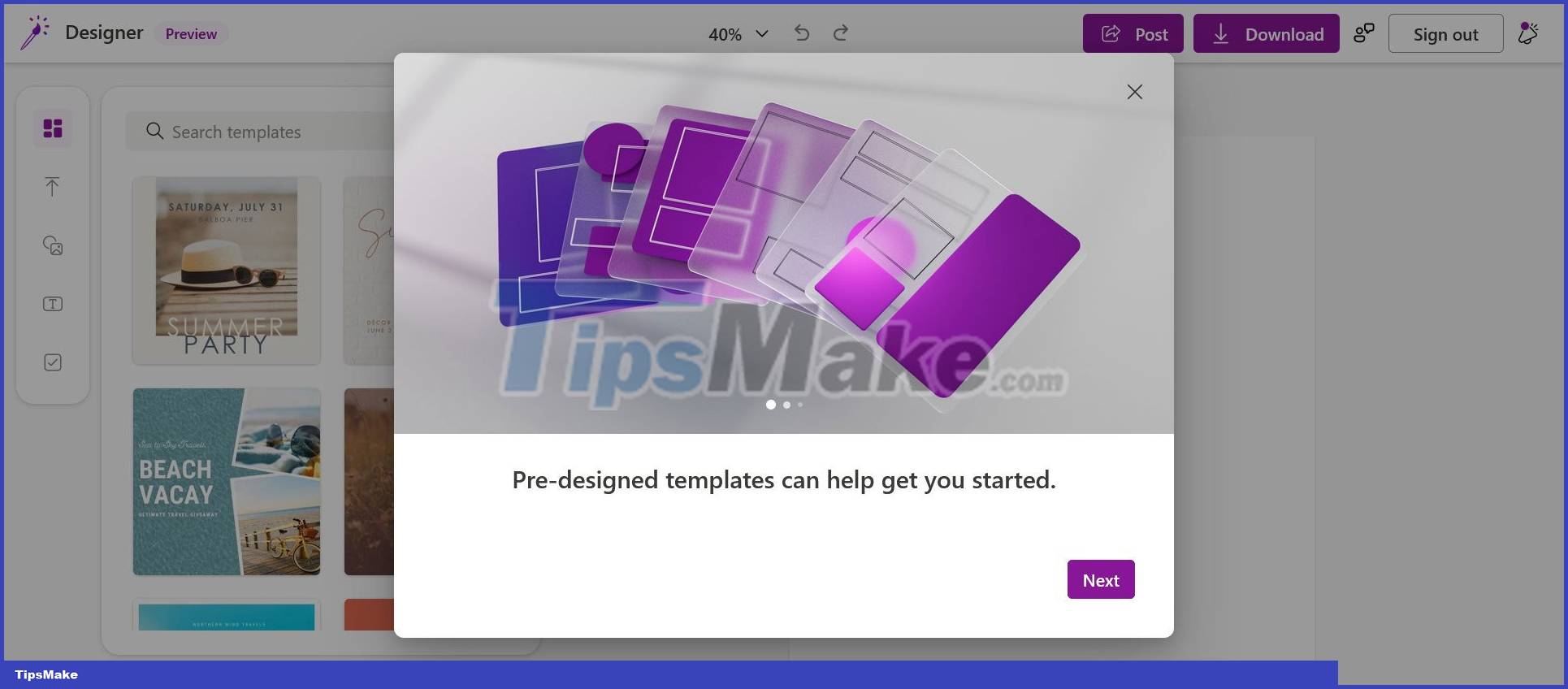
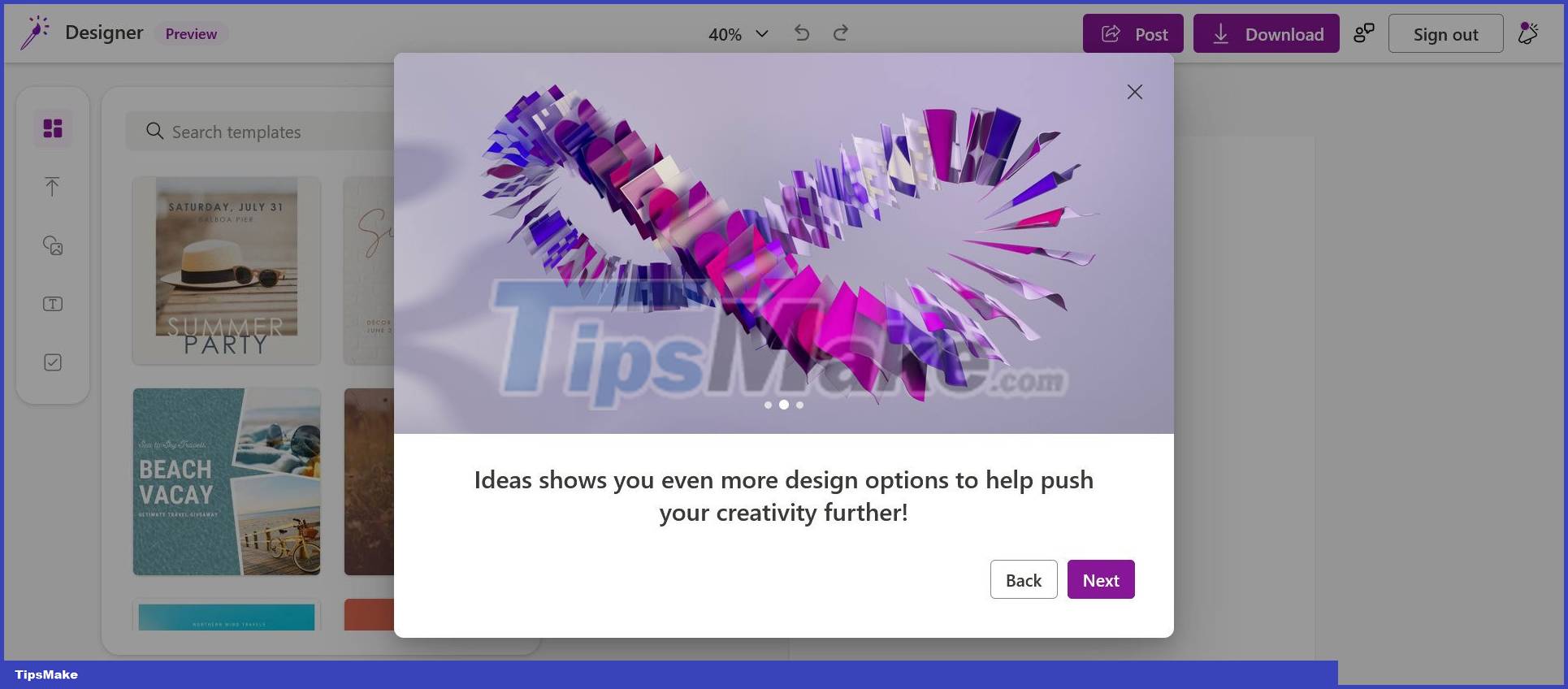
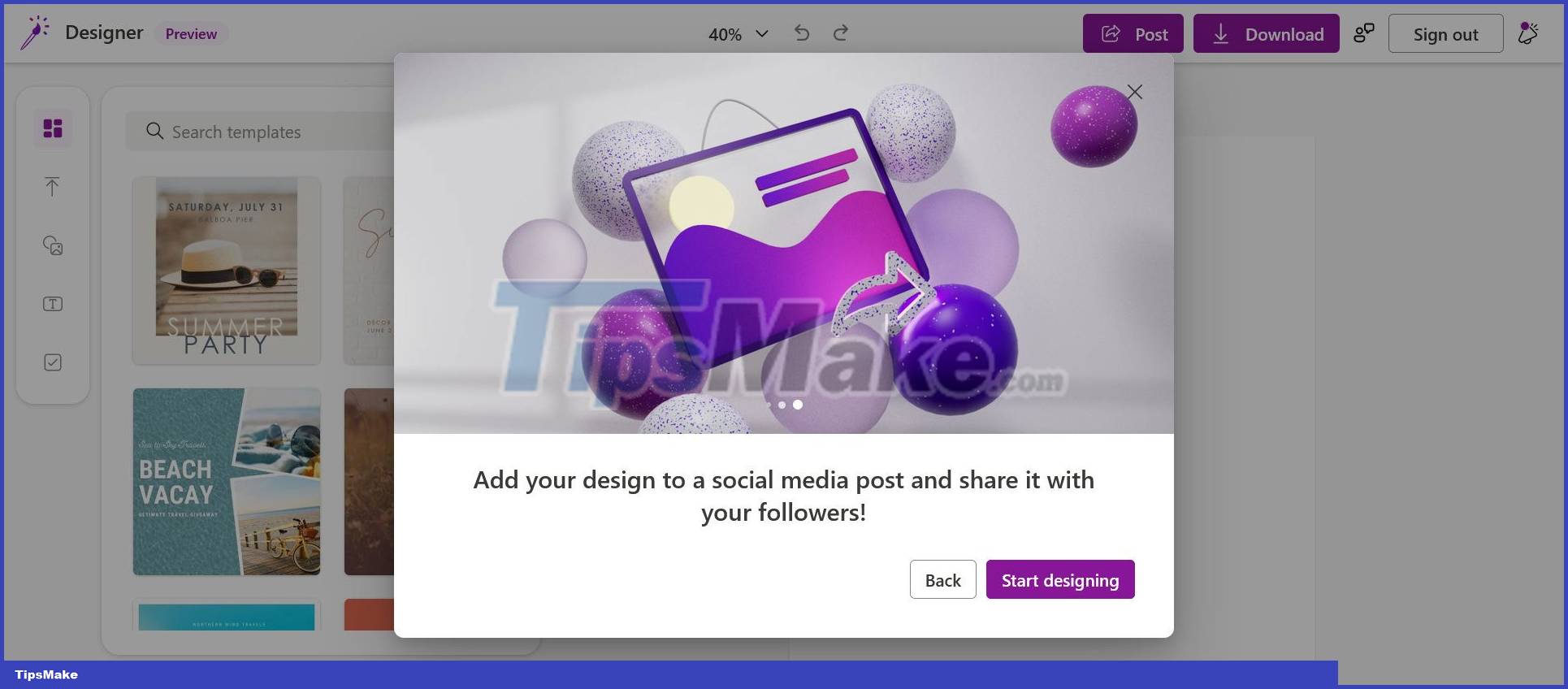
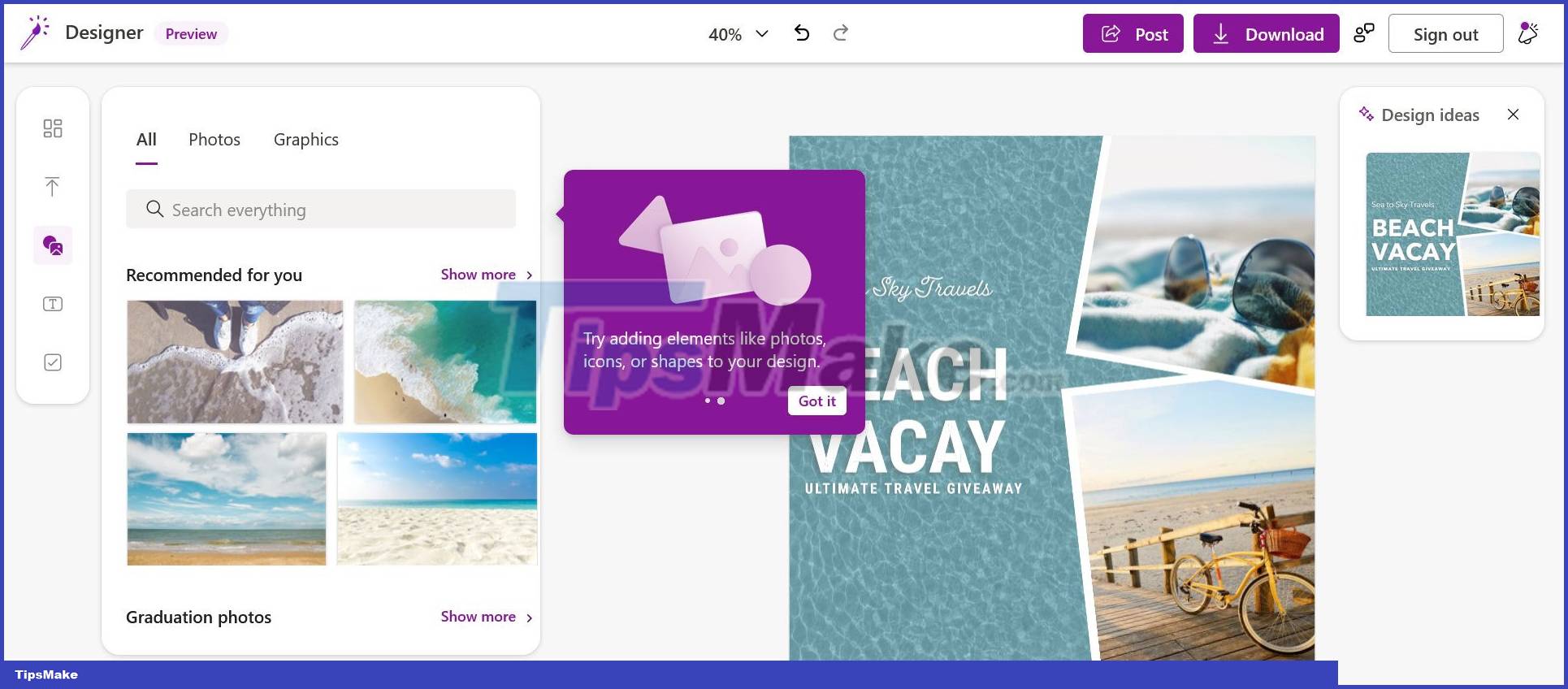
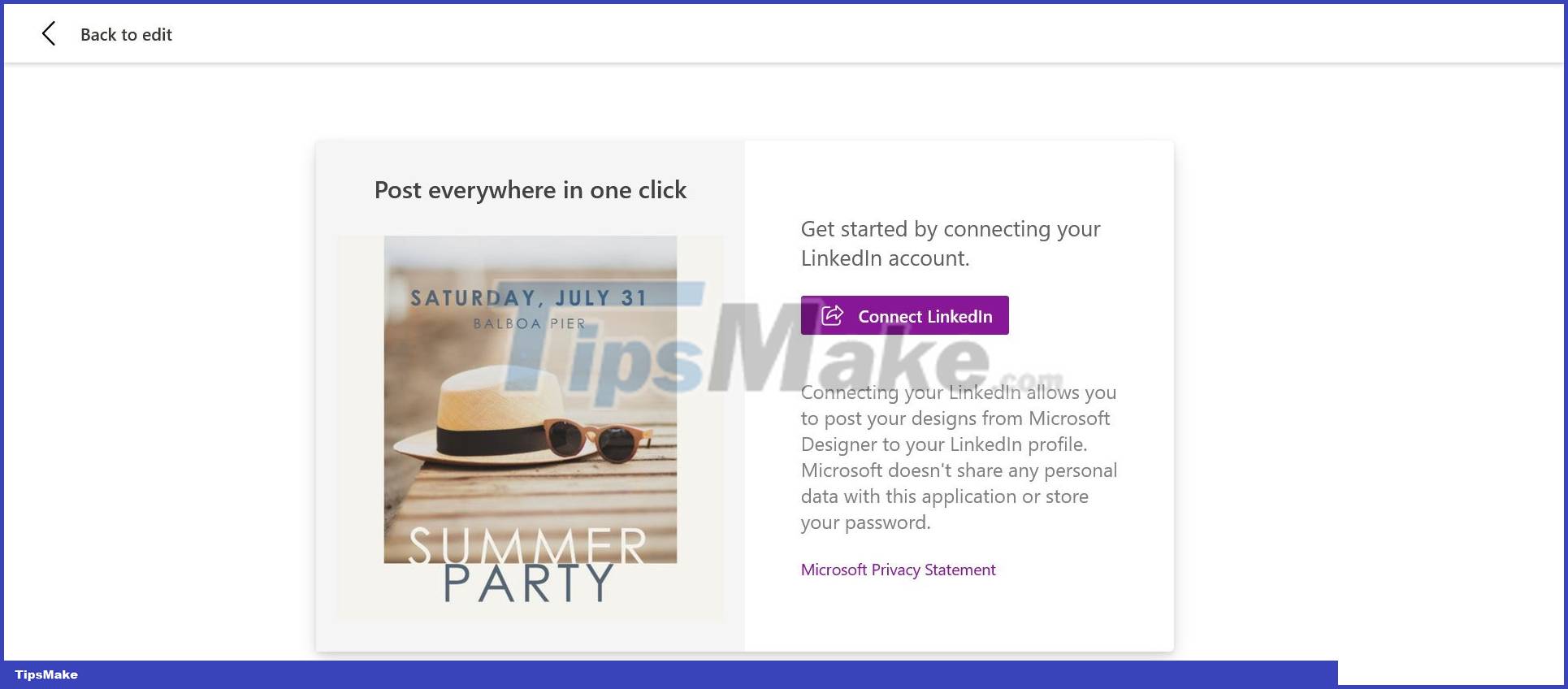
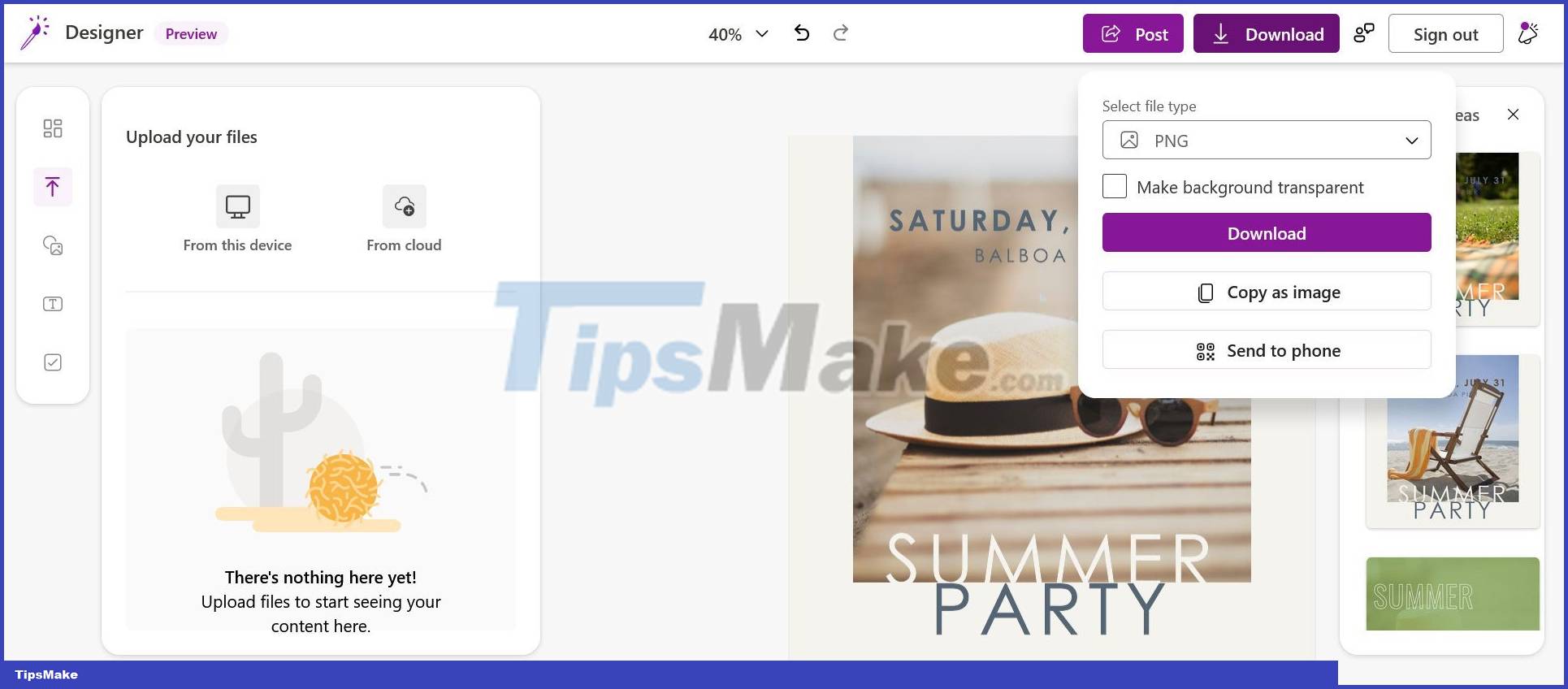
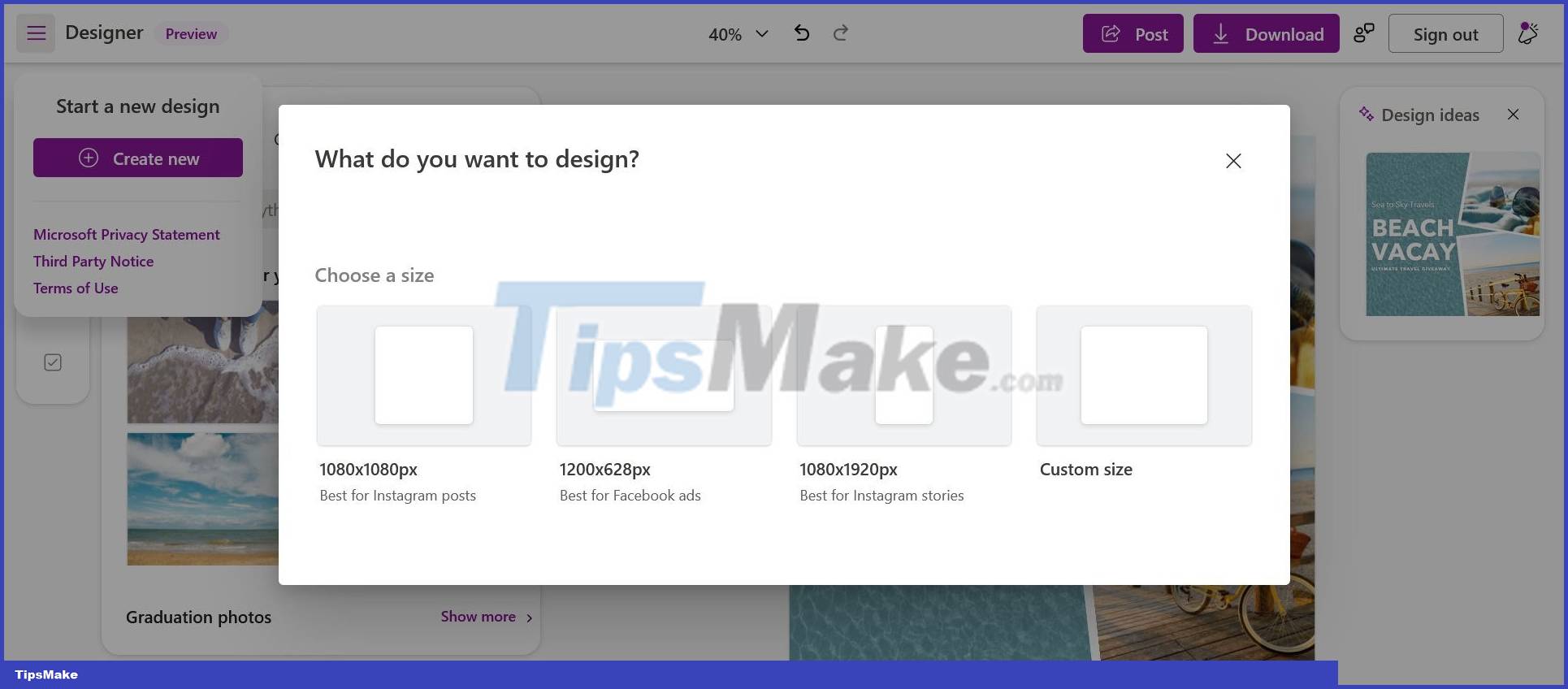
As revealed by leaker WalkingCat, the owner of the series of leaked photos above, users can now visit Designer.microsoft.com to learn more information related to this application.
In fact, the term 'Designer' has been used before by Microsoft to denote a rather well-known utility. That is the "Designer" feature in PowerPoint, launched in 2015 and has received a lot of positive feedback.
Currently, it's difficult to say for sure if Designer is an upgraded version of PowerPoint's feature of the same name, as the details involved are still relatively limited. Most likely, this could be a completely new application that acts as a support tool for designers on Windows 11, helping them create their own works and complete their own work. An easier way.
However, it also does not rule out the possibility that this Designer application is an upgrade of another old Office application called Sway. Designer could even be an in-house solution from Microsoft and a competitor to Canva, a popular design tool available on Windows.
TipsMake.com will continue to update information about this application in the near future, please read on!
Conclusion
Understanding Microsoft makes it easier to compare options, avoid common mistakes, and apply the information in this guide more effectively. Review the relevant requirements before making changes or choosing a solution.
FAQ
What is Microsoft?
Here is a screenshot of the interface of the Designer application (Preview): As revealed by leaker WalkingCat, the owner of the series of leaked photos above, users can now visit Designer.microsoft.com to learn more information related to this application.
Why is Microsoft important?
Understanding Microsoft helps you evaluate features, compatibility, performance, and potential limitations before you choose a product or follow a procedure.
What should you consider when using or choosing Microsoft?
Consider your specific goal, compatibility requirements, available features, cost, security, and the practical recommendations described in this guide.
Related Articles
 The Reasons Why Web Designer Feels Sad4 minutes read
 5 Microsoft Designer Features for Better Photo Editing6 minutes read
 How to Become a Ui/ux Designer7 minutes read
 Instructions for Deleting Objects in Photos on Microsoft Designer Explained5 minutes read
 How to Become a Good UX Designer without a Degree9 minutes read
 In Addition to the Photo Viewing Function, the Photos4 minutes read
Reader Comments 0
Sign in with email or Google to join the discussion.