Table of Contents
This updated guide explains how to Sell Your Music through clear steps, practical examples, and important checks that help prevent common errors.
Part 1 of 2:
Selling Your Own Music
-
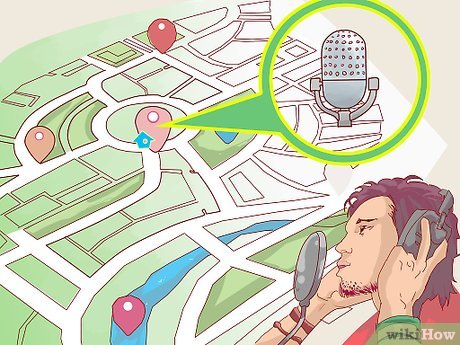 Record a few songs. Once you have perfected a couple songs, it's time to lay down the tracks. After all, you can't sell your music if you don't have anything recorded, but thanks to advancing technologies, most small towns these days have their own recording studios where musicians can go to record a few tracks or entire albums at relatively low prices.
- Check online to see if there are any local recording studios in your town, as the added quality of a semi-professional recording could make all the difference when you're trying to get people to pay for your music.
- Simply search for 'recording studios' and the name of the city where you live, and all the nearest studios will be listed.
-
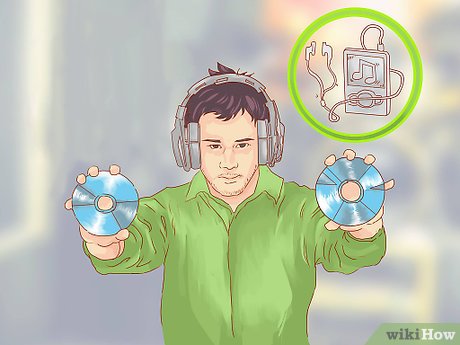 Have your music available in multiple formats. These days, music is sold through different avenues, and each of these requires a different format. For instance, you can sell physical copies of your music on CDs or vinyl at concerts, but you'll need digital versions if you may need to sell your music online and through electronic stores.
- When you go in to record your tracks, get them pressed onto CDs and onto vinyl if possible, and keep digital versions of everything as well.
-
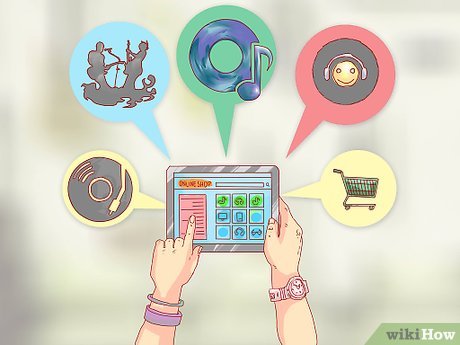 Sell your music through digital apps and music stores. There are a multitude of digital music stores out there, and many of them have their own music apps that are used by different mobile devices—such as iTunes for Apple, Google Play for Android devices, Band Camp, and Amazon Music. As an artist, you can sell your music directly through these media.[1]XResearch source
- Some of these digital stores make it difficult for individuals to sell their music, and prefer that musicians use third-party networks.
- To sell music through iTunes, for instance, you need an Apple ID, a Universal Product Code, an International Standard Recording Code, and a U. S. tax ID.[2]XResearch source
-
 Join a digital distribution network. These types of networks specialize in partnering with digital music stores and streaming services, and when you sell your music to these affiliates, you're paying for them to get your music sold through the most popular digital avenues. Moreover, these sites will be able to deal with all the red tape involved in selling your music digitally, and will format your music to the various specifications of different stores.[3]XResearch source Some of the more popular digital distribution networks include:
- RouteNote
- Songcast
- TuneCore
- Awal
-
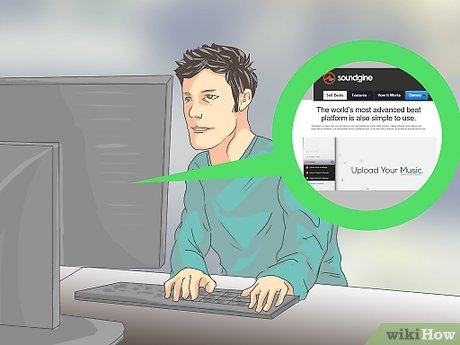 Sell beats and instrumental music online. Just as digital music stores are places where you can sell your own music to people around the world, so too are there digital stores dedicated to selling beats, samples, and instrumental music. Like the digital stores and distribution networks, some of these sites work on a subscription basis while others are pay-per-tune. The most popular music production sales sites include:
- Soundgine
- My Flash Store
- Beat Stars
- Firstdub
-
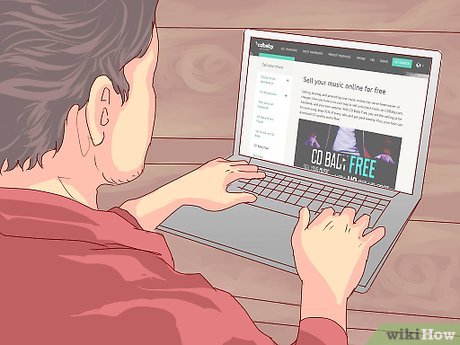 Sell physical copies of your music online. You can sell copies of your records to people the same way people buy clothes online. When somebody purchases your album, they also pay shipping and taxes, and then you mail a physical copy of your record to their address. You can do this through your own website if you have one, your Facebook page, or through sites like CDBaby.
- CDBaby makes their money by taking a cut of every sale, but they can also convert digital copies of your music into CD formats.
-
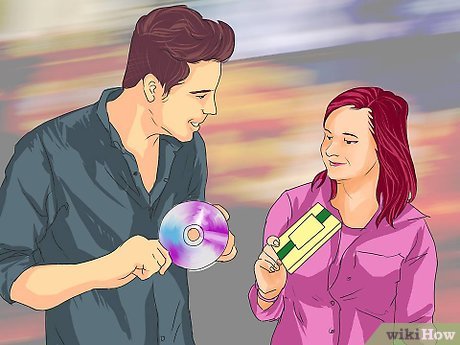 Sell your music in person. There are many venues where independent artists can sell their own music, and this includes local shows and concerts, coffee shops, art galleries, and markets. Some places, like coffee shops, may ask for a small fee in return for managing your display, while farmer's markets might require you to pay for a booth.
- If you're looking for other venues through which to sell your music, ask around in the local arts and music scene to find businesses that are open to helping out local artists, and approach those businesses and ask if you can set up a display to sell records.
Part 2 of 2:
Promoting Your Music
-
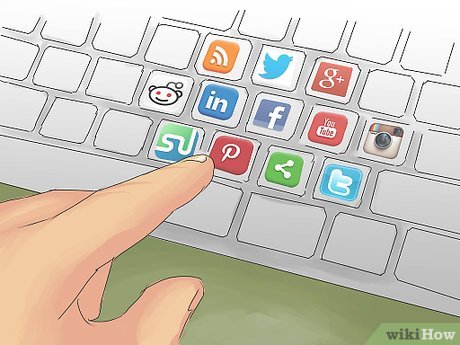 Promote your music through social media. When you may need to make a living as a musician, you must reach as many people as possible an promote yourself all the time, because the more fans you have, the more people there are to buy your music. These days, one of the best ways to reach new fans is through social media and having friends, family, and fans share your music with others.[4]XResearch source
- Along with having accounts with all the popular social media sites (Facebook, Twitter, YouTube, and Myspace, to name a few), you should also update them regularly and share your songs, performances, and videos there.
-
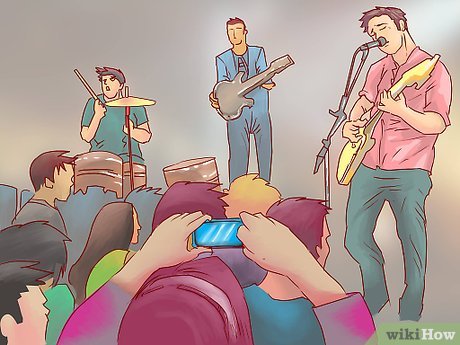 Perform at every opportunity. While social media and digital marketing are important, you still have to get out there and perform all the time. Think outside the box when you're looking for gigs, and try to book yourself at events like weddings, parties, and charity events, along with the traditional concerts, shows, and club performances.
- By performing in front of live audiences, you will build a stronger fan following, develop a solid local market, and each show will bring more exposure and new fans.[5]XResearch source
-
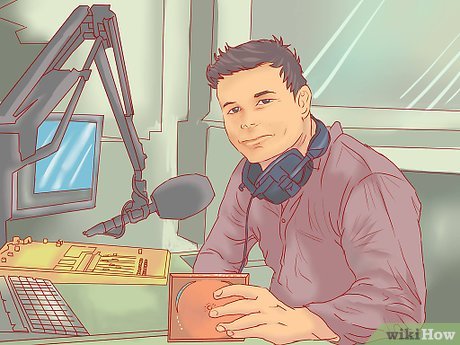 Send your music to radio stations. This is a more traditional way of getting your music out there, and it is still important for artists to get airplay. When you send your demo, be sure to address a specific DJ, and try to target a person that tends to play music in your genre. Today, however, musicians aren't limited to local radio stations, so also send a few of your tracks to:[6]XResearch source
- College and university stations
- Web radio stations
- Satellite radio stations
- Music bloggers
-
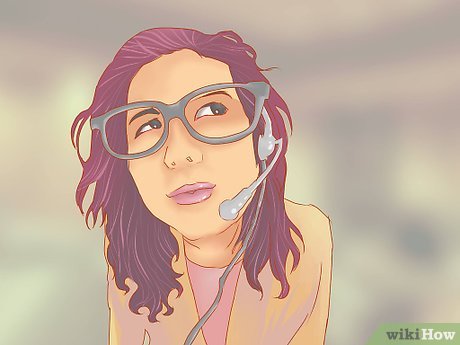 Get an agent. Agents are great because it's their job to help make you more popular and get you paying gigs. Not only that, but if you're looking to get signed, agents are a huge asset because they have connections within the industry.
- An agent's job is to negotiate for you, find and book performances, and arrange show details, among other tasks.[7]XResearch source
- Many of the larger labels don't accept unsolicited demos, so an agent can get your foot in the door.[8]XResearch source
-
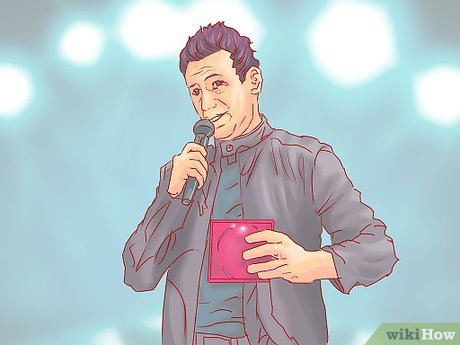 Send your music to a few record labels. This is only necessary if you may need to sign a record deal with an actual label, which isn't strictly necessary these days. But a record label will help take care of promoting your music and selling records, which will take some of the pressure off you.
- If you do want to get signed with an existing label, send copies of your best work to producers and executives at the labels you may need to work with.[9]XResearch source
- Don't forget about digital record labels and netlabels such as 8Bitpeoples and Monstercat.
FAQ
What is the easiest way to Sell Your Music?
Start with the requirements in this guide, then follow each step in order. Check the result after every major change so problems are easier to identify.
Can beginners follow these instructions?
Yes. The process is organized into practical steps, and you can repeat any step before moving forward.
What should I check if the method does not work?
Confirm your software or device version, permissions, settings, file format, and internet connection when the task depends on online services.
Related Articles
 How to Sell Your Music on Itunes11 minutes read
 How to Pin Music in Apple Music2 minutes read
 6 Tips for Selling Used Cars for the Best Price15 minutes read
 How to Sell on eBay: Practical Guide36 minutes read
 How to Sell on Instagram: Step-by-Step Guide8 minutes read
 Jack Ma: Never Sell Goods to Relatives and Relatives4 minutes read
Reader Comments 0
Sign in with email or Google to join the discussion.