Table of Contents
Persistent “BetterAds” video ads usually point to a browser extension, unwanted notification permission, changed browser settings, or potentially unwanted software on Windows. Start by removing the source in the browser, then scan the PC. An ad blocker alone may hide some ads without removing the underlying program.
1. Identify where the ads appear
- Only on one website: the site itself may be serving the ads. Test the page in a private window with extensions disabled.
- As browser notifications: revoke notification permission for unfamiliar sites.
- On many sites or after redirects: inspect extensions and reset the affected browser.
- Outside the browser: check recently installed Windows apps and run a malware scan.
Do not click the ad, call a phone number it displays, or install a “required” update from the pop-up.
2. Remove suspicious browser access
Chrome
- Open Menu > Extensions > Manage extensions and remove anything you do not recognize or no longer need.
- Open Settings > Privacy and security > Site settings > Notifications. Remove or block unfamiliar sites under “Allowed to send notifications.”
- If redirects or injected ads continue, open Settings > Reset settings > Restore settings to their original defaults.
Google's unwanted ads and malware guide explains the reset option. A reset changes startup pages, the new-tab page, search settings, and extensions, but it does not erase bookmarks or saved passwords.
Microsoft Edge
- Open Menu > Extensions > Manage extensions and remove suspicious extensions.
- Go to Settings > Cookies and site permissions > Notifications and remove unknown allowed sites.
- If necessary, use Settings > Reset settings > Restore settings to their default values.
3. Uninstall unwanted Windows programs
Open Settings > Apps > Installed apps, sort by install date, and review software added shortly before the ads began. Uninstall only programs you can identify as unwanted; do not delete random files or registry entries. Microsoft also recommends removing unnecessary apps and scanning for potentially unwanted software in its Windows unwanted-software guidance.
4. Scan with Windows Security
- Open Windows Security > Virus & threat protection.
- Install protection updates, then choose Scan options > Full scan.
- Review detections in Protection history and quarantine confirmed threats.
- If the ads return after a restart, save your work and run Microsoft Defender Offline scan from Scan options. The PC will restart.
See Microsoft's explanation of scan options in Windows Security. TipsMake also explains what adware is and how removal tools differ.
5. Use AdwCleaner for a second opinion
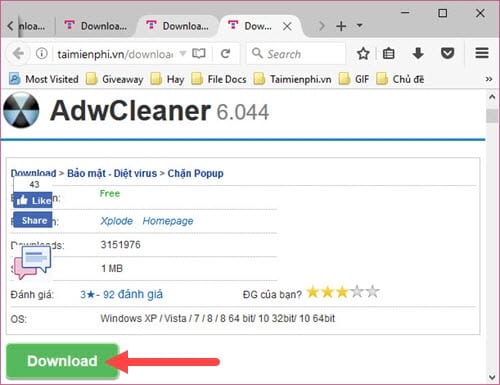
If browser cleanup and Windows Security do not solve the problem, download Malwarebytes AdwCleaner from its official site. It targets adware, browser hijackers, and potentially unwanted programs. Close open work, run a scan, inspect the results, quarantine items you recognize as unwanted, and restart if prompted. Do not approve every detection blindly.
Malwarebytes' official AdwCleaner page provides the current download. For general protection choices, see TipsMake's guide to antivirus software for Windows.
Legacy cleanup-tool screenshots
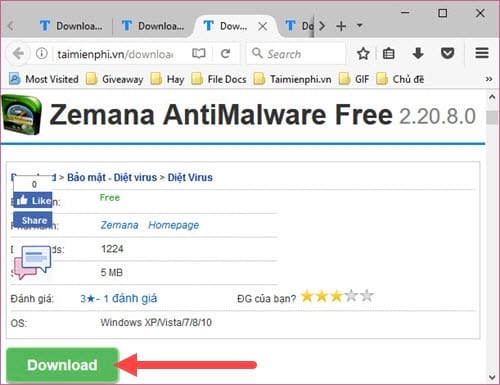
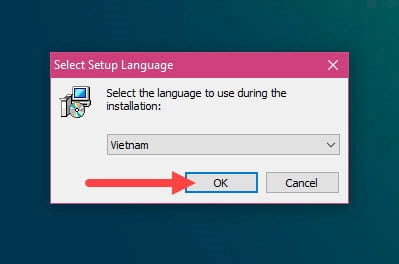
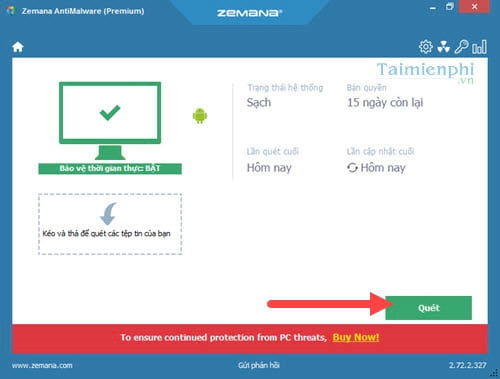
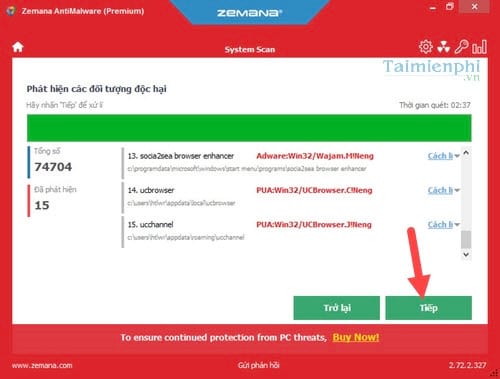
The original guide used older versions of Zemana AntiMalware, RKill, AdwCleaner, and HitmanPro. These screenshots are retained for reference, but their buttons, licensing, and availability may differ today. Download security tools only from their current official publishers.
Zemana AntiMalware (older interface)
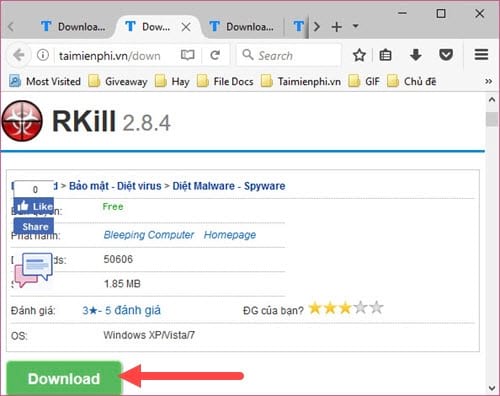
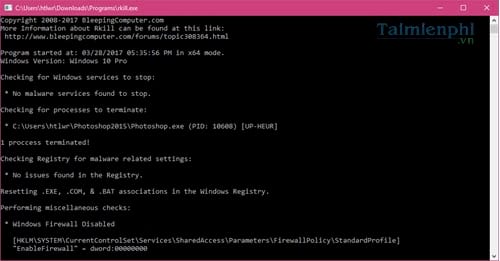
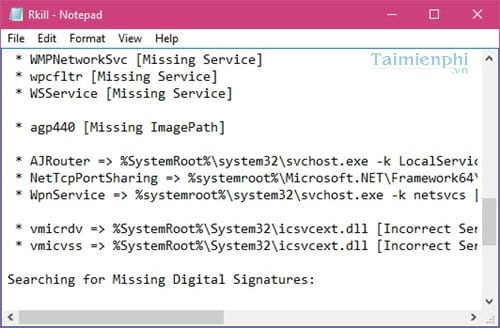
RKill (older interface)
RKill was designed to stop interfering processes so another scanner could run; it was not a complete malware-removal step by itself. Do not restart immediately after using such a process-termination tool, because stopped malware processes may start again. Run a trusted malware scanner next.
AdwCleaner (older interface)
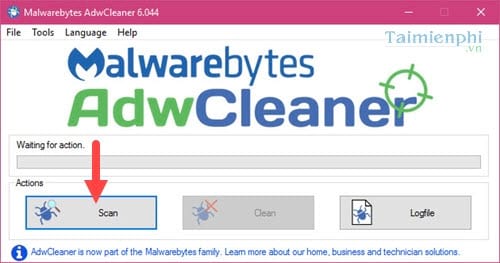
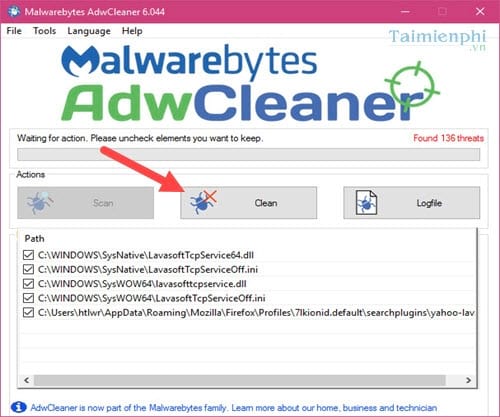
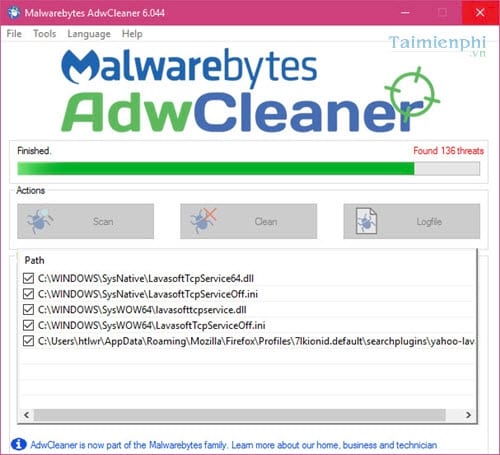
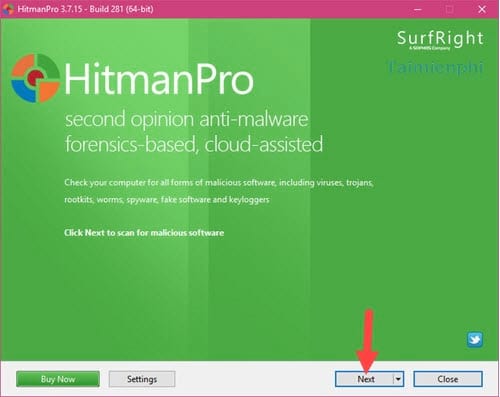
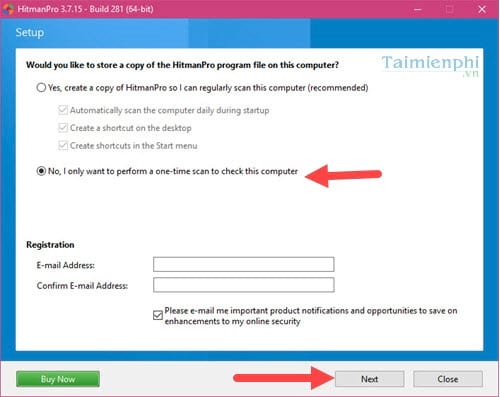
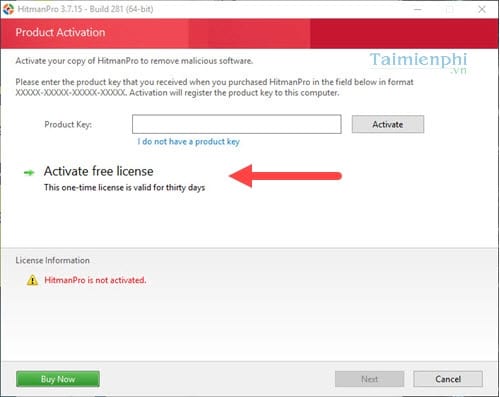
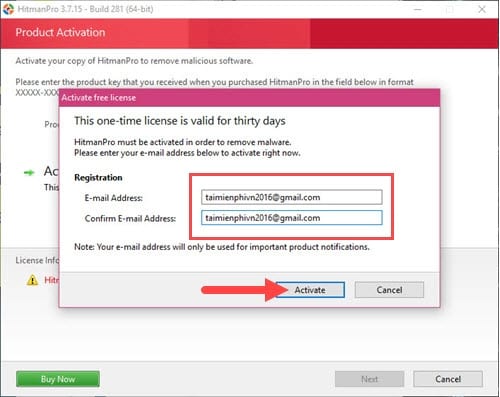
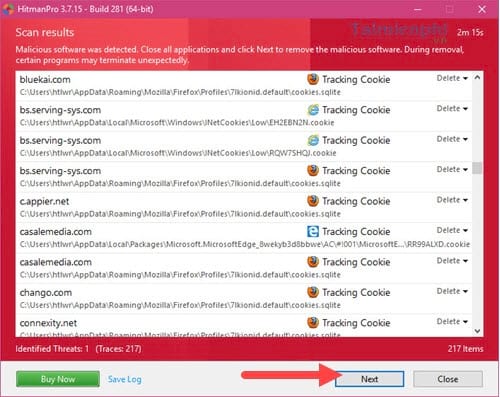
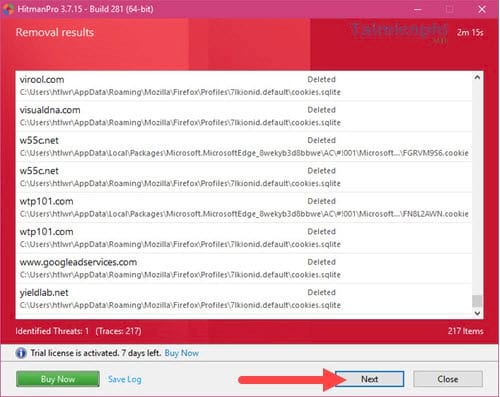
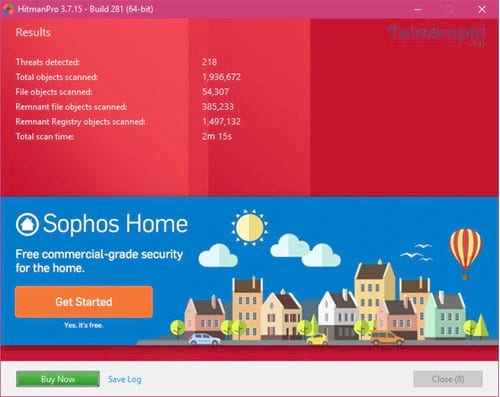
HitmanPro (older interface)
The screens below show an old HitmanPro trial workflow. Trial terms and activation steps can change, so do not rely on these images for current licensing.
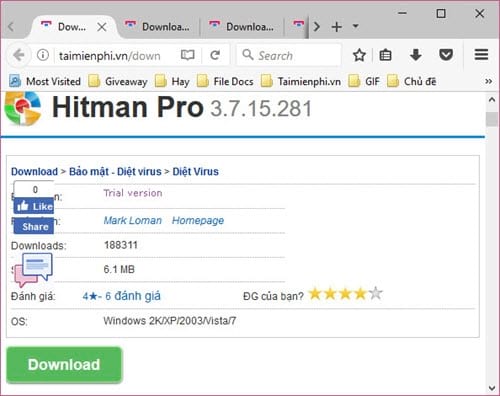
Confirm the ads are gone
Restart Windows, reopen the browser without restoring old tabs, and test several trusted sites. Recheck extensions and notification permissions if the ads return. If multiple scanners report no threat but ads appear only on one site, the ads likely belong to that site rather than to Windows.
Related Articles
 Instructions for Removing Betterads Advertising Videos6 minutes read
 How to Create Product Advertising Videos from Images on Pippit5 minutes read
 How to Create Product Advertising Videos on Flow3 minutes read
 Completely Remove URL Mal Virus -- Http://107.170.47.18113 minutes read
 What Is Hulatoo? How to Remove Hulatoo?12 minutes read
 11 Most Impressive Smartphone Ads Ever6 minutes read
Reader Comments 0
Sign in with email or Google to join the discussion.