Table of Contents
Getting Over It with Bennett Foddy is a physics-climbing game controlled almost entirely by moving the mouse. The character sits in a cauldron and uses a sledgehammer to hook, pull, push, and launch himself up a mountain. There are no normal movement keys and no conventional checkpoints, so one uncontrolled swing can erase a large amount of progress.
The fastest way to improve is not to move the mouse faster. Learn four repeatable motions—anchoring, pulling, pushing, and swinging—then stop after each secure landing.
Download Getting Over It safely
On Windows and macOS, buy and install the game from its official Steam page. The developer’s official Getting Over It page also links to the authorized mobile editions.
Do not download an unofficial ZIP containing GettingOverIt.exe. A portable archive from an unknown source may be pirated, outdated, or unsafe. TipsMake’s guides to buying games on Steam and installing a PC game cover the normal store workflow.
- Install and sign in to Steam.
- Purchase or redeem Getting Over It through the official store.
- Open the Steam Library, select the game, and choose Install.
- After the download finishes, select Play.

Configure the game before climbing
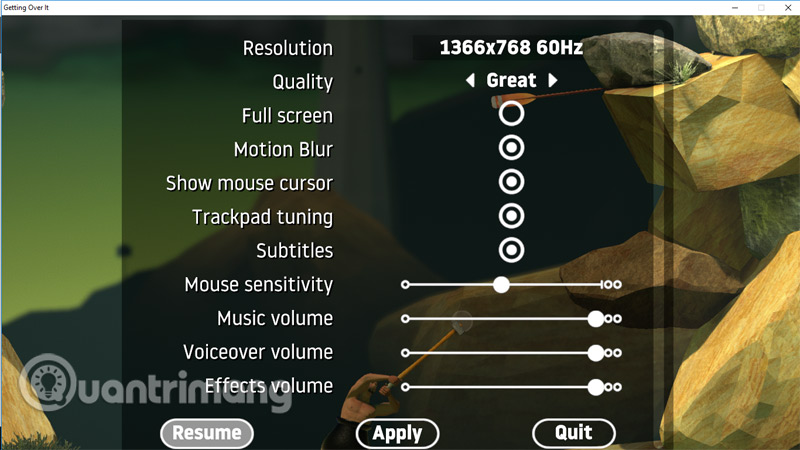
Open Settings from the main menu. Choose a comfortable resolution and display mode, set the audio level, and adjust mouse sensitivity gradually. An extremely high sensitivity makes small corrections difficult; an extremely low setting may not give you enough desk space for full swings.
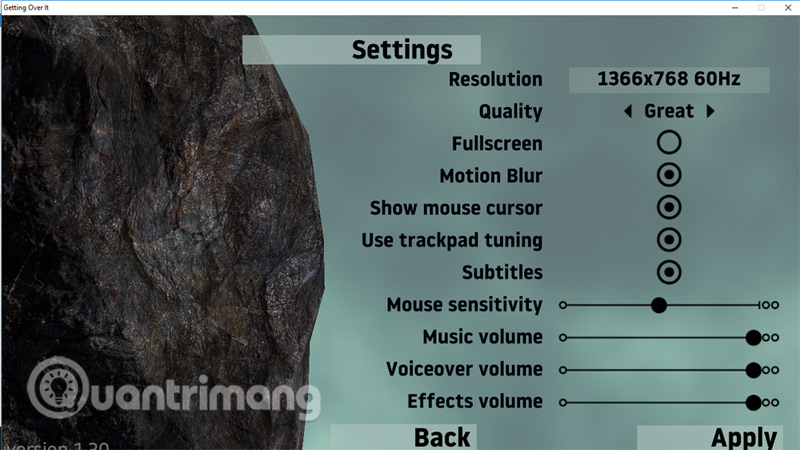
Select New Game when you are ready. If you already have progress, confirm any prompt before replacing it.

Getting Over It controls
| Input | Action |
|---|---|
| Move the mouse | Move the hammer head around the character |
| Slow circular motion | Reposition the hammer while maintaining control |
| Push against a surface | Move the cauldron away from that surface |
| Hook and pull | Draw the body toward an edge or anchor |
| Fast sweep | Create momentum for a swing or launch |
| Esc | Open the pause/settings menu |
You do not need to left-click to “grab” the scenery. The hammer interacts with solid surfaces automatically. Clicking unnecessarily can tense the hand and make the motion less precise.

Technique 1: anchor, then pull
Place the hammer head over a stable edge, pause until it has stopped sliding, then move the mouse toward the character. The pull draws the cauldron toward the anchor. When the body reaches the new ledge, rotate the hammer to a second secure point before making another large move.
This is the safest technique for controlled climbing. If the hammer head is only touching a rounded or sloped surface, use a small test pull first.
Technique 2: push and pogo
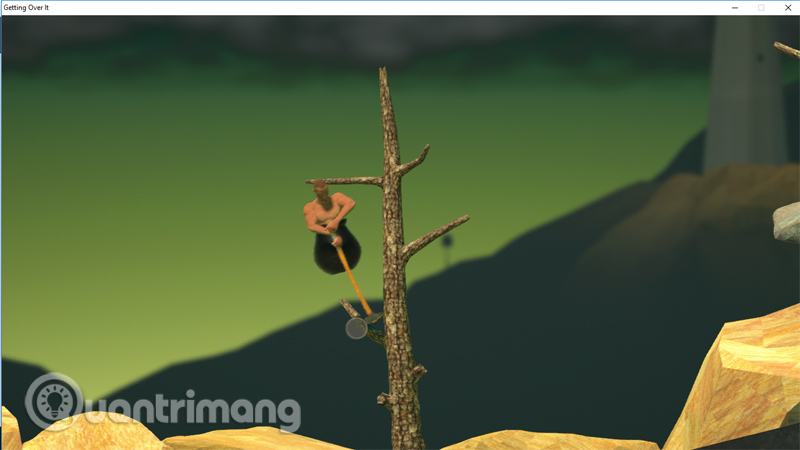
To launch upward, put the hammer head below the cauldron and push it firmly against the ground. A straight push produces a more predictable vertical jump; an angled push adds horizontal movement. As the character rises, rotate the hammer toward the next anchor rather than continuing the same motion.
Large pogo jumps are useful but risky. Practice small pushes first so you learn how much distance a given mouse movement creates.
Technique 3: swing around a fixed point
Hook the hammer on a reliable corner, let the body hang, and move the mouse in an arc to build momentum. Release the anchor by moving the hammer away at the point where the body is traveling toward the intended landing.
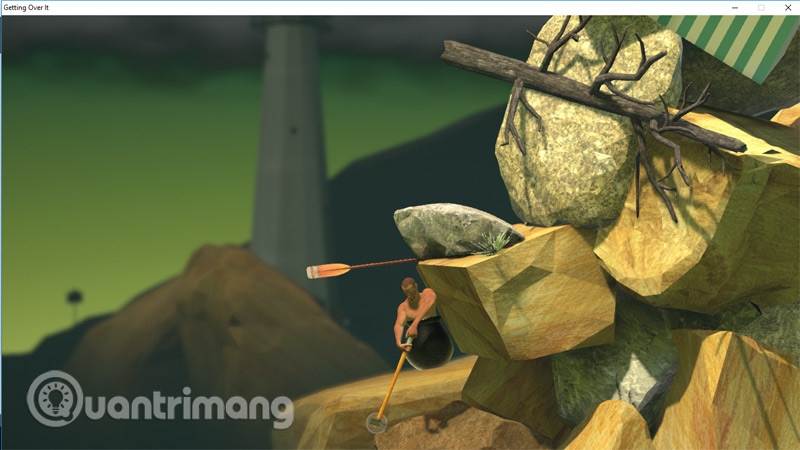
The release angle matters more than raw speed. If the character repeatedly flies too low, release slightly later or pull closer to the anchor before the swing. If he overshoots, reduce the arc.
Technique 4: make micro-corrections
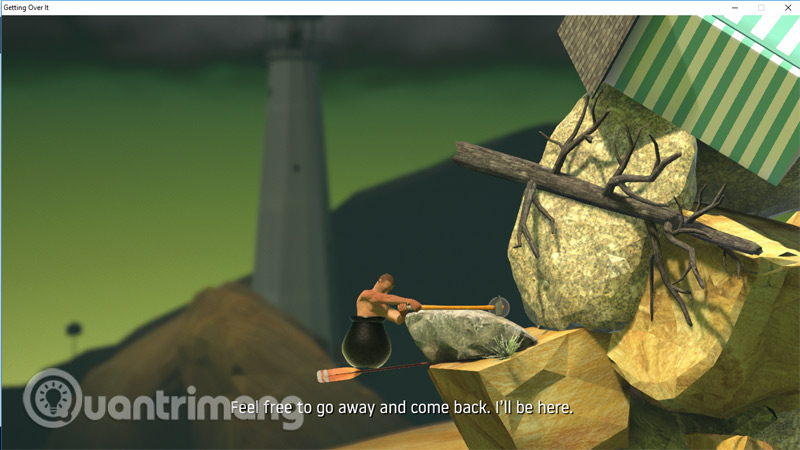
When the cauldron is balanced on a small surface, move the mouse by centimeters rather than sweeping across the desk. Use the hammer as a counterweight: a light touch on the opposite side can stop a slide, while a large correction can start a fall.
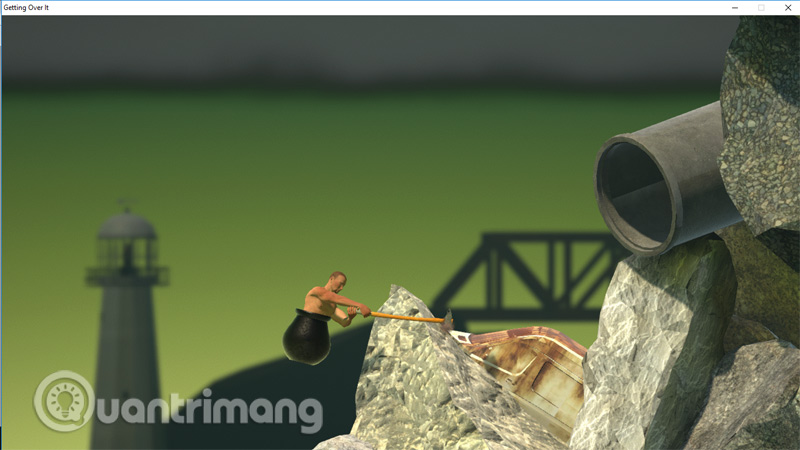
A reliable approach to each obstacle
- Study the shape. Identify one secure anchor and one safe landing before moving.
- Center the body. Stabilize the cauldron so the next motion starts from a known position.
- Test the anchor. Apply a small pull instead of immediately using maximum force.
- Commit once. Make one clean movement, then stop.
- Recover before climbing again. A rushed second input causes many avoidable falls.
Some objects that look like scenery are intentional handholds. Edges, rails, paddles, rocks, and narrow corners can redirect the hammer. Approach them as geometry: ask where the hammer can catch and where a push will send the cauldron.
Reduce accidental falls
- Keep the mouse on a large, clear surface; disable touchpad input if your palm triggers it.
- Use the same sensitivity for several sessions instead of changing it after every fall.
- Do not lift and recenter the mouse during a critical swing unless you have a stable anchor.
- Pause when the body is secure. Momentum does not need another input.
- Watch the hammer head, not only the cauldron. The head determines the next force.
- Practice a failed motion at the same location before trying to improvise a faster version.
If Windows pointer movement feels inconsistent, TipsMake’s guide to changing mouse settings explains the system controls. Adjust one variable at a time so you can tell whether the game or Windows setting helped.
How progress and failure work
Getting Over It deliberately allows long falls. The map does not use ordinary level checkpoints, and the narration treats lost progress as part of the experience. The game retains the current state between sessions, but it does not protect you from a fall that already happened.
When frustration changes your movement—tighter grip, faster sweeps, repeated attempts without setup—pause. A short break is more effective than rehearsing the same uncontrolled input.
Pause or exit
Press Esc to open the menu. Apply any changed settings, choose Resume to continue, or exit through the menu instead of forcing the process closed.
Common problems
The hammer moves too far
Lower in-game sensitivity a small amount and test again on the starting terrain. Also check that the mouse DPI button was not pressed accidentally.
The game stutters during a precise move
Close overlays and heavy background applications, lower the graphics setting, and test full-screen and windowed modes. Stable frame delivery is more useful than maximum visual quality in a physics game.
The character will not go where the hammer points
The hammer does not directly steer the character. It applies force at the contact point. Consider the surface angle, the body’s momentum, and whether the head is sliding before you pull or push.
Getting Over It becomes manageable when each movement has a purpose. Secure the hammer, apply force in one direction, stop on the landing, and accept that recovery is a core skill—not a sign that the run is already lost.
Related Articles
 How to Play Super Smash Flash 2 Without Flash7 minutes read
 Remembrance with 7 Classic Classic Games for Free on Smartphones8 minutes read
 How to Play Super Mario Bros on Computer with Noxplayer3 minutes read
 Emupedia: How to Play Windows 95, 98 Games Without Emulator Software5 minutes read
 How to How to Play the Game '22 Seconds' - an 'Addictive' Game from the Ballz Game4 minutes read
 How to Play Classic Mario Games on Android10 minutes read
Reader Comments 0
Sign in with email or Google to join the discussion.