Table of Contents
If your smart lock stops responding while you’re outside, use the backup key if your model has one. If the keypad still lights up, try your usual PIN. A dead battery, a jammed bolt and an offline app call for different fixes, so start with what the lock is doing.
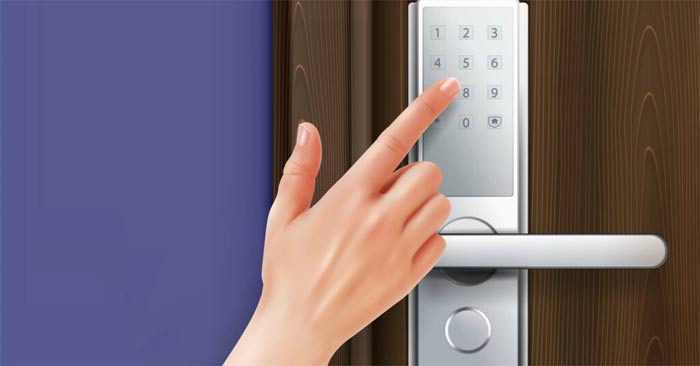
Check whether the lock has power
Wake the keypad as you normally would. If there’s no light or sound, check the lock’s manual for its emergency power option. Some key-free models, such as the Yale Assure Lock SL, have terminals for a 9V battery. Hold a fresh battery against the terminals as directed by the manual, then enter your valid PIN. This supplies temporary power. Replace the lock’s internal batteries once you’re inside.
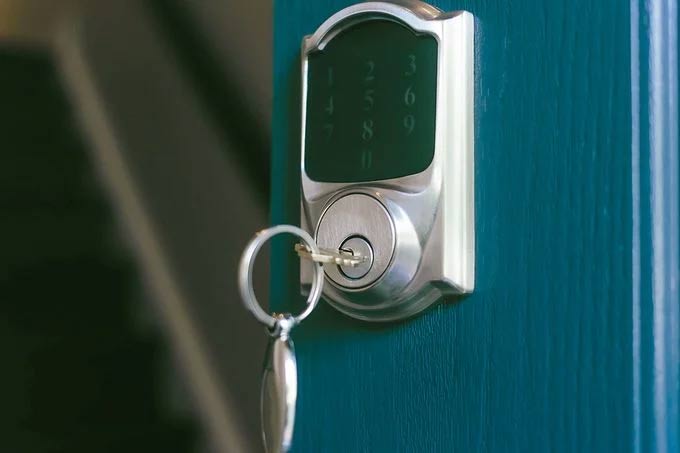
Separate a connection problem from a lock problem
If the keypad works but the phone app shows the lock as offline, unlock with your PIN or backup key first. If your model supports local Bluetooth control, stand near the door, check that Bluetooth is enabled and reopen the app. For remote control through a hub or Wi-Fi bridge, check its power and connection once you’re inside. A Wi-Fi troubleshooting check can help if other devices are also offline.
If the lock has power but the bolt won’t move
Listen for the motor after entering your PIN. If the motor runs but the bolt sticks, gently push or pull the closed door to relieve pressure while you retry once. Stop if the mechanism still resists. With the door open, verify that the bolt extends smoothly and check whether it lines up with the strike plate.
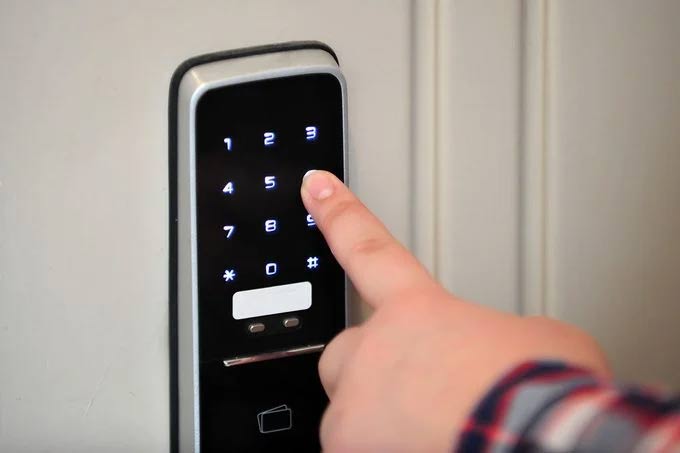
If none of your authorized entry methods works, contact the manufacturer, your property manager or a locksmith. Keep the door open when replacing batteries, testing the lock or following a manufacturer-directed factory reset. A reset can erase access codes and settings.






Reader Comments 0
Sign in with email or Google to join the discussion.