Table of Contents
Learn how to deploy knowledge across multiple educational levels with practical instructions, useful tips, and troubleshooting guidance for common issues.
ChatGPT features a Canvas function that allows users to implement various types of content, similar to the Canvas function in Gemini. With just a single knowledge implementation command in ChatGPT, teachers can create content for multiple educational levels, from kindergarten to postgraduate research, meeting their content creation needs. Importantly, teachers can adjust the length of the responses. Below is a guide on implementing knowledge implementation for multiple levels in ChatGPT.
Guide to Deploying Multi-level Knowledge Base on ChatGPT
Step 1:
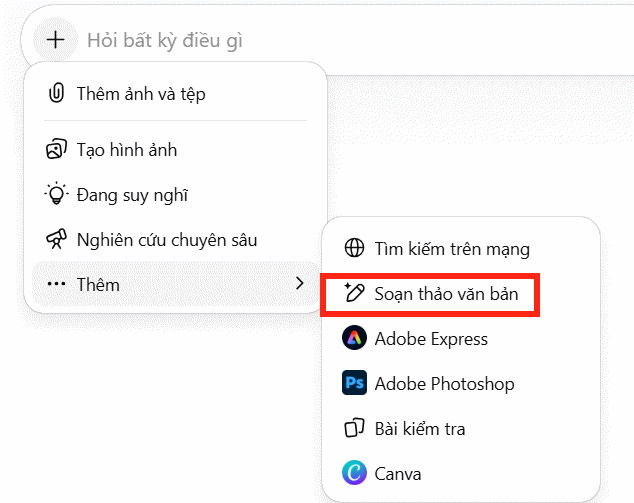
First, tap the plus sign in ChatGPT, then select Add, and then tap Text Editor to switch to Canvas mode in ChatGPT.
Step 2:
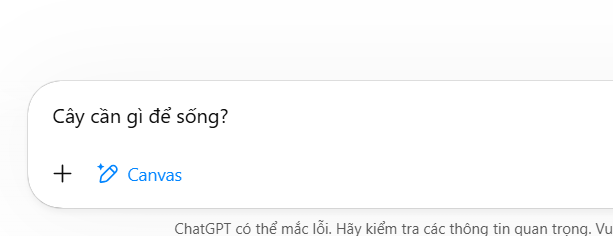
Next, enter the topic you want to discuss into the ChatGPT box and submit it as usual to see the answer.
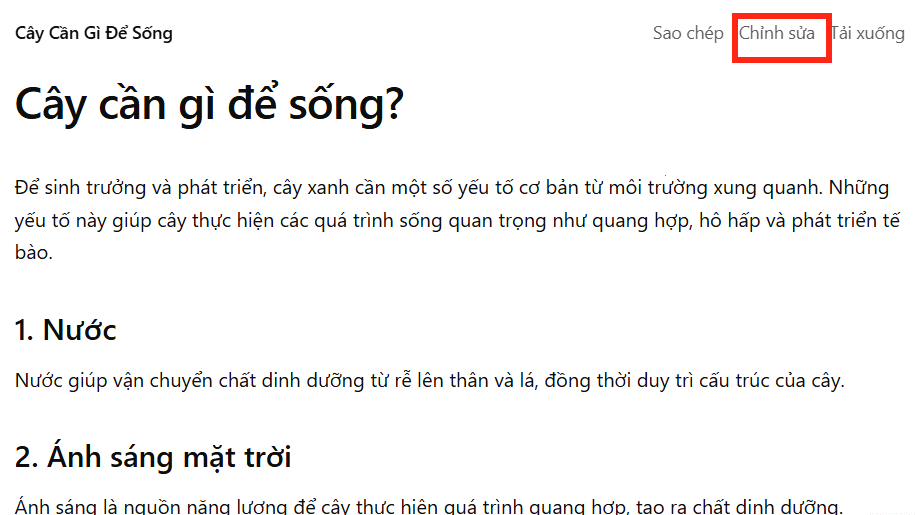
You will then see the basic knowledge content implemented from the simple command we entered. Click Edit in the upper corner as shown in the image.
Step 3:
Switch to the content editing interface. On the right side, click the pen icon and then select Learning Level to implement knowledge for different learning levels.
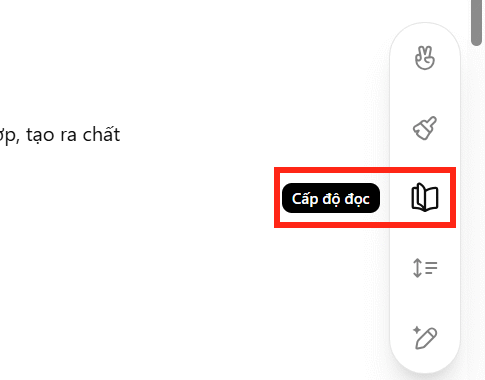
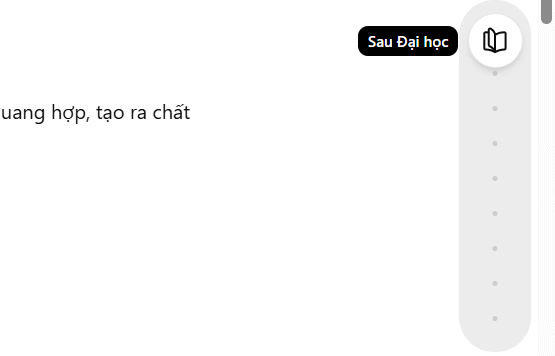
Teachers press and hold the book icon and then move it up and down to select the learning level. The Canvas mode on ChatGPT has many different learning levels, starting from Kindergarten level.
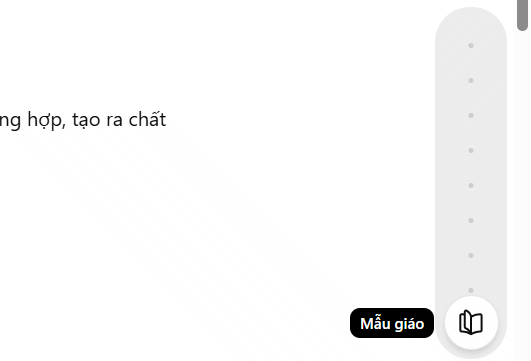
Up to the postgraduate level is the highest level. Teachers choose the level of study they need to create content to teach the appropriate knowledge for students at that level. Click the arrow icon to create content on ChatGPT.
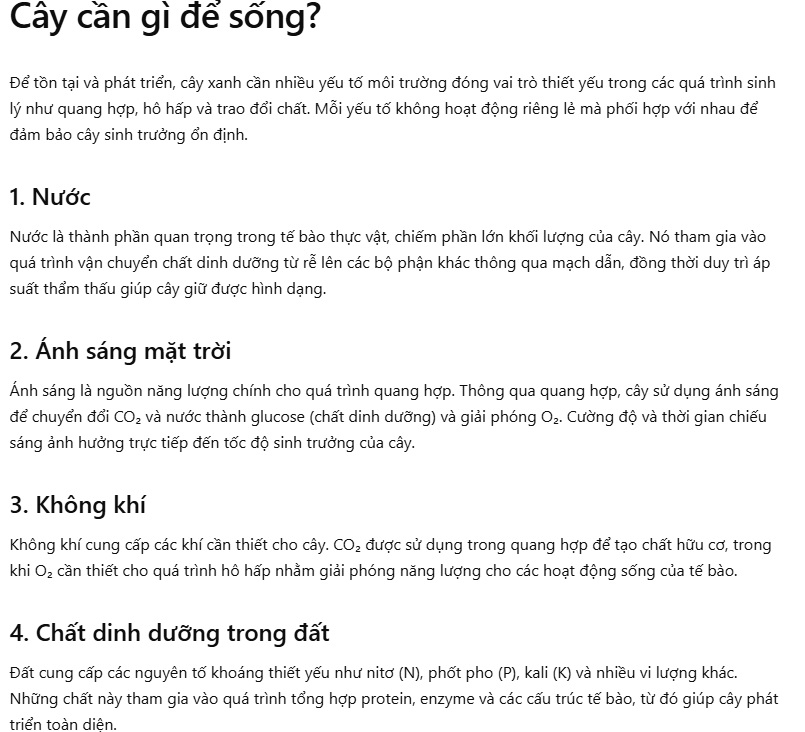
For example, when selecting knowledge for the high school level, we have the following new knowledge. This knowledge now contains more information than the original content.
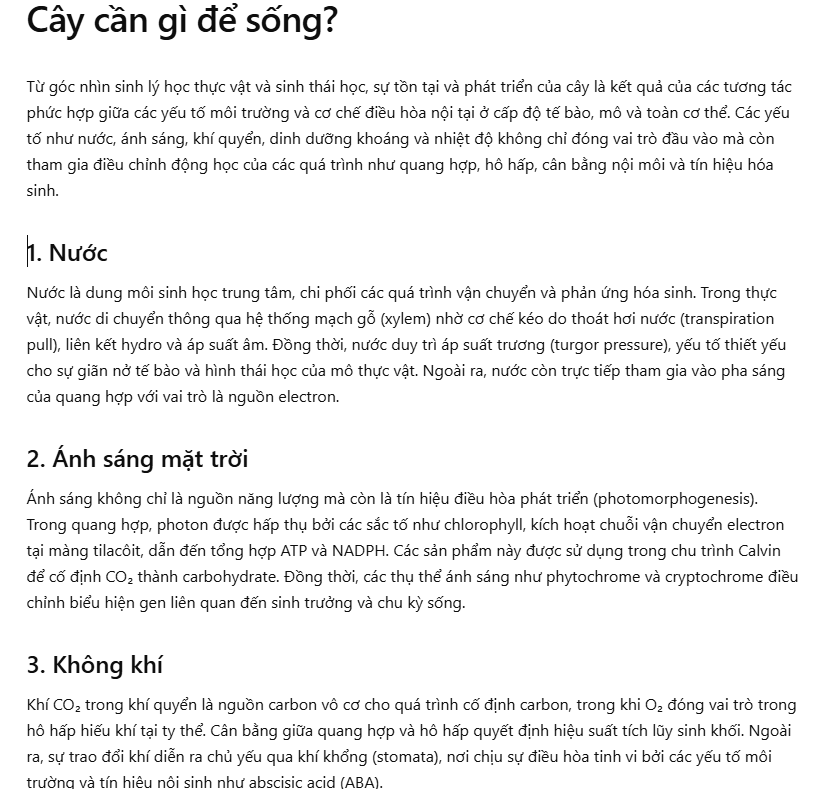
At the postgraduate level, the knowledge required is more academic in nature.
Step 4:
Tap the pen icon again and you can choose to change the length of your answer .
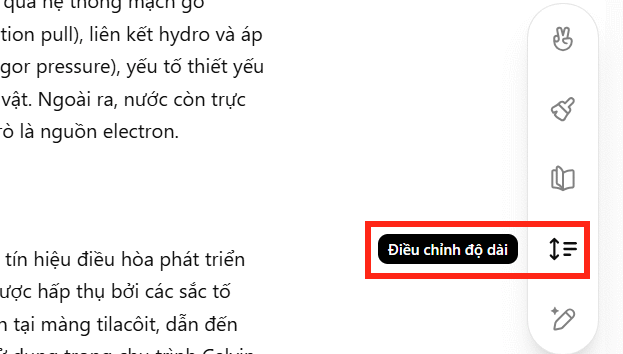
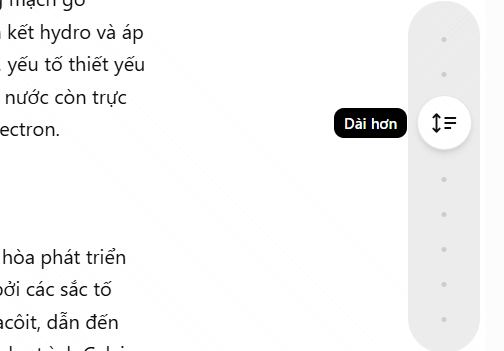
There are also options to choose the length of your ChatGPT reply.
Step 5:
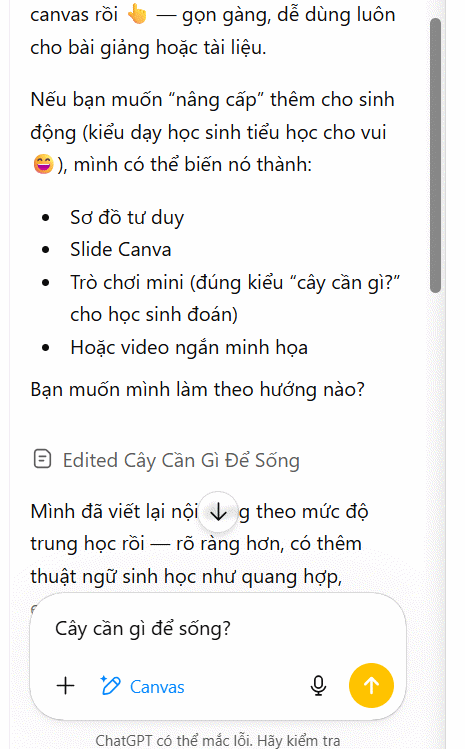
Specifically, the left side of the ChatGPT interface suggests adding more content if needed to enrich the material. You can select from these suggestions to further develop your knowledge base.
Step 6:
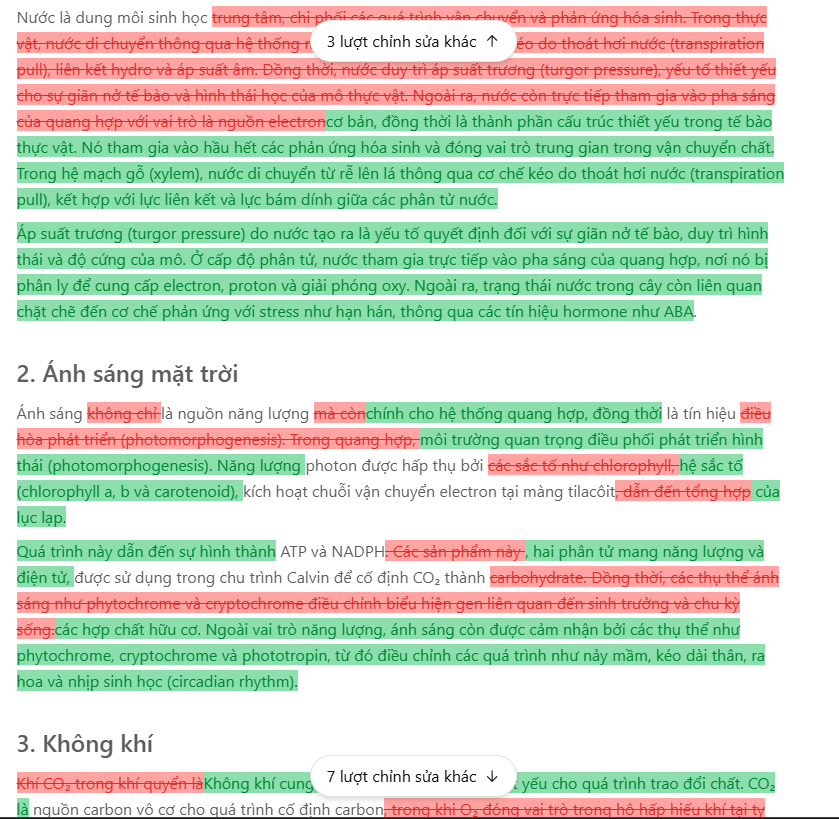
ChatGPT will save every time you make changes to the content; click the history clock icon .
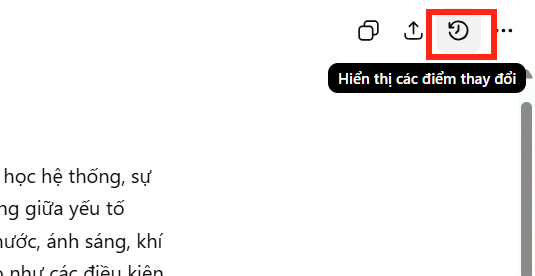
At this point, you will see a notification indicating the number of times the content has been changed. The content that has been changed is indicated by color, as shown in the image below.
Step 7:
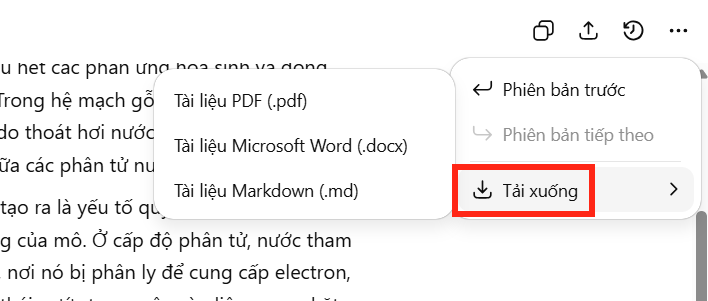
Finally, tap the three-dot icon and select download in your desired format.
FAQ
What is the best way to deploy knowledge across multiple educational levels?
Learn how to deploy knowledge across multiple educational levels with practical instructions, useful tips, and troubleshooting guidance for common issues.
What should you prepare before you deploy knowledge across multiple educational levels?
Key takeaway: Learn how to deploy knowledge across multiple educational levels with practical instructions, useful tips, and troubleshooting guidance for common issues.
What common mistakes should you avoid?
ChatGPT features a Canvas function that allows users to implement various types of content, similar to the Canvas function in Gemini.
Related Articles
 How to Make an Educational Video: Step-by-Step Guide12 minutes read
 25 Multiple Choice Windows Command Prompt Questions5 minutes read
 Top 10 Best Children's Educational Games on the Phone8 minutes read
 How to Become an Educational Consultant: Step-by-Step Guide12 minutes read
 Switch Case Command in JavaScript1 minutes read
 Test Information About Internet Explorer Browser3 minutes read
Reader Comments 0
Sign in with email or Google to join the discussion.