Table of Contents
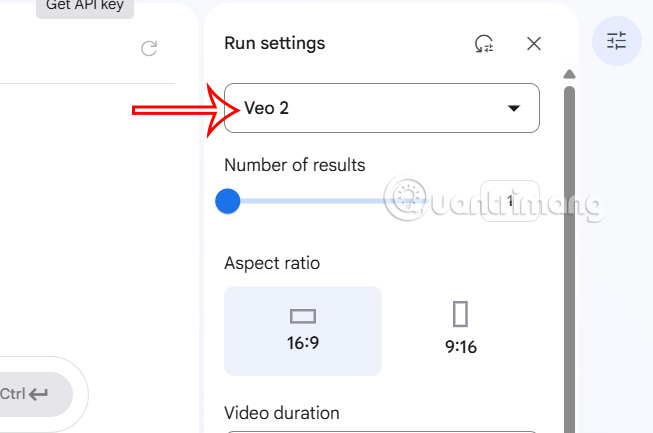
This updated guide explores experience Google veo creating AI videos from text for free with practical details, clear explanations, and useful takeaways. Google Veo text-based AI video maker is now free for all users to experience. Veo can create videos with a maximum duration of 8 seconds at 720p 24fps resolution, in 2 video orientation options: landscape (16:9) and portrait (9:16).
How to Use Google Veo to Create AI Videos
Step 1:
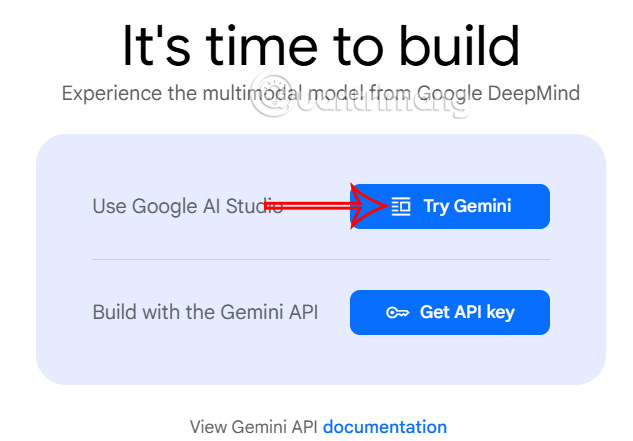
Open aistudio.google page via the link below and log in to your Google account. In this interface, select Gemini as shown below.
- Visit Google Veo AI video creation
Step 2:
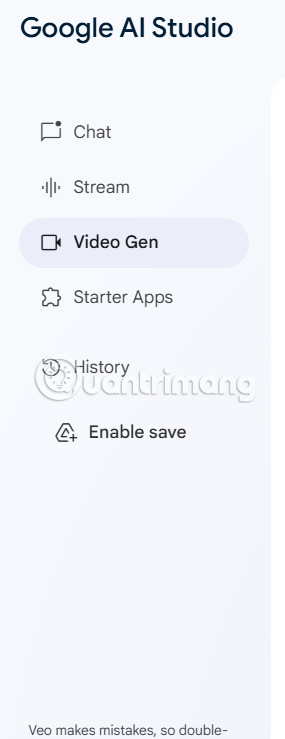
In the new interface, select the Video Gen feature to use AI video creation.
Continue to select Veo 2 in the right menu as shown below.
Step 3:
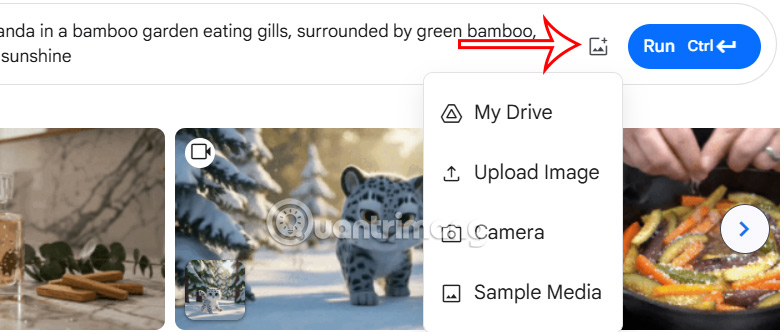
Now in the AI video creation information entry section on Google Veo, we enter the detailed content of the video to be created . The more detailed it is, the easier it is for Google Veo to analyze and create videos for you.

You can add an image and ask Veo to use it as a reference for the upcoming video, by clicking on the image h.
Finally, press the Run button to send the AI video description to Google Veo.
Step 4:
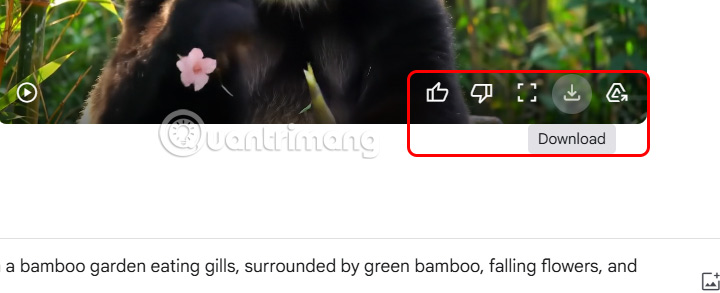
The process of creating an AI video on Google Veo can take up to 1-2 minutes depending on the content you describe and the details that appear in the video. Once the video is available, choose the play icon to watch .
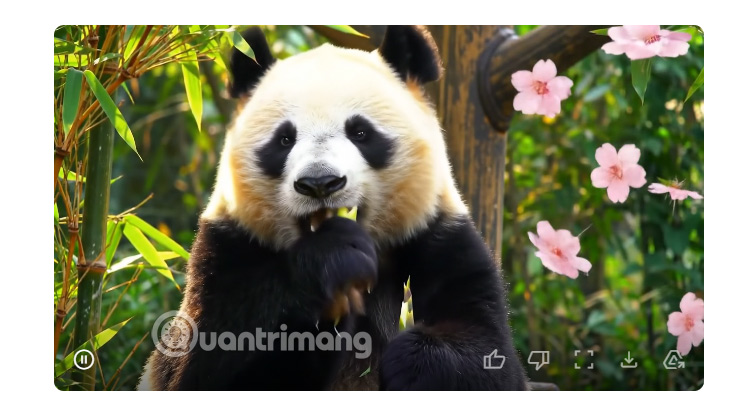
If you like it, choose the save icon to download the video or share it to your Google Drive account.
FAQ
What is the main takeaway about Experience Google Veo Creating AI Videos from Text for Free?
The key is to understand the core idea, compare the available options, and apply the practical guidance that matches your situation.
What should beginners know about Experience Google Veo Creating AI Videos from Text for Free?
Start with the essential steps and terminology. Avoid changing advanced settings until you understand how they affect performance, privacy, cost, or compatibility.
How can I use this information in practice?
Follow the relevant section in order, test one change at a time, and confirm the result before moving to the next step or recommendation.
Related Articles
 How to Create a Long Video on Grok10 minutes read
 4 Free Online Tools to Add Text to Videos7 minutes read
 How to Create AI Timelapse Videos9 minutes read
 Overview of Creating Professional Videos with AI10 minutes read
 How to Create Videos from Text on Canva Using Magic Media4 minutes read
 Guide to Creating Short AI Videos Using Google Vids5 minutes read
Reader Comments 0
Sign in with email or Google to join the discussion.