Table of Contents
This updated guide examines Diple, a Tool That Turns a Smartphone Camera into a Microscope and organizes the essential facts, background, and practical takeaways in clear American English.

DIPLE is about the size of a smartphone case but has all the basics of a microscope including a backlight and a good zoom lens. DIPLE has 3 lenses with different zoom sizes including 35x, 75x and 150x.
The SmartMicroOptics team says that DIPLE can zoom an object as many as 1,000 times before the picture becomes grainy.

DIPLE is being sold on Kickstarter for about 40USD (approximately 920,000 VND) for a single 35x lens version, if you want to own all 3 types of lenses, you will have to spend 120USD (about 2.8 million VND).
In 2016, the SmartMicroOptics team also launched a similar mobile microscope project called BLIPS, which includes a handy set of removable lenses for smartphones. However, BLIPS for images are not as sharp as DIPLE.
- CastAway, an accessory that turns your smartphone into a folding screen in a flash, costs just over 3 million
- Honor V30 Pro, Huawei's 5G phone downloads 1.6 GB in just 28 seconds
FAQ
What is Diple, a Tool That Turns a Smartphone Camera into a Microscope about?
It provides a structured overview of turn a smartphone camera into a microscope, explains the main context, and highlights practical takeaways for readers.
Why does this topic matter?
Understanding the main concepts helps readers evaluate the issue, avoid common mistakes, and make better-informed decisions.
How should readers use this information?
Use the guidance as a practical starting point, confirm details that may have changed, and follow current product, safety, or security recommendations.
Related Articles
 Smartphone-based System Can Detect Bacteria in Food3 minutes read
 10 Things Smartphone Cameras Can Do, Besides Taking Pictures7 minutes read
 What the World Looks Like When Viewed Under a Microscope2 minutes read
 Top Smartphone Owns the Best Selfie Camera3 minutes read
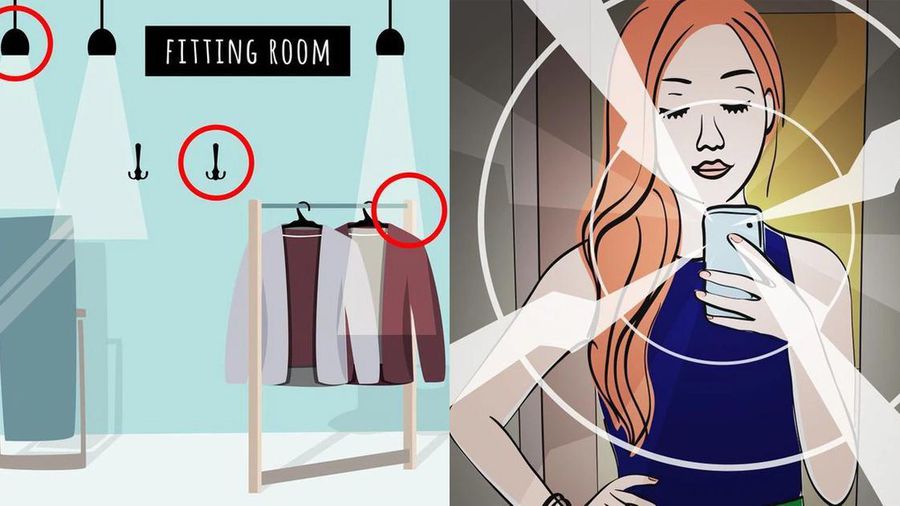 How to Detect Hidden Camera in Hotel Room2 minutes read
 Your Next Smartphone Will Probably Be Equipped with a 192MP Camera5 minutes read
Reader Comments 0
Sign in with email or Google to join the discussion.