Table of Contents
Keep photos of your boarding pass and booking confirmation private. The name, travel details, and machine-readable code can reveal more than you intend to share. If you want to post about a trip, use a photo that doesn’t show the pass at all.
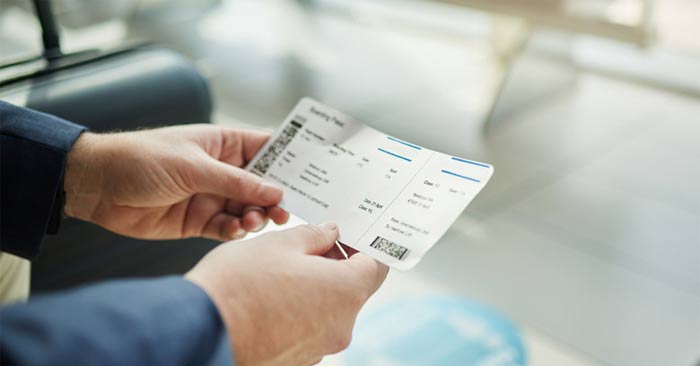
What a boarding pass can reveal
A printed or digital pass can show your name, route, departure date, and a barcode or QR code. The exact information varies by airline. A visible booking detail can make a phishing message sound believable and, depending on the airline’s controls, may expose reservation information. Covering just your name leaves the rest of the pass visible.
What to do if you already posted one
- Remove the post and check whether you shared the same image elsewhere.
- Open your airline’s official app or site and check your itinerary. If you see a change you didn’t make, contact the airline through a published support number.
- Check unexpected messages about the trip through the airline before opening links or responding. See how to verify a sensitive request.
Share the trip without sharing the pass
Choose a destination or airport photo that leaves out tickets, baggage tags, and email confirmations. After the trip, the itinerary is no longer current, but the image can still show personal details. Keep the pass privately if you need it for expenses or your records.
Related Articles
 The 15 most dangerous roads on the planet make you 'sweaty'
 What will be the fate of a Steam account after the owner passes away?
 4 wrong errors that are dangerous to the common body for gyms
 The biggest time wasting cleaning mistakes
 7 security mistakes you often make
 Mistakes to avoid when implementing SEO
Reader Comments 0
Sign in with email or Google to join the discussion.