Table of Contents
Large PDF uploads can consume a substantial part of a Claude conversation's capacity, especially when the document contains many pages or requires visual analysis. Converting a text-based PDF to clean Markdown can reduce irrelevant layout data and make it easier to send only the sections you need—but it is not always the right choice.
Why a PDF can use more context
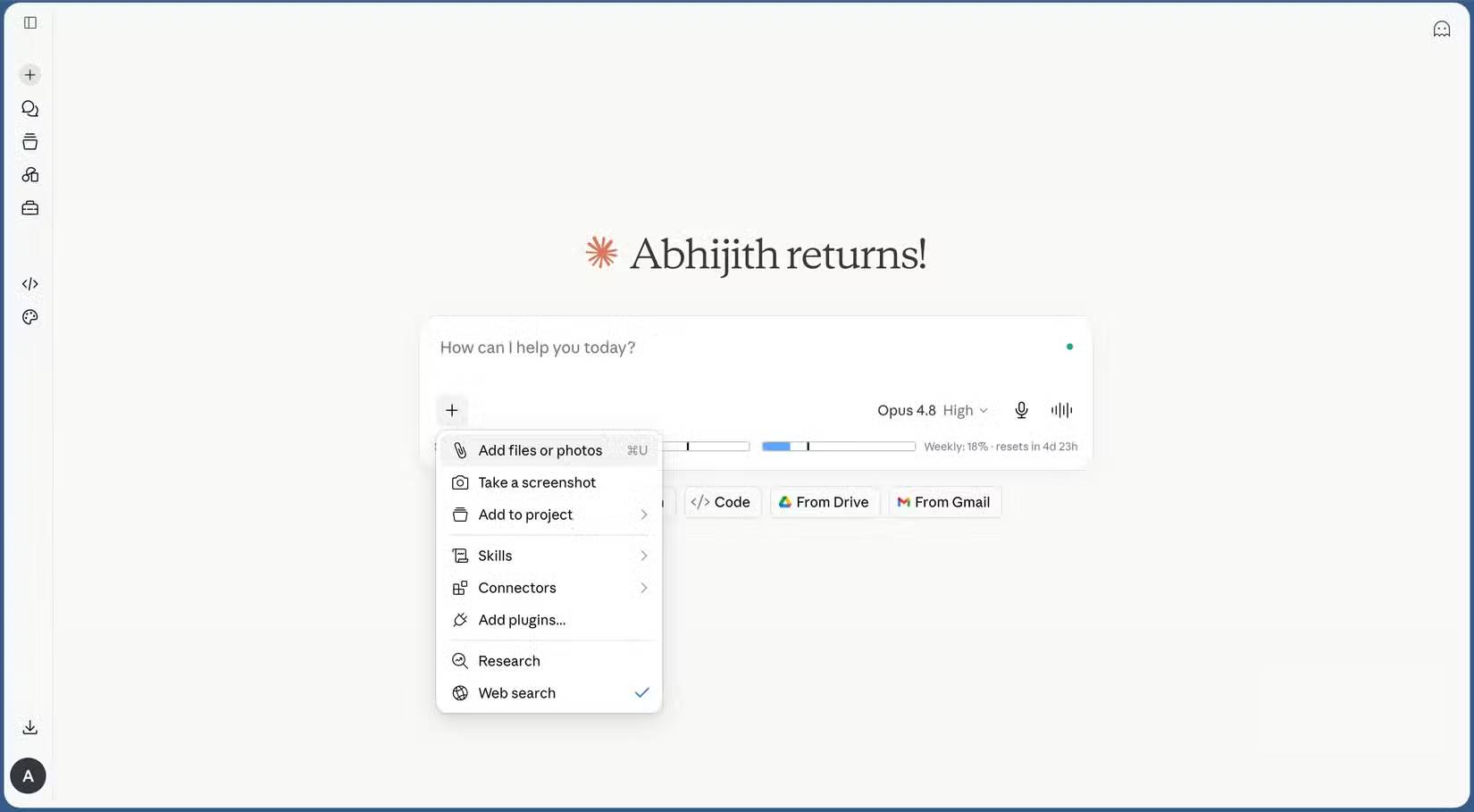
Claude can process extracted text and, for supported PDFs, visual elements such as charts, images and page layout. Visual processing represents each page as more than plain text, so it can require much more input than a simple Markdown file. Usage also depends on document length, the model, current conversation history and the feature used.
There is no reliable rule that Markdown always uses “less than half” the tokens. Measure your own API input with a token-counting endpoint where available, or compare plan usage on representative documents. In the Claude app, shorter prompts and smaller, targeted files are the practical controls.
Anthropic's file upload guidance explains current file, page and visual-processing limits.
When converting to Markdown helps
Markdown is a good intermediate format when the task depends mainly on text:
- summarizing a report or chapter
- extracting requirements, arguments or action items
- searching headings and paragraphs
- rewriting or comparing prose
- sending only a relevant section of a long document
Clean the extracted file before upload. Remove repeated headers, footers, page numbers, duplicated OCR text and irrelevant appendices. Preserve headings, lists, table structure and page markers when they help the task.
When to keep the original PDF
Do not replace the PDF with Markdown when the answer depends on:
- charts, diagrams, figures or photographs
- page layout, columns, annotations or typography
- exact page citations
- forms, signatures or visual comparison
- tables that the converter cannot preserve accurately
A useful compromise is to upload the relevant PDF pages plus a cleaned Markdown extraction. Tell Claude which file is authoritative for text and which visual elements it must inspect.
Scanned PDFs need OCR
A PDF-to-Markdown converter can extract only text that exists in the file. A scan may contain page images without a searchable text layer, so it needs optical character recognition first. OCR introduces spelling, number and table errors; compare critical passages with the original pages.
Check whether text can be selected in a PDF viewer. If not, use a trusted local OCR tool and retain page boundaries in the output. Never assume OCR is accurate enough for legal, financial, medical or safety-critical use.
Build a local PDF-to-Markdown tool with Claude Code
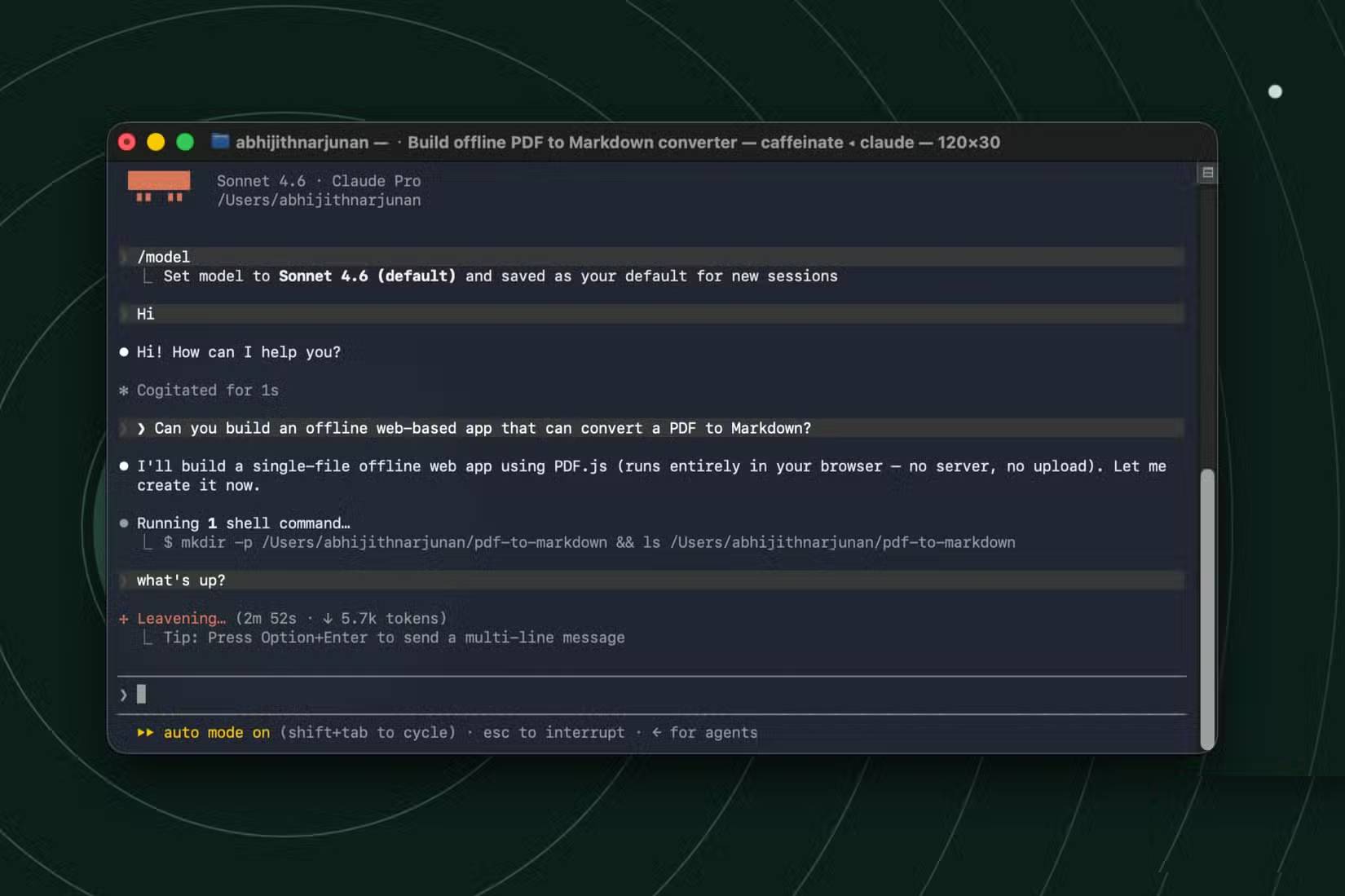
Claude Code can help create a local converter, but “make it air-gapped” is not a complete specification. The build process may still download packages, and generated code should not be trusted with confidential files until dependencies and behavior have been reviewed.
Use a prompt with explicit runtime and privacy requirements:
Build a local PDF-to-Markdown converter for text-based PDFs.

Requirements:
- run entirely on this computer after installation
- do not upload files or make network requests at runtime
- process the PDF in memory and clear temporary data
- preserve headings, lists, tables where possible, and page markers
- show a warning when a page has no extractable text
- let the user preview and download UTF-8 Markdown
- do not use a CDN or remote font
- choose a maintained PDF parser with a compatible license
- include automated tests and a browser network test
- document exactly which commands require internet access during setup

Before coding, propose the architecture and threat model. After implementation, run the tests and show how to verify that runtime network traffic is zero.
A single HTML file may still require a bundled PDF parser. If a library is loaded from a CDN, the tool is not offline. If browser restrictions prevent safe local file handling, a small local application can be clearer than forcing everything into one page.
Verify that the converter is actually local
- Disconnect the computer from the network and confirm the app still opens and converts a sample.
- Use browser developer tools or an operating-system network monitor to check for requests.
- Inspect the dependency list and lock file.
- Test a multi-column document, a table, accented text, a scanned page and a password-protected PDF.
- Compare names, numbers and headings with the original.
- Confirm where temporary files and logs are stored.
Do not upload confidential documents to an unknown online converter simply to save AI usage. Local processing can reduce exposure, but only if the application and its dependencies truly keep data on the machine.
Other ways to reduce Claude usage
- Split a long PDF and upload only the relevant pages.
- Start a fresh conversation instead of carrying a long unrelated history.
- Ask a focused question rather than “analyze everything.”
- For documents you will reuse, add them to a Claude Project where the plan and feature support caching.
- Keep the original PDF available for visual checks while using extracted text for most of the conversation.
The best format is determined by the question. Use Markdown to make text tasks smaller and cleaner; use the PDF when page structure or visual evidence is part of the answer.
Related Articles
 Prompt Classic AI: the Best AI for Work6 minutes read
 How to Use Claude to Code and Debug Code6 minutes read
 What Is the Claude Code: Clear Explanation7 minutes read
 When Should You Not Use Claude Code?10 minutes read
 How to Combine Claude Code with Obsidian CLI8 minutes read
 Things You Need to Know About Claude Code5 minutes read
Reader Comments 0
Sign in with email or Google to join the discussion.