Here are the most beloved iPads of all time.
1. iPad Pro M4 11 Inch (2024)
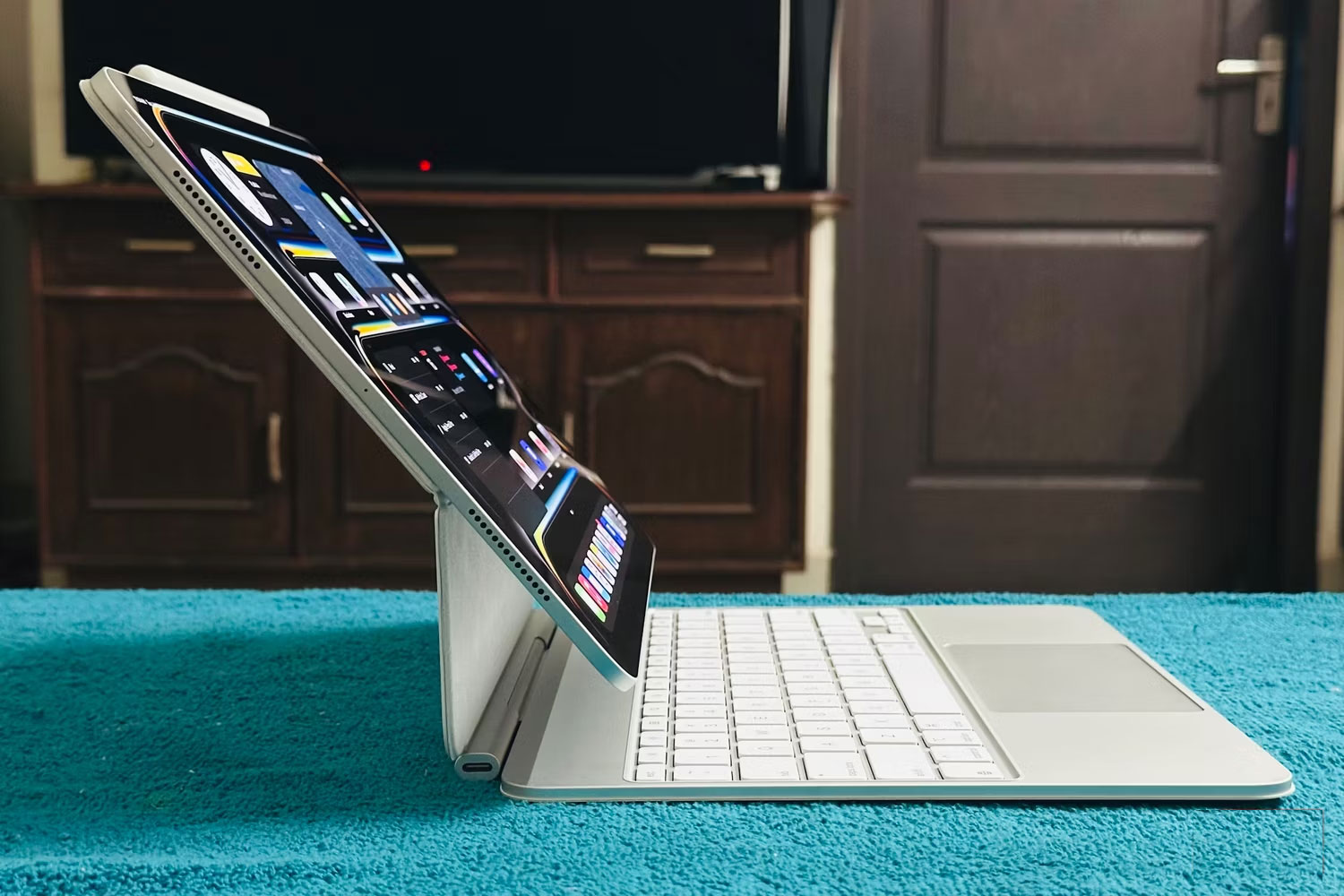
The main reason the 11-inch version makes this list is because its dual-OLED display is a significant upgrade over previous 11-inch models. The Ultra Retina XDR display allows the iPad Pro to deliver up to 1,000 nits of SDR/XDR brightness and up to 1,600 nits when using HDR content.
This 2024 iPad Pro model has a few other advantages, like the M4 chip, which isn't even in MacBooks as of this writing. Apple's silicon is one of the many reasons why iPads are so far ahead of Android tablets.
2. iPad Pro 13-inch M1 (2021)
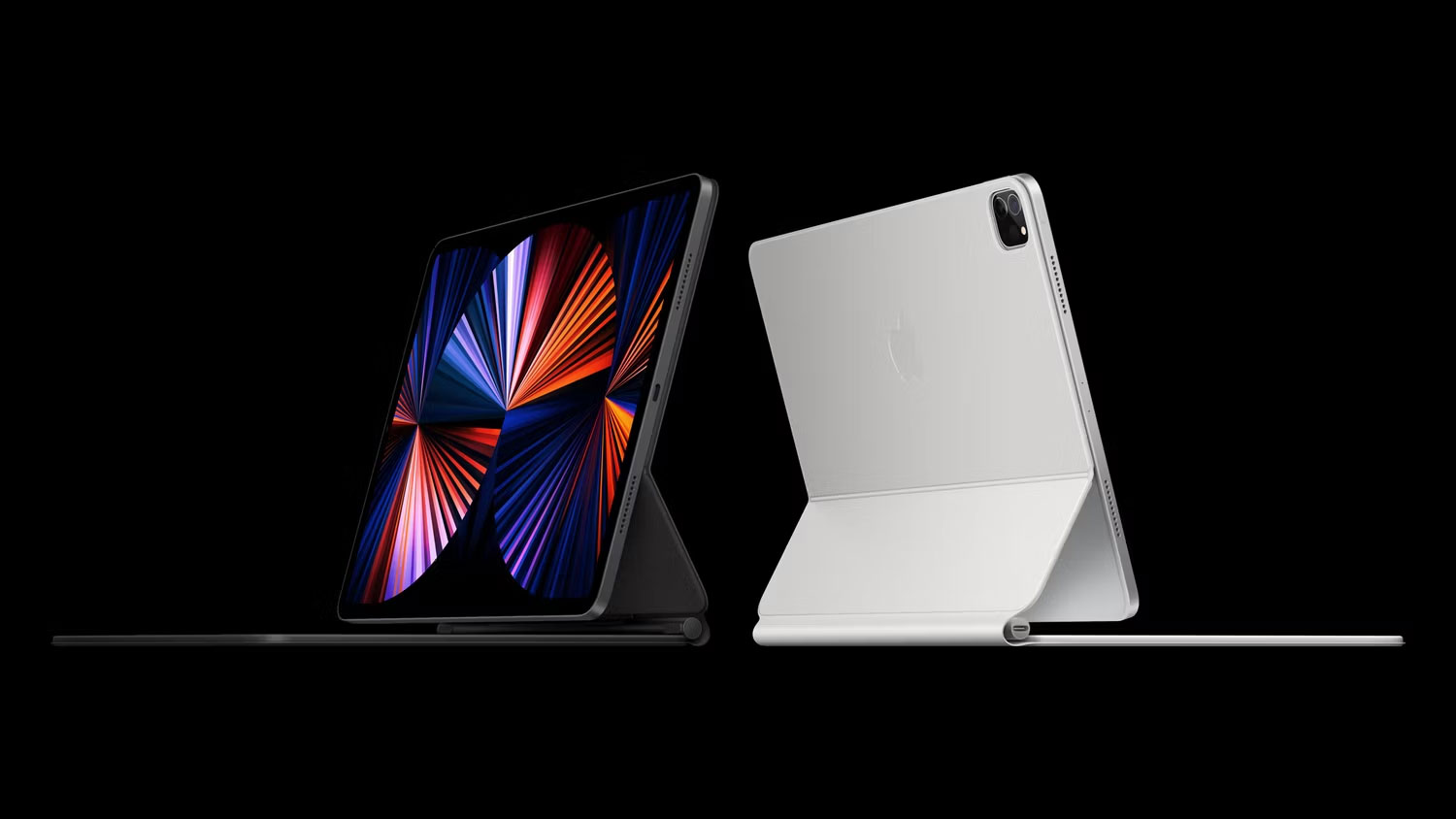
Apple has significantly improved its iPad lineup since switching to Apple silicon, and the 13-inch iPad Pro — launched in 2021 — is a big change. It's the first iPad to use Apple silicon, and it comes after Apple revamped its Macs with the M1 chip line.
The device also features a Liquid Retina XDR display, which contains over 10,000 LEDs and is the first iPad to feature such a display. It also introduces 5G cellular support, allowing for better connectivity on the go.
3. iPad Air 2 (2014)
The iPad Air has always been a viable alternative to the Pro, and the second-generation iPad Air – released in 2014 – is a favorite in this regard. Touch ID may seem like a relic of the past on iPads today, but let's not forget that it was revolutionary when it was introduced. The iPad Air 2 was the first Apple tablet to feature the technology, paving the way for future devices and eventually Face ID to replace it.
Unlike its predecessor, the iPad Air 2 doesn't have a side switch. Its front-facing camera also has a slightly wider aperture than the iPad Air 1, at f/2.2 instead of f/2.4. Users can also use auto HDR on their photos, up from the manual option that appeared on the first-generation iPad Air.
4. iPad 3rd Generation (2012)
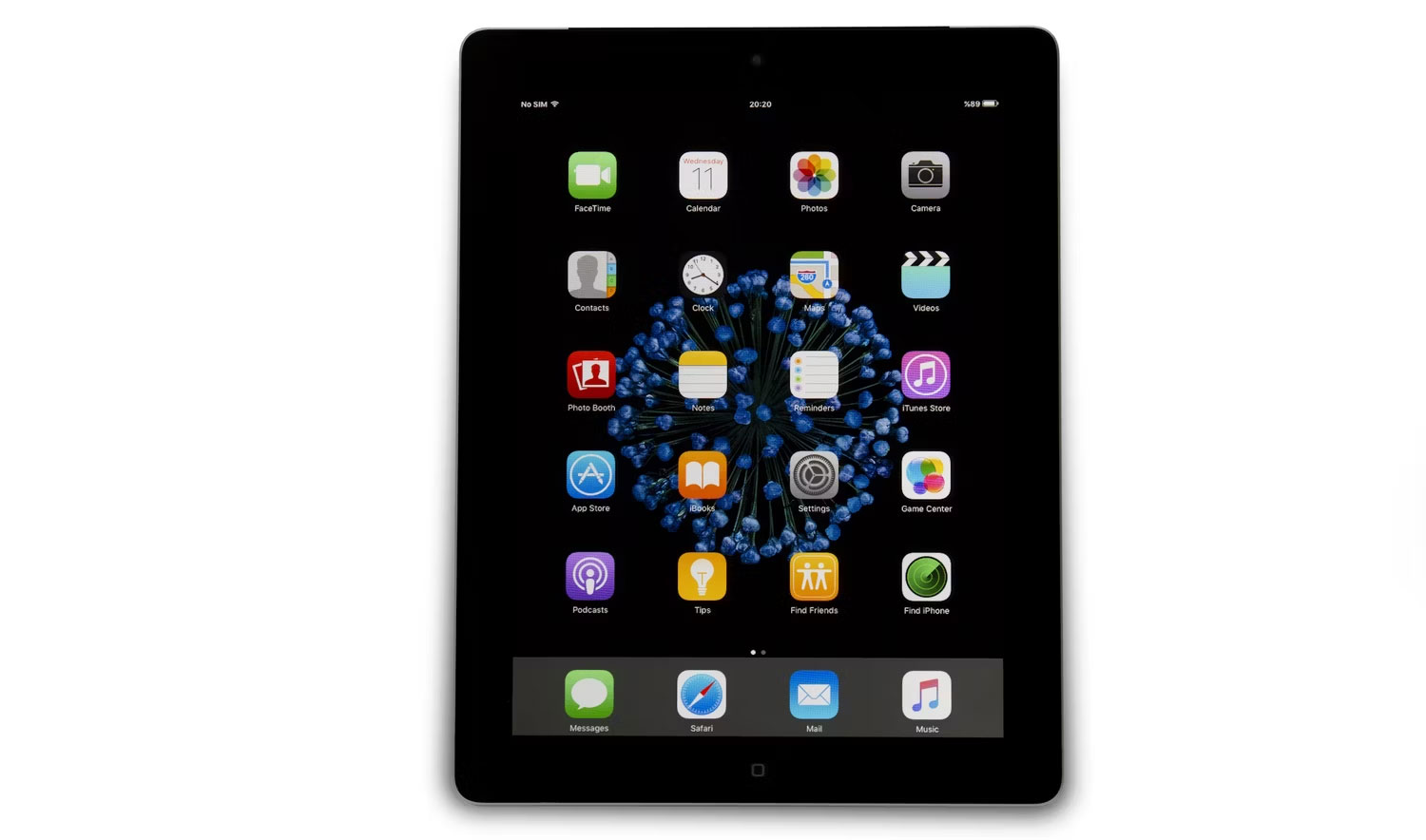
The third-generation iPad was a great tablet for its time. It was the first iPad to feature a Retina display, paving the way for the significant improvements we've seen in recent iPads. Another key feature was 4G LTE support, which was a big deal at the time.
Compared to its predecessor, which could only shoot 720p video, the iPad 3 can shoot up to 1080p video. Compared to the 0.7 megapixel camera on the iPad 2, you can use a 5MP camera with the iPad 3. This iPad also supports Bluetooth 4.0 and has 1GB of RAM, compared to 512MB on the second-generation iPad.
5. iPad Mini 6th Generation (2021)
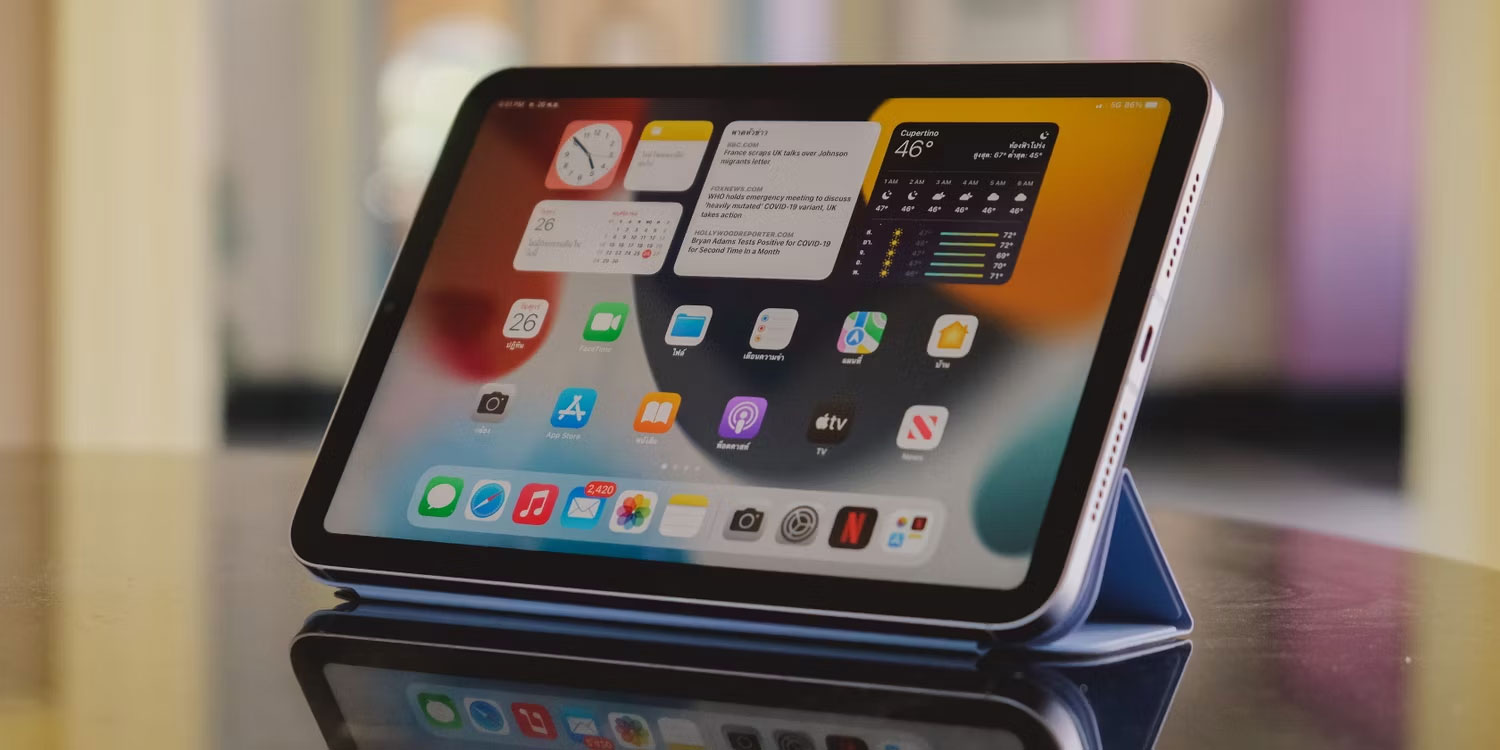
While Apple didn't release an iPad mini in 2020, it's certainly back with a bang in 2021. The 6th-generation iPad mini is a significant upgrade over the previous version, with a USB-C charging port instead of Lightning and no Home button. It still has Touch ID, though; the main difference is that you have to press the top button instead.
The iPad mini 6 is capable of recording 4K video at up to 60FPS. The screen has been slightly upgraded from 7.9 inches to 8.3 inches but still uses the same Liquid Retina display. Compared to the previous model, the iPad mini 6 is equipped with horizontal stereo speakers and is compatible with Apple Pencil 2.
The iPad has evolved significantly since its early days, and the latest models are some of the most powerful devices you'll ever use. While it's just a tablet, it can sometimes act like a laptop with the right accessories. Even if you don't have the latest model, you can still update to iPadOS 18 to enjoy a host of cool features.


Reader Comments 0
Sign in with email or Google to join the discussion.