Table of Contents
Why Should You Stop Relying on Free Cloud Services for Photo Storage is easier to approach with a clear overview and reliable steps. This guide organizes the essential information, highlights practical details, and explains what to check along the way.
Key Takeaways
- Review reasons to stop trusting free cloud storage for photos.
- Explore data privacy concerns.
- Understand storage limits.
Reasons to Stop Trusting Free Cloud Storage for Photos
Free cloud storage once seemed like the perfect solution: Convenient, accessible, and free. But with privacy concerns and reliability issues, free cloud storage for photos isn't as secure or viable as it seems.
Data Privacy Concerns
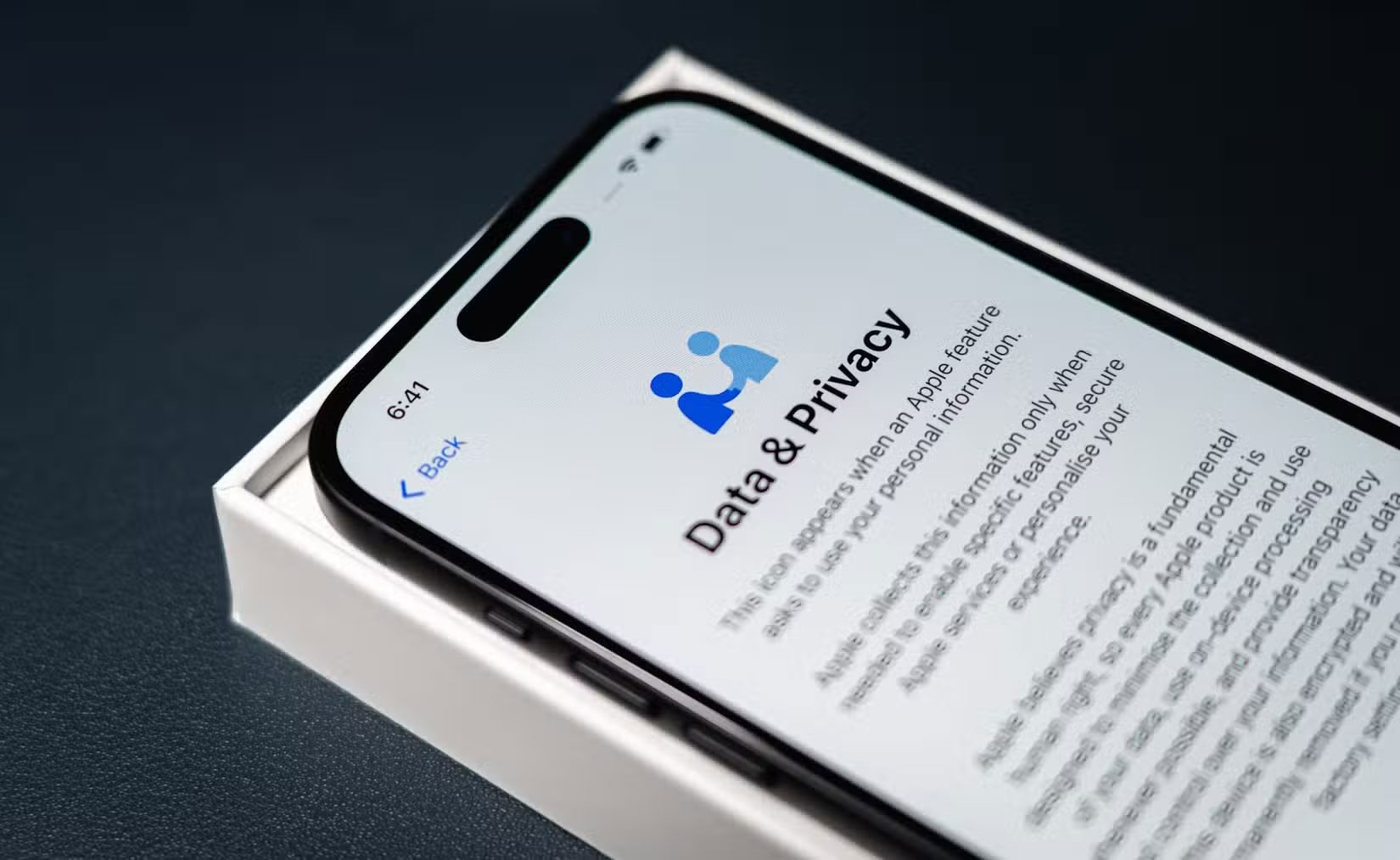
Who wouldn't want free cloud storage? Big companies like Google, Microsoft, and Apple all offer free cloud storage services that promise robust security and privacy. But the privacy risks of handing over your data to tech companies are well-documented.
For instance, in 2021, Apple faced intense scrutiny when it announced plans to scan iCloud Photos for child sexual abuse material (CSAM). In response to the backlash, Apple paused the rollout and officially abandoned the plan in December 2022. Google faced similar backlash in 2025 when it was reported that it had implemented a feature to scan user photos on Android devices without explicit user consent, leading to widespread criticism and questions about user privacy.
Storage Limits
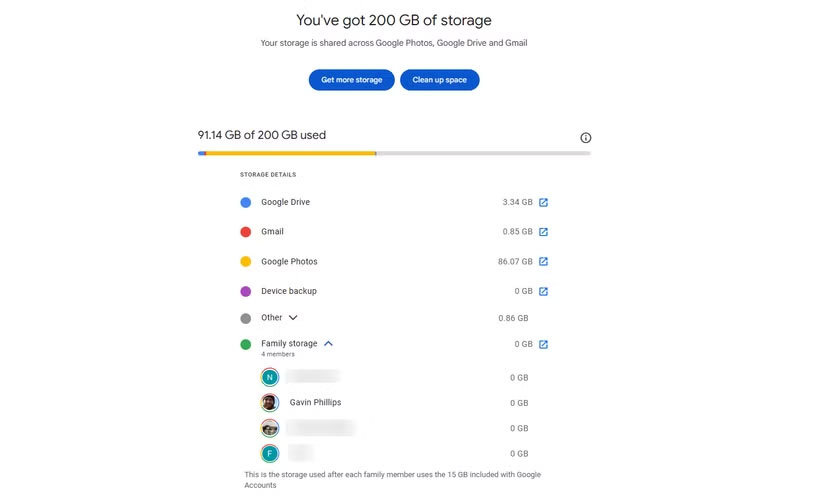
Services like Google Drive, OneDrive, and Dropbox offer limited storage without a paid plan. For instance, Google Drive gives you 15GB, while Dropbox only has 2GB. That might have been enough years ago, but with smartphone photos now taking up 2-8MB each, that space can quickly add up. Even Google's 15GB limit isn't as generous as you might think, since it's shared across Gmail, Google Photos, and other Workspace services.
Risk of Data Loss
Another problem with free cloud storage is the risk of data loss. Unlike paid options, free cloud services may not have the same reliability, and if something goes wrong, you could lose access to your data. In extreme cases, that loss could be permanent, especially if you don't have a backup strategy in place.
Another risk is the unpredictable nature of these services. Free cloud storage providers can go out of business without warning, forcing users to scramble to recover their data. Take the example of Nirvanix's shutdown in 2013—users had limited time to transfer their files, showing how easily your data can be lost when stored in just one place.
New Approach: Local Image Storage
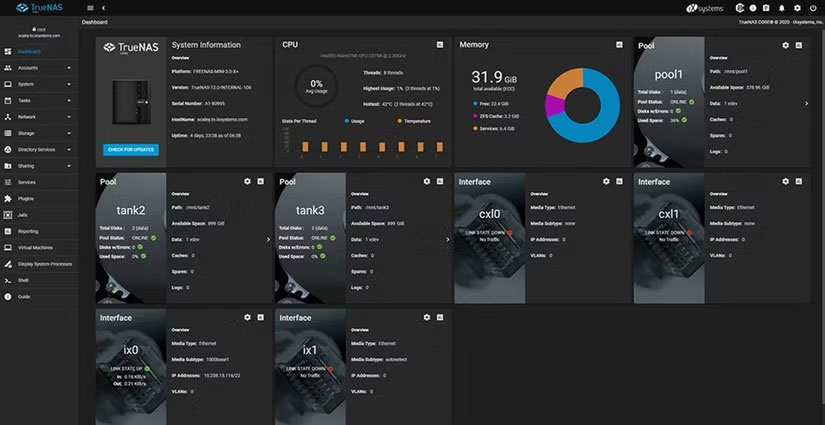
With concerns about free cloud storage growing, many people are deciding to take control of their digital files and privacy by switching to a more local setup. The system includes a NAS (network-attached storage device), a few external hard drives, and an SD card for use with a mirrorless camera.
You can repurpose your old laptop into a homemade NAS using TrueNAS Scale. This local server gives you cloud-like convenience, allowing you to view, upload, and download your photos from anywhere. You can also run an open source application called Immich, which makes the NAS more suitable for storing photos by providing improved support for displaying and managing both photos and videos.
For redundancy, back up your NAS to an external hard drive connected via USB. Take snapshots using the ZFS file system, which only copies new or changed data. This makes every backup after the first much faster. Update the drive monthly or immediately after uploading important new photos.
Not only can you save the photos you take with your camera to the NAS, but you can also save the original files on the SD card used for each trip or special event.
SD cards are inexpensive, so many people buy one for each occasion, label it with the date and location, and then transfer the photos to both a NAS and an external hard drive.
Depending on the event, a 16GB to 64GB SD card is usually sufficient. A UHS-I card will do just fine if you're primarily shooting at slow shutter speeds. Don't bother with ultra-high-speed cards either. Of course, if you're shooting at extremely high resolutions or using burst mode, you'll probably want a higher capacity SD card with faster write speeds.
You have backups if one device fails or one method fails. Check your devices regularly and update everything as needed.
Why Should You Still Use Paid Cloud Storage Services?
Even with reliable local storage solutions, you should still pay for cloud storage, especially if your data is really important to you. It does have one major drawback — it's all stored in the same physical location while local storage gives you control and peace of mind. All your photos could be lost at once if something catastrophic happens at home. Plus, just syncing to the cloud without a local copy isn't enough. Remember, syncing and backing up your data are not the same thing.
That's where the 3-2-1 backup rule comes in. You should have at least 3 copies of your data, stored on 2 different types of media, with 1 copy stored off-site or in the cloud. Paid cloud storage is the most practical way to meet that last requirement and protect your files from the unexpected.
Paid cloud storage shouldn't be considered a complete replacement for local backups, but for ultimate security, it's hard to beat. Storing your most important memories elsewhere is one less thing to worry about. The small subscription fee seems worth it when you're protected from every angle.
Free cloud storage can be convenient, but it's not worth the sacrifice in privacy, reliability, and control. By managing your own backups and using paid cloud storage sparingly, you can build a system that keeps your photos safe the way you want them to be. Ultimately, peace of mind is worth much more than "free.".
Final Thoughts
The most reliable way to handle why should you stop relying on free cloud services for photo storage is to follow the process in order, verify each important setting, and test the result before moving on. Use the guidance above as a practical reference, then adjust the details for your device, software version, or specific goal.
FAQ
What should I know first about Why Should You Stop Relying on Free Cloud Services for Photo Storage?
Many people used to think that free cloud storage was good enough to store all their photos, but they quickly realized that these services had some notable drawbacks.
How do I get the best results with Why Should You Stop Relying on Free Cloud Services for Photo Storage?
Use current software or equipment, follow the steps in order, review the recommended settings, and test one change at a time so you can identify what improves the result.
What should I do if Why Should You Stop Relying on Free Cloud Services for Photo Storage doesn't work as expected?
Check compatibility, permissions, connectivity, and version-specific settings. Restart the relevant device or app, then repeat the process carefully before trying a more advanced fix.
Related Articles
 5 Little-Known Free Cloud Storage Apps6 minutes read
 The Best 'Cloud Storage' Data Storage Services Today9 minutes read
 Photo Storage App - Top 5 Free & Safest Photo Storage Apps: Main Insights8 minutes read
 How to Use Anytrans for Cloud to Manage Cloud Services8 minutes read
 Tencent Offers Cloud Services of 10 TB Capacity for Free4 minutes read
 6 Best Ways to Protect Your Dropbox3 minutes read
Reader Comments 0
Sign in with email or Google to join the discussion.