Table of Contents
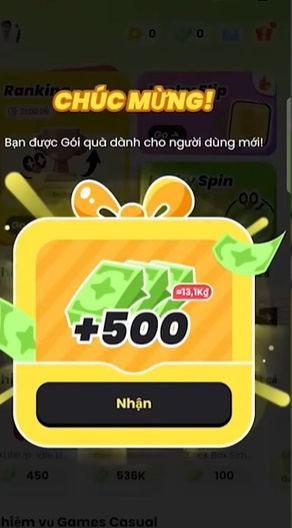
PinJoy is an Android rewards app for adults. It lists game and promotional tasks with goals such as installing an app or reaching a specified milestone. After a third-party provider verifies an eligible completion, PinJoy credits a reward balance that may be redeemable for supported vouchers or cash options.
That description does not guarantee a profit or a successful payout. Offer availability, verification, thresholds, and redemption methods vary by account and region. Read the exact conditions before starting and calculate whether the reward is worth the time, mobile data, permissions, and possible in-app spending.

How PinJoy's reward model works
- An advertiser or offer provider supplies a task with eligibility rules and a target action.
- PinJoy shows the task to eligible users.
- The user reviews the deadline, tracking requirements, reward, and any required purchase.
- The provider tracks and verifies whether the milestone was completed correctly.
- An eligible completion is credited to the user's balance after verification.
- The user requests an available reward after meeting the current redemption rules.
The advertiser pays for user acquisition or engagement, and part of that value funds the reward. This is a common business model, but it creates practical limitations: tasks can disappear, tracking can fail, a user may be ineligible, and a completed activity may remain pending while a provider checks it.
What the app currently offers
The official listing describes goal-based game and app tasks, progress and verification statuses, and regional rewards. PinJoy's own website also advertises casual games, leaderboards, vouchers, and cash redemption where supported. These are company descriptions, not independent proof of payout reliability.
| Feature | What to verify in the app |
|---|---|
| Offer tasks | Eligibility, target milestone, deadline, tracking steps, reward, and required spending |
| Progress tracking | Whether the task shows as started before you invest time |
| Reward balance | Difference between points, coupons, vouchers, and withdrawable cash |
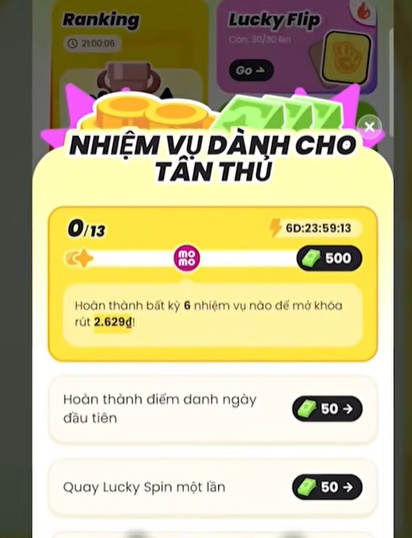
| Redemption | Minimum threshold, first-withdrawal requirements, fees, payment method, and processing time |
| Leaderboard or referral activity | Current rules, eligible regions, limits, and whether rewards are guaranteed or competitive |
Is PinJoy available on iPhone?
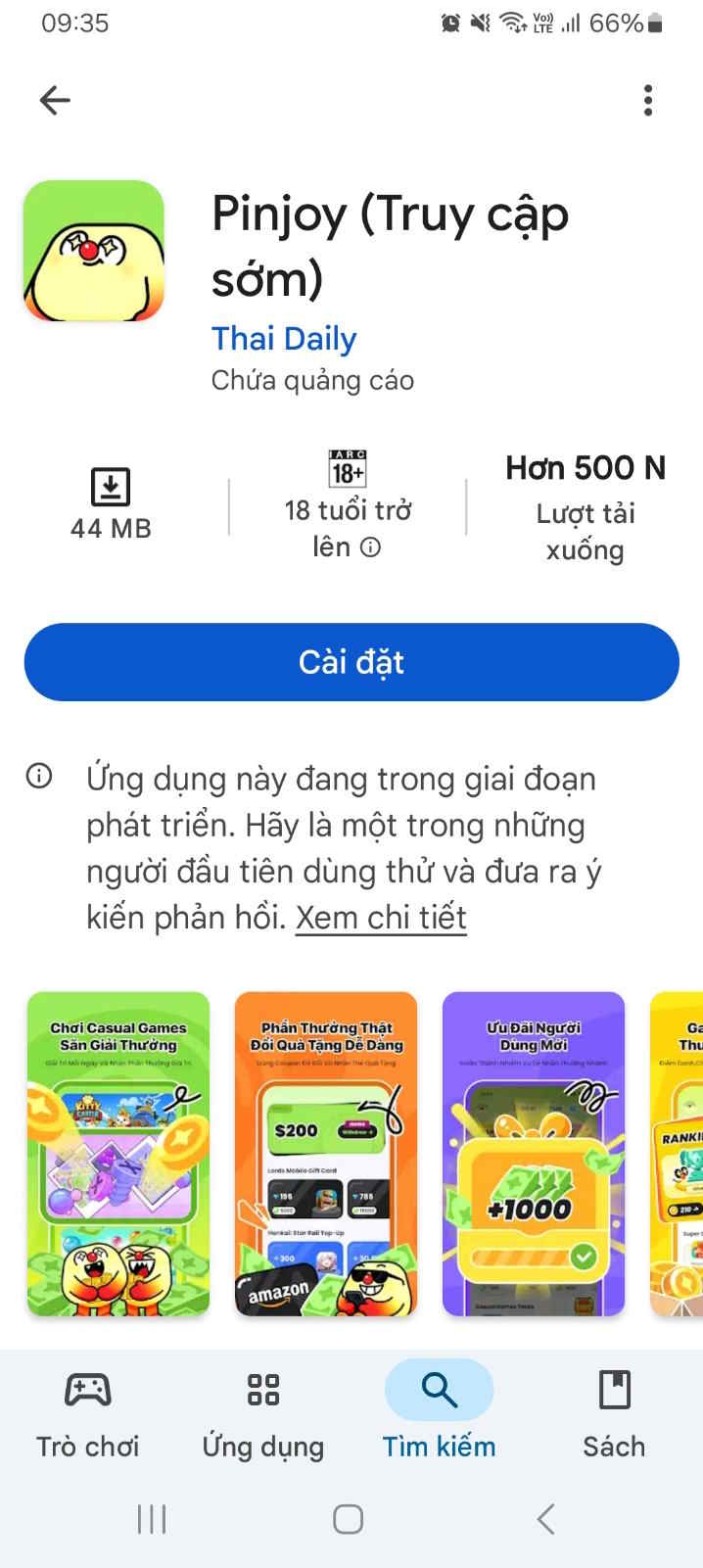
At the time of review, an official PinJoy listing could be verified on Google Play for Android, but a corresponding official Apple App Store listing could not be confirmed. Do not install an iOS configuration profile or an unrelated app that uses a similar name. Search the App Store directly and compare the publisher, website, privacy information, and app identifier with PinJoy's official channels.
Can PinJoy be considered reliable?
No responsible review can promise that every user “will get paid.” PinJoy has an official website, terms, and a Google Play listing, but its own marketing and payment examples are not independent audits. Reward outcomes depend on the user's eligibility, offer provider, tracking, region, and current rules.
Before committing substantial time:
- Read the latest PinJoy Terms of Use and privacy policy.
- Inspect recent reviews for a pattern of tracking, support, or withdrawal problems, while remembering that individual reviews are not conclusive.
- Start with a no-purchase task and confirm that tracking begins.
- Take screenshots of the offer, deadline, milestone, reward, and completion.
- Try the smallest available redemption before accumulating a large balance.
- Stop if the app asks for an unexpected payment to release an earned reward.
Common reasons an offer is not credited
- The app was installed before the offer started. Many campaigns are limited to new users or first installs.
- Tracking was blocked. Ad blockers, privacy settings, VPNs, or a connection change can prevent attribution.
- The goal or deadline was misunderstood. Reaching level 9 does not satisfy an offer that requires level 10 within seven days.
- The user or region was ineligible. Advertisers can restrict device, location, age, or prior participation.
- Verification is still pending. The provider may need time to validate the event.
- The account violated the rules. Multiple accounts, bots, falsified activity, device manipulation, or location spoofing can invalidate rewards.
Do not disable security protections permanently. If an offer requires invasive permissions or tracking you are uncomfortable with, skip it.
Costs and privacy to consider
A “free” reward task can still consume hours, battery power, mobile data, and personal information. Some game goals may encourage in-app purchases; subtract any purchase from the reward before deciding whether the offer has positive value.
Review the permissions of both PinJoy and every promoted app. Surveys may collect demographic or opinion data, while game offers can involve device identifiers used for attribution and anti-fraud checks. Use a unique password, enable device security, and never provide a banking password, one-time code, or identity document through an unverified support message.
A safer way to test PinJoy
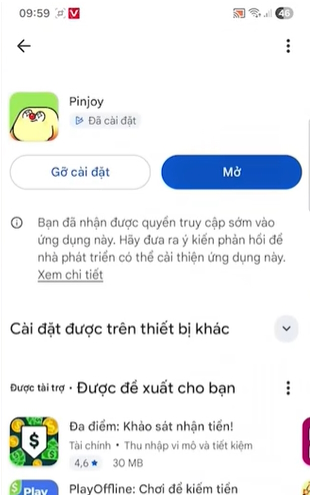
- Install only from the verified Google Play listing linked by PinJoy's official website.
- Read the first-withdrawal conditions shown in the current app.
- Choose a small, free task with a clear deadline.
- Confirm it appears as started or tracking before continuing.
- Document completion and wait for the stated verification period.
- Use in-app support if it remains uncredited, without sharing passwords or authentication codes.
- Attempt a small redemption before taking on longer or paid offers.
Treat PinJoy as a promotional rewards service, not employment or dependable income. If the effective hourly return is poor or the required data and permissions are not acceptable, the rational choice is to stop using it.
Related Articles
 Top Websites Pay for Guest Post Writers: Explained3 minutes read
 Top 30 Sites Will Pay for the Things You Did13 minutes read
 7 Ways to Make Money on Amazon5 minutes read
 5 Tips on How to Make Money Online from Home5 minutes read
 The Fastest Way to Make Money Online from Home, Without Needing Any Capital10 minutes read
 Top Ways and Useful Ideas to Make Money Online7 minutes read
Reader Comments 0
Sign in with email or Google to join the discussion.