
Apple says the Camera Control button can work in landscape or portrait mode and has built-in force and touch sensors to support different gestures.
- Single Click - Opens the Camera app (or third-party app).
- Click once, open Camera - Take photo.
- Tap and hold - Open Camera app, start recording video.
- Light press - Opens controls like zoom. It also locks focus and exposure (coming this fall) to reframe your shot without losing focus.
- Double tap - Bring up the camera preview menu to select different controls like exposure or depth of field.
- Swipe - Swap between available adjustment options and also change parameters like zoom, exposure or depth of field when selecting a control.

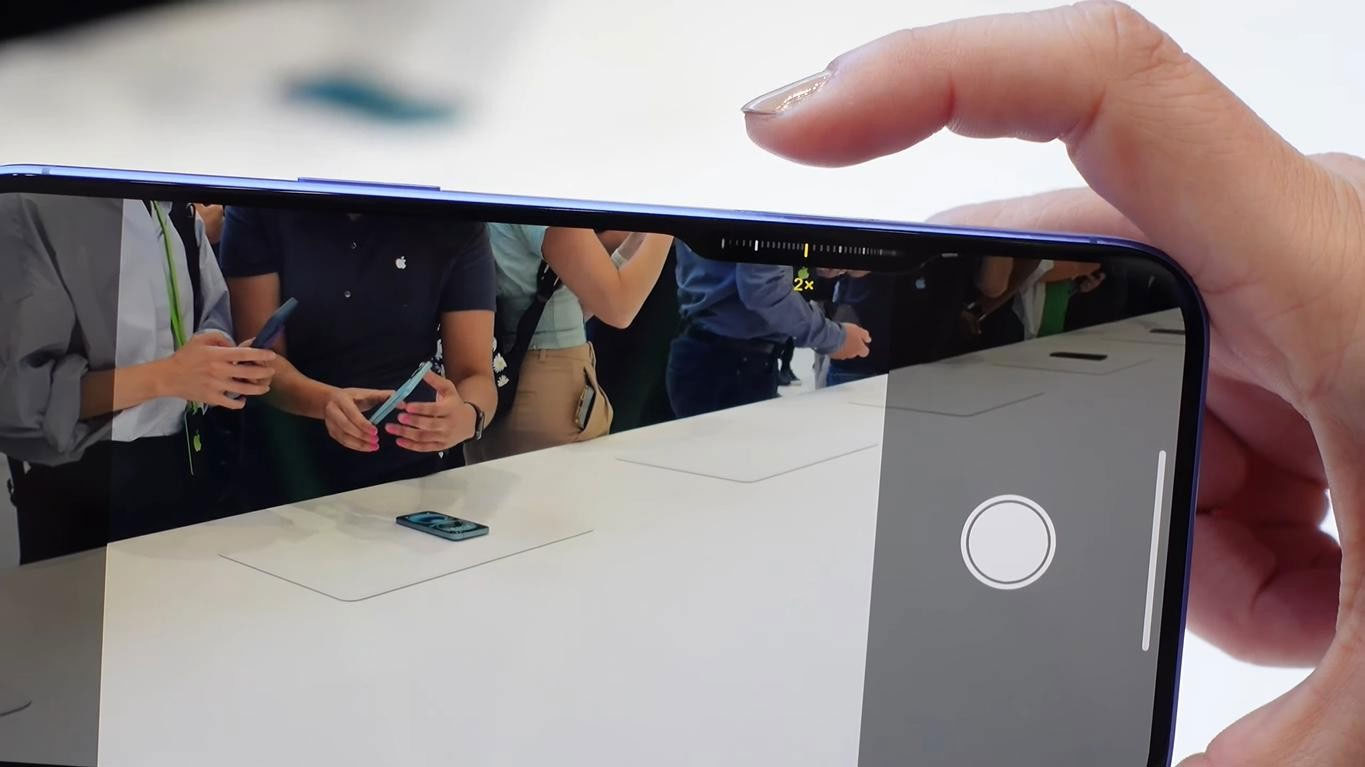
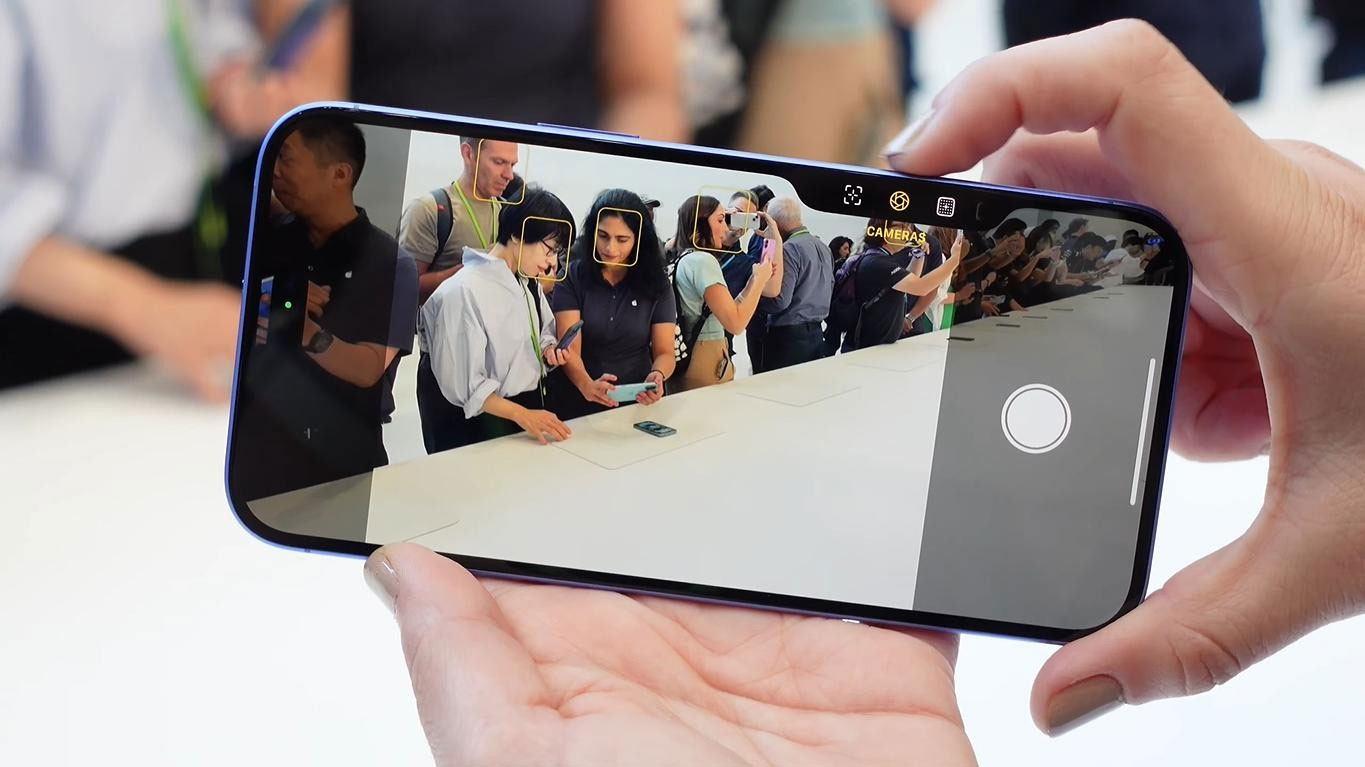
This button has in-depth software support, so you can also swap between controls without having to manually go into the Camera app.
- Adjust zoom level
- Adjust exposure
- Adjust depth of field
- Swipe through different style options
Third-party developers will be able to leverage Camera Control for their apps to adjust settings, and it will work in social media apps like Snapchat.
Later this year, Camera Control will be able to work with a new Visual Intelligence feature. Users will be able to open the Camera app and point it at an object to get information about it with a tap-and-hold gesture. For example, pointing the camera at a restaurant will show opening hours and ratings, or pointing the camera at a tree will identify what kind of tree it is. Using Visual Control with something that has a date, like a flyer, will add the date to the Calendar app.
Camera Control will act as a gateway to third-party tools, such as when a user wants to Google an item to buy or use ChatGPT to solve a problem. There are settings that allow users to change the double-tap speed and the sensitivity of the button to a light press.
Camera Control has a sapphire crystal coating with a smooth texture, surrounded by a stainless steel bezel. It's embedded slightly into the frame of the iPhone, and the force sensor has haptic feedback to feel like a DSLR camera shutter.





Reader Comments 0
Sign in with email or Google to join the discussion.