Table of Contents
Samsung began rolling out stable One UI 7 in April 2025. The warning for Galaxy S24 beta testers concerned the upgrade path from an early beta build. If your phone is already on stable One UI 7 or a newer release, you do not need to install an old beta.
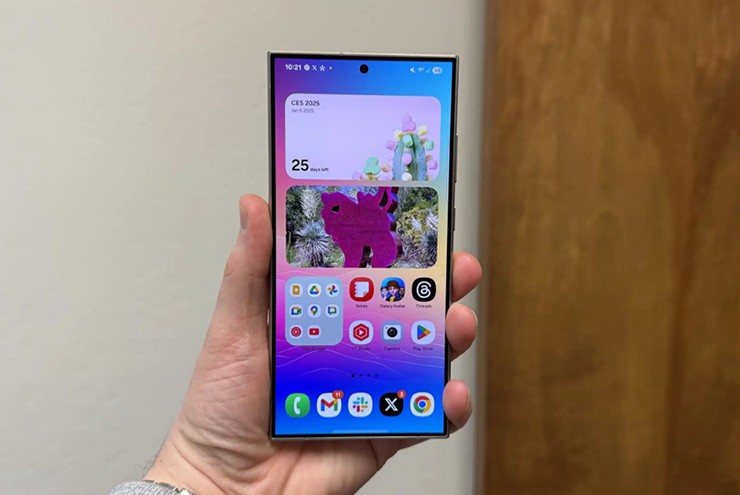
If the phone still appears to be on a beta
- Open Settings → About phone → Software information and record the One UI version and build number. Back up important data before making changes.
- Check Settings → Software update → Download and install and follow the update path offered to your exact phone. Check any relevant notices in Samsung Members.
- If the phone offers no stable update, contact Samsung with the model and build number before downloading firmware or withdrawing. The notice originally told participants to stay current on beta updates so they could move to stable through the normal update process.
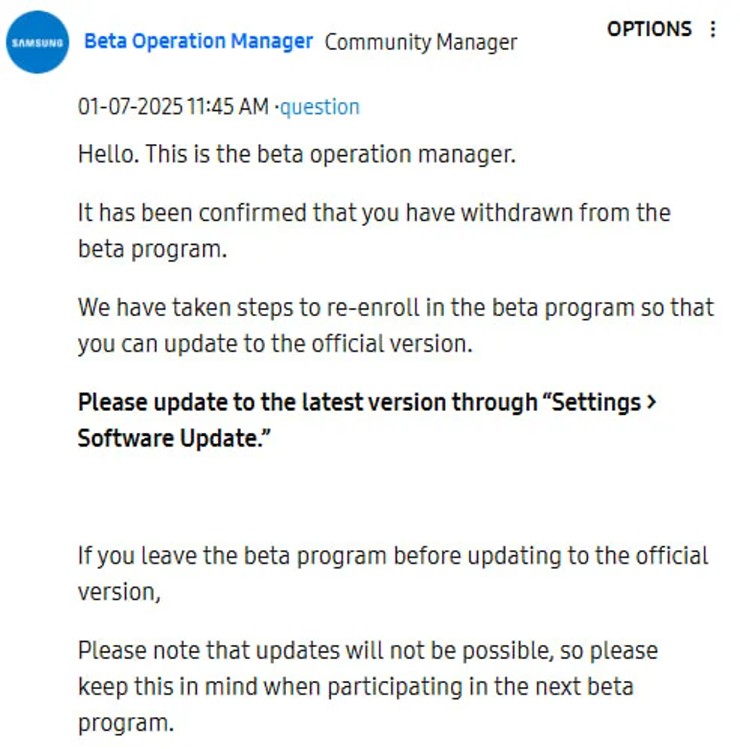
Withdrawing and rolling back are separate steps
Samsung's One UI Beta documentation says enrollment can be ended in Samsung Members. Removing installed beta software before moving to a stable release can require a rollback through Smart Switch on a computer. That process resets the phone. Verify the backup and follow Samsung's instructions for your build before proceeding.
For the historical schedule, see Samsung's stable release announcement.
Related Articles
 Windows 10 collects and sends your activity history to Microsoft
 Galaxy Ring: Samsung's smart ring collects user health data and sends it to smartphones
 Should you buy the Samsung Galaxy A52s phone?
 Samsung's messaging application encountered an error, sending photos to any person who the owner did not know
 Galaxy A70 becomes a brick after updating Android 10
 After Apple, Samsung also caught the suspicion of slowing down old smartphones
Reader Comments 0
Sign in with email or Google to join the discussion.