Table of Contents
This guide provides a clear, practical overview of "Photoleap - the Ultimate AI Editor for All Photos". It organizes the most useful details, explains important considerations, and highlights the steps or choices that matter most.
What is Photoleap?
Photoleap is an all-in-one photo editing app. Think Canva and Photoshop rolled into one small smartphone package. Not only can you edit photos, but you can also create AI images, create digital art, and add motion and 3D effects to your photos. That's impressive for a mobile app.
For loyal Lightroom users, the design options that come with it are what enticed them to try the app. If they edit photos on their phone, they'll need another app to add design elements like text and effects. They've used Photoshop Express before, but didn't really like it. They also want to explore the AI capabilities in Photoleap.
Interface and ease of use
Let's dive into the details. The interface looks attractive and fun, with vibrant colors. At first glance, you can understand that this app is for modern, casual creatives who will appreciate a fast workflow.
Once you're in the app, you'll see a lot of options. Thankfully, everything is organized so it's easy to navigate. There are three sections: Discover , Edit , and Generate .

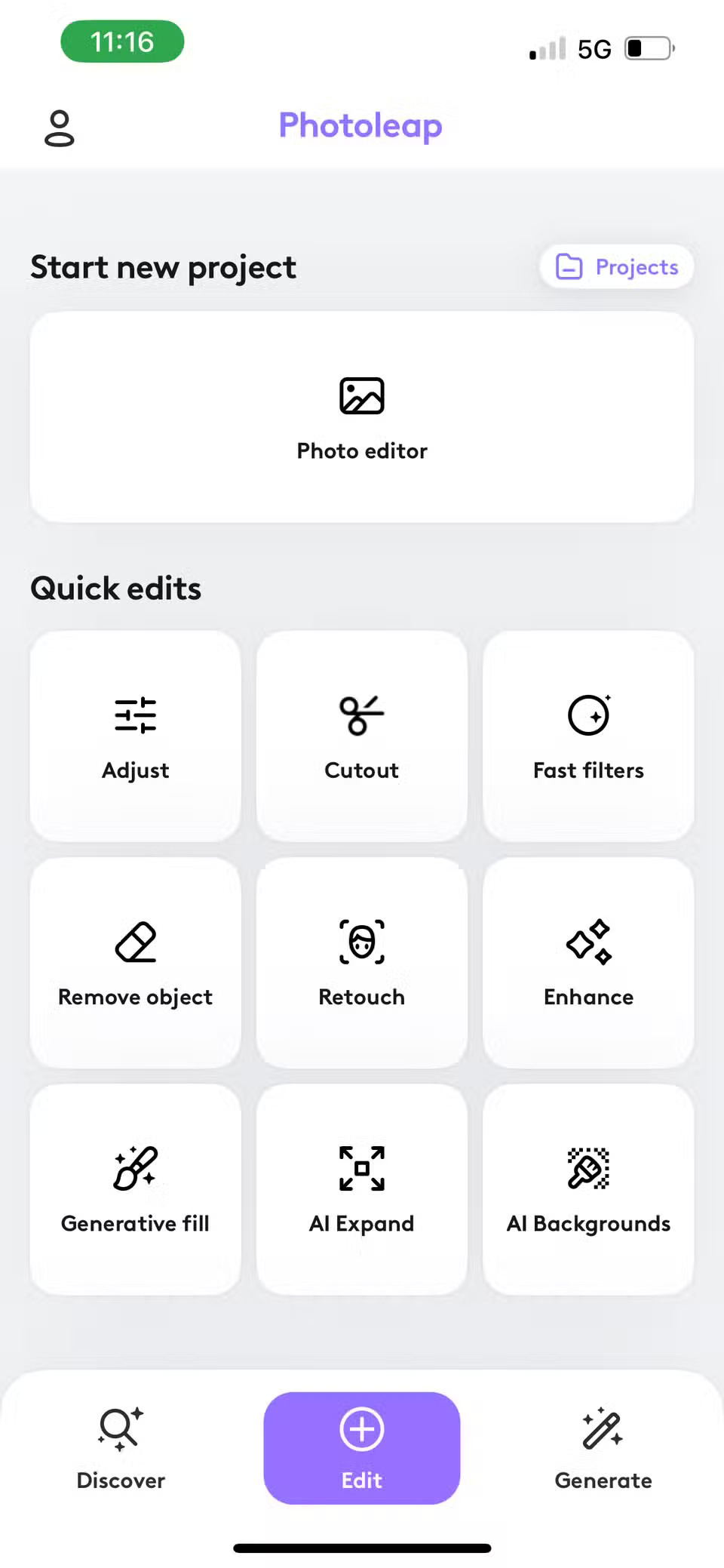
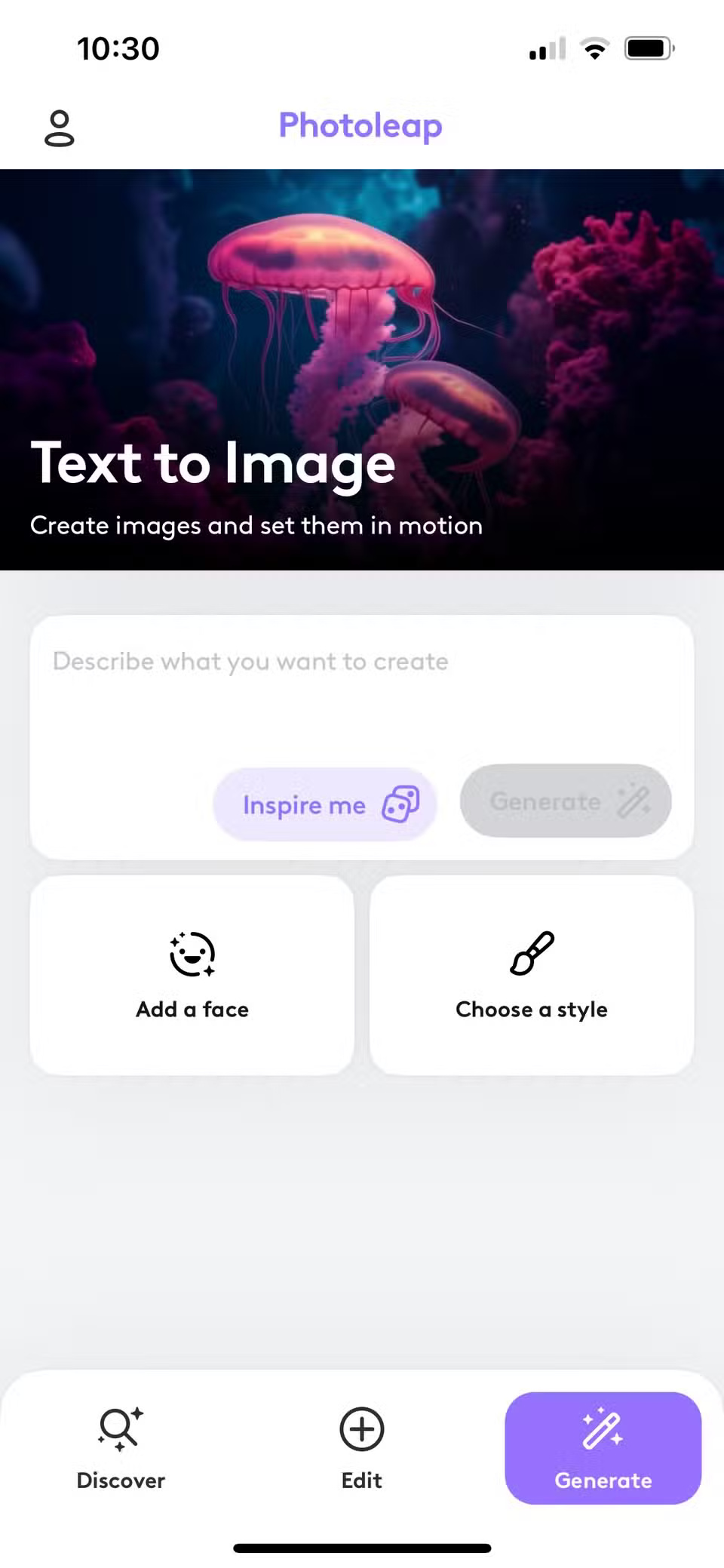
The Discover section gives you an overview of everything available on the app. The most used modules are at the top. This handy option is appreciated because you don't have to navigate or search for frequently used items. Take some time to check out their top picks section where you can see and learn more about the app's features.
If you are a social media enthusiast, don't miss Social Essentials. You can create portraits and collages, change backgrounds, remove distracting elements, transform heads, and zoom in, all without much hassle. Imagine doing all this in Photoshop. It would be time-consuming and you would need all the design expertise. This app is a great gift if you want to create designs in a snap.
Photo editing
You'll find all of your photo editing options in the Edit section, which is where you'll spend most of your time. At first glance, the first impression is a little disappointing. The tools are arranged linearly, not in groups like Lightroom. The Edit section has all of the essential tools you need to edit your photos, but they're arranged a little differently.
If you're an experienced photo editor, this can be frustrating. But for the most part, you'll find them in the order you expect. If you can't find a particular tool, take some time to look around. Rest assured, you'll find it—it just takes a little time to get used to the new layout.
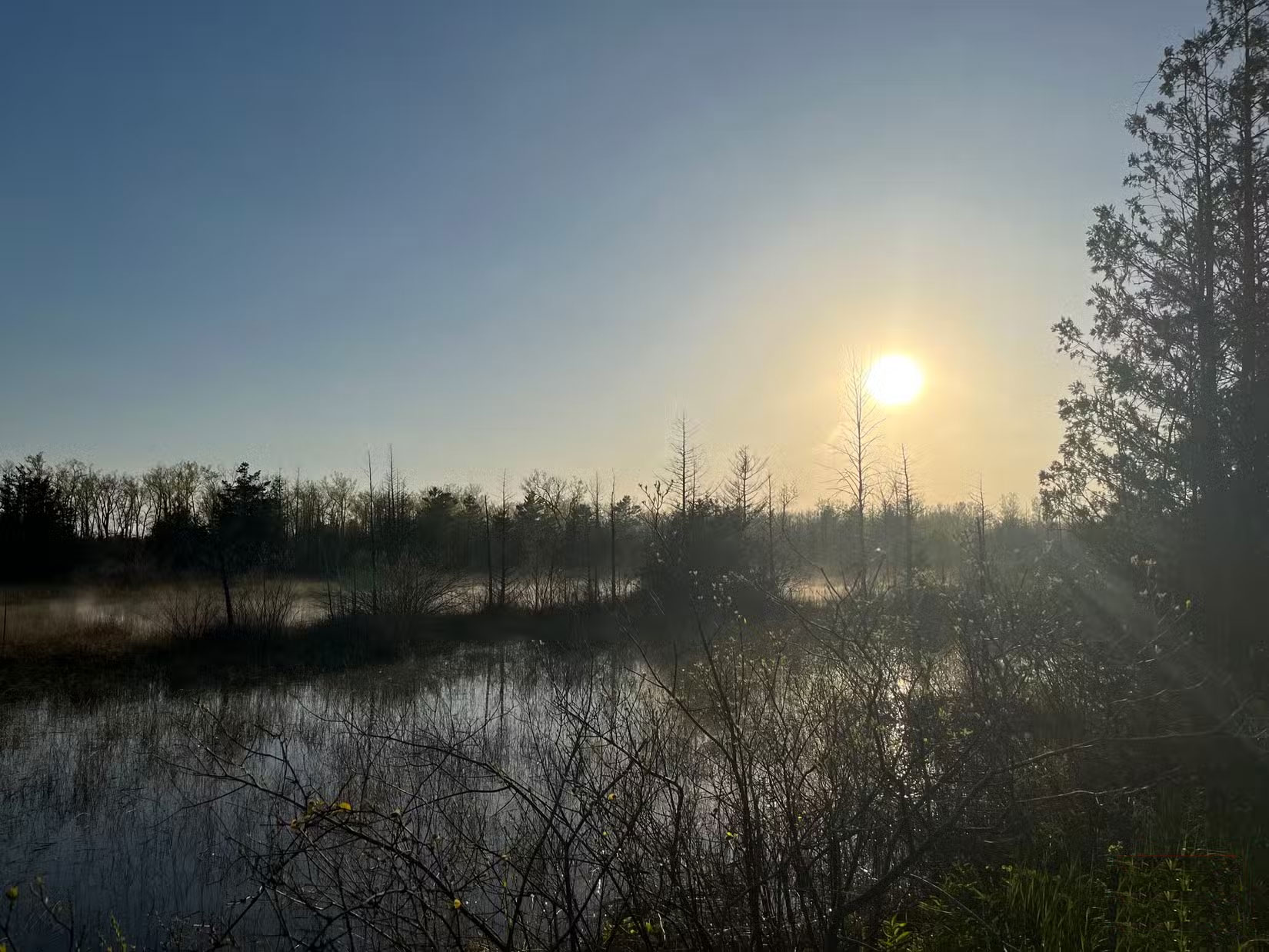
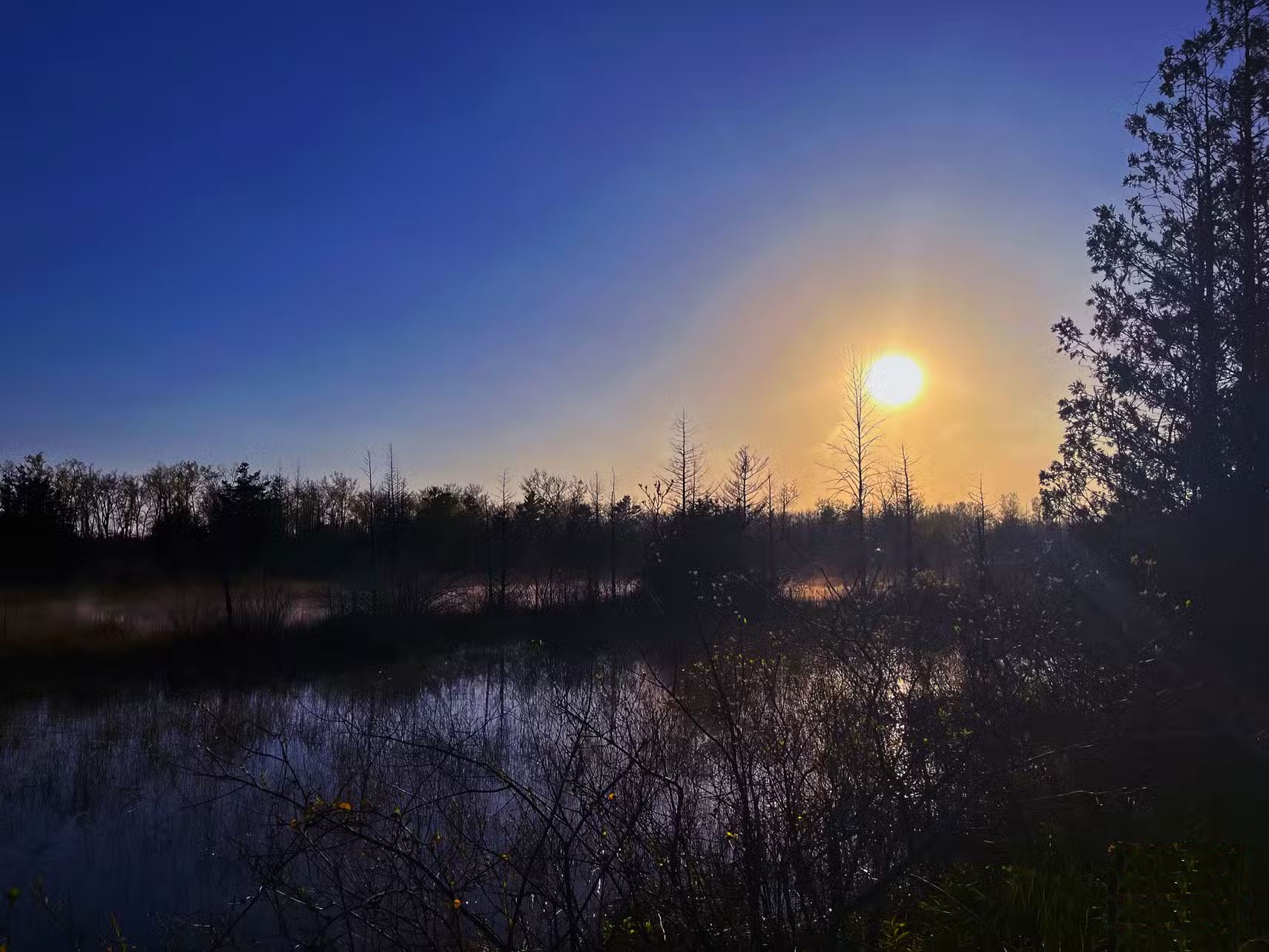
You'll have fun with the selective editing options, which let you edit individual elements of your image, such as the subject, background, and sky. The Curves tool, which you rarely see in basic photo editors, is also worth a mention. It gives you more control over brightness, contrast, and color correction, making your images look punchy and sharp.
AI Features
To start, you must try the AI-powered Remove tool. Just click the button and all the distractions will disappear in a second. It doesn't get any easier than that.


A word of caution, though. As with all AI edits, don't go overboard or your images will look creepy. Zoom in as much as you can when editing and be careful. After trying several different photos, the quality of your AI edits will largely depend on the quality of your images. You'll likely get precise, detailed designs with high-quality images. On the other hand, the results will be inconsistent with lower-quality photos.
If you are interested in creating images, the Photoleap option works great. Many people rarely create images with AI, so they don't use it much. However, some people like the Image to Video option. The results are seamless and practical. If you like sparkle and magic, try the Animate option to bring your photos to life.
Who is Photoleap for?
From what you've learned so far, you should have a good idea of whether Photoleap is right for you. Keep in mind that all of these powerful tools may not be useful for realistic or documentary photography. They're meant for creating artistic and expressive images. Just keep that in mind before you sign up and commit to using the app.

If you are a busy creative looking to speed up your workflow, you will love this app. It will also benefit influencers who need to create modern designs quickly. If you are a regular user, you will love this easy app for creating party invitations and fun pranks for your family and friends.
Photoleap costs $59.99 for a yearly subscription and $7.99 for a monthly subscription.
FAQ
What is Photoleap?
Photoleap is an all-in-one photo editing app. Think Canva and Photoshop rolled into one small smartphone package. Not only can you edit photos, but you can also create AI images, create digital art, and add motion and 3D effects to your photos. That's impressive for a mobile app.
What should you know about interface and ease of use?
Let's dive into the details. The interface looks attractive and fun, with vibrant colors. At first glance, you can understand that this app is for modern, casual creatives who will appreciate a fast workflow.
What should you know about photo editing?
You'll find all of your photo editing options in the Edit section, which is where you'll spend most of your time. At first glance, the first impression is a little disappointing. The tools are arranged linearly, not in groups like Lightroom. The Edit section has all of the essential tools you need to edit your photos, but.
What should you know about aI Features?
To start, you must try the AI-powered Remove tool. Just click the button and all the distractions will disappear in a second. It doesn't get any easier than that.
Related Articles
 How to Use AI Image Editor to Edit Photos with AI: Clear Instructions5 minutes read
 How to Use the Editor Tool in Google Photos for Web: Complete Guide7 minutes read
 Instructions for Editing Photos on Icecream Photo Editor4 minutes read
 How to Use Hidden Video Editor on Windows 119 minutes read
 Download Photo! Editor 1.1: Multifunctional Photo Editor6 minutes read
 Compress Photos, Reduce Image Size with Bzzt! Image Editor3 minutes read
Reader Comments 0
Sign in with email or Google to join the discussion.