Table of Contents
The Sora 2 models and Videos API are no longer available through OpenAI's API. OpenAI's deprecation notice lists September 24, 2026 as the shutdown date for the Videos API, sora-2, sora-2-pro, and their listed snapshots. This article updates the original 2025 launch coverage so developers do not mistake it for current setup guidance.
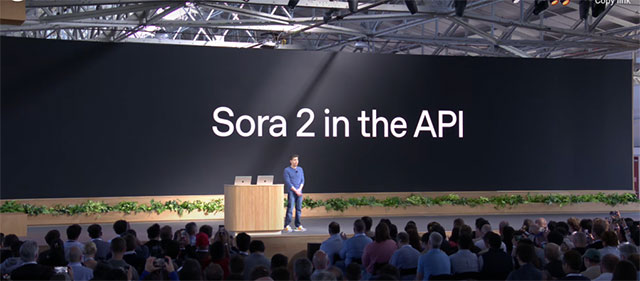
From launch to shutdown
| Stage | Meaning for developers |
|---|---|
| 2025 API launch | Sora 2 became available for programmatic video generation |
| March 24, 2026 deprecation notice | OpenAI announced removal of the models and Videos API |
| September 24, 2026 shutdown | The listed API service and models reached their removal date |
See the official OpenAI deprecation notice. Its table does not name a replacement for this service. Do not assume that changing a model name makes an old video integration work.
What the original API offered
The launch introduced programmatic generation of video with synchronized audio from supported prompts and image inputs. The original coverage distinguished a standard Sora 2 model from a higher-quality Pro variant.
The workflow involved submitting a generation job, checking its progress, and downloading a completed result. Listing and deleting jobs supported application housekeeping. These are historical capabilities, not endpoints readers should now expect to call successfully.
Why old pricing and limits can mislead
Launch-era duration, resolution, price, and access tables describe a particular version of a service. They are unsuitable for planning a new application after shutdown. Likewise, promises about future features should not be treated as evidence that those features became available.
The API lifecycle notice also should not be used to infer the status of every consumer app or separate video product. Check each product's own current documentation.
What to check in an existing integration
- Find configuration, scheduled jobs, and user-facing features that reference the retired model IDs or Videos API.
- Disable new requests to the retired service and show a clear unavailable state instead of repeatedly retrying.
- Check which generated files your application already saved under its own retention policy. Do not assume a retired download endpoint will restore missing assets.
- If you select another service, evaluate its current access, input rules, output formats, audio support, limits, and costs separately.
- Update documentation and test error handling before re-enabling video generation.
Keep the historical launch announcement separate from operational guidance. A model page or old example can remain searchable after a service's support status changes, so verify lifecycle notices before building around it.
Related Articles
 OpenAI Launches Sora 2: AI Model for Realistic Video Generation, with New iOS App
 Existing OpenAI models and their best uses.
 YouTube CEO: OpenAI may have violated platform rules to train Sora
 Warning: Fake Sora 2 versions flood the App Store
 6 OpenAI Sora alternatives you can try for free
 OpenAI Reveals Blockbuster Plan: Integrating Sora Video-Generating AI into ChatGPT
Reader Comments 0
Sign in with email or Google to join the discussion.