Table of Contents
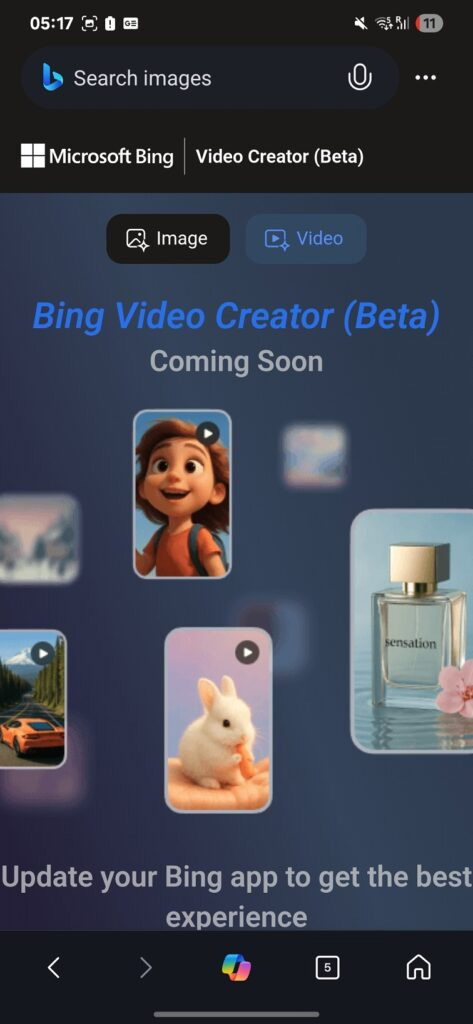
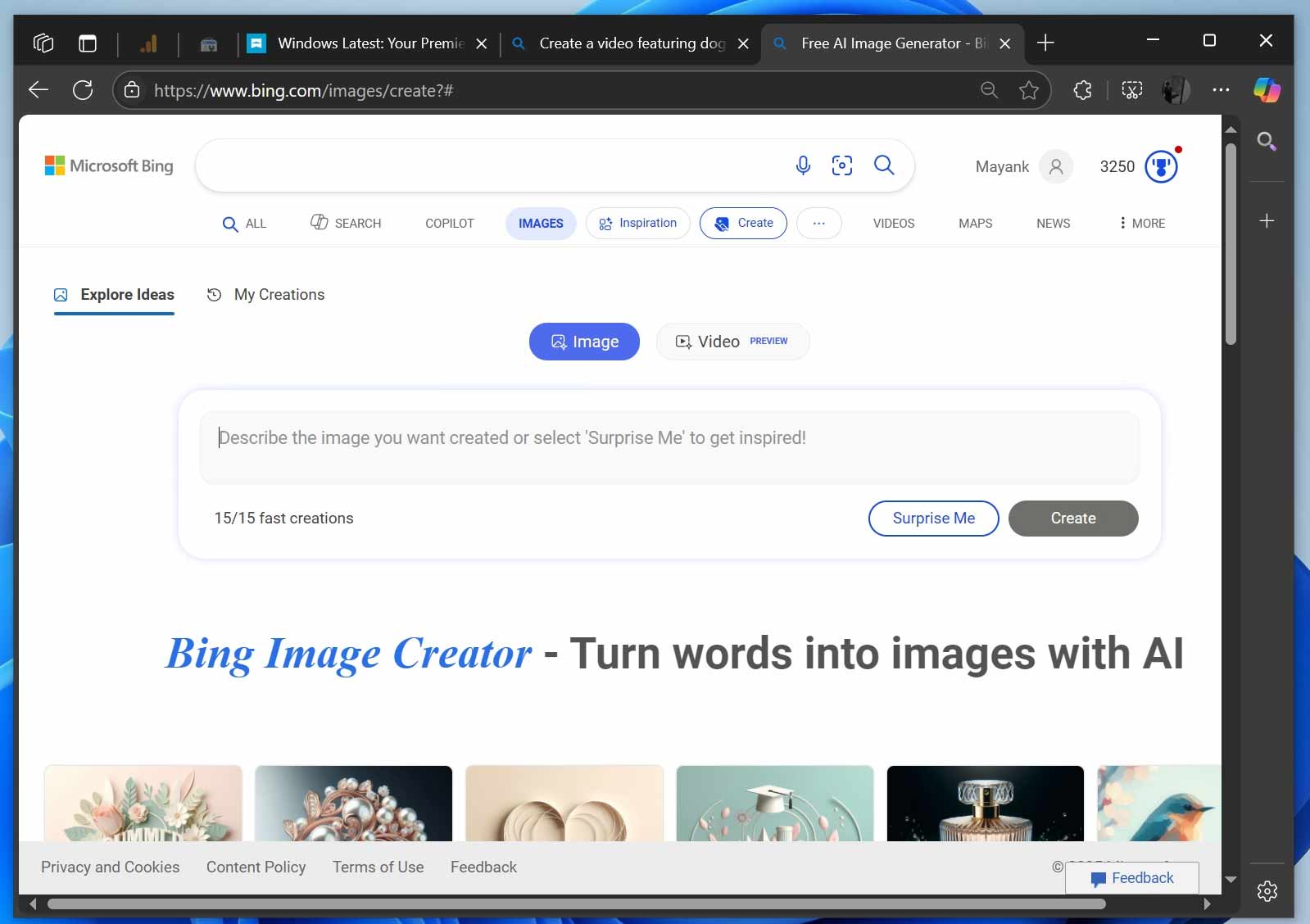
Bing Video Creator turns a text description into a short AI-generated clip. Sign in with a Microsoft account and open Video Creator in the Bing app. If the desktop page redirects you to mobile, continue in the app.
Generate a video from a prompt
- Open Video Creator in the Bing app.
- Describe the subject, action, setting, and camera framing. For example: “A red paper boat drifts through a puddle after rain, viewed from ground level, with a slow pan to the right.”
- Choose a vertical or horizontal frame if both are offered. Check the available generation speeds and any points or credits shown before you submit.
- Open the finished clip in your recent creations. Download a copy if you want to keep it.
Why your settings may look different
Microsoft has changed Bing Video Creator since its initial release. Use the duration, framing, and queue options shown in your version. The official feature page explains how generations and saved videos are handled. If a clip looks cluttered, simplify the prompt to one subject and one main action.
Related Articles
 Microsoft Offers AI Video Creation Tool for Free with Bing Video Creator
 Microsoft rebranded Bing Chat as Copilot to compete with ChatGPT
 Microsoft is gradually improving its image search feature for Bing
 Microsoft will launch Bing without advertising
 Bing Image Creator integrates the latest GPT-4o image generation model from OpenAI for free
 8 advanced search tips with Bing
Reader Comments 0
Sign in with email or Google to join the discussion.