Table of Contents
This guide covers hp envy 15 high-end laptop box with practical context and easy-to-follow details. Use it to understand the subject and apply the information confidently.
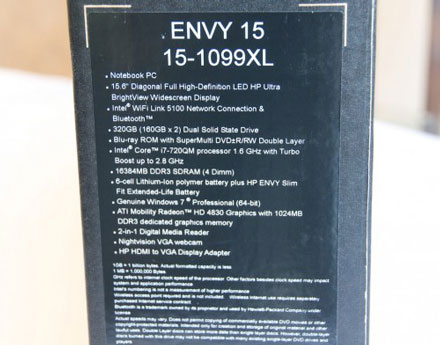 Paper outside the box indicates the configuration of HP Envy 15. This high-end laptop is available in Vietnam for VND 49 million.
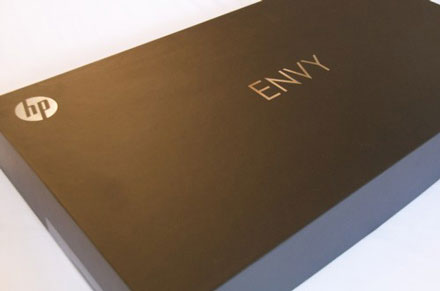 Inside the carton box is a very beautiful box, like a jewelry box. On it was printed with the logo of HP and Envy.
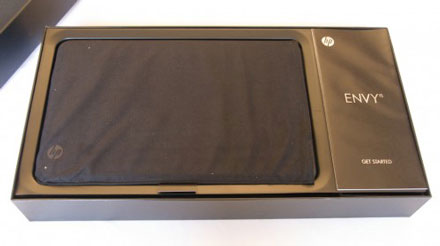 Envy 15 is encased in a protective fabric. Next to the right is the laptop's manual.
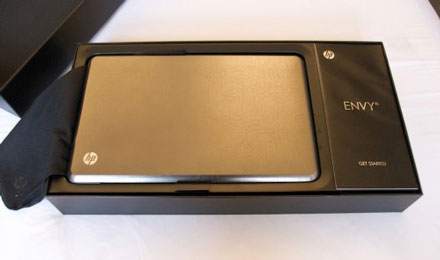 Removing the protective fabric will see the engraving design sink on the front of the machine.
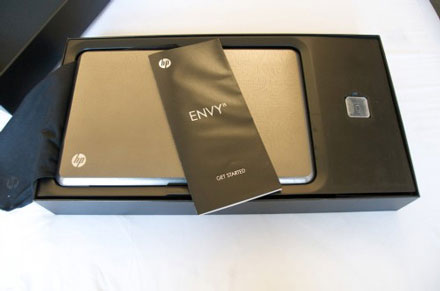 Under the instruction manual is an SD card memory card.
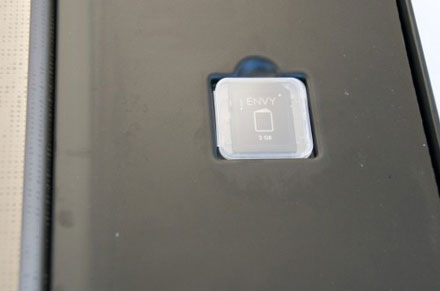 SD memory card also has the Envy logo.
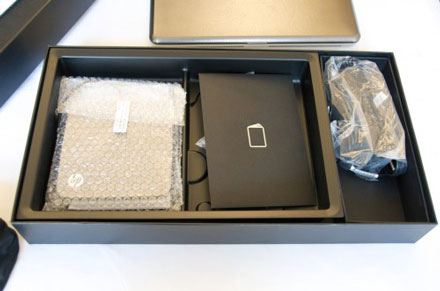 Remove another layer of glossy paper to ' Close up ' the Envy 15 and all accessories, Blu-ray players, warranty cards and AC adapters.
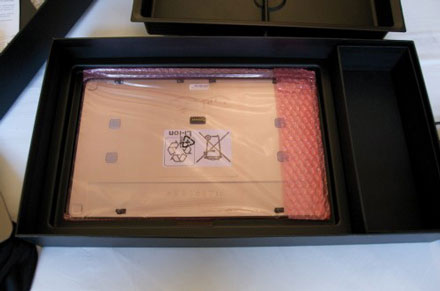 Remove another layer of fabric and see the battery.
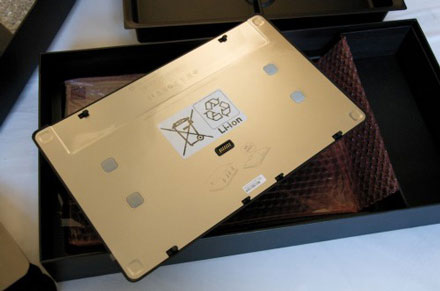 The back of the battery is quite similar to the back of the laptop.
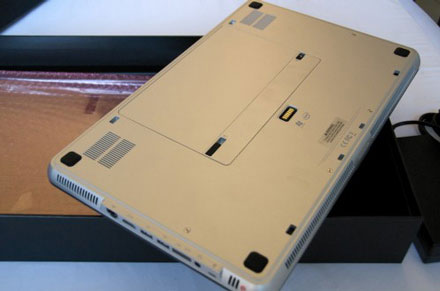 Nice design, neat.
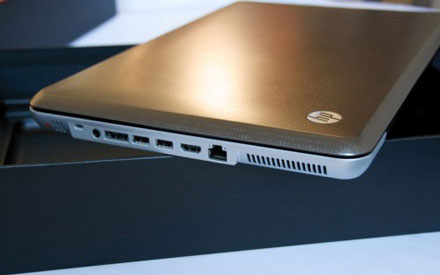 Right side of the machine without extended battery.
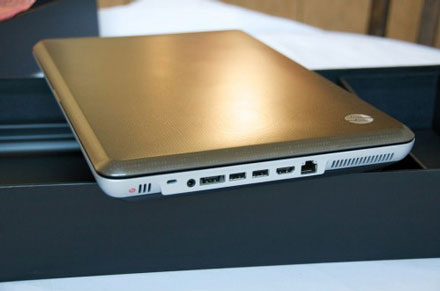 Right side of the machine when the extended battery is attached.
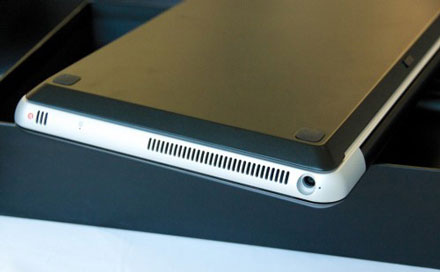 Close up of extended battery.
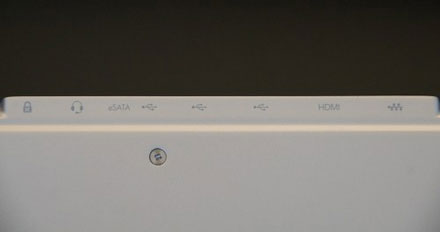 Communication ports.
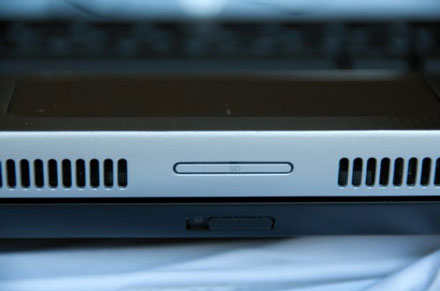 SD Card slot in between two external speakers.
FAQ
What should I check before following these steps?
Confirm device and software compatibility, save important data, and make sure you have the required permissions, files, and account access.
Why might the process not work?
Common causes include outdated software, missing permissions, incompatible hardware, an unstable connection, or completing a step in the wrong order.
Can I undo the changes if necessary?
That depends on the tool or setting. Use built-in restore options when available, keep a backup, and record the original configuration first.
Related Articles
 HP Launches Envy 15 High-end Laptop3 minutes read
 HP's High-end 3D Laptop Costs from $$ 1, 5993 minutes read
 HP Is About to Release the High-end Version of the Envy Laptop3 minutes read
 The New Envy 15 Will Be Equipped with USB 3. 03 minutes read
 HP Upgraded Envy 153 minutes read
 Compare the HP Envy 13 and Apple MacBook Pro4 minutes read
Reader Comments 0
Sign in with email or Google to join the discussion.