Table of Contents
Learn how to rebuild Windows settings using free open-source applications with clear steps.
However, some people decide to rebuild their Windows setup using only free, open-source applications. The goal isn't simply to find alternatives to Microsoft 365. They're building a different system and trying to break away from the Microsoft ecosystem as much as possible, while still using Windows 11.
Stop letting Windows dictate how you work!
Replace default behaviors instead of tweaking them
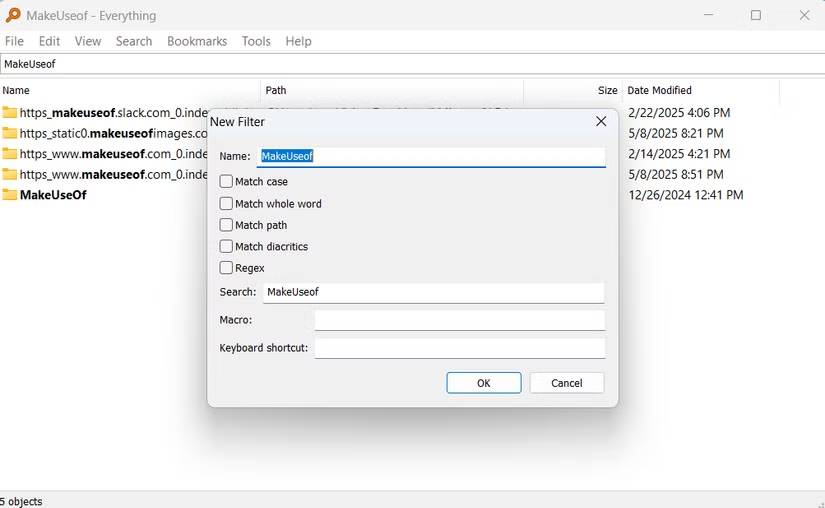
There are many aspects of Windows that people try to fix. The first thing that needs changing is how you interact with your files; the built-in search function could be better, smarter, and faster. Also, Windows File Explorer prioritizes clicks and browsing, but it's not the best option when you need a fast workflow.
VoidTools' Everything application is an instant upgrade to Windows' search functionality. Everything is perfect for lightning-fast searches. If you need to locate a file, no matter where it is, this tool will find it immediately. But it also has a minimalist philosophy and uses few resources, only about 14MB of RAM on a fresh Windows installation.
Double Commander immediately replaced File Explorer. Its two-window interface revolutionized daily file management, making work faster and easier. You no longer had to switch between tabs to compare file contents. Double Commander also allowed keyboard control, making it a faster choice for workflows. More importantly, it offered advanced controls that you still couldn't find in File Explorer. For example, you could rename hundreds of files at once using the Multi-Rename Tool . This tool supported regular expressions and included a real-time counter and preview, making it far superior to File Explorer.
These two additional applications (Everything and Double Commander) are the foundation that has changed the system's responsiveness to everyday tasks.
Replace paid productivity tools with systems, not applications
Notes, passwords, and syncing without a central account
For frequent note-takers, OneNote seems like the easy choice, especially if you use OneDrive or other Microsoft products. Windows also encourages you to use Microsoft's cloud-preferred options. This makes you heavily reliant on your account for daily work, and over time, it starts to become error-prone and less effective for real productivity.
Therefore, the first productivity change you should make is Joplin. Switching to using it as your note-taking application means all notes and files are stored locally, but more importantly, synchronization isn't mandatory. You can configure it however and whenever you want. It also uses Markdown, meaning notes are essentially files that you can export and use wherever needed. That eliminates any fear of being tied down that you might have been worried about.
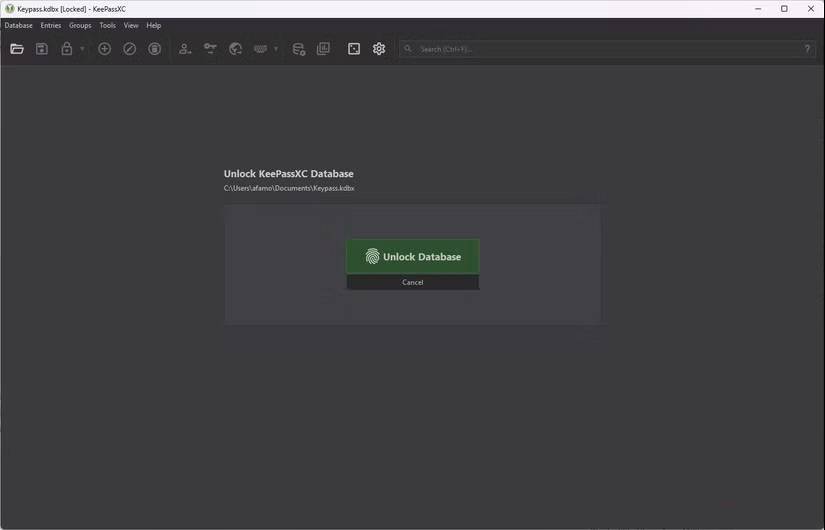
For password and login security, KeePassXC is a widely used offline password manager. Like Joplin, KeePassXC is completely in-house and does not send data to a server. The login credentials storage is encrypted and portable.
However, Syncthing is a tool that connects the entire work system. Because people often work on multiple devices, Syncthing helps unify the setup by only syncing what they specify. Instead of uploading to OneDrive, people share important content across multiple devices using Syncthing. Combining these three tools creates a powerful system that works even when the internet connection is lost.
Creative work doesn't need Adobe - just clearer boundaries
Choose a tool that does a specific task well
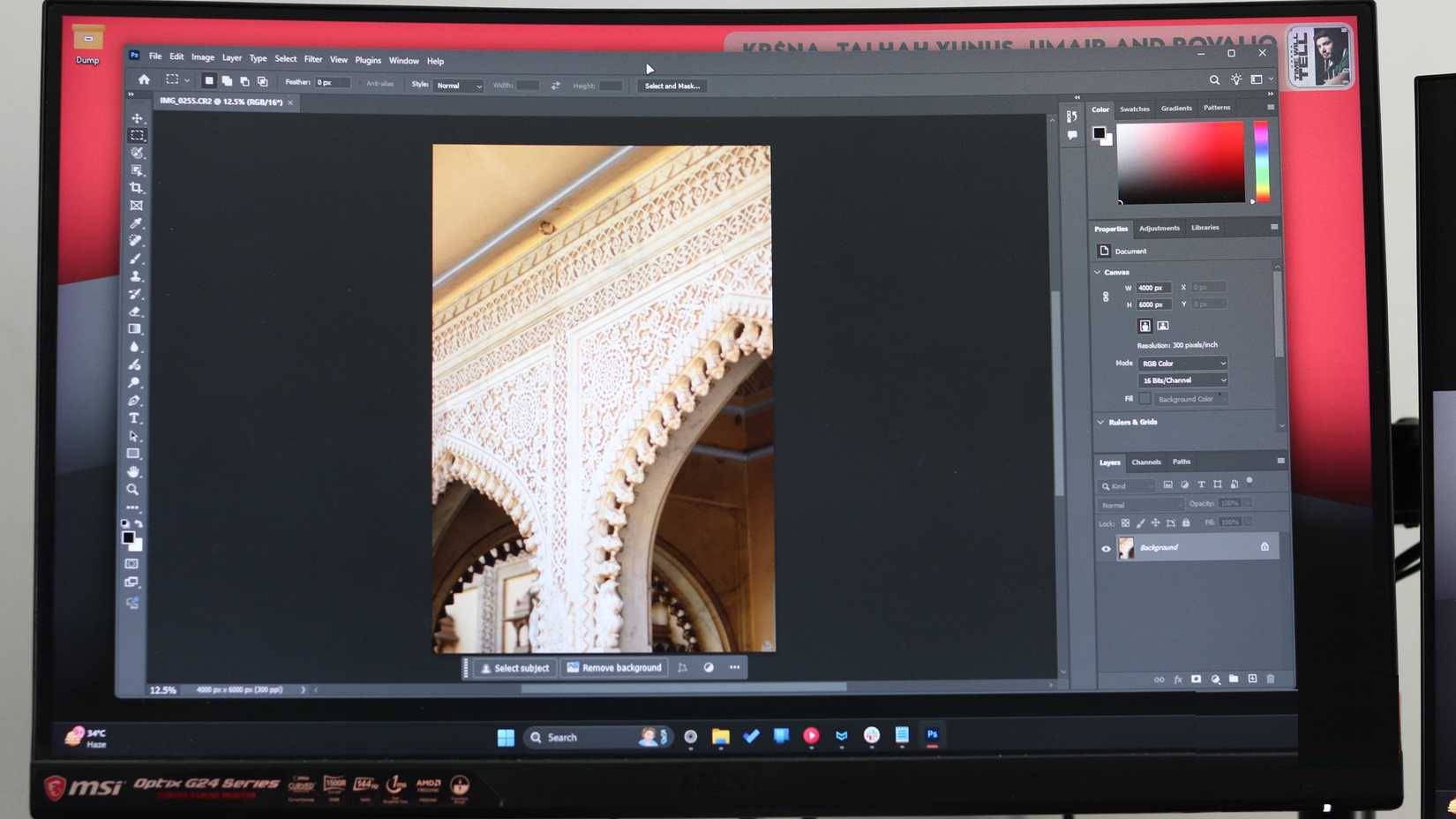
Windows encourages a suite-based approach, with Microsoft 365 and Adobe Creative Cloud being popular choices. These suites integrate many functions and are very flexible. However, they are more distracting and cumbersome than efficient. Therefore, for creative work, more specialized open-source options are preferable to these suites.
The setup includes GIMP for raster image editing, Inkscape for vector graphics, and Audacity for audio. Each software focuses on a single core task, which is what makes them effective.
Audacity is the industry standard for open-source audio, but you might prefer Tenacity if you're concerned about privacy, given that Audacity was acquired by Muse Group.
However, what's truly important is file compatibility. All three of these creative open-source tools utilize open standards that don't tie you to a specific application. Because each tool has clear boundaries, creative work sessions become more focused and efficient.
Final Thoughts
Use this guide as a practical checklist for how to rebuild windows settings using free open-source applications. Work through the steps in order, verify each result, and adjust the options to match your needs.
FAQ
What do you need before following this How to Rebuild Windows Settings Using Free Open-source Applications guide?
Review the required tools, accounts, settings, or materials mentioned in the article. Learn how to rebuild Windows settings using free open-source applications with clear steps.
What are the main steps for how to rebuild windows settings using free open-source applications?
Follow the sections in order, especially Stop letting Windows dictate how you work!, Replace default behaviors instead of tweaking them, Replace paid productivity tools with systems, not applications. Complete each step before continuing and verify the result as you go.
What should you do if the process does not work as expected?
Recheck the prerequisites, update the relevant app or service, review the settings, and repeat the step that caused the issue. Use any troubleshooting notes included in the guide.
Related Articles
 Can Open Source Technology Make Money?5 minutes read
 15 Open Source Applications You Should Know6 minutes read
 ReactOS Turns 30: the 'Open-source Windows' Continues to Develop Quietly5 minutes read
 4 Open Source AI Apps You Can Use Every Day6 minutes read
 10 Best Free Open Source Tools for Students7 minutes read
 15 Open Source Tools or to 'Manage' Windows9 minutes read
Reader Comments 0
Sign in with email or Google to join the discussion.