Table of Contents
This updated guide examines Configure Dtcl Play Smoothly Mobile Dtcl Mobile Play List and organizes the essential facts, background, and practical takeaways in clear American English.
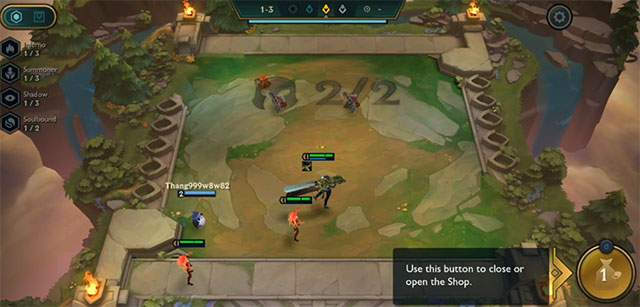
DTCL Mobile's configuration is also something that gamers are interested in. Today, Arena of Truth Mobile does not allow gamers to customize game graphics to suit machine configuration. So gamers only depend on the parameters on the machine only. Below is a DTCL Mobile configuration and a list of DTCL Mobile smooth players.
DTCL Mobile player configuration Mobile DTCL Mobile player list
With Apple devices, particularly the iPhone, the DTCL Mobile smoothing iPhone will start from iPhone 6S and above. With 2GB RAM configuration, 2-coreApple A9 chip, graphics CPU PowerVR GT7600 . Gamers will definitely be able to play DTCL Mobile smoothly.
For Android devices, the required operating system will first be from Android 5+ or above. The RAM requirement will be 2GB and will require a CPU from Snapdragon 439 or MediaTek MT6762 (P22) or higher. Here is a list of some android phones that can play DTCL Mobile smoothly.
- Xiaomi Redmi 8A
- Xiaomi Redmi 7 (2GB / 16GB)
- Xiaomi Redmi 8 all versions
- Xiaomi Redmi Note 8 (3GB / 32GB)
- Xiaomi Mi A3
- Xiaomi Redmi Note 7
- Xiaomi Redmi Note 8 Pro
- Vsmart Joy 2+ (2GB / 32GB)
- Vsmart Joy 3 all versions
- Vsmart Live
- Vsmart Active 3
- Vivo Y93
- Vivo Y11
- Vivo Y12
- Vivo U10
- OPPO A1K
- OPPO A7
- OPPO A5s
- OPPO A5 (2020)
- Samsung Galaxy A01
- Samsung Galaxy A10
- Samsung Galaxy A10s
- Samsung Galaxy A20
- Samsung Galaxy A20s
- Samsung Galaxy A30
- Samsung Galaxy A30s
- Huawei Y7 Pro
- Huawei Y9 Prime
- Huawei P30 Lite
- Huawei Y9s
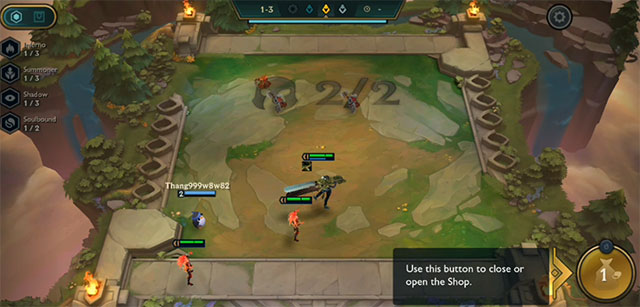
This is the DTCL Mobile configuration and the DTCL Mobile smooth player list. It is not known that in the upcoming updates, DTCL Mobile will have more options on DTCL Mobile graphics or not.
FAQ
What is Configure Dtcl Play Smoothly Mobile Dtcl Mobile Play List about?
It provides a structured overview of dtcl mobile play dtcl, explains the main context, and highlights practical takeaways for readers.
Why does this topic matter?
Understanding the main concepts helps readers evaluate the issue, avoid common mistakes, and make better-informed decisions.
How should readers use this information?
Use the guidance as a practical starting point, confirm details that may have changed, and follow current product, safety, or security recommendations.
Related Articles
 How to Fix the Error Is Stopped at the Dtcl Mobile Login Screen3 minutes read
 How to Register to Download the Arena of Truth Mobile Earliest3 minutes read
 Dtcl Mobile Needs to Improve in the Near Future5 minutes read
 Akali DTCL Season 10: Items for Akali K/da, Akali True Damage7 minutes read
 How to Create a Dtcl Mobile Account3 minutes read
 Fix Dtcl Mobile Queue Error: How to Bypass the Dtcl Mobile Queue3 minutes read
Reader Comments 0
Sign in with email or Google to join the discussion.