Table of Contents
There is no legitimate website or app that can generate unlimited Free Fire Diamonds. Tools that request your login, verification code, an APK installation, or a payment to “unlock” free Diamonds are common account-theft and malware traps.
Free Fire's premium currency is normally purchased. The safe methods below may provide a code, prize, store credit, or discount, but availability varies by country, event, and account. None guarantees a steady supply of Diamonds.
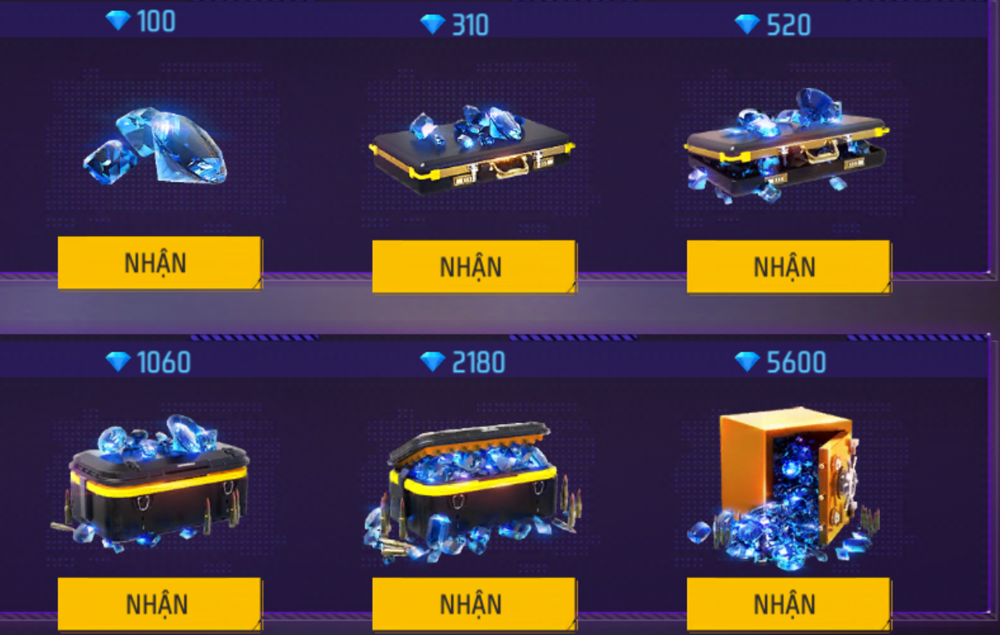
1. Redeem codes from official Free Fire channels
Garena sometimes distributes redemption codes through official events, broadcasts, esports campaigns, or regional social accounts. A code may grant an item rather than Diamonds, so check the announced reward before redeeming it.
Use only the official Free Fire Rewards Redemption Site. Current codes use 12 or 16 uppercase letters and numbers. Sign in with the platform linked to the game account, enter the code exactly, and confirm the account nickname before submitting.
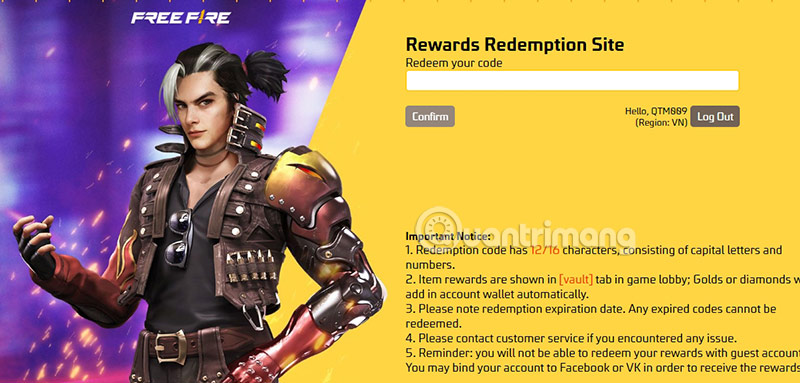
Item rewards are delivered through the in-game mailbox or Vault, while some currency rewards are applied to the account. Expired, region-restricted, already-used, or incorrectly typed codes will fail. Never enter a Facebook, Google, Apple, Garena, or platform password on a page reached through an unverified message.
2. Complete official in-game and regional events
Open the Events section in Free Fire and check Garena's official regional website and verified social pages. Events may offer items, vouchers, tokens, discounted draws, or occasionally currency. Read the eligibility, server, dates, and task conditions before participating.
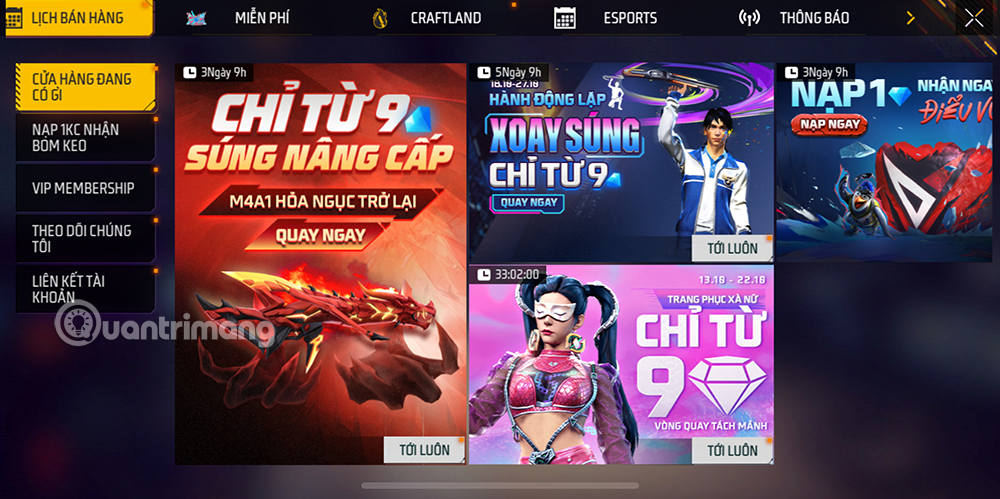
A page that copies Garena branding is not automatically official. Verify the domain, do not sideload an unknown app, and do not share an OTP or recovery code. Legitimate in-game events appear inside the game or are linked from an official Garena channel.
3. Enter verified tournaments or creator events
Community and creator tournaments can offer Diamonds or other prizes, but they are not guaranteed and may not be operated by Garena. Check the organizer's history, written rules, region, prize distribution, and contact details. Prefer events promoted through official Free Fire esports or verified community channels.
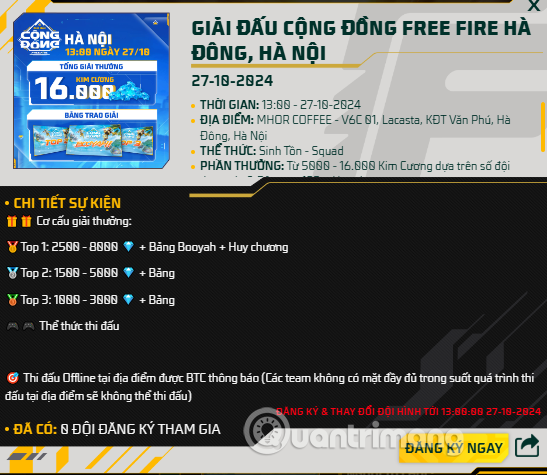
Avoid tournaments that require an account password, remote access, a suspicious APK, or a large “verification” fee. Do not assume that finishing in a particular rank always pays Diamonds; prize structures are set by each organizer.
4. Use Google Opinion Rewards where eligible
Google Opinion Rewards sends occasional surveys. On Android, completed surveys can add Google Play credit to the associated payments profile. If Free Fire purchases are available through the same Google Play account and region, that credit may be usable at checkout.
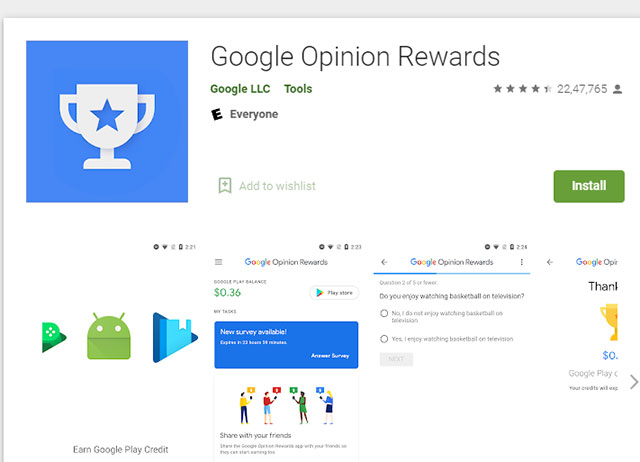
- Survey frequency and reward amounts vary; some setup surveys are unpaid.
- Use the same Google account for Opinion Rewards and Google Play.
- Google Play promotional credit can expire; the app shows the next expiration.
- On iOS, Opinion Rewards payment is handled differently and may use PayPal instead of Google Play credit.
- Do not change the App Store or Play country merely to access a reward program; eligibility and payment rules are regional.
5. Use Play Points, legitimate store promotions, or earned gift credit
Google Play Points may be exchanged for eligible in-game items, coupons, or Play credit in supported countries. App-store promotions and legitimate gift-card rewards can also reduce the cash cost of a purchase. Check the value before spending time on an offer.
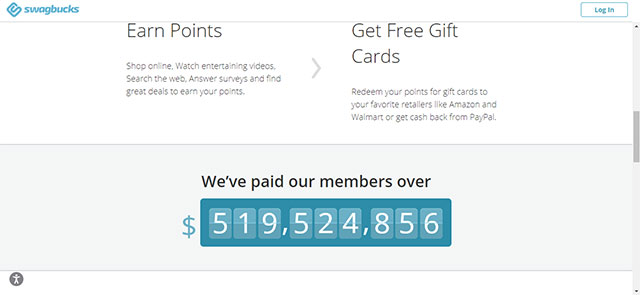
Avoid generic “get paid to” sites that demand unnecessary personal information, install multiple apps, or delay withdrawal behind new requirements. Even a legitimate survey service may pay too little to justify the time or data it collects. Use well-known store programs, read the terms, and never pay money to receive a supposedly free gift card.
Free Diamond methods to avoid
- Diamond generators, modified APKs, scripts, injectors, and “anti-ban” tools.
- Pages asking for a password, OTP, recovery code, or social-login token.
- Offers that require disabling Play Protect or phone security settings.
- Screen sharing or remote-control sessions with an unknown “support” agent.
- Cheap top-ups from sellers who cannot explain the payment source.
- Giveaways that require an upfront fee or ask you to recruit more people before withdrawal.
These methods can lead to account theft, unauthorized purchases, malware, or a game ban. If credentials were entered on a suspicious page, change the linked account password, enable two-step verification, sign out of unfamiliar sessions, and contact the appropriate platform or Garena support.
Check before spending or redeeming
- Confirm that the game account is linked and the displayed player name is correct.
- Use the official game, store, or Garena redemption domain.
- Read the region, expiry, and reward description.
- Keep receipts for paid purchases and do not share order details publicly.
- Set a spending limit, especially for children or accounts using a family payment method.
For current gameplay changes, see TipsMake's guide to the Free Fire OB51 update and Nero. Players who prefer a PC setup can compare the main Android emulators for computers and should still install Free Fire only through a trusted store.
Related Articles
 New Ways to Get Free Free Fire Diamonds Every Day 202411 minutes read
 How to Get Free Fire Diamonds for Free in January 20215 minutes read
 How to Get Free Fire MAX Diamonds for Free in 20254 minutes readHow to Get Free Fire Diamonds for Free in February 20215 minutes read
 How to Snatch 10,000 Diamonds from the Hail Loc Free Fire Event3 minutes read
 4 Ways to Get Free Diamonds in Free Fire: Features, Uses, and7 minutes read
Reader Comments 0
Sign in with email or Google to join the discussion.