Table of Contents
Status: the Free Fire OB51 Advance Server is closed. Its testing window ran from October 9 to October 20, 2025, and the final OB51 patch was released at the end of that month. The official Advance Server portal now relates to newer test cycles, so it will not provide a working OB51 client or activation code.
This page remains useful as an archive of the OB51 registration flow and the changes that reached the public update. Do not download an “OB51 APK” from a third-party mirror: an old or modified installer may be unsafe, incompatible, or a risk to your account.
OB51 dates at a glance
| Stage | Date | Current status |
|---|---|---|
| Advance Server testing | October 9–20, 2025 | Closed |
| Official OB51 patch notes | October 29, 2025 on Garena's English site | Archived |
| OB51 client and activation code | Valid only for that test cycle | No longer usable |
Garena has since published later OB updates. Check the official Free Fire patch-note index for the current version.
How Free Fire Advance Server access works
The Advance Server is a temporary testing environment for content that may appear in a future public update. Registration does not guarantee access, test clients can contain bugs, and features seen during testing may be changed or removed before release.
- Visit the official portal at ff-advance.ff.garena.com. Check the domain carefully before signing in.
- Sign in using an account method supported by Garena and complete the registration form shown for the active test cycle.
- If selected, save the activation code shown by the official portal. Codes are limited and tied to a particular testing period.
- When Garena opens downloads, get the installer from that same official portal. Do not use an APK reposted in a video description, file-sharing site, or code list.
- Install the test client only on a compatible device and enter the activation code when prompted.
- Use the in-game or official feedback channel to report reproducible bugs.
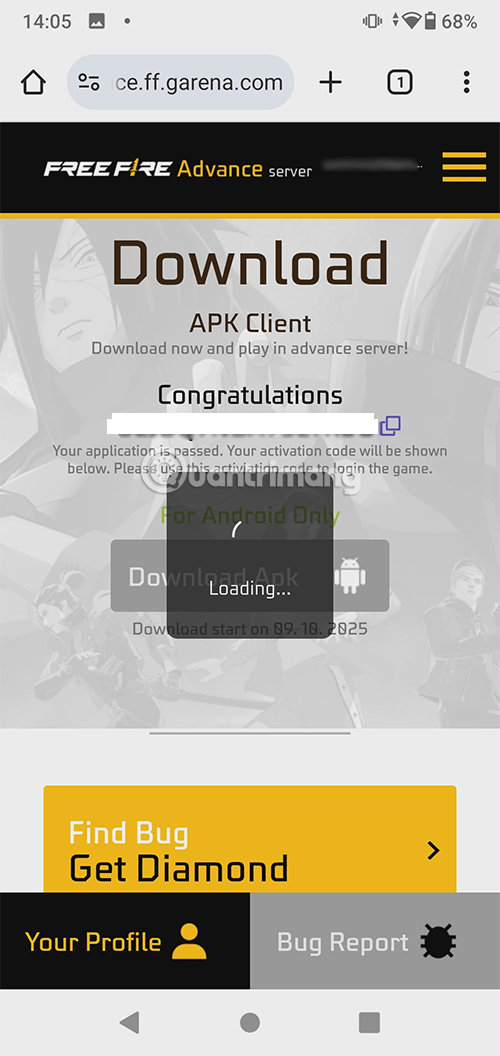
Why the portal may show an error or no download
- The registration or server window has not opened.
- The test period has ended.
- Your account was not selected or has no activation code.
- The portal is unavailable in your region or temporarily under maintenance.
- A browser extension, VPN, DNS filter, or cached session is interfering with the page.
A 403 or closed page is not a reason to search for an unofficial APK. Wait for Garena's next announcement and use the official portal when a new cycle opens.
Archived OB51 installation flow
The screenshots below show the OB51-era process. Button names, page layout, file size, sign-in method, and activation steps may differ in a newer Advance Server.
1. Download from the official portal during the open window
For OB51, selected Android testers could obtain the separate Advance Server APK after the portal enabled its download button. The file was not the same as the normal Google Play release.
2. Install without removing the public game unless instructed
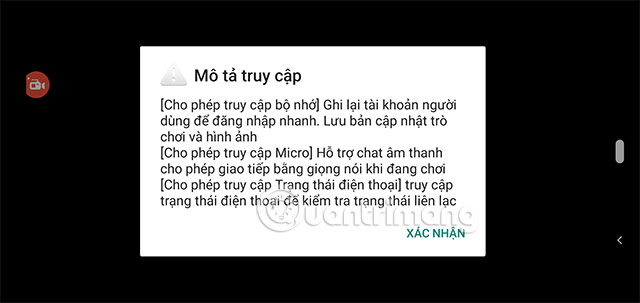
Android may ask for permission to install an app from the browser or file manager. Grant that permission only for the official Garena file, then disable it again after installation. If the device reports that the package is invalid or conflicts with another app, do not bypass the warning with a modified installer.
3. Create the test profile and follow the current sign-in prompt
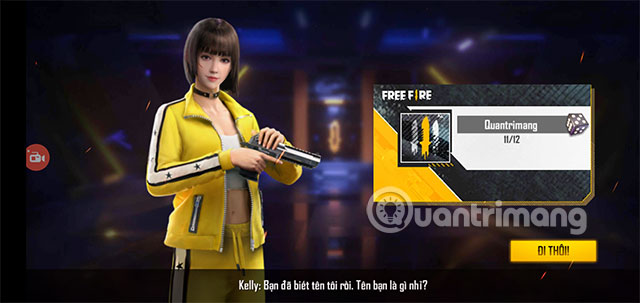
The test environment can use a separate character profile. Follow the options shown by Garena for that cycle; do not assume that a guest login or an old account method will always be available.
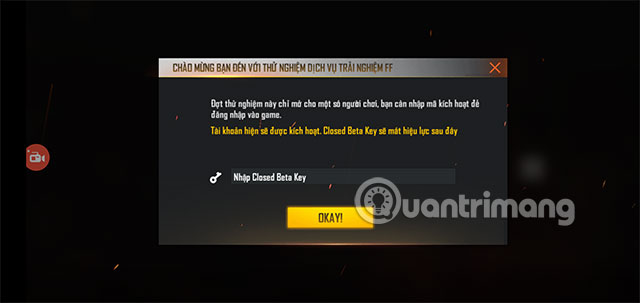
4. Enter the activation code issued to you
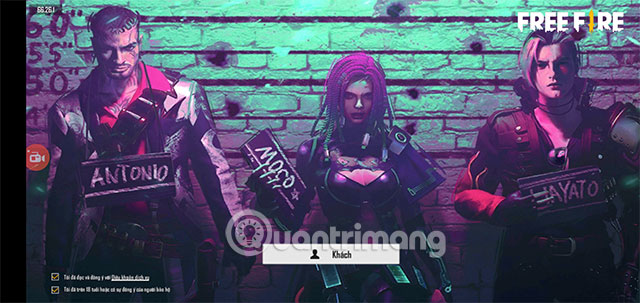
An activation code is an access credential, not a gift or redeem code. Do not post it publicly, buy one from a stranger, or use “code generator” pages. A code from OB51 cannot unlock a newer server.
What actually shipped in Free Fire OB51
The original article mixed confirmed changes with predictions about 100-player matches, unnamed characters, pets, Halloween rewards, and other leaks. Garena's official OB51 patch notes provide the reliable final record.
Flame Arena
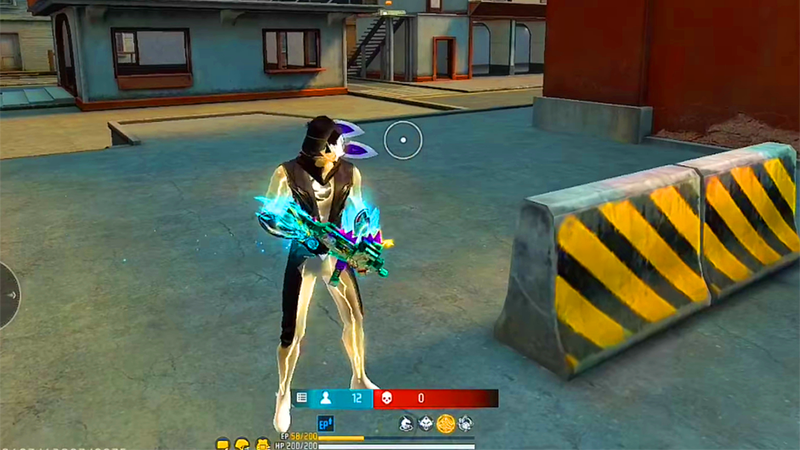
OB51 introduced the Flame Arena theme in Battle Royale and Clash Squad. Players were assigned team banners, and a Flame Zone or Flame Trophy appeared as matches progressed. The event also included special “Flamer” versions of several weapons.
Loadout rework
The previous loadouts were replaced by four redesigned options:
- Team Booster: team-wide boosts in Battle Royale and a remote Helper Bot in Clash Squad.
- Enhance Hammer: weapon or Gloo Wall enhancement mechanics.
- Tactical Market: purchasable information, mobility, and combat gadgets.
- Super Leg Pockets: combined benefits drawn from several older loadouts.
Battle Royale loot and revival changes
The patch adjusted airdrops, War Chests, vending machines, starting items, upgradeable arsenals, and coin rewards. It added Advanced Revival Points, fixed weapon racks around major locations, route waypoints, a Gloo Mushroom, and Gloo UAV-Lite.
New character: Nero
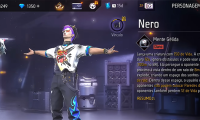
Nero's active ability, Cryo Mind, used a throwable plushie to create a damaging area that prevented Gloo Wall placement. Garena also adjusted Ford, Kairos, Rin, and several other character interactions.
New weapon: Winchester
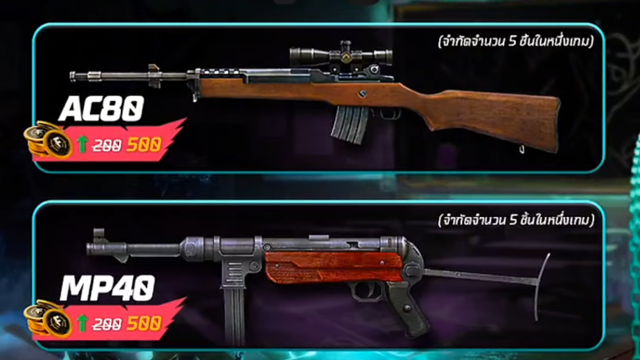
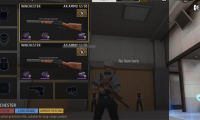
The Winchester arrived as an upgradeable marksman rifle with a two-round burst and partial reload behavior. OB51 also changed upgrade paths and balance values for several existing weapons.
Camera, HUD, and tournament tools
OB51 added portrait options to the camera system, another customizable HUD preset, V-Badge preset recommendations, and an in-game tournament system for supported events. Social Island custom rooms and recruitment also received changes.
Advance Server safety checklist
- Use only Garena's official Advance Server domain.
- Never pay for an activation code or enter credentials into a code generator.
- Avoid modified APKs, “unlimited diamonds” clients, and files shared through unknown mirrors.
- Keep enough storage for the installer and additional in-game resources.
- Expect crashes, incomplete features, resets, and server downtime in a test build.
- Do not rely on progress or items in the test environment carrying into the public game.
- Report bugs with clear steps, device information, and screenshots when requested.
OB51 versus the current Free Fire version
OB51 is now an archived update, not the newest download. For an overview of the public game and store installation options, see Garena Free Fire and the OB51 release, then confirm the current version in the official app store.
Free Fire is designed as a mobile game. If you want to run Android games on a computer, this LDPlayer installation guide explains the emulator setup. Compatibility, controls, and Garena's current rules should be checked before using an emulator with your account.
When a future Advance Server opens, repeat the official registration process for that specific cycle. Old OB51 installers and codes should be treated as expired archives, not as shortcuts to the newest test server.
Related Articles
 Free Fire OB51: New Nero Character25 minutes read
 Character Analysis Nero in Free Fire OB51: Complete Guide5 minutes read
 All New Rewards, Skins and Collections Free Fire OB51: What to Know7 minutes read
 Garena Free Fire: Free Fire OB51 Version16 minutes read
 How to Download and Install Advance Server Free Fire OB264 minutes read
 Free Fire OB32: Details of the Latest Free Fire Update16 minutes read
Reader Comments 0
Sign in with email or Google to join the discussion.