Table of Contents
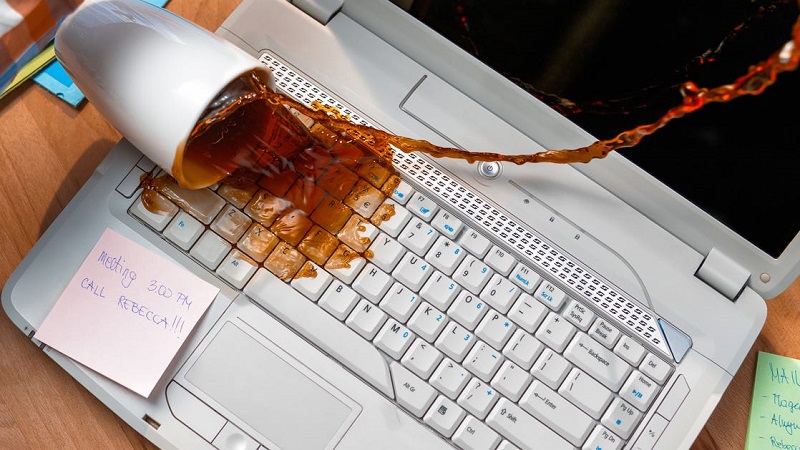
Rain and spills can damage a laptop or desktop, but ordinary humid weather does not automatically make a computer unsafe to use. Keep equipment dry, ventilated, and away from leaks. If liquid reaches a device, stop using it and do not power it on to test whether it still works.

If a laptop or keyboard gets wet
- If it is safe to do so, shut the device down and disconnect the charger from the wall. If water is near a power outlet or you see sparks, do not touch the equipment; cut power only from a dry, safe location and get help.
- Blot liquid from the outside with a dry cloth. Do not shake the laptop, use a hair dryer, place it in rice, or repeatedly press keys.
- Do not charge or restart it. Internal batteries should not be removed unless the battery is designed to be user-removable and the manufacturer's instructions say how.
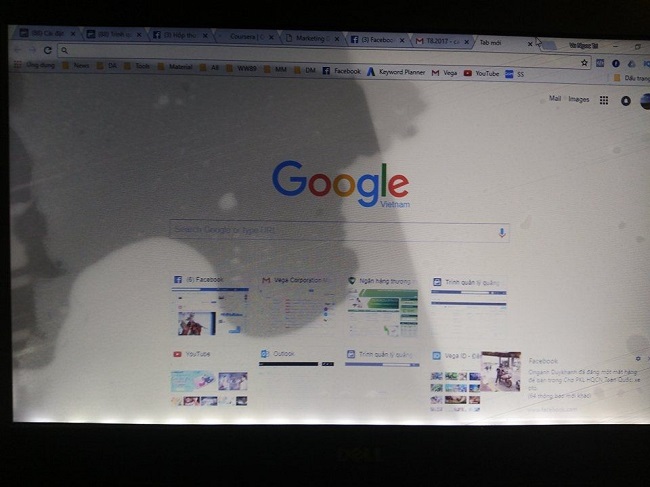
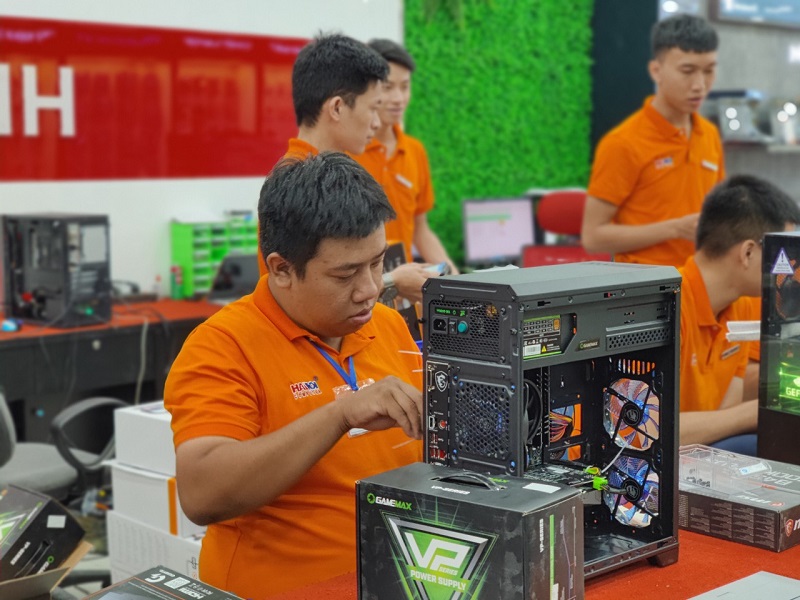
- Arrange inspection by the manufacturer or a qualified repair service, especially after a spill, salt water exposure, or liquid inside the case. Drying the exterior does not confirm that internal components are safe.

Reduce exposure during rainy weather
- Keep computers away from open windows, damp floors, and areas where roofs or plumbing may leak.
- Use a well-fitted, water-resistant laptop bag when traveling. Keep the laptop powered off before packing it, and let it dry fully if the bag becomes wet.
- Keep vents clear and let equipment acclimate if it has been brought in from a cold or wet environment before powering it on.
- Use surge protection appropriate to your setup and follow local electrical safety guidance during storms. Never handle wet plugs or cables.



[Products:56104,28067,56103,48908]
Related Articles
 Rainy-Day Outfit Ideas for Work and Casual Wear
 7 common computer maintenance errors you should know
 6 'absolute' things should not be done when maintaining Windows computers
 Tips to help clothes dry quickly in rainy days
 10 Important Mistakes to Avoid When Maintaining Your Computer
 Which time is reasonable for automobile maintenance?
Reader Comments 0
Sign in with email or Google to join the discussion.