Table of Contents
Facebook accepts standard emoji in posts, comments, profiles, and Messenger conversations. You can insert them with your device's emoji keyboard or copy an emoji from the lists below and paste it into Facebook. The artwork may look slightly different depending on the device and app, but the underlying character remains the same.
Quick Facebook emojis to copy and paste
| Category | Examples |
|---|---|
| Faces | 😀 😄 😂 😊 😉 😍 😎 🤔 😢 😭 😡 |
| Hands and gestures | 👍 👎 👏 🙌 👋 🙏 💪 ✌️ 🤝 |
| Hearts | ❤️ 🧡 💛 💚 💙 💜 🖤 🤍 💔 💕 |
| Celebration | 🎉 🎊 🎂 🎁 🥳 ✨ 🏆 |
| Objects and symbols | ✅ ❌ ⚠️ ❗ ❓ 🔥 💡 📌 📅 |
| Nature and travel | 🌞 🌧️ 🌈 🌸 🌳 🐶 🐱 🚗 ✈️ |
To copy an emoji, select it as you would any other text, copy it, place the cursor in a Facebook text field, and paste. On a touchscreen, press and hold the character to display the copy command.
Use the emoji picker on your device
Windows
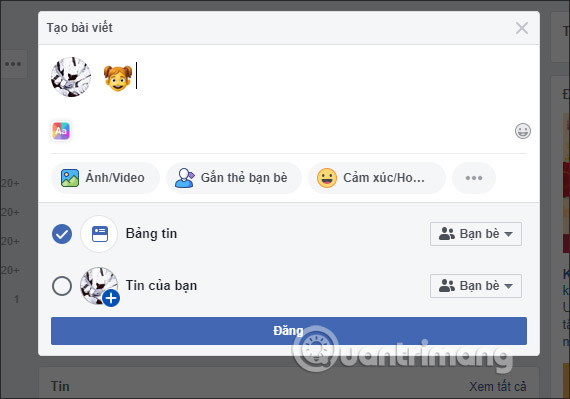
Click in the Facebook post, comment, or message field, then press Windows key + . (period). Search for an emoji or browse the categories and select the character you want.
Mac
Click in a text field and press Control + Command + Space to open the Character Viewer. On current macOS versions, Fn/Globe + E may also open the emoji and symbols panel. Search by a description such as “laughing” or “heart,” then choose a character.
Android and iPhone
Open the on-screen keyboard and tap its emoji or smiley key. The exact position depends on the keyboard app. If the key is hidden, look for it behind the globe, comma, or keyboard-switching control.
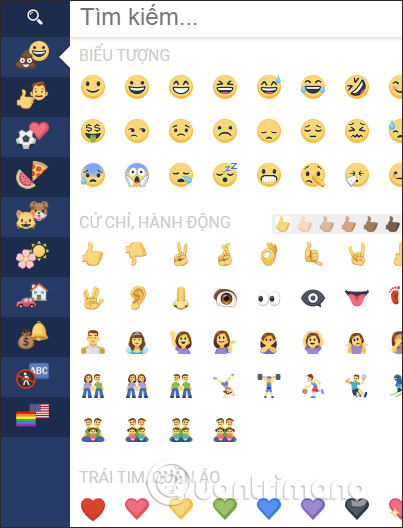
Find the right emoji quickly
Emoji pickers group characters into categories such as faces, people, animals, food, activities, travel, objects, symbols, and flags. The recently used section is convenient for characters you send often.
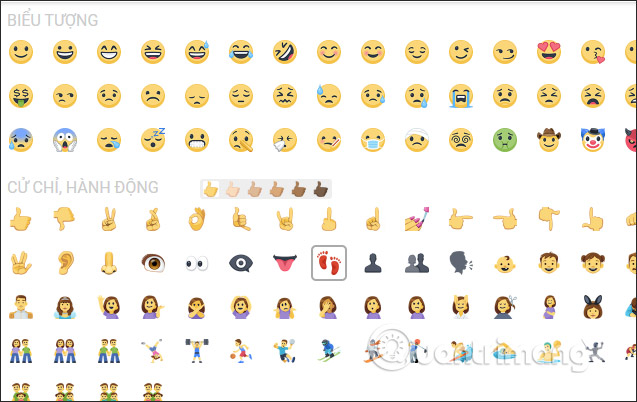
Many hand and person emojis offer skin-tone variants. Press and hold the emoji on a phone, or open its variants in the desktop picker, and choose the version you want. If a search returns nothing, try a basic description: “thumb,” “party,” “sad,” “dog,” or “warning.”
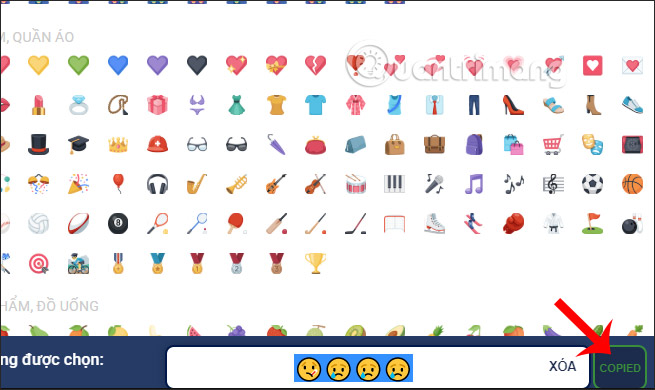
A copied sequence can contain more than one Unicode character. This is normal for some flags, family emojis, and skin-tone variants. Copy the complete emoji rather than selecting only part of it.
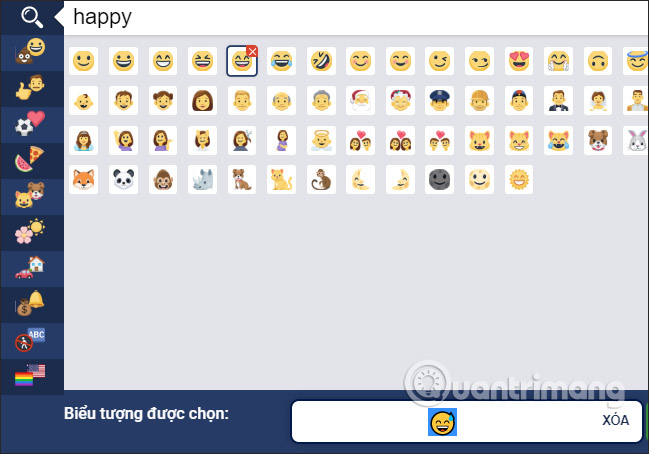
Use emoji in Facebook posts, comments, and Messenger
- Posts and comments: place the cursor where the emoji should appear and use the device picker or paste a copied character.
- Messenger messages: insert emoji into the message field just like text.
- Message reactions: press and hold a message on mobile, or use the reaction control on desktop, then choose an emoji. Selecting another reaction changes the one you previously added.
- Story reactions: available reaction choices appear in the story interface when that feature is supported on your device.
Why an emoji may look different after posting
Facebook, Messenger, the operating system, and the recipient's device can render the same emoji with different artwork. Newer characters can also appear as an empty box or an unfamiliar symbol on software that does not yet support them. If clarity matters, use a familiar emoji and include a few words rather than relying on the icon alone.
Emoji names are useful for accessibility because screen readers announce them. Avoid long strings that become tedious to hear, and do not use emoji as the only way to communicate an instruction, warning, or status.
Emoji, emoticons, and text symbols are different
An emoji is a Unicode character such as 😊. An emoticon is made from ordinary keyboard characters, such as :-). Text symbols include arrows, stars, currency marks, and mathematical characters. If you need characters beyond emoji, see how to insert symbols on a Mac or type arrow symbols on common keyboards.
Related Articles
 Facebook Icons, Special Facebook Characters and Emoji on Facebook14 minutes read
 Funny Facebook Icons, Use Facebook Chat Icons2 minutes read
 How to Download and Use the Latest Sticker - Chin & Su Theme on2 minutes read
 What Do Icons on Facebook Messenger Mean?4 minutes read
 Learn About the Origin of Familiar Technology Icons9 minutes read
 What Common Facebook Emoticons Mean: =)), :3, :v, and ^^4 minutes read
Reader Comments 0
Sign in with email or Google to join the discussion.