Table of Contents
This guide provides a clear, practical overview of "Common Mistakes When Performing Internet Speed Tests". It organizes the most useful details, explains important considerations, and highlights the steps or choices that matter most.
1. Run other applications or devices at the same time
One of the most common mistakes when testing your internet speed is leaving other apps or devices running in the background. If you have apps running in the background, they can skew your results because the bandwidth is shared between the speed test and other apps.
The impact will vary depending on what other applications are doing, but for bandwidth-intensive tasks like streaming, downloading, or backing up content, the impact can be significant.

To get accurate results, close all unnecessary applications and browser tabs before starting the test. Also, temporarily disconnect other devices from the network.
2. Test over Wi-Fi instead of Ethernet
Testing over Wi-Fi is convenient and a great way to check your current internet speed. But if you want the most accurate representation of your network speed, it's not the best option. Running a test over Wi-Fi introduces a myriad of variables that can skew your results.
Distance from the router, walls, interference from other devices, and router placement can all affect your Wi-Fi performance. So if you run a speed test from the bedroom while the router is in the living room, your results may be slower than your connection is capable of delivering.
3. Check only once
Relying on a single speed test can give you a misleading picture of your Internet performance. Even though you pay for a specific speed from your ISP, that number is mostly just a guide to the maximum speed you can achieve at any given time. However, your actual connection speed varies throughout the day, depending on a variety of factors, such as ISP routing and network congestion.
Even speed test servers can have issues that can affect your results, giving you the false impression that your network is slow when it's actually fine. So a single test won't tell you the whole story. You should run multiple tests at different times of the day to get an accurate reflection of your internet speed.
4. Ignore server location
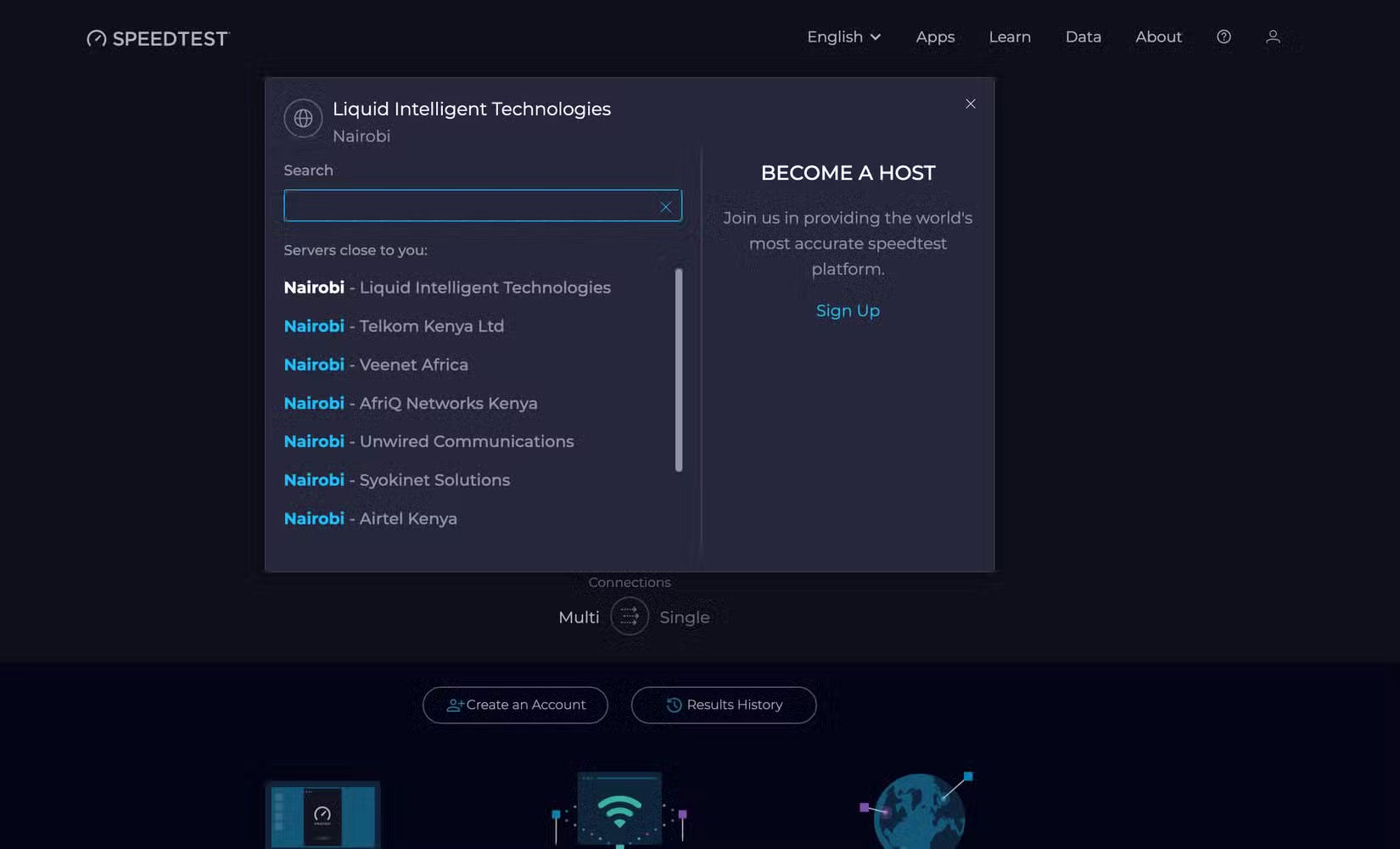
When you run a speed test, most tools will automatically select a test server, usually one that is geographically close to you. However, sometimes the selected server may be located further away from you, resulting in slower speeds.
Server location matters because speed tests measure your connection to that specific server, not the Internet as a whole. The farther away the server is, the more hops your data has to make across the network, which increases the latency of your connection and can lead to slower download or upload speeds.
5. Use VPN or Proxy while testing
Running a speed test while connected to a VPN or proxy can significantly skew the results. VPNs and proxies route your traffic through an intermediary server, which may be located in a different city or, worse, a different country. As a result, they add overhead to your connection through distance, encryption, or both, resulting in speeds that are much slower than what your actual Internet connection could provide.

6. Check during peak usage hours
The time of day you run your speed test is also important. If you test during peak internet usage, such as in the evening when most people are at home streaming, gaming, or making video calls, your results will be skewed. This could be because your ISP is experiencing network congestion.
To get a more accurate picture of your actual Internet speed, test at different times of day, including off-peak hours.
7. Run tests on old or weak devices
The hardware you use to test your internet speed also plays a big role in the results you get. If you're using an older computer, phone, or tablet, the hardware itself could be the bottleneck, causing you to get results that don't accurately reflect your actual speed.

Older devices with much slower processors and outdated network adapters can't take full advantage of high-speed connections. For example, if your laptop only supports Wi-Fi 4 (802.11n) or slower Ethernet ports that max out at 100Mbps, that will limit the maximum speed you can achieve regardless of your Internet plan.
Even if you're paying for gigabit speeds, your speed tests may not accurately reflect those speeds due to hardware limitations. If you like to use an old tablet to watch content, make sure you switch to a newer, more capable device for testing.
FAQ
What should you know about 1. Run other applications or devices at the same time?
One of the most common mistakes when testing your internet speed is leaving other apps or devices running in the background. If you have apps running in the background, they can skew your results because the bandwidth is shared between the speed test and other apps.
What should you know about 2. Test over Wi-Fi instead of Ethernet?
Testing over Wi-Fi is convenient and a great way to check your current internet speed. But if you want the most accurate representation of your network speed, it's not the best option. Running a test over Wi-Fi introduces a myriad of variables that can skew your results.
What should you know about 3. Check only once?
Relying on a single speed test can give you a misleading picture of your Internet performance. Even though you pay for a specific speed from your ISP, that number is mostly just a guide to the maximum speed you can achieve at any given time. However, your actual connection speed varies throughout the day, depending on a variety.
What should you know about 4. Ignore server location?
When you run a speed test, most tools will automatically select a test server, usually one that is geographically close to you. However, sometimes the selected server may be located further away from you, resulting in slower speeds.
Related Articles
 9 Common Mistakes About Technology Need to Stop Immediately9 minutes read
 10 Common Mistakes When Shopping Make You Spend More Money6 minutes read
 Top 5 Most Common Errors When We Learn a New Skill8 minutes read
 12 Common Mistakes When Cooking That You Should Avoid7 minutes read
 9 Common Mistakes When Using Washing Machines and How to Fix Them7 minutes read
 15 Mistakes That Trainees Often Make13 minutes read
Reader Comments 0
Sign in with email or Google to join the discussion.