Table of Contents
Chat AI: Ask Agent Anything is a mobile assistant that organizes common AI tasks into chat tools and topic-based “agents.” Depending on the current version and plan, the app may support writing, image generation or analysis, summaries, web-assisted answers, programming questions, and study activities.
The app's name is generic and similar names may appear in app stores. Verify the developer, publisher page, privacy policy, permissions, and subscription terms before installing. Features and limits can change, so use the current official listing rather than an old version table.
Topic-based AI agents
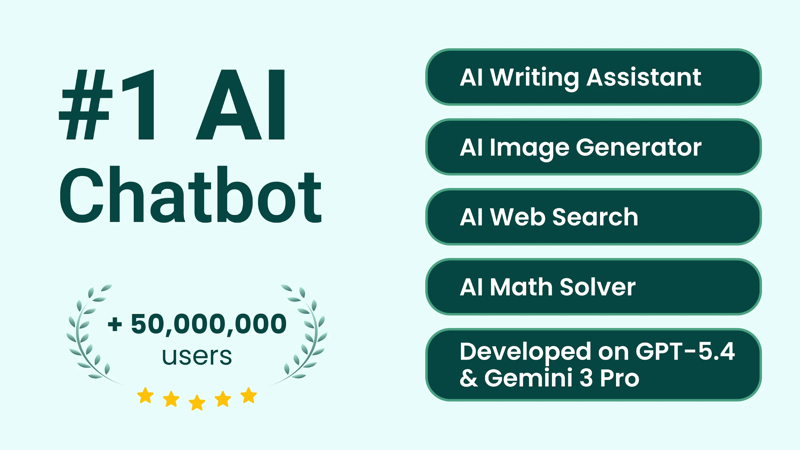
Agent presets provide a starting prompt and interface for a particular activity, such as drafting an email, brainstorming content, explaining code, or practicing a language. They can make the app easier to navigate, but a label such as “expert,” “consultant,” or “tutor” does not establish professional qualifications.
Use these presets for low-risk assistance and first drafts. Medical, mental-health, legal, financial, fitness, and other consequential advice should be checked with an appropriately qualified professional who understands the individual situation.
Historical-character chats are simulations based on model output, not conversations with the real person and not reliable primary sources. Use them as creative prompts, then verify historical claims in authoritative material.
Image generation and image questions
If image generation is included, users can describe a scene and request a new illustration. More specific prompts usually produce more useful results: identify the subject, composition, medium, lighting, aspect ratio, and what must not appear.
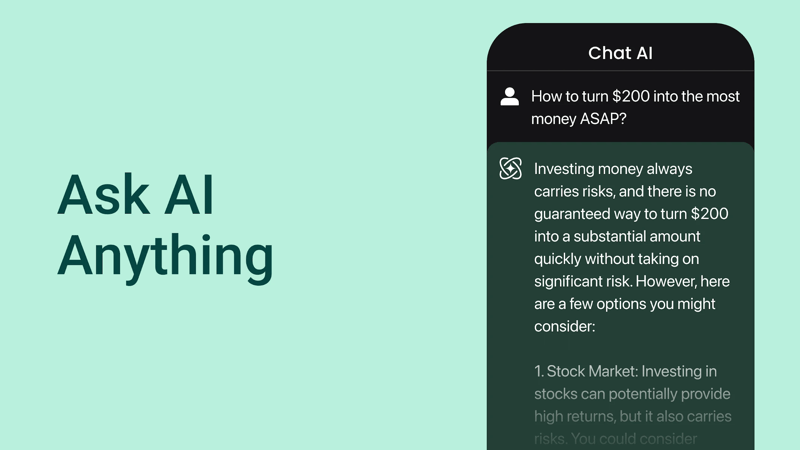
Review the output closely before publication. Generated images can contain distorted text, anatomy, logos, or misleading details. Confirm that the source images and requested style are appropriate for your use and follow the service's current terms.
An image-analysis feature may describe a photographed object or read visible text. It can be helpful for brainstorming a search, but it can misidentify plants, products, landmarks, artworks, or safety conditions. Do not rely on a photo-based answer for medical diagnosis, edibility, hazardous materials, or other high-risk identification.
Writing and rewriting tools
Chat AI can help create an outline, rephrase a sentence, adjust tone, or produce a draft. A useful prompt includes the audience, purpose, required facts, length, and examples of the desired style.
Keep responsibility for factual accuracy and authorship. Check names, dates, quotations, links, and claims. Students should follow their institution's AI rules, while employees should avoid entering confidential company or customer information into an unapproved app.
Document, audio, and video summaries
Where supported, a user can upload a file or provide a link and request a summary or answers about the content. This can reduce the time needed to locate relevant sections, but the summary may omit qualifications, tables, footnotes, or visual context.
Ask the app to identify the page, section, or timestamp supporting each important point. Check that location in the original before using the claim. A summary of a legal agreement, research paper, medical report, or financial document is not a substitute for reviewing the source with the necessary expertise.
Obtain permission before uploading recordings or documents that contain other people's information. Review file retention and deletion controls as well as the app's broader privacy statement.
Study and language practice

The app can create role-play conversations, vocabulary examples, quizzes, and alternative explanations. To keep the learner active, ask for hints before answers and complete a similar question without assistance afterward.
For language practice, request corrections with explanations rather than a complete replacement. Model-generated translations and grammar advice can be wrong or overly formal, particularly with slang, dialects, or specialized terminology.
Questions to ask before subscribing
- Who publishes the exact app listing, and does the publisher operate an official support page?
- Which features are free, metered by credits, or locked behind a subscription?
- How long is any trial, when does it renew, and where is cancellation managed?
- Which AI model or service is used, and can that change without a visible app update?
- What happens to chats, uploaded files, images, and voice recordings?
- Can history be deleted, and does deletion cover provider-side copies?
- Are web-search sources shown so current claims can be verified?
How to get more reliable answers
- Choose a narrow task. Ask for one outcome rather than assigning an entire project.
- Supply necessary context. Include constraints and verified facts, but exclude secrets and personal data.
- Request uncertainty. Ask the agent to separate known information, assumptions, and details it cannot verify.
- Ask for sources. Open and check them; a displayed citation can still be irrelevant or misread.
- Review before acting. Check generated code, messages, images, and recommendations independently.
- Save important work elsewhere. Chat history and app availability should not be the only copy of a required document.
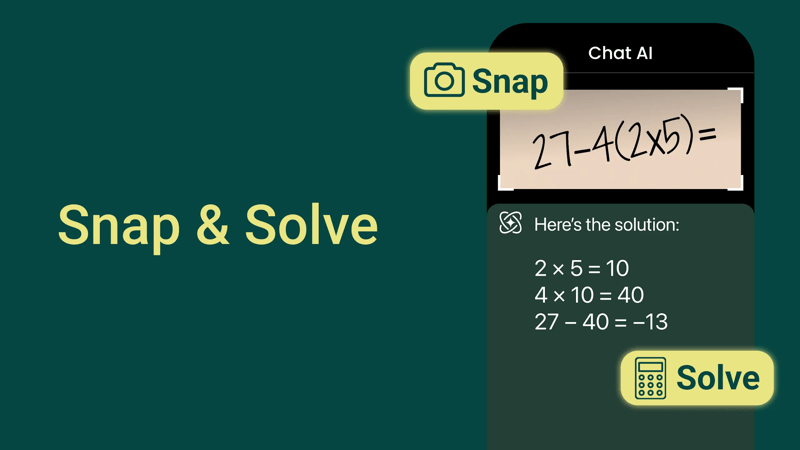
Is Chat AI worth using?
The app may be convenient for users who want several AI activities in one mobile interface. Its value depends on answer quality, transparent pricing, useful source links, acceptable privacy terms, and whether its particular tools outperform a general chatbot for the tasks you actually perform.
Try it first with non-sensitive, verifiable work. A polished interface and specialized agent names can improve usability, but they do not remove the need to protect data, check facts, and keep consequential decisions with a person.
Related Articles
 How to Create a Personal Agent in n8n7 minutes read
 Chat Smith: AI Chatbot && Agent5 minutes read
 How to Create an AI Agent with N8n in 202613 minutes read
 How to Change the Browser User Agent Without Extenstion6 minutes read
 Run the Test and View the Agent Evaluation Results9 minutes read
 Overview of Agent Skills: What You Need to Know4 minutes read
Reader Comments 0
Sign in with email or Google to join the discussion.