Table of Contents
This guide covers asus ux21, super thin, super 'terrible' with practical context and easy-to-follow details. Use it to understand the subject and apply the information confidently.
After Padfone, Asus continues to cause many surprises when launching the official UX21 laptop with " Terrible " configuration and slim and light design at Computex 2011.
The device equipped with the configuration includes the highest option Intel Core i7 processor, the latest SATA III SSD hard drive, USB 3. 0 connectivity and especially the battery life for standby for up to a week. It has an 11. 6-inch screen, but the resolution is unknown.
However, the noteworthy point in this model is the ultra-thin design and small claw on the front edge similar to Apple's MacBook Air model. The thickest part of the device is only 17mm (equivalent to Apple products), weighing 1. 1 kg (compared to 1. 06 kg at MacBook Air 11. 6 inches) and the entire shell is made made of aluminum alloy.
Asus UX 21 also equipped with a trackpad made of glass, a metal keyboard with silver like the shell. The device will go on sale next September but is not yet available for official sale.
Some official photos of Asus UX 21:
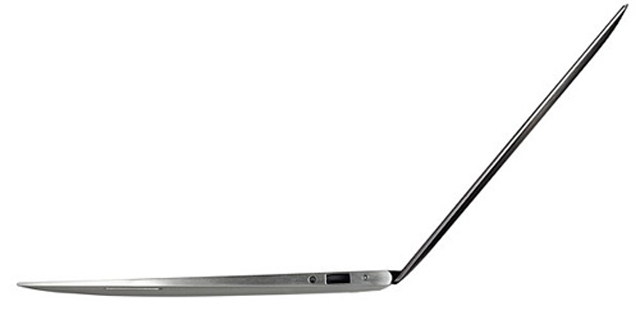 The thickest part on the UX21 is only 17mm.
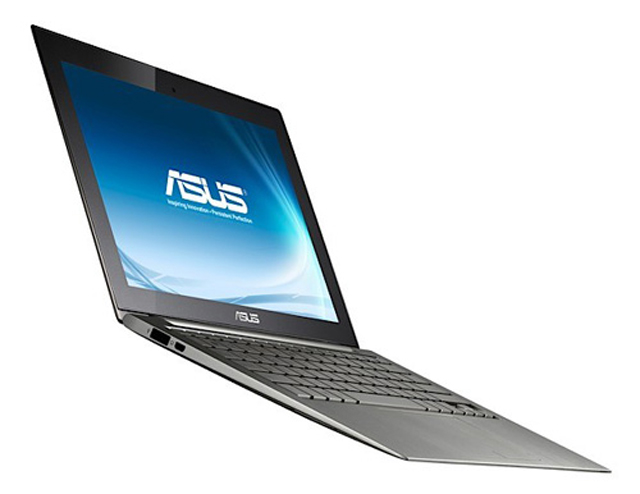 Machine weighing 1. 1 kg.
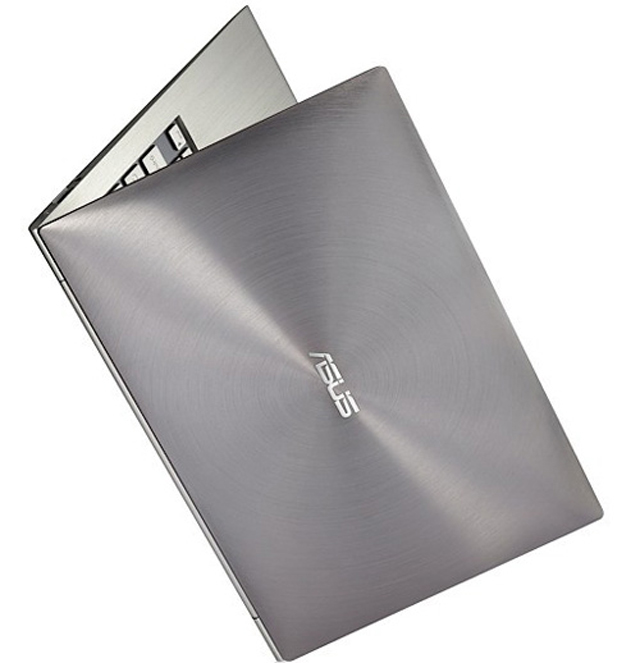 Aluminum alloy shell.
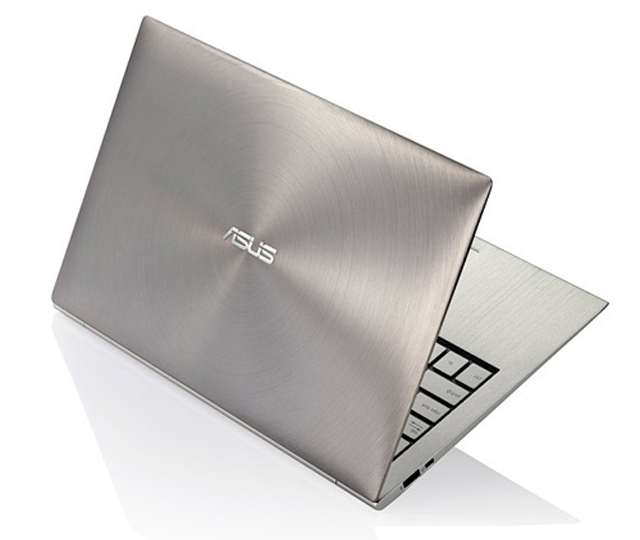 UX21 also possesses many new technologies such as high-end Core i7, USB 3. 0, SATA III SSDs and long battery life.
Actual photo of Asus UX21 and compared with MacBook Air
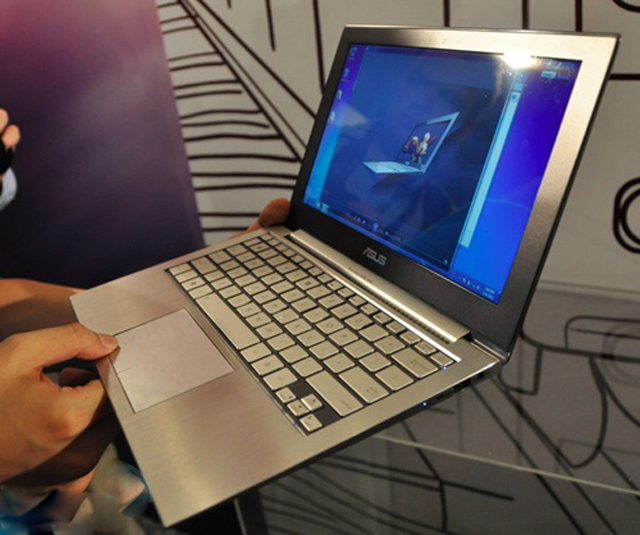 The whole case of aluminum, weighing only 1. 1 kh.
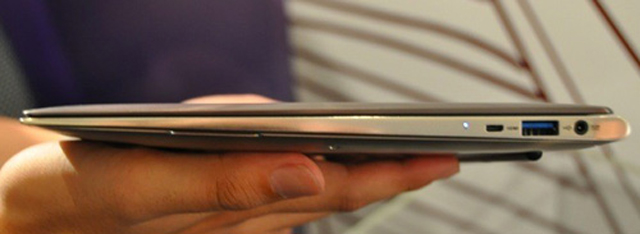 USB 3. 0 port on the side.
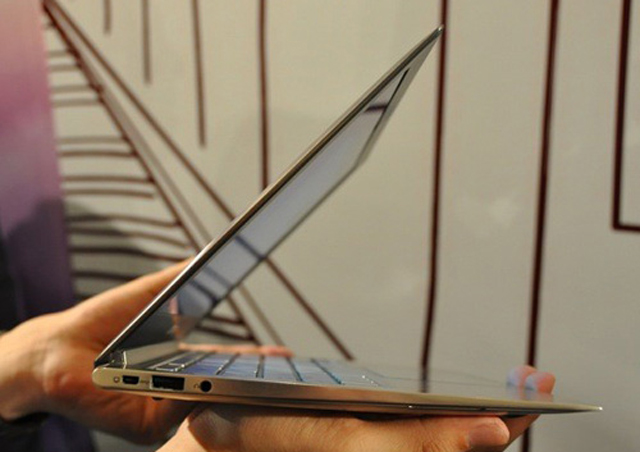 Designed with a thinness equivalent to MacBook Air.
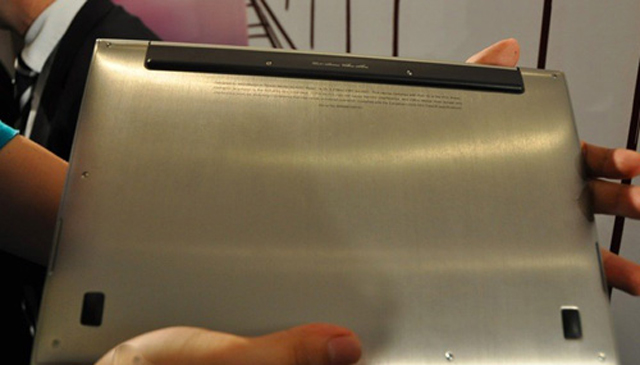 On the bottom of the device, the UX21 cannot disassemble the battery.
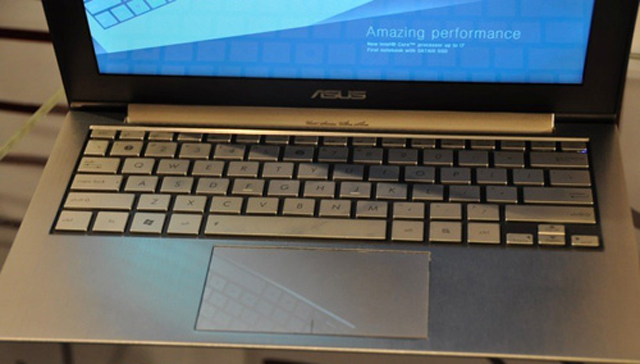 Keyboard and trackpad with mirrors.
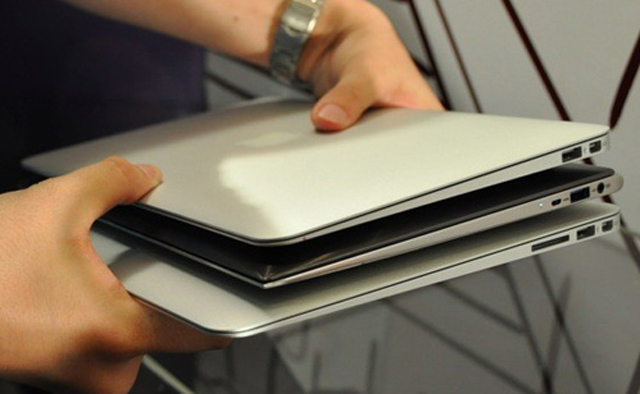 Compare it to the MacBook Air 11. 6 inches (top) and the MacBook AI 13. 6 inches (bottom).
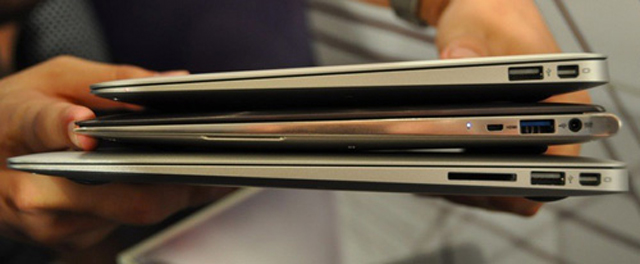 Compare thinness.
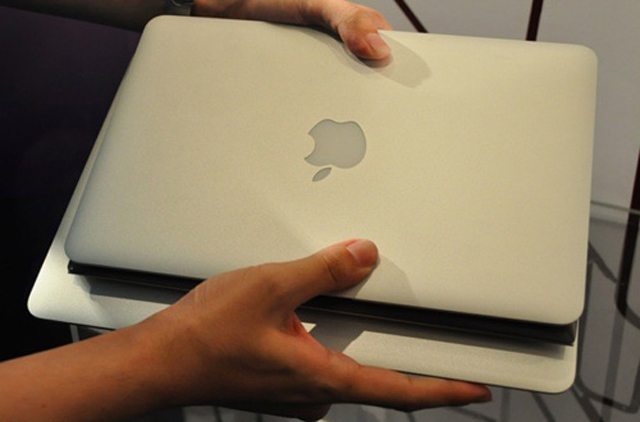 The size is no different than the 11. 6-inch MacBook Air.
FAQ
What should I check before following these steps?
Confirm device and software compatibility, save important data, and make sure you have the required permissions, files, and account access.
Why might the process not work?
Common causes include outdated software, missing permissions, incompatible hardware, an unstable connection, or completing a step in the wrong order.
Can I undo the changes if necessary?
That depends on the tool or setting. Use built-in restore options when available, keep a backup, and record the original configuration first.
Related Articles
 ASUS UX21 Ultra-thin Laptop Costs Under $$ 1, 0003 minutes read
 Asus Ultrabook Named Zenbook, Priced from 999 USD4 minutes read
 HP Sold Ultrabook Before September4 minutes read
 See Asus Ultra-thin 13-inch Laptop3 minutes read
 How to Open the Most Expensive Laptop Box in Vietnam for Over VND 803 minutes read
 Asus Launches Ultra-thin U46SV Laptop3 minutes read
Reader Comments 0
Sign in with email or Google to join the discussion.