Table of Contents
This guide covers acer travelmate 8481 battery 13 hours with practical context and easy-to-follow details. Use it to understand the subject and apply the information confidently.
Quietly appeared at the corner of Acer booth at Computex 2011 but TravelMate 8481 still attracted special attention for viewers. The first is the slim design of this model with a thickness of less than 2. 5 cm.
Not really touching the edges but the screen border is very thin thanks to LG's display technology and carbon scare in Acer's design. This model uses a screen size of 14. 1 inches resolution of 1366 x 768 pixels.
In addition to the design, TravelMate 8481 is also powerful with the configuration including Intel Core i7 processor, NVIDIA GT520M graphics card, 320GB hard drive and 128GB SSD. In particular, the battery life on this model is up to 13 hours according to the manufacturer.
New connections like USB 3. 0 or Bluetooth all appear on TravelMate 8481 with HDMI port, fingerprint recognition.
Some pictures of Acer TravelMate 8481:
 14 inch screen resolution of 1366 x 768 pixels.
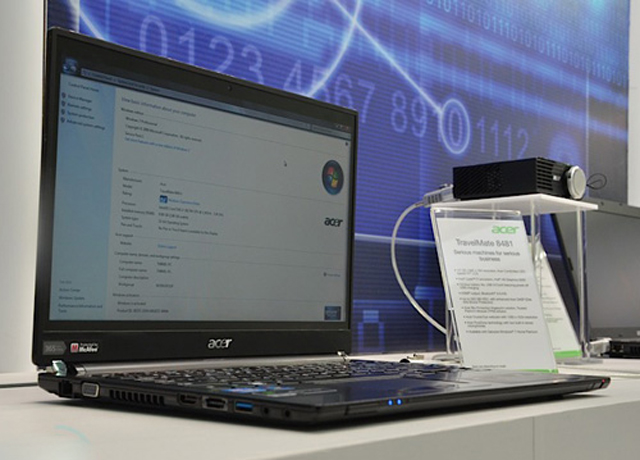 TravelMate 8481 has a slim design of less than 2. 5 cm.
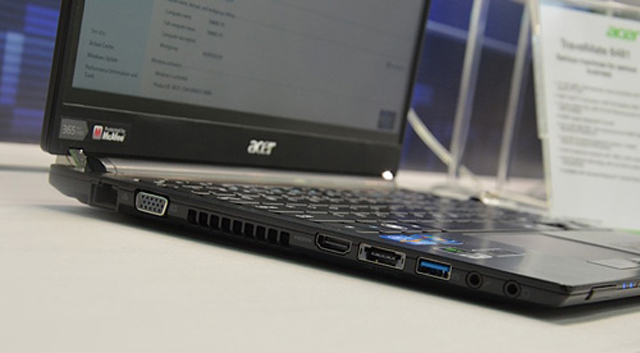 This model incorporates the latest USB 3. 0 standard connector.
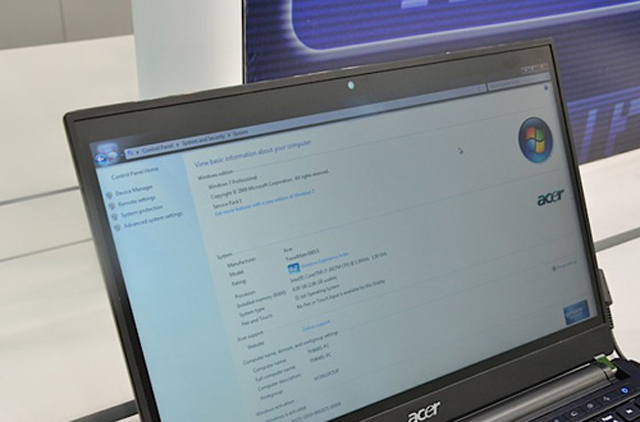 Thin screen border with LG's display technology and Acer carbon fiber border.
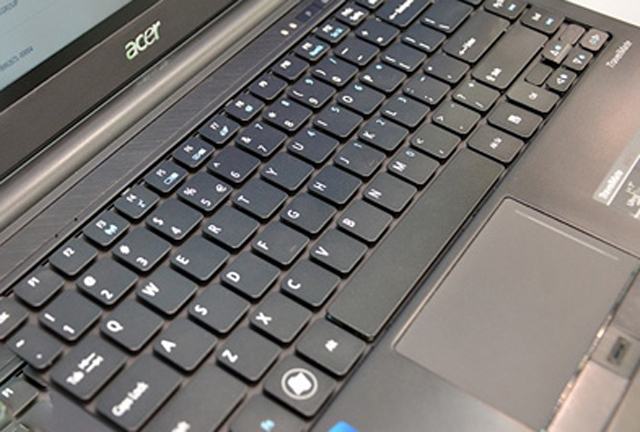 Traditional keyboard design of Taiwan computer company.
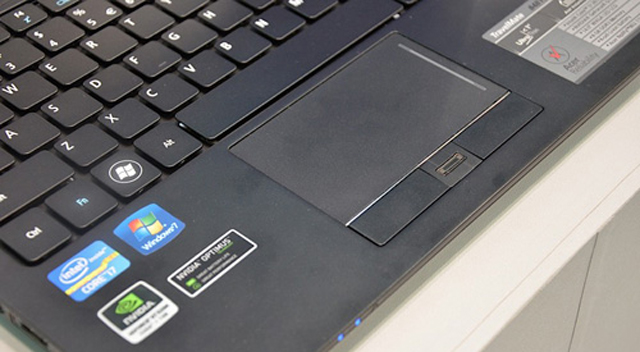 Touchpad with fingerprint identification slot.
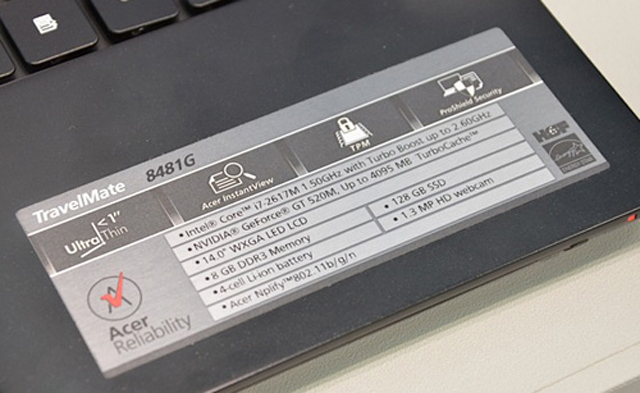 TravelMate 8481 has a strong configuration.
 Acer has not yet announced the price and the "shelf" time of this model.
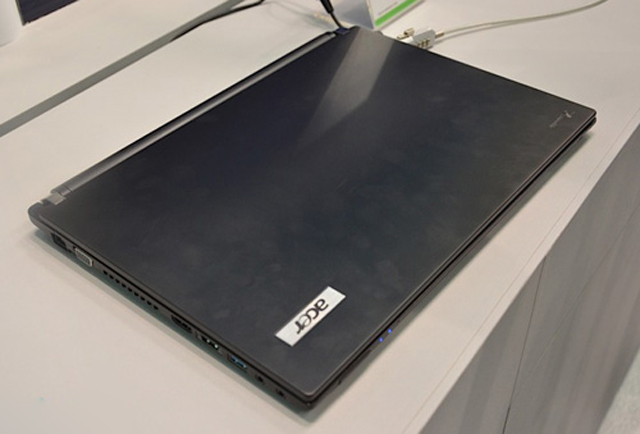 The outer shell of the machine is made of alloy.
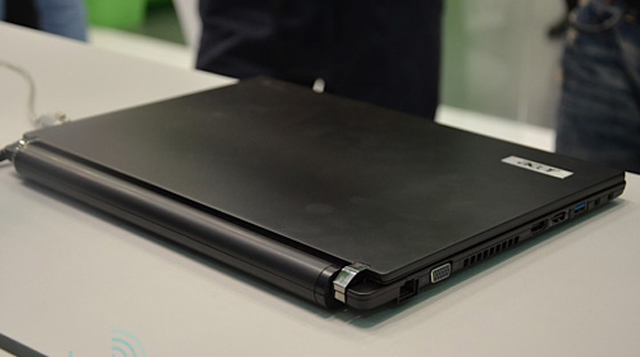 The battery is slightly protruding slightly backwards.
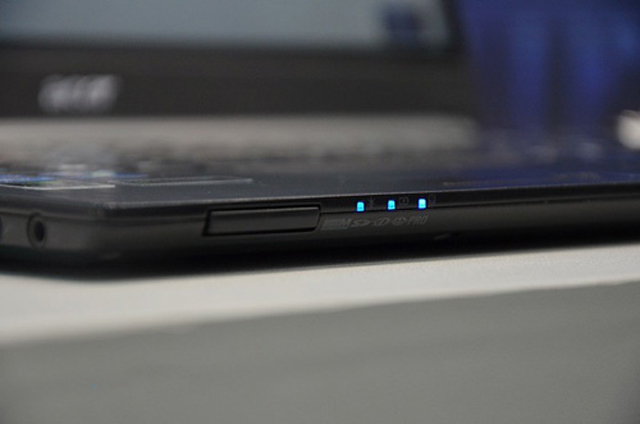 Front edge with memory card reader.
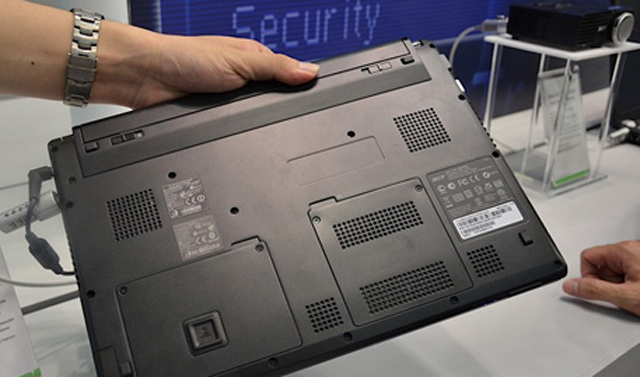 The bottom of the machine.
FAQ
What should I check before following these steps?
Confirm device and software compatibility, save important data, and make sure you have the required permissions, files, and account access.
Why might the process not work?
Common causes include outdated software, missing permissions, incompatible hardware, an unstable connection, or completing a step in the wrong order.
Can I undo the changes if necessary?
That depends on the tool or setting. Use built-in restore options when available, keep a backup, and record the original configuration first.
Related Articles
 Acer Launches TravelMate B115P Laptop Fanless Design3 minutes read
 Acer Launched Cheap Mobile Laptops for Students3 minutes read
 New TravelMate Laptop at Attractive Prices5 minutes read
 Acer Announced a New Series of Laptops from the Aspire and TravelMate3 minutes read
 The New Acer TravelMate 5720 Laptop in Vietnam3 minutes read
 Discover Acer Timeline 4810T12 minutes read
Reader Comments 0
Sign in with email or Google to join the discussion.