Table of Contents
An iPhone case is optional, but it can improve grip and help protect the corners, back, and camera area during everyday use. If you often carry your phone one-handed or set it on rough surfaces, a case with textured sides and raised edges is a practical starting point. Protection still depends on how and where the phone lands.
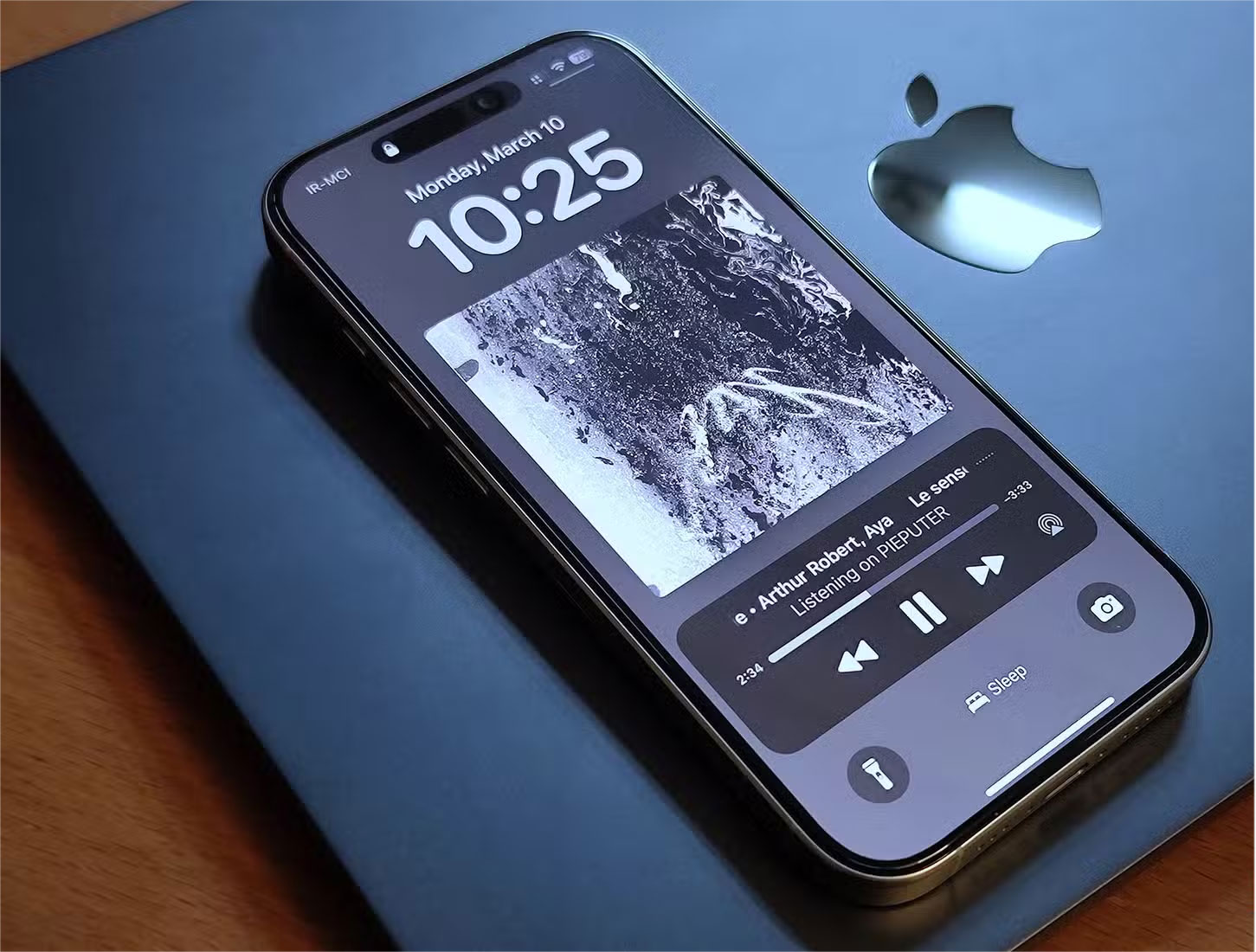
Choose a case for how you carry the phone
Slim or minimalist case
A thin case adds scratch protection and grip without taking up much pocket space. Check whether its edges extend above the screen and camera lenses. The amount of protection varies with the case geometry and materials.
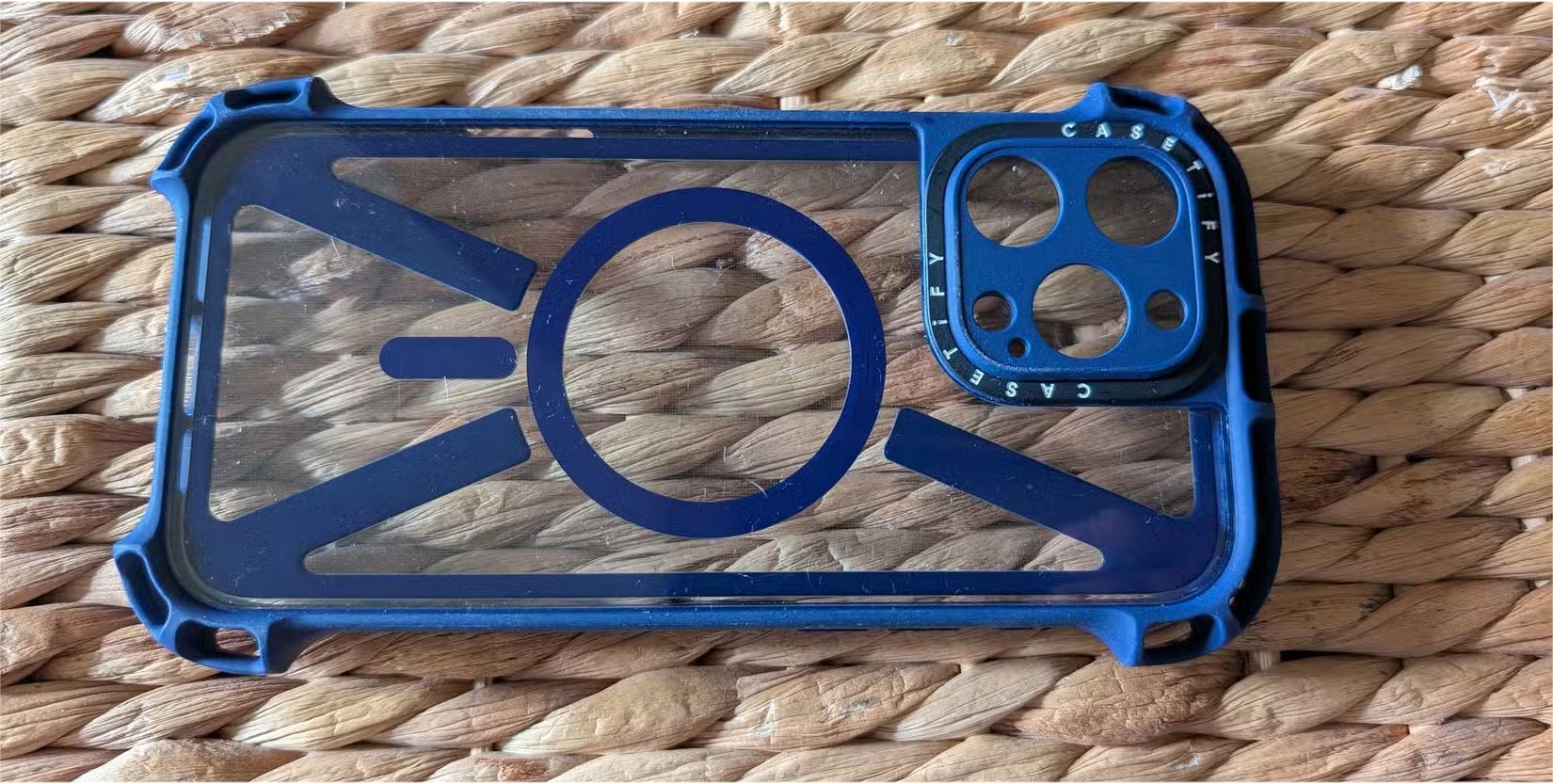
Rugged case
Look for reinforced corners and enough grip for your work or travel. These designs can add considerable bulk. If a listing advertises drop testing, look for the height, surface, and test method before comparing claims.
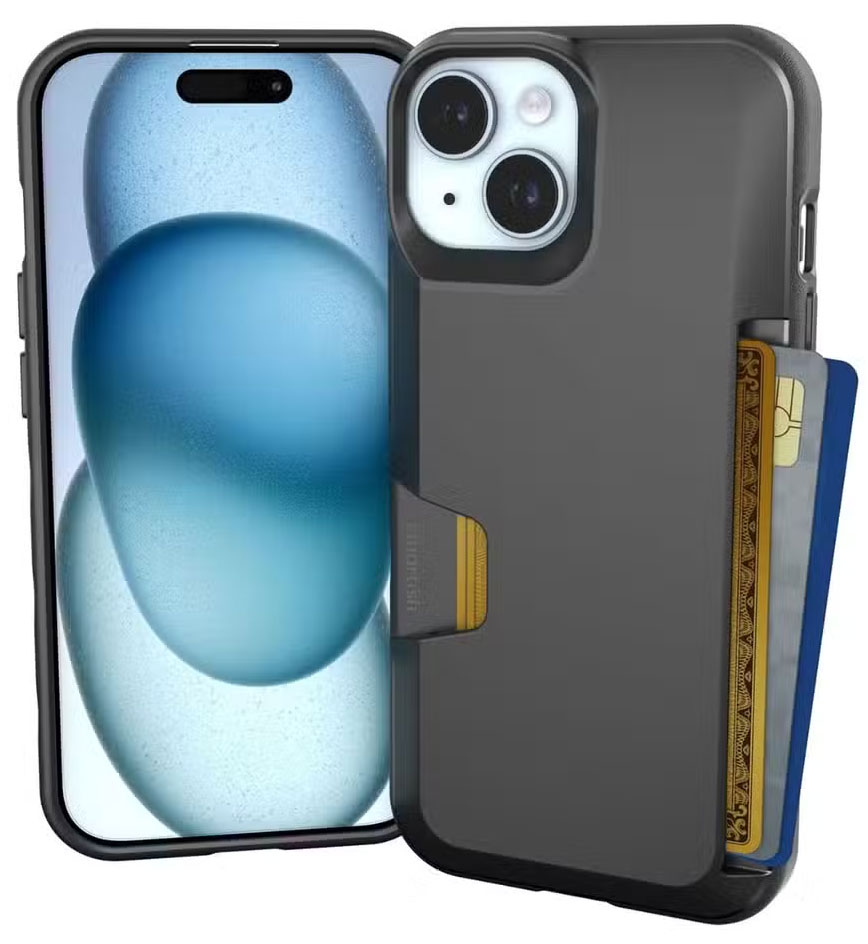
Wallet case
Choose this if you consistently carry a few cards together with your phone. A detachable wallet makes wireless charging easier. Follow Apple’s MagSafe charging guidance and remove cards or other items between the phone and charger.
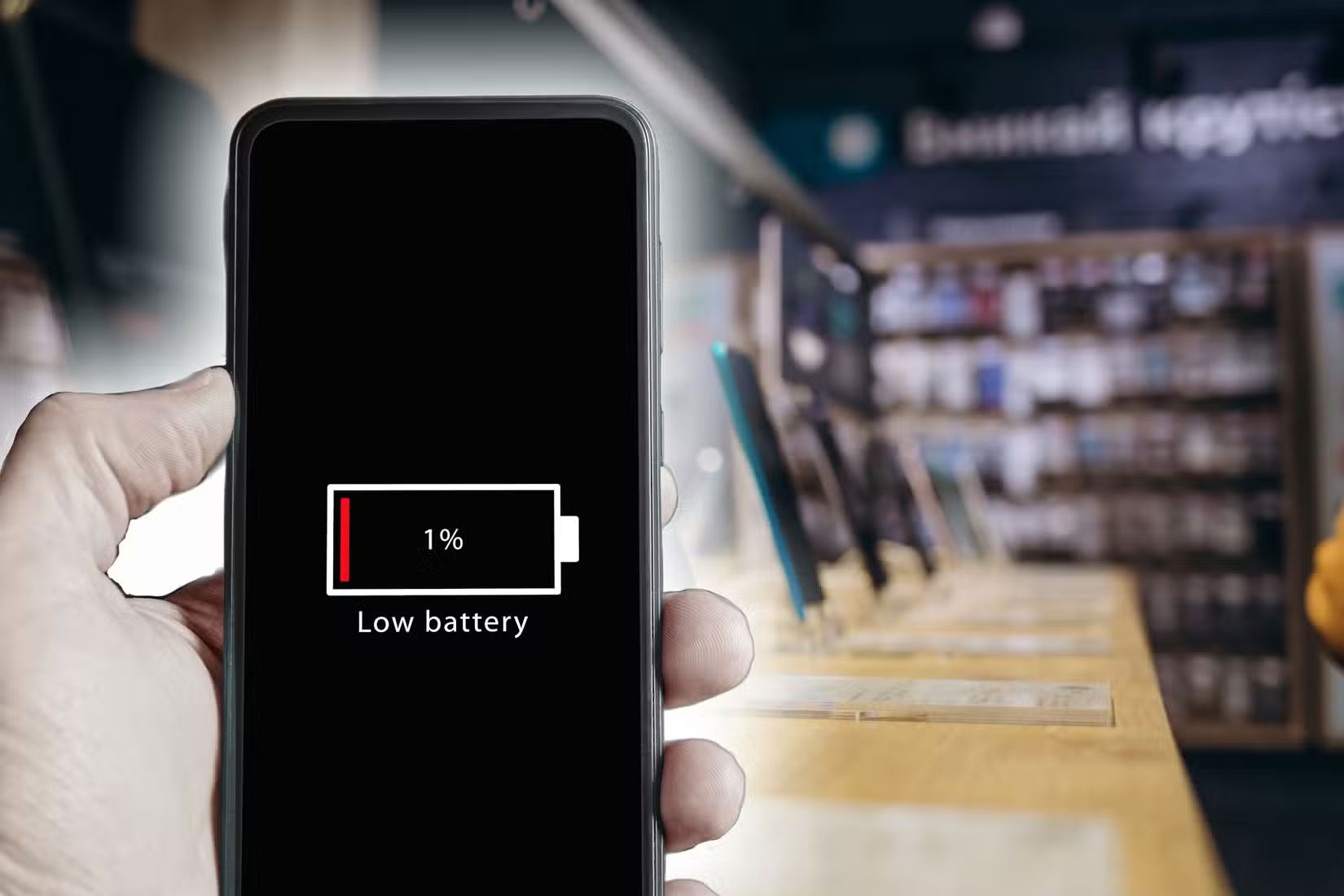
Battery case
Check the charging connector, weight, and how the case itself recharges. If you only need extra power occasionally, consider a detachable battery pack so you can carry less the rest of the time.
Mount case
For a bike, car, or tripod, choose a case that locks into the specific mount you use. A case marketed as magnetic does not necessarily work with a proprietary mount. Check how you release the phone and whether the case stays usable off the mount.
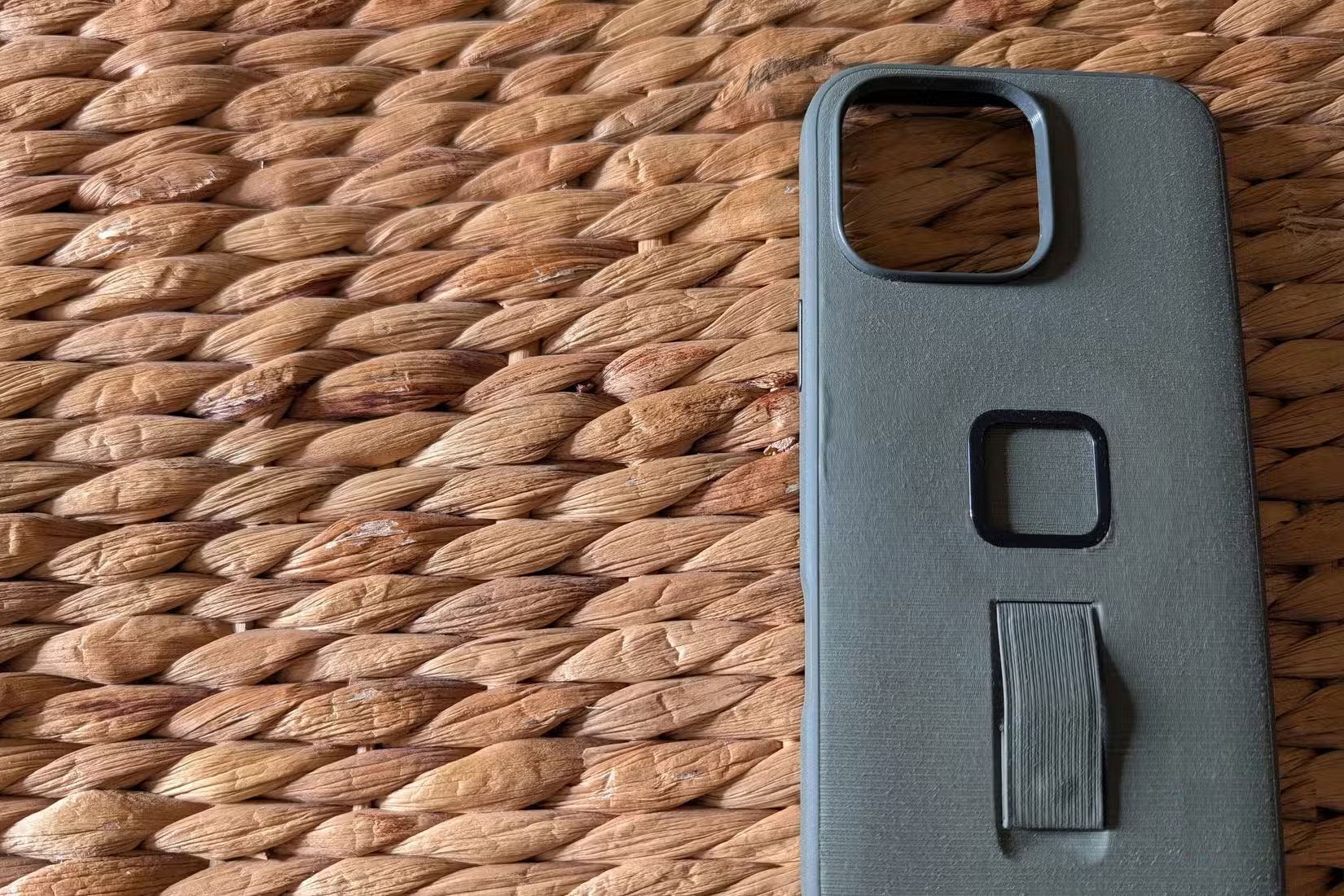
Check fit and charging before you buy
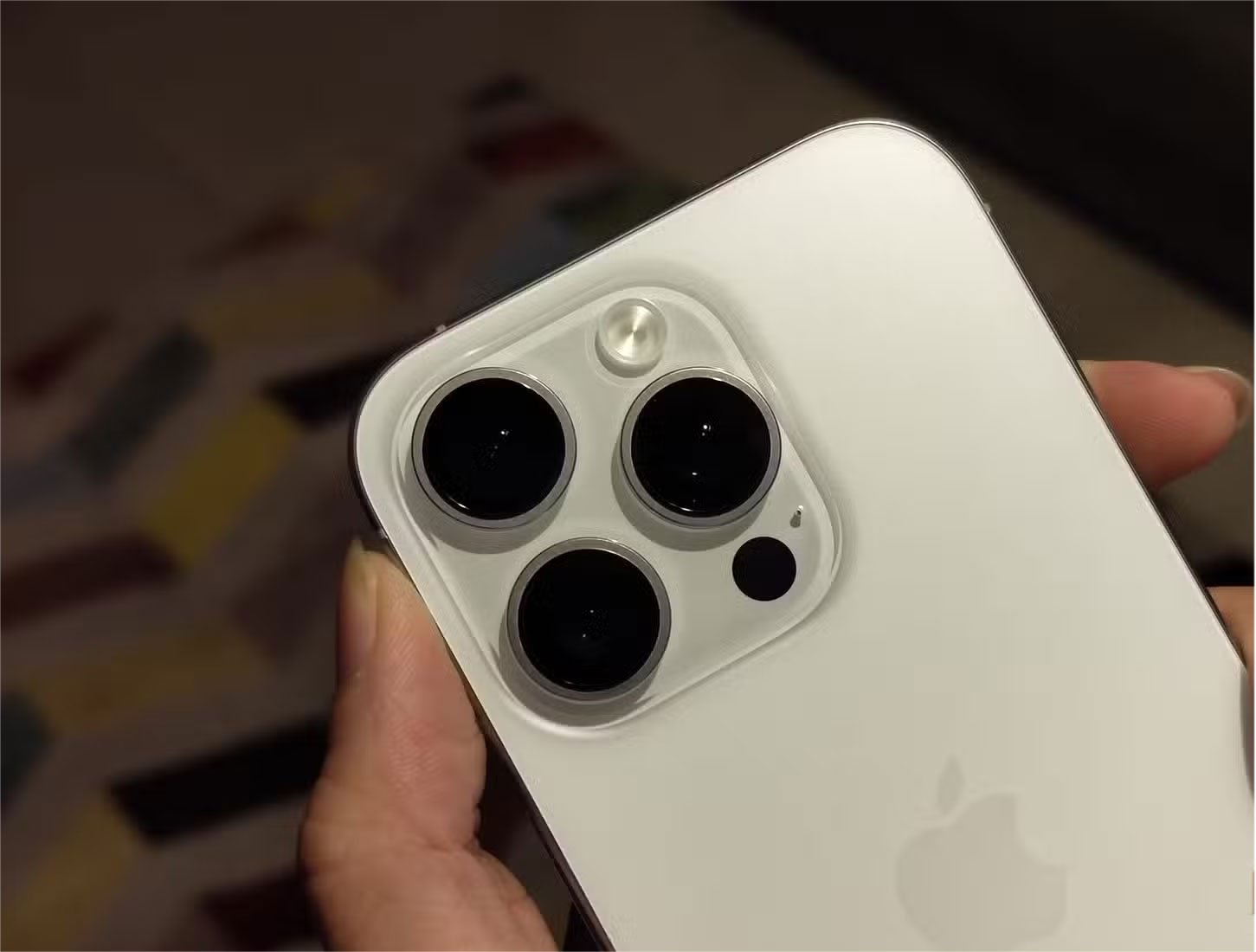
- Go to Settings > General > About and check the model name. If needed, verify the iPhone model number. Match the exact version, including Plus, Pro, or Pro Max.
- Check the camera opening, screen lip, and button coverage. Confirm that your cable fits through the charging-port opening and that a screen protector can sit flat inside the case lip.
- If you use a MagSafe charger or stand, check compatibility with both your iPhone and the accessory. Test that the connection is secure and the phone charges before relying on it at a desk or in a car.
Related Articles
 Does the iPhone 14 case fit the iPhone 15?
 IPhone combo: 2 monitors, 2 batteries, 3 SIMs, running both iOS and Android, the substance is complete!
 Apple released smart cases for iPhone 11, iPhone 11 Pro and iPhone 11 Pro Max
 Top 5 PC cases worth buying 2019
 6 steps not to be missed when choosing to buy an old iPhone
 How to choose the best fan case for your PC
Reader Comments 0
Sign in with email or Google to join the discussion.