Table of Contents
Copilot in Microsoft Dynamics 365 is a collection of AI features embedded in Dynamics business applications. Depending on the app, license, region, and administrator settings, it can summarize records, draft emails, answer natural-language questions, surface risks, explain workflows, or help a user complete a task.
It is not one universal chatbot with identical capabilities everywhere. Dynamics 365 Sales, Customer Service, Contact Center, Field Service, Finance, Supply Chain Management, Business Central, and Customer Insights each have their own Copilot and agent features, availability dates, prerequisites, and data boundaries.
Copilot, embedded AI, and agents
Microsoft uses several related terms:
- Copilot: an assistant that responds to a user, often through a side panel or embedded prompt.
- Embedded AI: summaries, predictions, form assistance, or recommendations displayed directly on a Dynamics page.
- Agent: an AI-driven component designed to carry out a defined process, sometimes across multiple steps and applications. The agent may still require approvals and operate within configured limits.
The distinction matters when evaluating risk. A summary is read-only; an agent that creates or changes records can affect customers, inventory, finances, or service operations. Review permissions, approvals, auditability, and recovery for each capability separately.
What Copilot can do in Dynamics 365
Common capabilities across current Dynamics products include:
- summarizing leads, opportunities, cases, orders, workflow history, or recent changes;
- drafting customer emails and follow-up text from the current record;
- answering natural-language questions about data the signed-in user can access;
- preparing a user for a meeting with relevant account and opportunity context;
- retrieving knowledge articles or similar cases for a service representative;
- highlighting overdue, incomplete, or potentially risky business records;
- explaining application functions and guiding a user through a process; and
- supporting configured agents that research, create, update, or route work.
Results are suggestions unless the documented feature is explicitly configured to take action. A fluent answer can still omit a record, misread context, or propose an unsuitable action, so users need a clear review step.
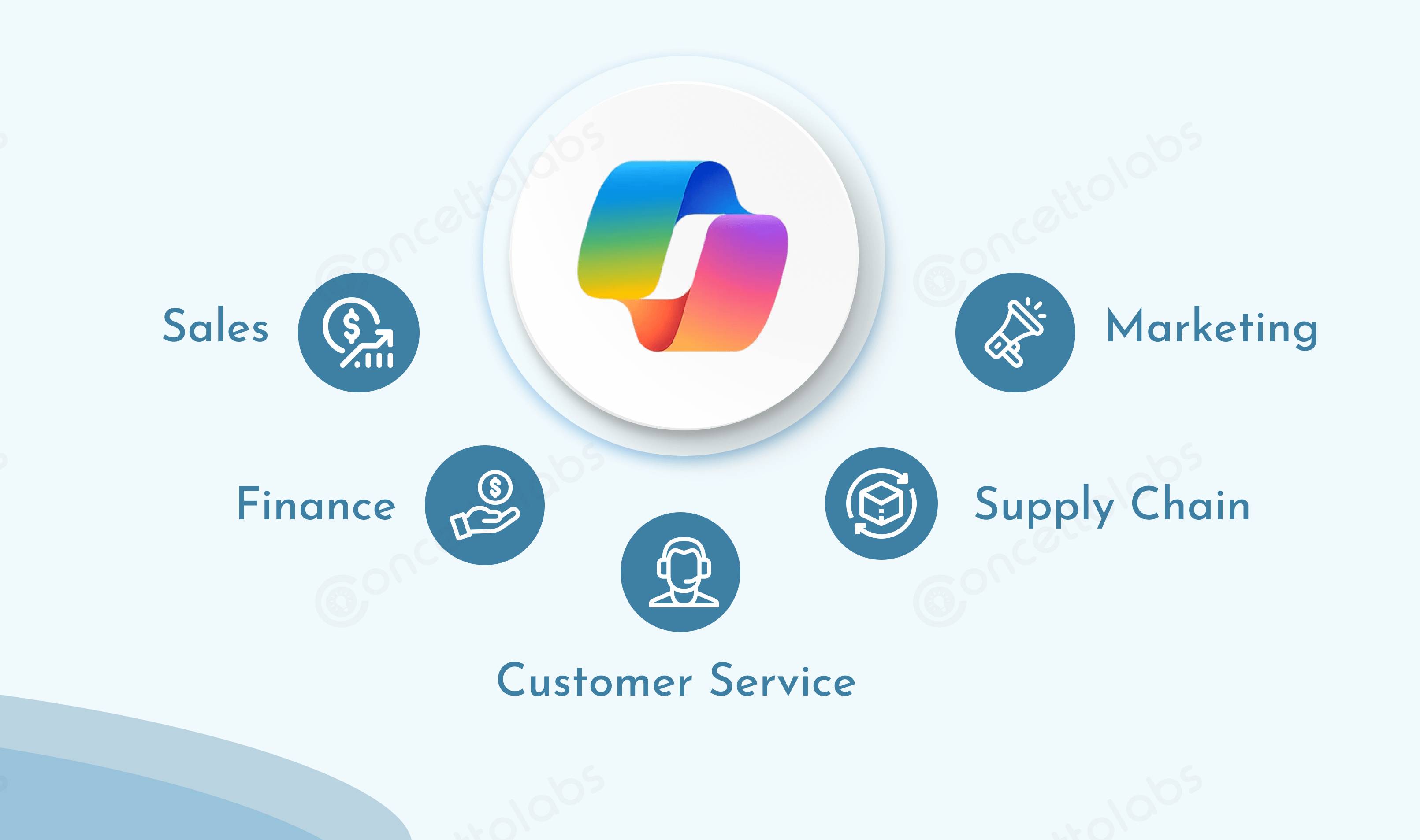
How it appears across business functions
Sales
Copilot in Dynamics 365 Sales can summarize leads and opportunities, show recent record changes, help prepare for meetings, and answer questions using sales records. Microsoft is also moving seller experiences toward the Sales agent in Microsoft 365 Copilot, which works across Microsoft 365 apps and Dynamics 365 Sales.
Licensing differs between the included Sales capabilities and the fuller Sales agent experience. Verify the current licensing guide before promising a feature to users.
Customer Service and Contact Center
Service representatives can use AI-assisted case and conversation summaries, draft responses, knowledge suggestions, intent recognition, routing, and other supported capabilities. Newer agentic functions can orchestrate parts of a service journey, but organizations should define when a human takes over and how the system handles low-confidence, sensitive, or exceptional cases.
Finance and operations
Dynamics 365 finance and operations apps provide a conversational sidecar, embedded summaries, workflow-history explanations, and supported ways to ask questions about authorized structured data. Microsoft is also developing agents and an ERP Model Context Protocol server for extending actions and data access.
Financial outputs require accountant review and normal controls. Copilot does not replace reconciliation evidence, approvals, segregation of duties, audit procedures, or statutory reporting checks.
Supply Chain Management
Copilot features can summarize sales orders, purchase orders, products, and vendors, and highlight information such as overdue lines or incomplete receipt dates. Planned and released AI capabilities also support demand-planning explanations, supplier workflows, and operational analysis.
Recommendations depend on source quality. Inaccurate lead times, units, inventory states, or supplier records will produce unreliable suggestions.
Field Service
Field Service AI can support work-order summaries, scheduling, inspection and frontline workflows, subject to the current release and configuration. It should assist dispatchers and technicians rather than silently override safety requirements, skills, travel constraints, parts availability, or customer commitments.
Customer Insights
Customer Insights capabilities can help users explore segments, journeys, and campaign information using natural language and generate starting points for content. Marketers remain responsible for consent, audience rules, brand review, accessibility, and claims made in customer-facing material.
What changed in the 2026 release wave 1?
Dynamics 365 2026 release wave 1 covers features scheduled from April through September 2026. Microsoft describes continued expansion of AI-assisted and agentic capabilities across Sales, Customer Service, Contact Center, Finance, Supply Chain, Field Service, Business Central, and other applications.
A release plan is not a statement that every feature became available to every customer on April 1. Individual capabilities have their own public preview or general-availability dates, deployment regions, enablement behavior, and licensing. Microsoft also notes that planned dates and functionality can change.
For current status, check the Dynamics 365 2026 release wave 1 plan and the product-specific documentation. This avoids overstatements such as “Copilot now resolves all Level 1 cases” or “automatically closes accounting periods,” which are not safe descriptions of the entire product.
How data and permissions affect responses
Copilot works within Microsoft cloud services and the connected Dynamics environment. In Dynamics 365 Sales, for example, Microsoft states that Copilot can retrieve only records and files the signed-in user is allowed to access. That makes existing roles and sharing configuration part of the AI security boundary.
Before enabling a feature:
- remove unnecessary privileges and review inherited access;
- classify sensitive fields and confirm whether they appear in prompts or summaries;
- understand which data can leave a Dynamics app for another Microsoft service or configured connector;
- apply environment, data-loss-prevention, retention, and audit policies;
- separate development, test, and production environments; and
- review Microsoft documentation for the exact feature's data handling.
Copilot does not make an over-permissioned Dynamics environment safe. If a user can read a record through ordinary authorization, an AI experience may be able to surface the same information more quickly.
Licensing and prerequisites
There is no single checklist that applies to every Dynamics 365 Copilot capability. Common prerequisites include a supported Dynamics application and version, an eligible license, Dataverse or Microsoft 365 services, an administrator-enabled feature, supported geography and language, and the correct security roles.
Some features are included in an application license, some require Microsoft 365 Copilot, and some agents or Copilot Studio capacity have separate licensing or consumption rules. Confirm these details in Microsoft's current licensing guide and your tenant before estimating cost.
How to run a useful pilot
- Choose one measurable workflow. Examples include opportunity preparation, case summarization, or purchase-order review—not “add AI everywhere.”
- Baseline the current process. Record time, error rate, rework, and user friction before enabling Copilot.
- Clean the relevant data. Resolve duplicates, missing ownership, stale knowledge, and inconsistent fields.
- Use a sandbox. Test representative cases, permissions, multilingual data, edge conditions, and failure modes.
- Define review and escalation. State which outputs may be used as drafts and which actions require human approval.
- Train users. Teach them to verify sources and records, report poor output, and avoid entering data outside policy.
- Measure the result. Compare the pilot with the baseline and include correction time, not just generation time.
Questions to answer before deployment
- Which exact app, feature, release status, and license are being evaluated?
- What records and fields can each user access today?
- Can the feature only suggest, or can it create, update, send, approve, or delete?
- Where is a human approval required?
- How are outputs, actions, errors, and overrides logged?
- What happens when data is missing, contradictory, or out of date?
- How can an action be reversed, and who owns the incident response?
Copilot in Dynamics 365 is most valuable when it is attached to a well-defined process with clean data and clear responsibility. Treat each capability as a product feature to test—not as a general promise that AI will automatically make every business workflow faster or more accurate.
Related Articles
 Copilot Studio Knowledge Sources: Complete Guide10 minutes read
 How Is Copilot Pro Different from Copilot? Should I Upgrade Explained7 minutes read
 7 Reasons Copilot Is Worth Using7 minutes read
 Dynamics 365 Finance: Complete Guide7 minutes read
 Overview of Copilot Studio11 minutes read
 What Are Copilot Labs: Clear Explanation5 minutes read
Reader Comments 0
Sign in with email or Google to join the discussion.