Table of Contents
This updated guide explores turn your hotel smart TV into a streaming hub with these features with practical details, clear explanations, and useful takeaways. If you're a frequent traveler, you'll notice that even the most basic hotels often offer HDMI- enabled flat-screen TVs and good Wi-Fi. But it is not always easy to watch the shows and movies you want, especially when you're abroad.
1. Do Not Travel Without These 3 Devices!
You do not need many hardware to watch what you want: these 3 devices will solve most of your problems.
HDMI Streaming Device
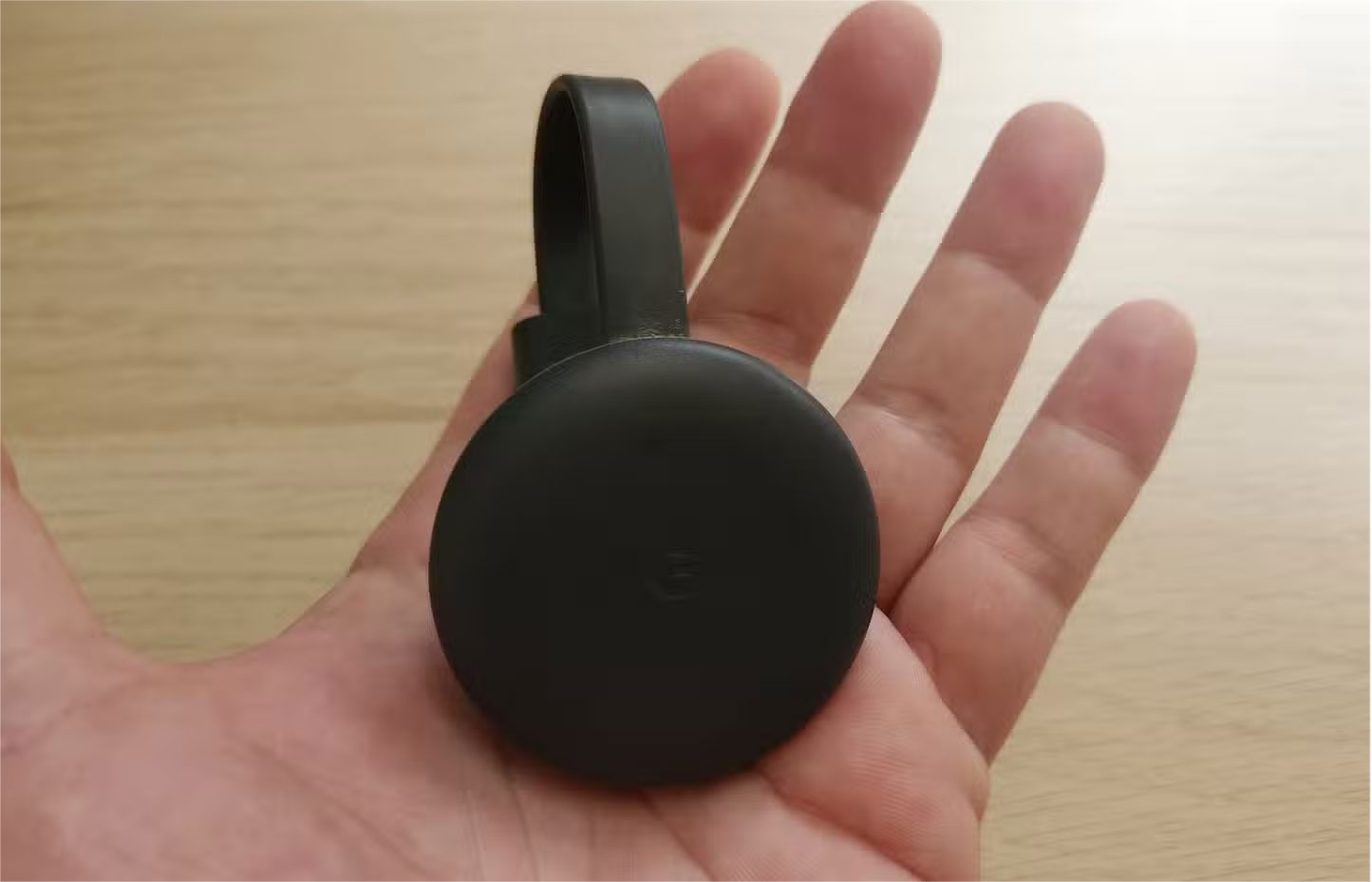
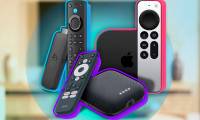
While most of us prefer to use the built-in apps on our Smart TVs, a plug-and-play streaming device is an affordable and useful gadget in any tech-savvy person's arsenal. Whether you're staying with family on vacation or checking into a budget guesthouse in a remote area, simply plug it into your TV's HDMI port to enjoy access to your favorite subscription services from the comfort of your own home. HDMI streaming devices are typically compact, quick and easy to set up, and can be operated using the play function on a mobile device. Some popular solutions include:
- Google Chromecast
- Amazon Fire TV Stick
- Roku Streaming Stick
- Apple TV
naturally, you can use whatever streaming device you have; these are just a few options.
Travel Wi - Fi Hotspot or Router
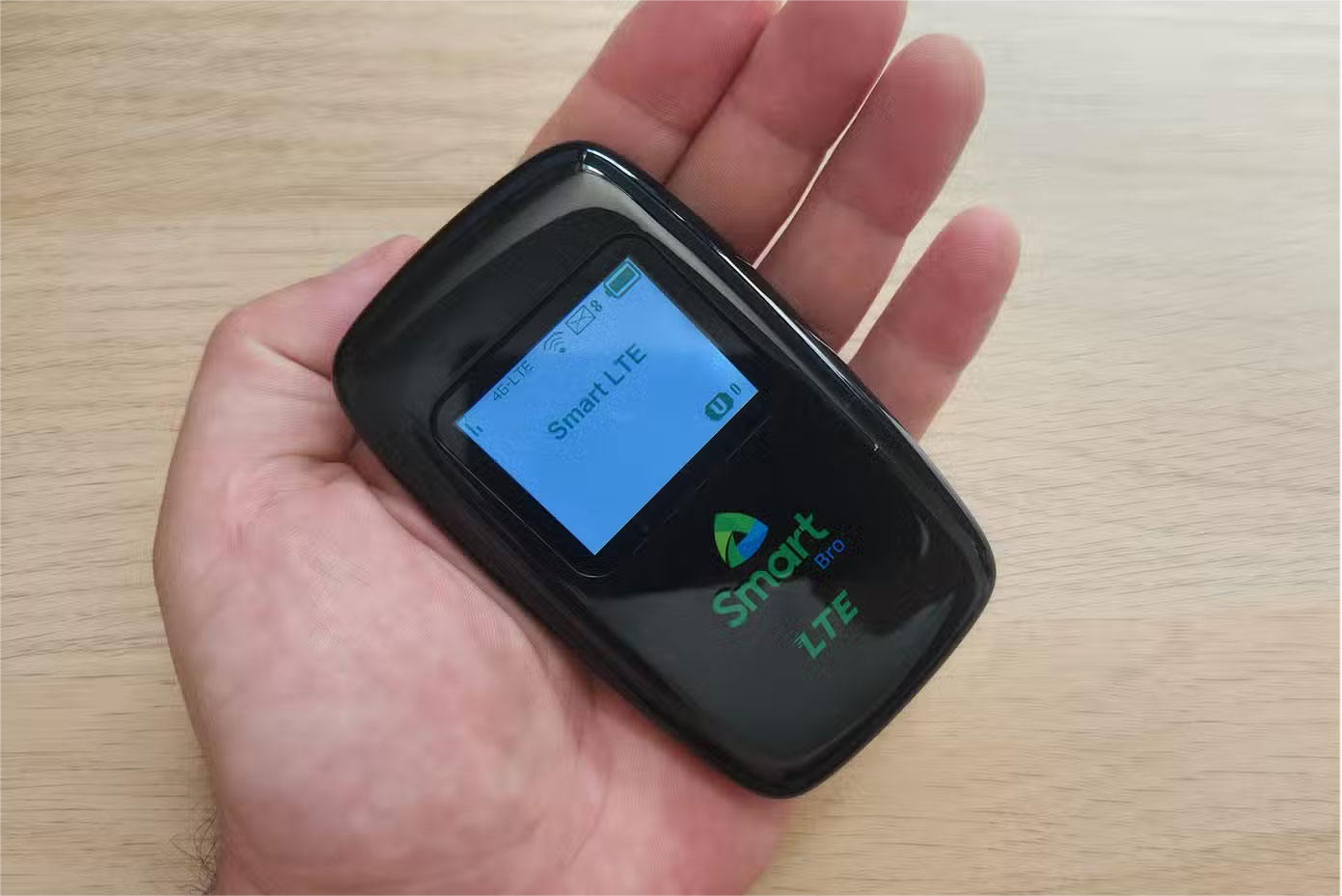
Setting up an HDMI streaming device should be as easy as selecting the correct HDMI input and entering the hotel's Wi-Fi credentials during setup. Still, sometimes when Wi-Fi access is limited, you can use a travel router to bypass this problem. This router connects to the hotel's Wi-Fi and creates a private network for all your devices, including the HDMI streaming device.
Travel routers, such as the TP-Link N300 and GL.iNet Mango, are compact, powerful, affordable, easy to set up, and can boost weak Wi-Fi reception. Also, streaming from a mobile Wi-Fi hotspot can avoid connection issues while on the go, as long as you have a good data plan. When traveling, you can use a dedicated local SIM card for this purpose.
Portable Power Outlet and USB Hub
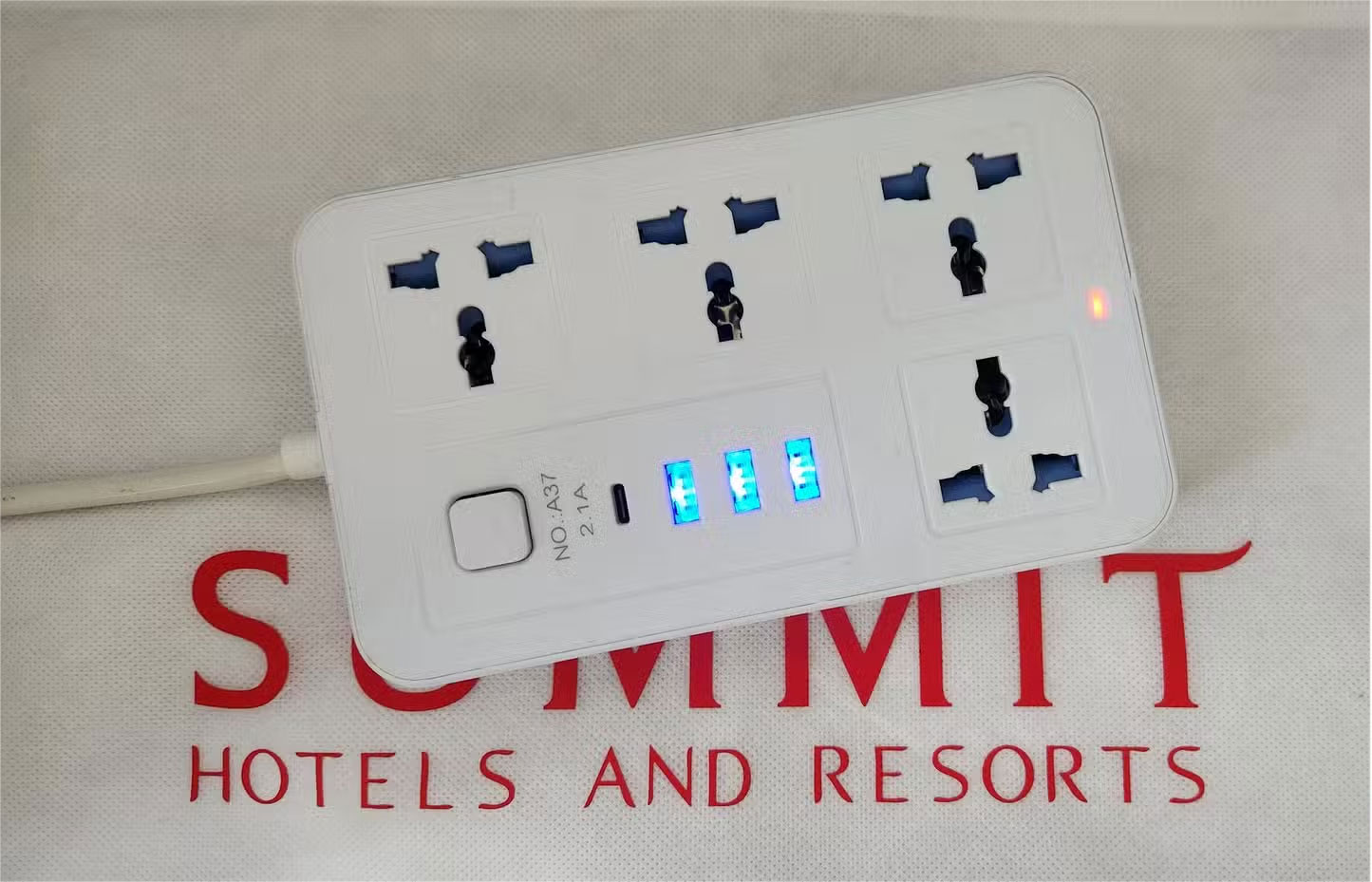
Hotels are notorious for having limited power outlets, often in awkward locations. For this reason, always bring a portable power strip with multiple USB ports to charge your peripherals. These are also useful if the hotel TV does not have a USB port to power an HDMI streaming device.
Look for power outlets that have surge protection, which will protect your essential devices from damage, especially in areas with unstable power grids and frequent power surges. If luggage space is a concern, consider a compact USB hub with multiple connection options as an alternative.
2. Tips for Setting Up a Streaming Hub at a Hotel
Follow these simple rules to ensure your hotel streaming hub is running smoothly:
- Bring spare cables and adapters : Make a list of all the cables and adapters you'll need, and if there's room, pack an extension cord for easier setup.
- Sign up for a good VPN : You may find that your favorite shows are not available at your travel destination, and some streaming services may not even exist. Signing up for a VPN provides an effective and affordable solution to this problem.
- Download content in advance : Store some programs on your device in case the Internet connection is unstable at your destination.
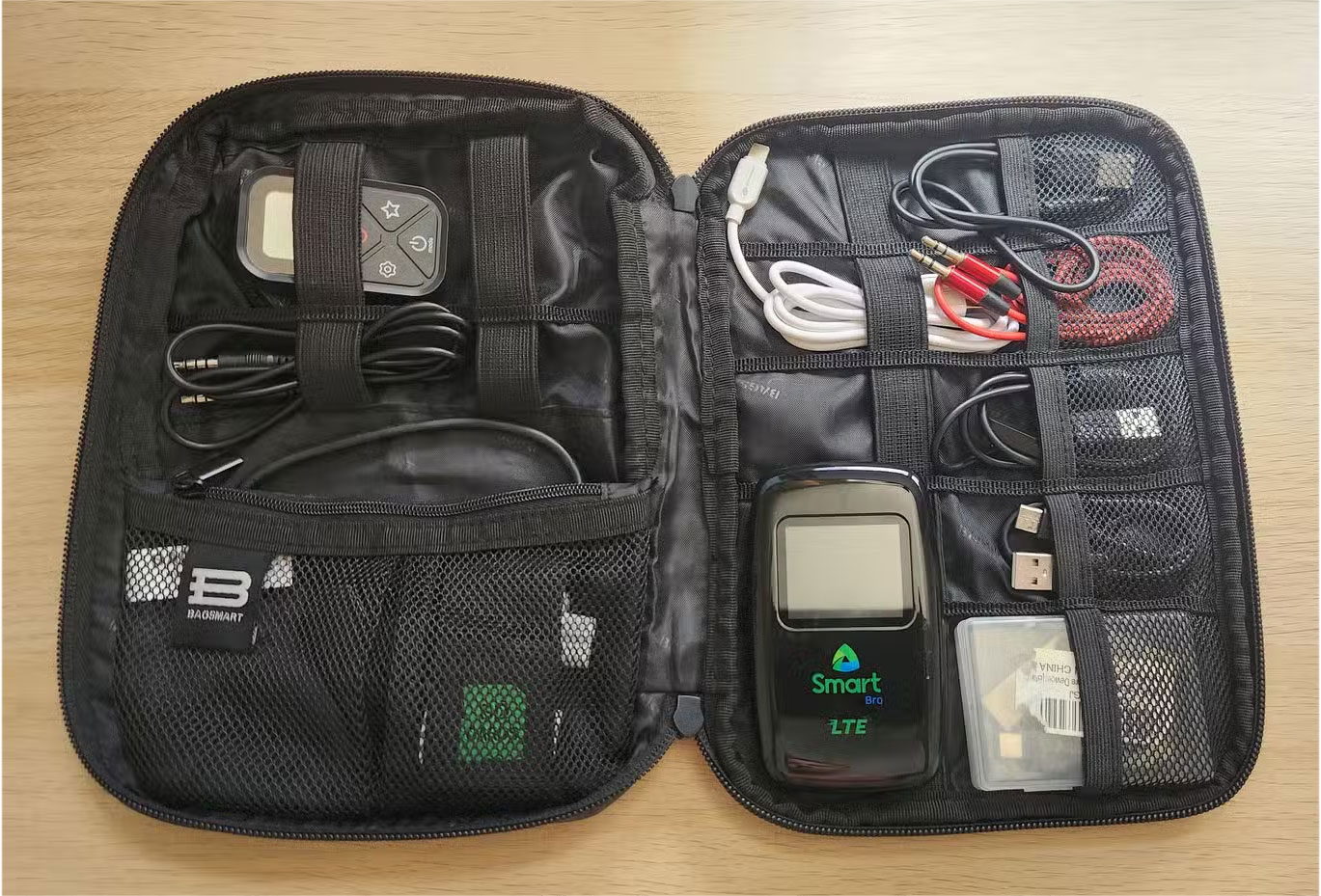
- Store peripherals in a tech bag : Use a folding case to store spare cables as well as useful items like adapters, extra remote control batteries, travel routers and portable Wi-Fi hotspots.
FAQ
What is the main takeaway about Turn Your Hotel Smart TV into a Streaming Hub with These Features?
The key is to understand the core idea, compare the available options, and apply the practical guidance that matches your situation.
What should beginners know about Turn Your Hotel Smart TV into a Streaming Hub with These Features?
Start with the essential steps and terminology. Avoid changing advanced settings until you understand how they affect performance, privacy, cost, or compatibility.
How can I use this information in practice?
Follow the relevant section in order, test one change at a time, and confirm the result before moving to the next step or recommendation.
Related Articles
 iOS 12 Will Allow You to Turn Your iPhone into a Smart Key4 minutes read
 Do You Need Both a Smart TV and a Streaming Device?6 minutes read
 6 Reasons to Skip Your Smart TV and Buy a Streaming Stick Instead7 minutes read
 Which Streaming Device or Smart TV App Is Better?8 minutes read
 4 Favorite Features on Samsung Smart TV6 minutes read
 Top 10 Best Hotel Booking Apps on Android6 minutes read
Reader Comments 0
Sign in with email or Google to join the discussion.