Table of Contents
This guide covers toshiba presents an ultra-thin laptop with an 11-hour battery in vietnam with practical context and easy-to-follow details. Use it to understand the subject and apply the information confidently.
Two models of T110 and T130 weigh only 1. 58 kg, install Windows 7 operating system, DDR3 memory and multiple expansion ports including HDMI, LAN and Bluetooth connectivity.
The Portege series integrates a hard drive protection system with accelerometer sensor to protect data when a collision occurs. The USB port uses Sleep and Charge technology, allowing users to charge a variety of electronic devices.
The Portege T130 is equipped with a 13. 3-inch mirror screen, while the screen of the T110 is 11. 6 inches. Both models use CSV (Clear Super View) super bright display technology and 16: 9 widescreen aspect ratio. T130 has 3 colors for customers to choose from are black, red and pearl white. Model T110 is available in black and red.
 The ultra-thin Portege laptop can operate continuously for 11 hours.
Ultra-thin Portege series are designed to protect the environment and save energy. Built-in Toshiba Power Eco feature helps users monitor and reduce power consumption.
Portege T130 costs about 17 million VND and T110 is 16. 6 million VND (including VAT).
FAQ
What should I check before following these steps?
Confirm device and software compatibility, save important data, and make sure you have the required permissions, files, and account access.
Why might the process not work?
Common causes include outdated software, missing permissions, incompatible hardware, an unstable connection, or completing a step in the wrong order.
Can I undo the changes if necessary?
That depends on the tool or setting. Use built-in restore options when available, keep a backup, and record the original configuration first.
Related Articles
 Toshiba's Ultra-light Laptop Launched in Vietnam3 minutes read
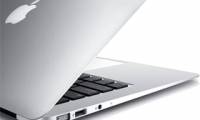 MacBook Air 2013 to Vietnam4 minutes read
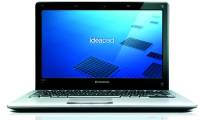 'Ultra-thin IdeaPad' Laptop Is Available in Vietnam2 minutes read
 See Dell XPS 14z 'Supermodel' in Vietnam4 minutes read
 Ultra-thin Laptops Can Replace MacBook Air7 minutes read
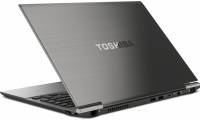 Toshiba Introduces a Line of 'Super Products' for Entrepreneurs4 minutes read
Reader Comments 0
Sign in with email or Google to join the discussion.