Table of Contents
This guide provides a practical overview of Top Best 4k Video Viewing Software 2020, including its main features, benefits, limitations, and important considerations.
1. VLC Media Player

On the Windows Supported operating systems, VLC Media Player Video Player seems to be too popular because it is both a free tool and a tool with many strengths. VLC Media Player software is designed with open source so they have many different customized versions but most people will choose the original version. Currently VLC Media Player is being provided on most platforms such as Windows, MacOS, Linux, Android.
For 4K Videos, VLC Media Player has a great advantage in video decoding and playback speed, besides That you also have a lot of custom features when watching videos such as: Fast forward, Video color filter. Another advantage of VLC Media Player is the ability to support formats, supported formats. It's so popular that you don't need to worry about what 4K video file is saved in!
2. QuickTime

For MacOS users, it must be familiar with Apple's QuickTime. In the market of high-quality video watching software today, QuickTime is one of the bright names, this tool not only supports 4K Video playback but also comes equipped with a range of different features to support.
Maximum viewer support. QuickTime software was born for MacOS so when we use it on the Windows Supported operating systems there is still something that is not very well optimized. However, those things will not affect the 4K video experience on the computer, you can safely use it.
3. 5K Player
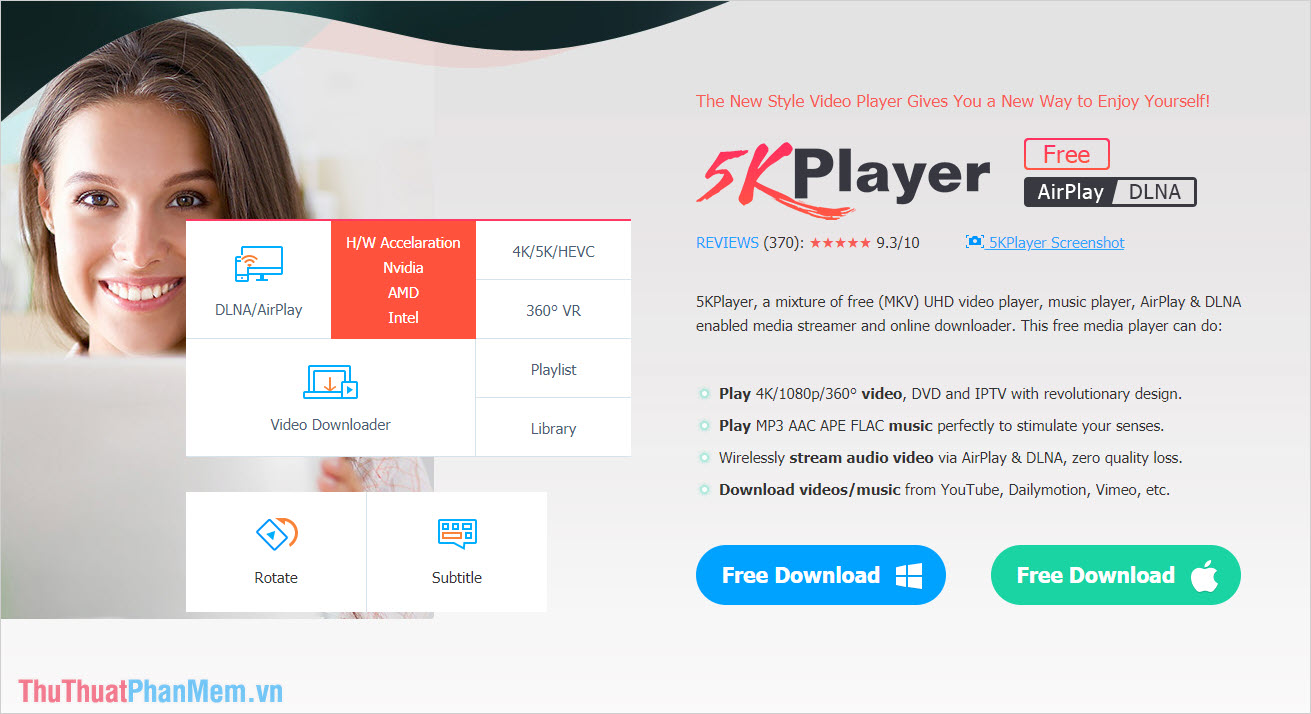
5K Player is also one of the powerful software that supports the 4K Video format today, in addition to having a fast decoding speed, 5K Player also has a very nice interface and is very easy to use.
The 5K Player tool currently supports 02 major platforms that Windows and MacOS, especially this is free software so you can freely use without having to worry about copyright issues. Another special thing is that 5K Player supports DLNA / AirPlay, which means you can stream content from your phone to TV, DLNA / AirPlay-enabled computers without using Cable. connect.
4. KMPlayer
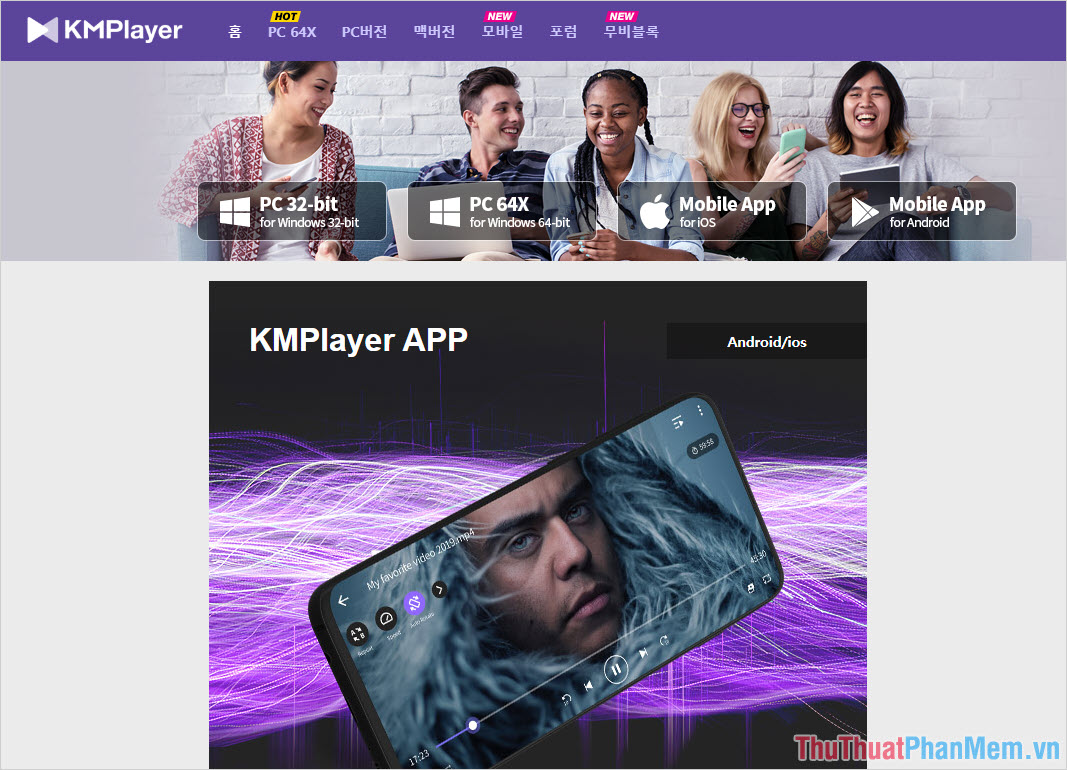
KMPlayer is a useful solution to watch 4K Video on computers with weak configuration and especially those who need smooth 4K Video playback tool. KMPlayer software has a fast, smooth and stable decoding speed during use.
However, KMPlayer does not have many extended features like other 4K Video support software on the market, the manufacturer only focuses on watching smooth and stable 4K Video. So if you do not have too many requirements for extended features, KMPlayer will be a great choice.
5. Global Potplayer

If you want to find the 4K Video player software that is small in size and works smoothly on any computer configuration, Global Potplayer will be the best choice. Global Potplayer software is released for free on Windows and MacOS platforms, so you can use it freely.
The 4K Global Potplayer Video Viewer also provides you with a variety of video viewing modes to enhance the experience.
FAQ
What should I know about Top Best 4k Video Viewing Software 2020?
Focus on the key features, requirements, limitations, and practical use cases explained in this guide.
How do I get the best results with Top Best 4k Video Viewing Software 2020?
Follow the recommended steps, use current software or information, confirm compatibility, and review settings before major changes.
Are there any risks or limitations?
Potential limitations depend on compatibility, data quality, cost, privacy, support, and how the product or method is used.
Related Articles
 10 Best Best Video Viewing Software 20207 minutes read
 Player: 7 Best Free Video Viewing Software for PC 20246 minutes read
 5 Best Free Video Viewing Software on Computers12 minutes read
 Summary of the Best Photo Viewing Software on PC14 minutes read
 5KPlayer - the Best Software for Viewing, Downloading, Streaming and6 minutes read
 11 Top Android Movie Watching Apps, High Quality, Many Features: Expert9 minutes read
Reader Comments 0
Sign in with email or Google to join the discussion.