Table of Contents
NordVPN has offered two levels of protection under the Threat Protection name. Its basic DNS filtering works while connected to a NordVPN server. The more capable desktop feature can check downloads and block threats without an active VPN connection. Look for the current names in your app, because NordVPN has changed the labels.
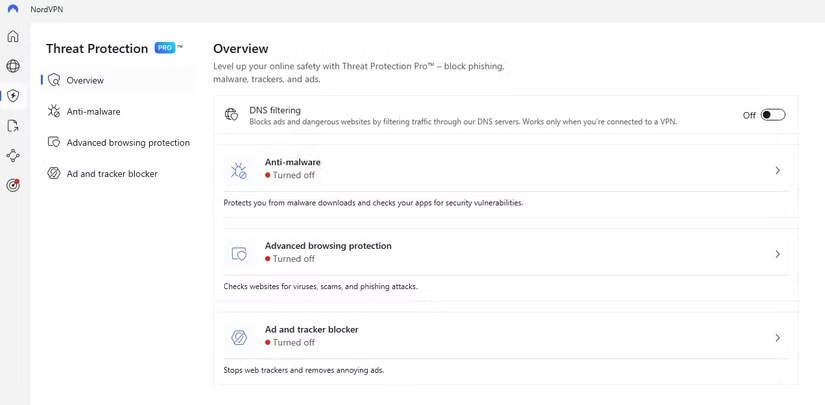
Compare the two features
| Feature | What it does |
|---|---|
| Real-time protection, using DNS filtering | Blocks selected domains associated with ads, trackers, or unsafe sites while traffic goes through a NordVPN server. |
| Next-gen antivirus, associated with the former Pro feature | Provides additional protection on supported desktop systems, including web protection and scanning downloads. It can operate without a VPN connection. |
Device, subscription, and app-version support vary. Check NordVPN’s comparison of its current protection features for the options your device supports.
What filtering can and cannot catch
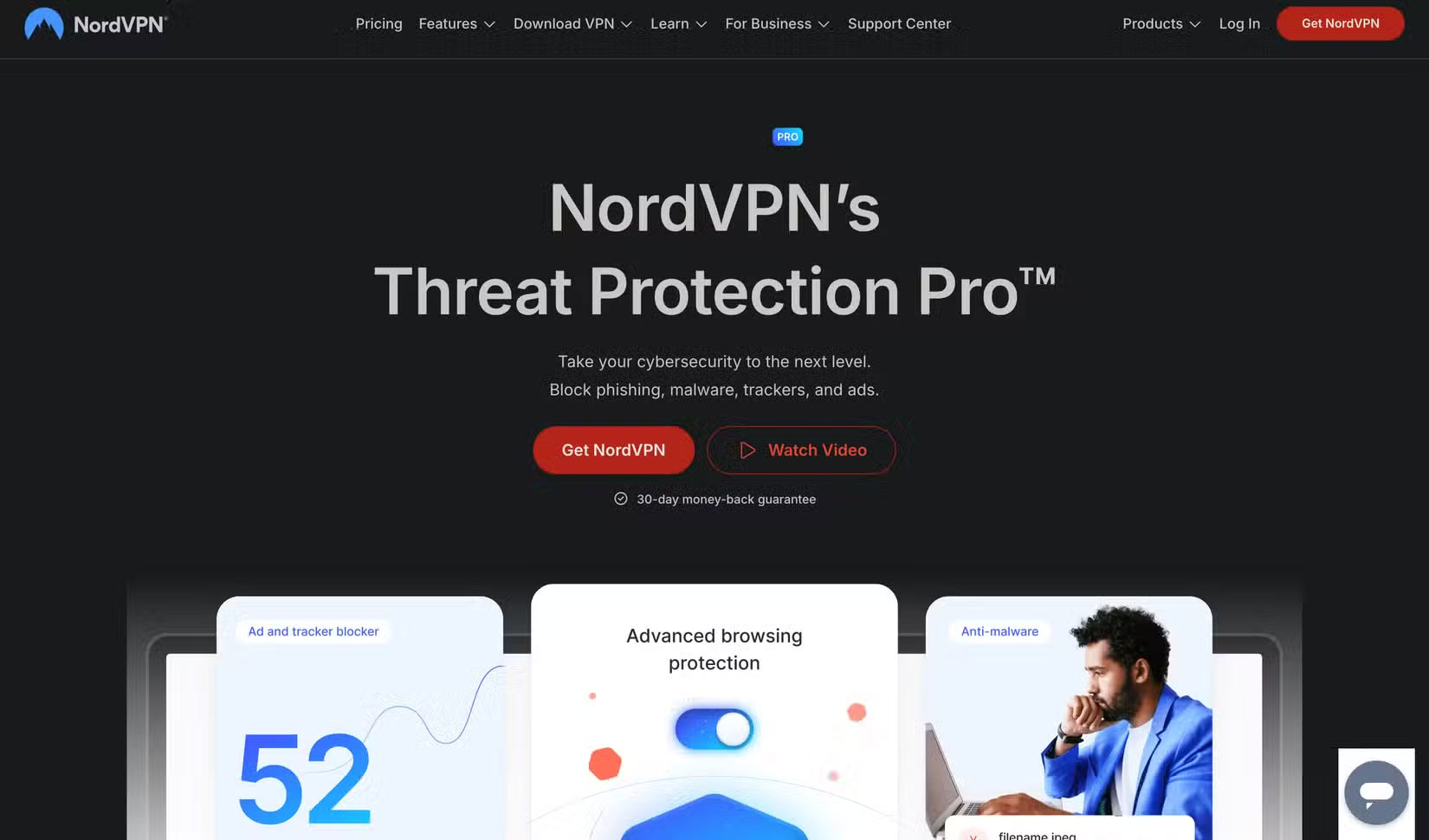
DNS filtering can stop a connection to a blocked hostname. It generally cannot tell which page on an otherwise permitted hostname contains the problem. Desktop checks can inspect more, but a download or website that passes a check still deserves scrutiny if it came from an unexpected message or imitation site.
Check your setup
Open NordVPN’s protection settings and confirm which features are enabled. Review scanning and cloud analysis settings if you handle work files. Keep your operating system and browser updated, and use the publisher’s own download page for sensitive software.
Related Articles
 How to Install and Use NordVPN on a PC or Phone
 How to install NordVPN on Raspberry Pi
 What is Meshnet? How does it work?
 Huawei software hides a dangerous vulnerability that puts its MateBook at risk of being hacked
 Microsoft brings Windows Defender Antivirus to macOS
 Learn about dark web tracking service F-Secure ID Protection
Reader Comments 0
Sign in with email or Google to join the discussion.