Table of Contents
What Is Twodos?
Twodos is a task management app that launched on February 21, in a market that already has a plethora of to-do apps available. But Twodos has some interesting points.
Key Takeaways About Twodos
- Twodos is a task management app that launched on February 21, in a market that already has a plethora of to-do apps available.
- But Twodos has some interesting points.
- Aside from its simple interface and minimalist approach, Twodos is a rare case of a free app that doesn't include in-app purchases or ads and doesn't collect any data.
Aside from its simple interface and minimalist approach, Twodos is a rare case of a free app that doesn't include in-app purchases or ads and doesn't collect any data. This app is a passion project by an individual developer who just loves creating apps.
Twodos uses a familiar format, allowing you to add and edit tasks, display them in a list, and delete them when completed. That simple approach is the core focus of the app.
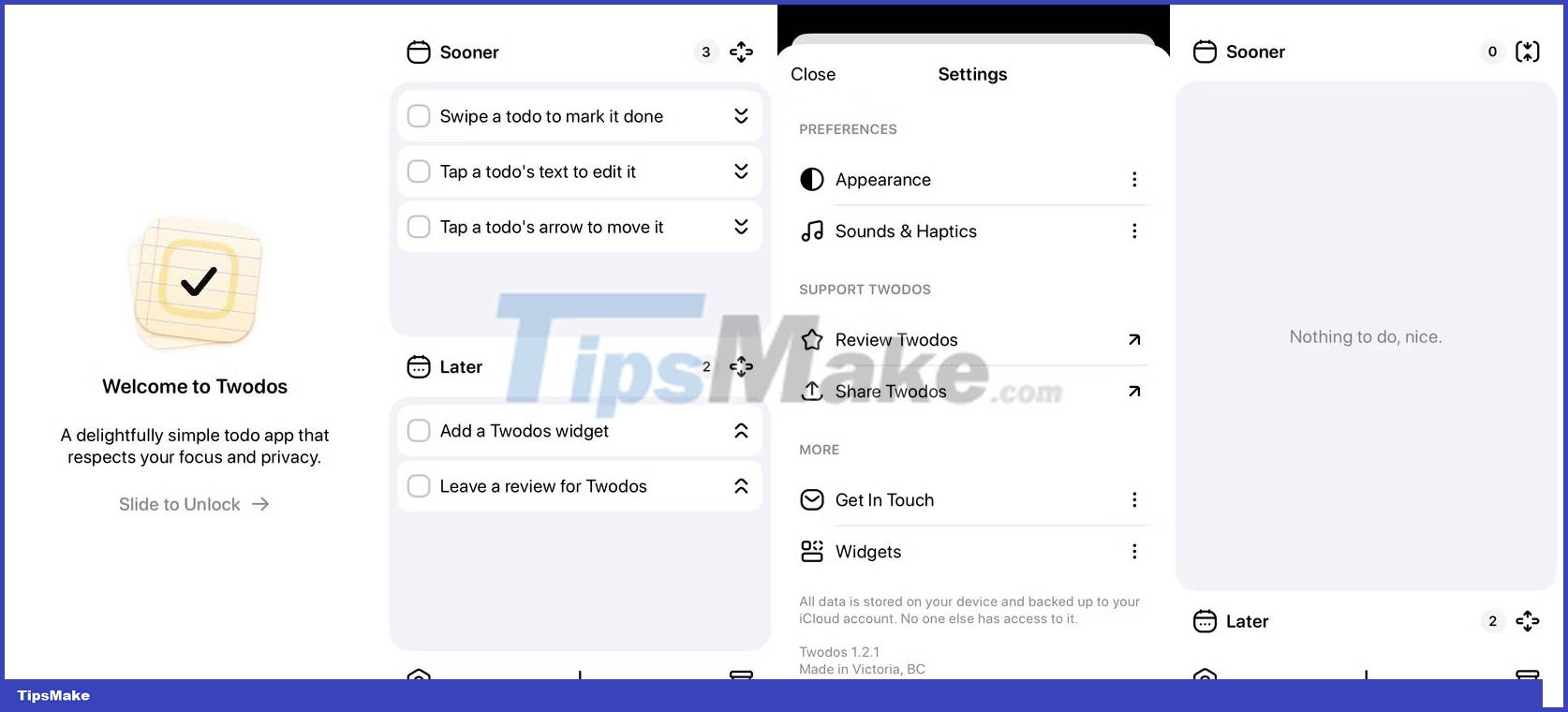
TwoDos Stands Out Thanks to Its Two-list Approach
The main highlight of Twodos is its simplicity and ease of use. Taking advantage of its status as a non-commercial release, this application aims to provide as little functionality as possible. The app developer is resolute in its commitment to resisting additional features:
This philosophy is demonstrated by the 'two list' approach. Twodos forces you to add every task to a "Sooner" list or a "Later" list. While this may sound restrictive, it keeps things simple, encouraging you to focus on tasks rather than how to categorize them. As a result, you will be able to get more done in less time.
You can access each available function with a single action, including:
- Swipe a task to mark it as complete (this also immediately deletes the task).
- Tap an item to edit it.
- Tap the arrow to the right of each item to move it to another list.
You can expand or contract each list, focus on one, or display both as appropriate. Each list shows the total number of tasks on it and scrolls if you have multiple tasks.
Where to Download TwoDos?
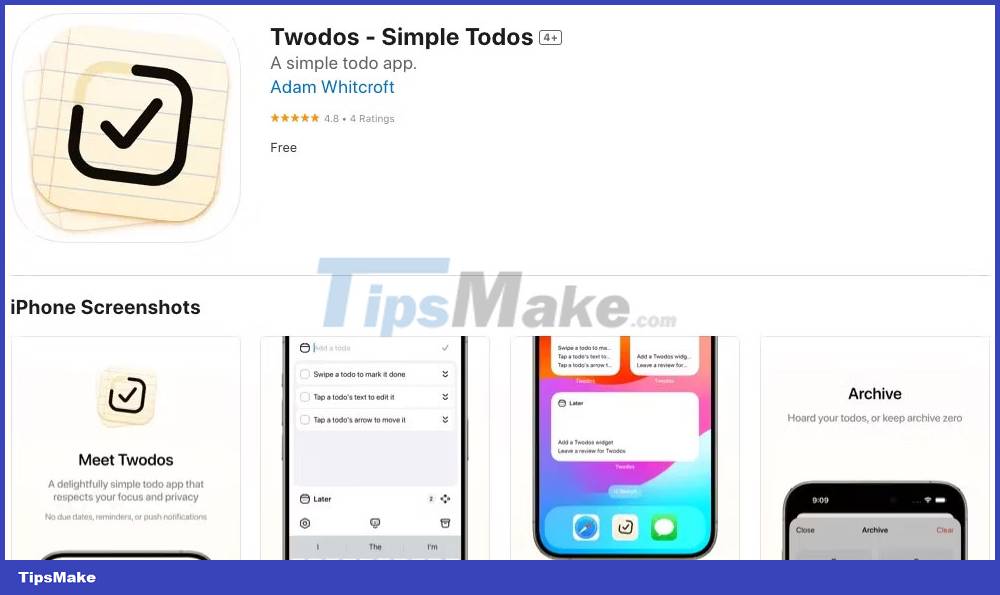
Twodos is available from the iPhone App Store and can be downloaded for free. Like any "iPhone-only" app, you can also run it on your iPad.
Adam Whitcroft's website has links to other software he releases, if you're interested in other simple free applications. Like the Twodos app, this website is very minimalist. The developer is also active on X (formerly Twitter), @AdamWhitcroft.
FAQ
What is the main update about Twodos?
Twodos is a task management app that launched on February 21, in a market that already has a plethora of to-do apps available.
Why does Twodos matter?
But Twodos has some interesting points.
What should readers know about Twodos?
Aside from its simple interface and minimalist approach, Twodos is a rare case of a free app that doesn't include in-app purchases or ads and doesn't collect any data.
Related Articles
 How to Return or Livestream with Google Meet7 minutes read
 Google Allows G Suite Users to Use the Premium Hangouts Meet2 minutes read
 Jitsi Meet -- Open Source Zoom Alternative8 minutes read
 Link Download Google Meet: Free Online Meeting Application6 minutes read
 Google Meet Is Free Until September3 minutes read
 Lg and Samsung 'Fight Head to Head' to Compete for 'Good' 8k TV6 minutes read
Reader Comments 0
Sign in with email or Google to join the discussion.