What you will learn
- Find the gateway before running reachability tests.
- Use ping to separate local, external-IP and name-resolution scope.
- Use tracert or pathping without treating every silent hop as failure.
- Record repeatable results with timestamps and targets.
What you need
- Command Prompt access.
- An approved external IP and domain for testing.
Use nearest-to-farthest targets
Microsoft describes ping as a primary TCP/IP command for connectivity, reachability and name-resolution troubleshooting.
ipconfig shows the default gateway for the active adapter, which makes the gateway the nearest meaningful routed target.
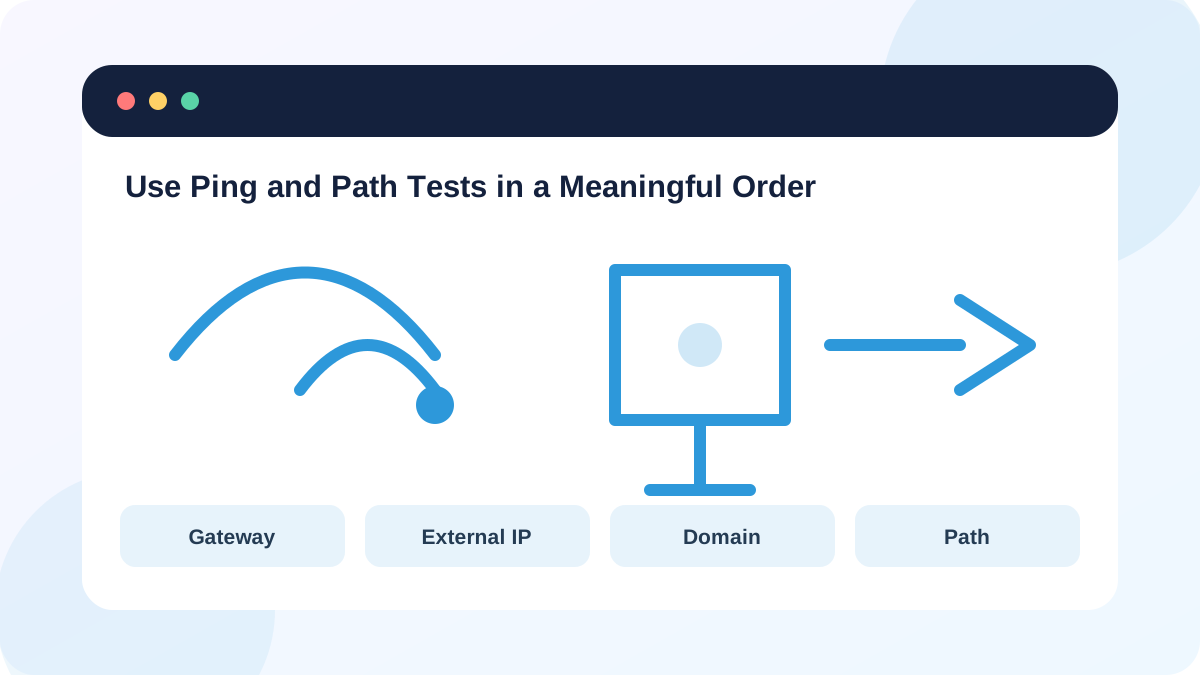
Run the same sequence each time: gateway, external IP, domain, then path. If the gateway fails, external results are secondary. If external IP works but the domain fails, investigate DNS.
Capture useful ping evidence
Use several requests rather than one. Record packet loss and average latency. A timeout can mean loss, a blocked ICMP response or a sleeping target; it does not always mean the path is unavailable.
Gateway latency should usually be low and stable on a healthy local network, but Wi-Fi power saving and congestion can create occasional variation. Compare at the same location and workload.
- 1
Run ipconfig and record the active Default Gateway.
- 2
Run ping gateway-address and save the summary.
- 3
Run ping approved-external-IP and save the summary.
- 4
Run ping approved-domain and compare name resolution with the IP test.
- 5
Repeat the sequence during the symptom with an exact timestamp.
Use tracert and pathping for the next question
Microsoft documents pathping as a tool that identifies routers on the path and sends periodic probes to calculate statistics over time.
Intermediate routers may rate-limit or ignore diagnostic messages while forwarding real traffic normally. Loss shown at one intermediate hop is meaningful only if it continues to later hops or the destination. Path changes between runs are also normal on large networks.
- 1
Run tracert -d approved-target to view the path without DNS lookup delay.
- 2
Run pathping /n approved-target when sustained loss needs measurement.
- 3
Wait for pathping to complete instead of interrupting the statistics phase.
- 4
Compare loss at the destination and across consecutive hops.
- 5
Do not publish internal hostnames or private topology without authorization.
Turn output into a bounded conclusion
Report the first boundary that fails consistently, the timestamp, access method, gateway result and destination result. Do not claim an ISP outage from one silent intermediate hop. Confirm with another device, Ethernet or the provider status page.
Avoid continuous high-rate tests on networks you do not own. Standard ping and pathping defaults are sufficient for basic diagnosis; aggressive scanning is unnecessary.
- The gateway was tested before external targets.
- IP and domain tests were kept separate.
- Intermediate-hop silence was not treated as destination loss without confirmation.
Create an ordered network test record
Run the four-stage sequence and write a defensible conclusion.
- 1
Record adapter, SSID or Ethernet state and time.
- 2
Test the default gateway.
- 3
Test an approved external IP.
- 4
Test a domain and run nslookup if it fails.
- 5
Use tracert or pathping only when the earlier results justify it.
Common mistakes to avoid
- Pinging a domain first and mixing DNS with reachability.
- Treating one timeout as proof of an outage.
- Calling every tracert asterisk packet loss.
- Running aggressive continuous probes on networks without permission.
Key takeaways
- Test from the nearest boundary outward.
- Ping results require context and repeated samples.
- Path tools show clues, not automatic blame.
Frequently asked questions
Why can a website work when ping fails?
The server or firewall may block ICMP echo while allowing HTTPS traffic.
Why does pathping take several minutes?
It sends repeated probes over time so it can calculate statistics for the path.
Sources and further reading
Ready to continue?
Mark the lesson complete so your Learning Path progress stays current on this device.