What you will learn
- Create a repeatable network baseline.
- Measure local latency separately from internet throughput.
- Compare multiple locations and time windows.
- Decide whether a change improved the intended workload.
What you need
- One consistent test device.
- Two or more named test locations and approved targets.
Define the decision before measuring
Microsoft recommends running several network speed tests at different places, recording the results, then repeating the same tests after a network change.
Define the complaint and success threshold. Video calls may need stable latency and low loss more than maximum download speed. Backups may need sustained throughput. Smart devices may need reliable coverage at low data rates.
Choose fixed locations and the same device. Record band, protocol, access point or mesh node, time, workload and whether other household traffic is active.
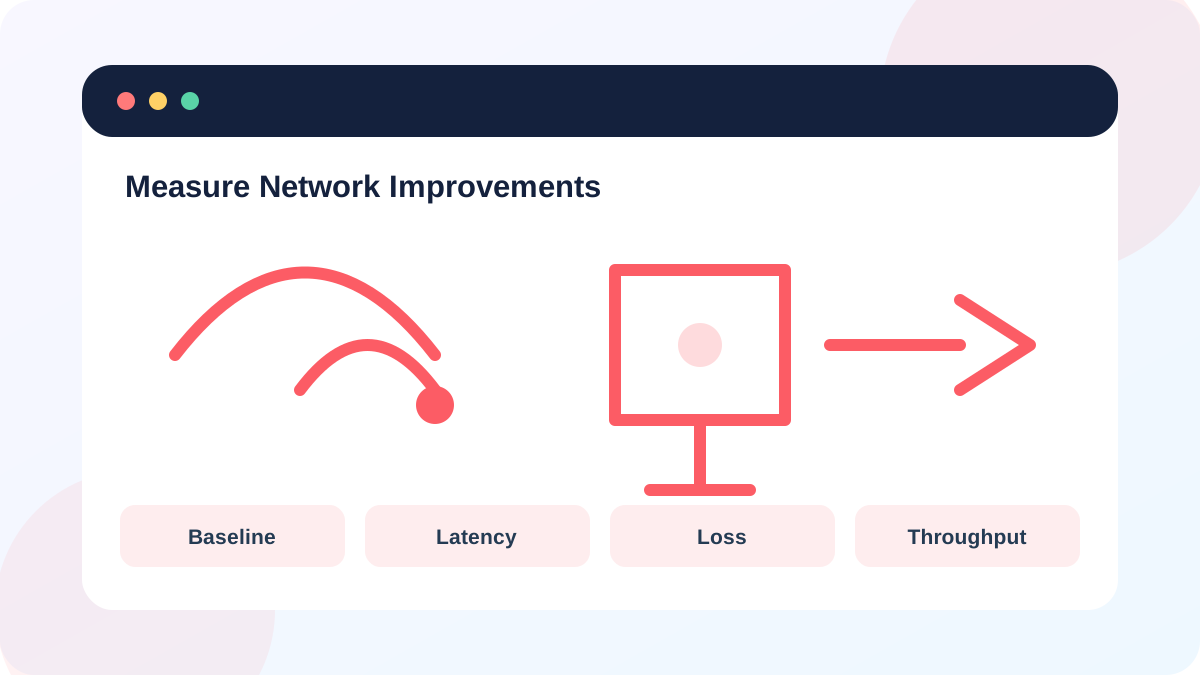
Capture a multi-metric baseline
Microsoft ping output provides round-trip time and packet-loss summaries, while pathping can gather statistics across a path over time.
Use a short gateway ping, an approved external target and two throughput runs. Avoid testing continuously or during critical calls. Record results rather than relying on memory.
- 1
Name each test location precisely.
- 2
Record device, adapter, SSID, band and signal.
- 3
Ping the gateway and record average latency and loss.
- 4
Ping an approved external target and record the same metrics.
- 5
Run two throughput tests against the same server and record both results.
Make one network change
Move the router, change the client band, wire a mesh node or adjust one documented setting. Do not combine placement, channel, DNS and firmware changes in one trial because you will not know which variable mattered.
If the change affects everyone, schedule it and preserve the original setting. Avoid factory resets and manual channel choices without evidence.
- 1
Write the hypothesis and expected metric change.
- 2
Record the original setting or position.
- 3
Apply one change.
- 4
Wait for the network and clients to reconnect fully.
- 5
Repeat the same test sequence in the same order.
Interpret variation and trade-offs
Compare medians or ranges, not only the best run. A faster peak with higher loss may be worse for real-time work. Improvement in one room can coincide with worse coverage elsewhere. Note whether the client roamed to another node or band.
Internet throughput varies with provider and server load. Stronger evidence combines improved gateway metrics with repeated application results at the same location.
- The same device, locations and targets were used.
- Only one important variable changed.
- Latency, loss and throughput were all considered.
- The change can be reversed if another area became worse.
Run a before-and-after Wi-Fi experiment
Measure one reversible change at two fixed locations.
- 1
Define the complaint and success metric.
- 2
Capture two baseline runs at each location.
- 3
Apply one reversible change.
- 4
Repeat the tests after reconnection.
- 5
Write a conclusion including trade-offs and whether to keep or reverse the change.
Common mistakes to avoid
- Using different devices or speed-test servers.
- Changing several settings at once.
- Keeping only the fastest result.
- Ignoring gateway latency and packet loss.
Key takeaways
- A baseline makes improvement measurable.
- Local and internet metrics answer different questions.
- Keep only changes that improve the intended workload without unacceptable trade-offs.
Frequently asked questions
How many speed tests should I run?
Use at least two or three per location and compare the range. More samples are useful when results vary widely.
What is good Wi-Fi latency?
There is no universal number. Compare the same gateway, device and location; stability and low loss are more useful than an isolated target.
Sources and further reading
- Wi-Fi and your home layoutMicrosoft Support
- pingMicrosoft Learn
- pathpingMicrosoft Learn
Ready to continue?
Mark the lesson complete so your Learning Path progress stays current on this device.