What you will learn
- Explain the security purpose of a guest network.
- Configure separate credentials and modern encryption.
- Verify client and LAN isolation.
- Decide which IoT devices belong on a separate network.
What you need
- A router with a documented guest-network feature.
- A second device for isolation testing.
Use separation, not an open hotspot
The FTC recommends a guest network because fewer people receive the primary password and a visitor's compromised device is less able to reach the main network.
Apple warns against open or unsecured networks and recommends modern WPA3 or WPA2 encryption for all networks, including guest access.
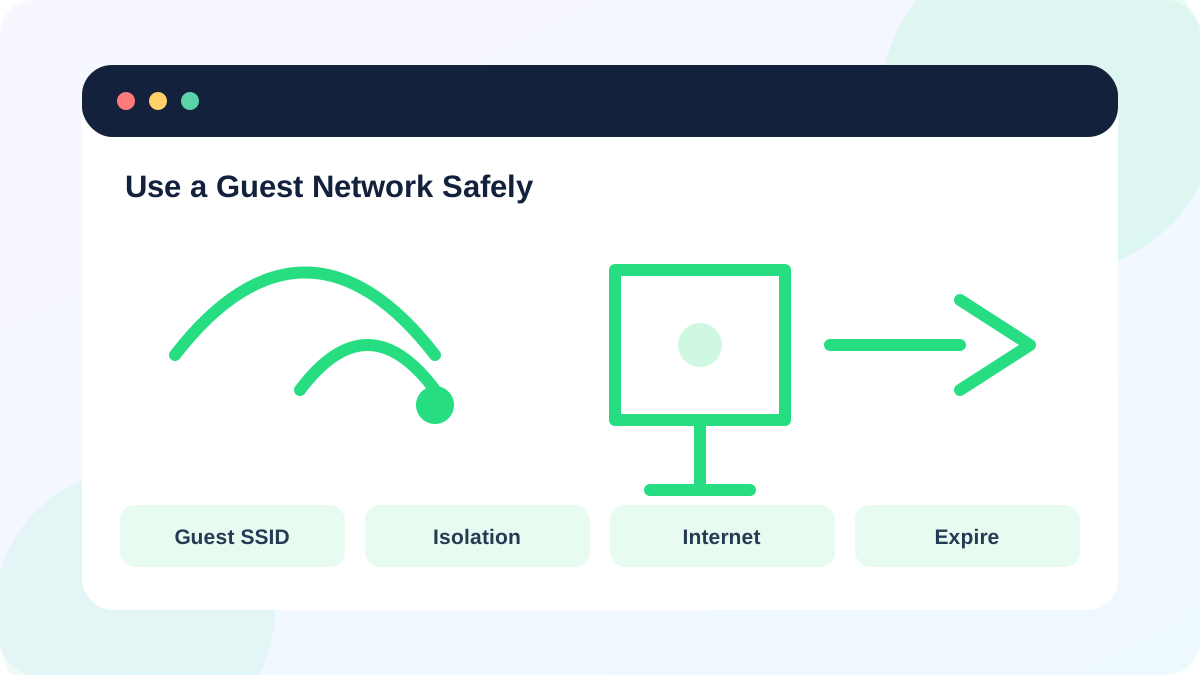
A guest SSID is not automatically isolated. Check for settings named Allow guests to access local network, client isolation, intranet access or device discovery.
Decide what guests should reach
Most visitors need internet access, not printers, file shares, cameras or router administration. Some casting and smart-home features require local discovery, so decide whether convenience justifies reduced isolation.
IoT devices can use a separate network when the router supports the necessary communication rules. Do not move safety-critical devices without testing alerts, cloud access and local controllers.
- 1
List private LAN resources that guests must not reach.
- 2
List any approved local service guests genuinely need.
- 3
Choose a unique guest SSID and password.
- 4
Set an expiration or rotation schedule when the router supports it.
- 5
Record the isolation setting and original value.
Configure and test the guest SSID
Enable WPA3 Personal or WPA2/WPA3 transition mode as supported. Disable guest access to the local LAN and router administration. Leave the router firewall enabled.
Connect a test device and confirm internet access. Then try the gateway administration page, a private printer and another guest client. Expected results depend on the isolation design, so document them before testing.
- 1
Enable the guest network with modern encryption.
- 2
Disable intranet or local-LAN access for guests.
- 3
Disable guest access to router management.
- 4
Connect a test device and verify internet access.
- 5
Verify private resources and other guest clients are blocked as intended.
Maintain and retire access
Rotate the guest password after events or when it has been widely shared. Remove unknown persistent devices and disable the SSID when it is no longer needed. Do not post the credential publicly where it becomes permanent access.
If the router cannot isolate guests or secure the SSID, a separate managed access point or router may be required. Avoid improvised double-router designs without understanding DHCP and routing.
- Guest access uses modern encryption.
- Guests cannot open router administration.
- Private LAN resources are blocked unless explicitly approved.
- The password has an owner and rotation plan.
Verify guest isolation
Use a second device to test the actual policy.
- 1
Connect the test device to the guest SSID.
- 2
Confirm internet and DNS access.
- 3
Attempt to open the router gateway page.
- 4
Attempt to reach one approved private test resource.
- 5
Record expected and actual results, then disconnect the test device.
Common mistakes to avoid
- Creating an open guest network.
- Assuming a second SSID guarantees isolation.
- Allowing guests to manage the router.
- Moving smart devices without testing required communication.
Key takeaways
- Guest networks reduce credential sharing and local exposure.
- Encryption and verified isolation are both required.
- Rotate or disable access when it is no longer needed.
Frequently asked questions
Can guests cast to my TV?
Only if local-device access is allowed, which reduces isolation. Decide whether the convenience is worth the exposure.
Should IoT devices use the guest network?
They may benefit from separation, but some require local controllers or discovery. Test functionality and use a dedicated IoT network when the router supports it.
Sources and further reading
- How To Secure Your Home Wi-Fi NetworkFederal Trade Commission
- Recommended settings for Wi-Fi routers and access pointsApple Support
Ready to continue?
Mark the lesson complete so your Learning Path progress stays current on this device.