Table of Contents
Learning how to use disposable credit card numbers to avoid fraud when shopping online doesn't have to be complicated. This updated guide presents a clear workflow, practical checks, and troubleshooting advice you can use while completing the process.
Key Takeaways
- Follow the steps to use virtual disposable credit card.
- Explore step 1: find a supplier.
- Understand step 2: set up an account.
How to Use Virtual Disposable Credit Card
So, virtual credit cards are great, but how do you actually use them?
Step 1: Find a Supplier
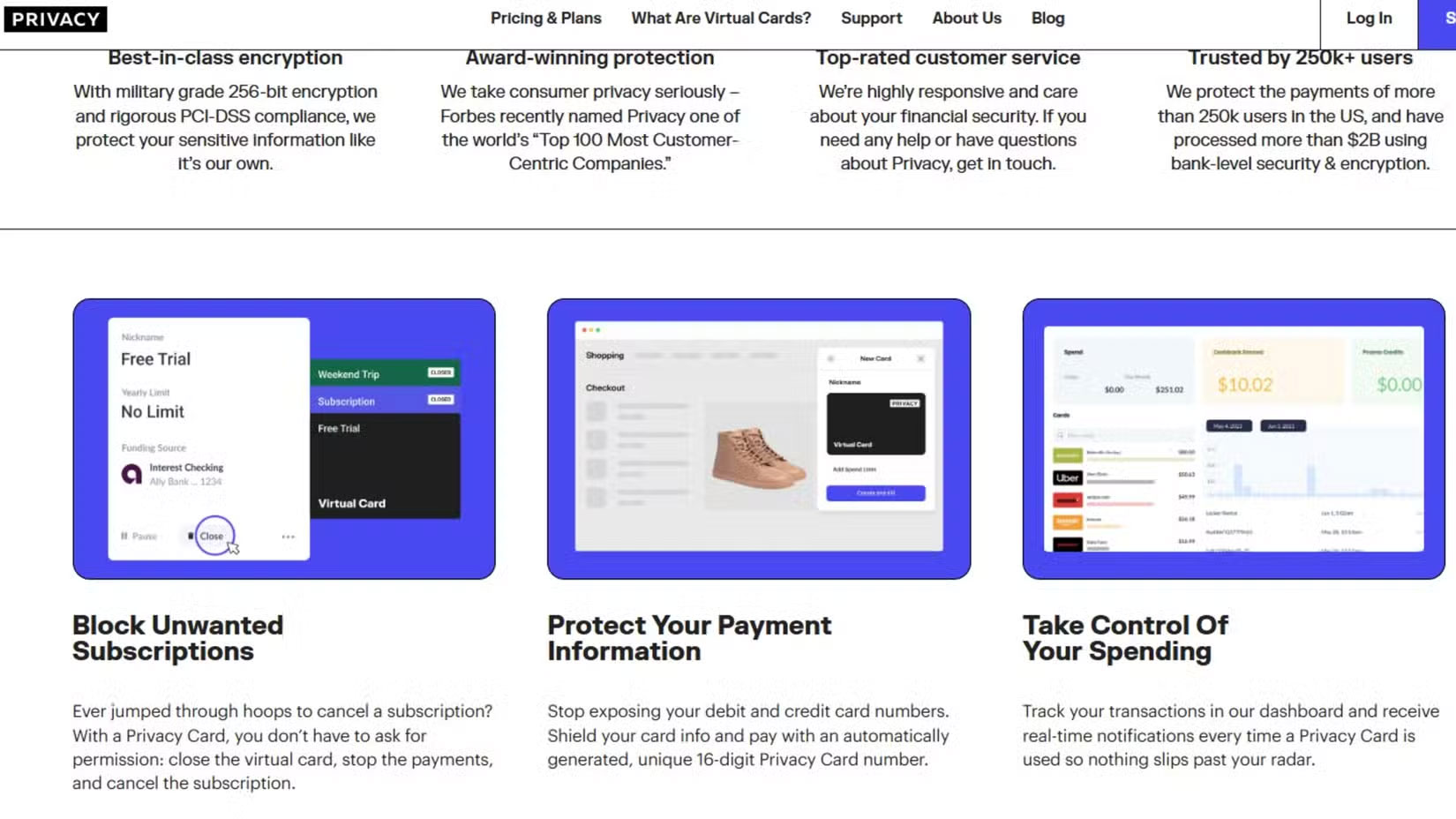
The first step to using a virtual disposable credit card number is to find a trusted provider. Many financial institutions and credit card companies, such as Citi or Capital One, offer this service as part of their existing digital banking tools. However, if your bank is smaller, they may not offer this service. In that case, third-party platforms like Privacy.com can provide similar functionality.
However, you should always do your research. Make sure you take the time to compare features like ease of use, security measures, and any associated fees. Some providers offer user-friendly apps that integrate with your existing online habits, while others charge a small fee to create a virtual card or customize features. Always prioritize security; look for platforms with strong encryption, multi-factor authentication options, and transparent privacy policies.
Step 2: Set Up an Account
The process of creating a virtual credit card on Privacy.com is simple.
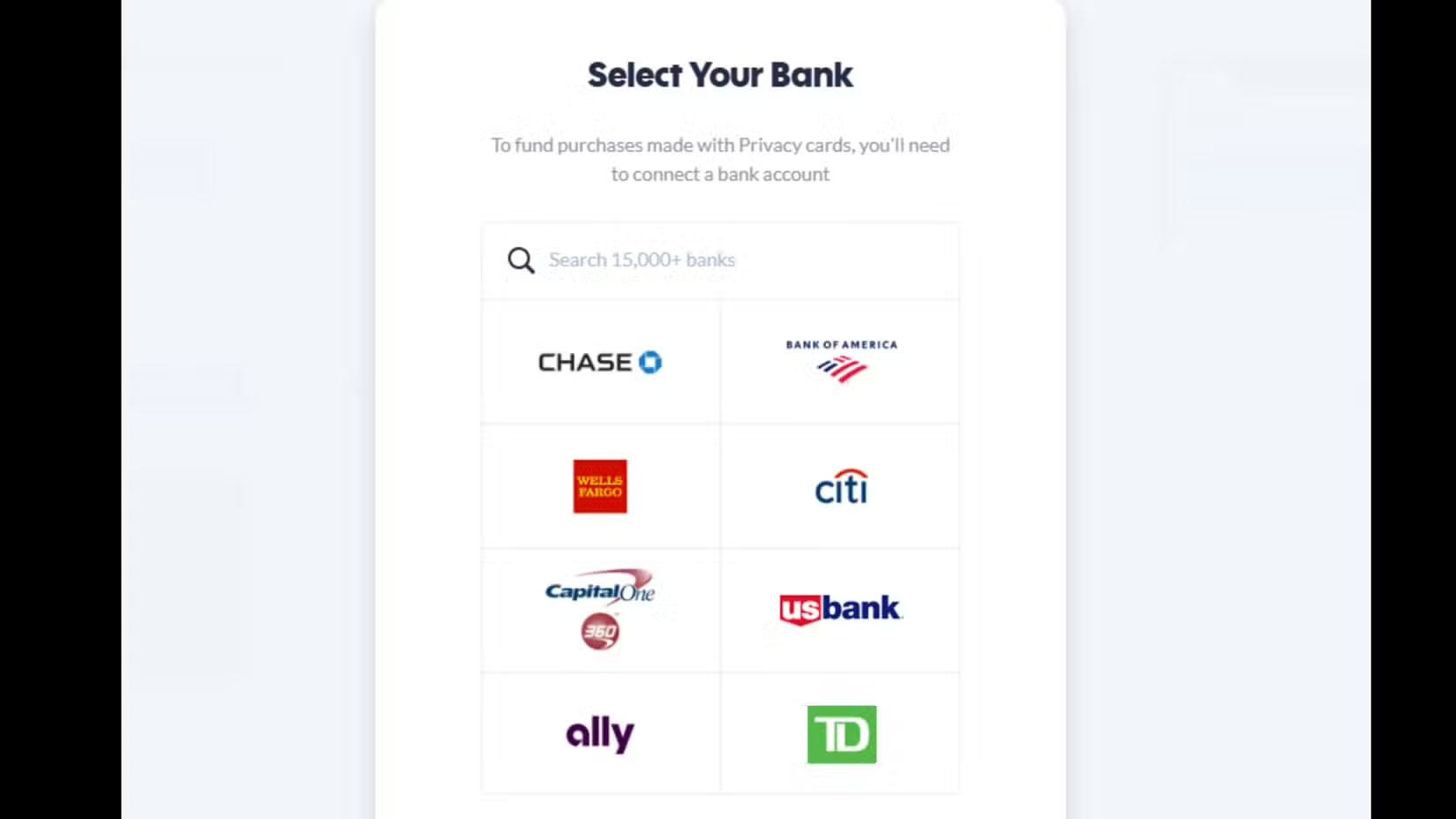
The first step is to create an account. Then you just need to log in with your information, link your bank, and complete the verification. You should also choose to set up multi-factor authentication so that you will receive a text message to your phone in case anything goes wrong with one of your cards or your account needs to be reset.
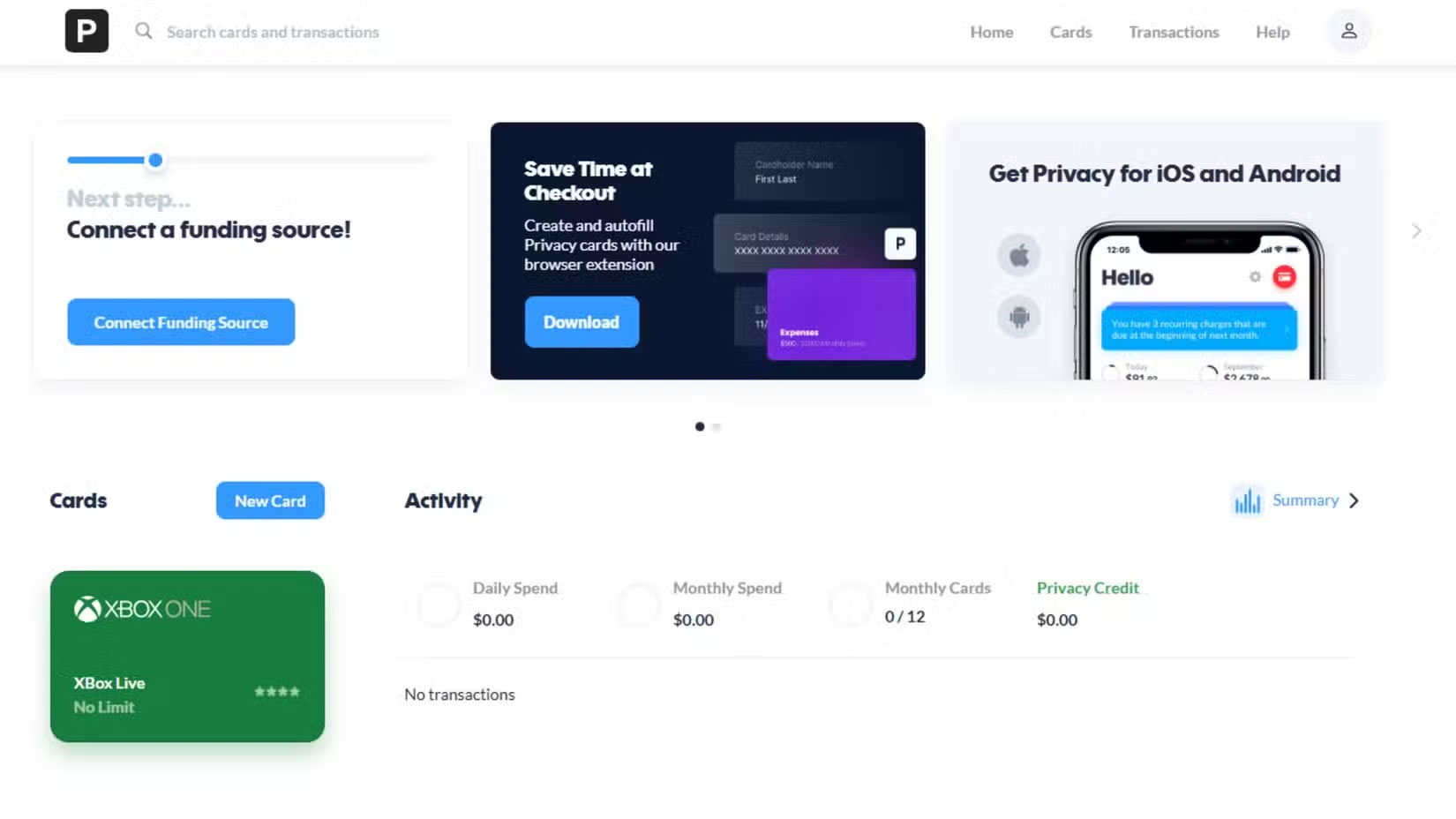
Privacy.com ensures that your account is fully secure before allowing you to generate virtual card numbers. And this step is crucial – the last thing you want to do is create a vulnerability while trying to make yourself more secure.
Step 3: Create Virtual Card Number
Once you have set up your account, it is time to create your first virtual credit card number. Set a spending limit and an expiration date for the card. This will ensure that you can confirm that the card is suitable for your purposes when making a particular transaction.
For instance, let's say you recently decided to buy a game worth nearly $50 on Xbox, so set a spending limit of $50. This way, even if your information is stolen, it can't be used to make unauthorized charges. Choosing a short expiration time is another security measure.
Step 4: Use Virtual Credit Card Number to Shop Online
Honestly, using a disposable card is extremely simple. When paying, just enter the number like a regular credit card, complete the CVV and expiration date. The transaction will be processed normally.
One helpful tip is to keep a record of the disposable card numbers you use, especially for refunds or order tracking. Some platforms even let you name each card based on where you use it, making it easier to organize your disposable cards.
Step 5: Manage and Monitor Transactions
People often track related transactions in their account dashboard after making a purchase. Many providers display a list of active and recently used disposable credit card numbers along with a clear breakdown of spending. This transparency makes it easy to stay on top of your finances and spot unauthorized activity.
Deactivating or deleting a used number only takes a few clicks, adding an extra layer of protection after the transaction is complete. By keeping your virtual wallet tidy, you reduce the chance of future confusion or errors.
Final Thoughts
The most reliable way to handle use disposable credit card numbers to avoid fraud when shopping online is to follow the process in order, verify each important setting, and test the result before moving on. Use the guidance above as a practical reference, then adjust the details for your device, software version, or specific goal.
FAQ
What should I check before I use disposable credit card numbers to avoid fraud when shopping online?
Use the latest available software, confirm that your device meets the requirements, and make sure you have the necessary permissions, account access, or backup before changing anything.
Why might I be unable to use disposable credit card numbers to avoid fraud when shopping online?
Common causes include outdated software, missing permissions, incompatible settings, incomplete setup steps, or a temporary network problem. Recheck the process from the beginning and restart the app or device if needed.
Is it safe to use disposable credit card numbers to avoid fraud when shopping online?
It is generally safe when you use official tools, review every permission, and back up important data before making system-level or account-level changes.
Related Articles
 How to View Saved Credit Card Numbers in Firefox4 minutes read
 How to View Saved Credit Card Numbers in Safari on iPhone3 minutes read
 Credit Card Tips: 7 Steps to Use a Secure Credit Card Online5 minutes read
 When Should You Not Use a Credit Card for Payment?7 minutes read
 Privacy Protection: Avoid Identity Theft6 minutes read
 3 Credit Card Security Errors and How to Secure Credit Card8 minutes read
Reader Comments 0
Sign in with email or Google to join the discussion.