Table of Contents
“Gemini Advanced” was Google’s name for the paid Gemini experience, but current subscriptions are presented as Google AI plans through Google One. Depending on your country, you may see Google AI Plus, Pro, or Ultra. These plans raise usage limits and unlock selected models and tools; the exact bundle, price, and availability can vary by region.
What happened to Gemini Advanced?

The Gemini app itself remains available without a paid AI plan. A subscription does not install a separate assistant; it changes which models, usage limits, and premium features are available to the signed-in Google Account.
If an older app still displays “Gemini Advanced,” update it. Google’s current help pages direct personal-account users to choose a Google AI subscription in Gemini or Google One.
What a Google AI plan can add
Higher model and feature limits
Paid plans provide expanded access to more capable Gemini models and higher limits for prompts, file analysis, Deep Research, image or video tools, and other features. Access is still limited: Google uses compute-based allowances that depend on the model, prompt complexity, chat length, and tools used.
Larger context for documents
Context is the amount of material Gemini can consider at once. Google currently lists a 32K-token context window for accounts without an AI plan, with larger windows for paid tiers. A larger context can help with long reports, code, and collections of files, but it does not guarantee that every detail will be used correctly.
Gemini in Google apps

Eligible plans can include Gemini features in Google products such as Gmail, Docs, Drive, Sheets, and Meet. Availability depends on the plan, account type, country, language, and administrator settings. Workspace customers should check their organization’s edition rather than assuming personal Google One benefits apply.
Gems and reusable assistants
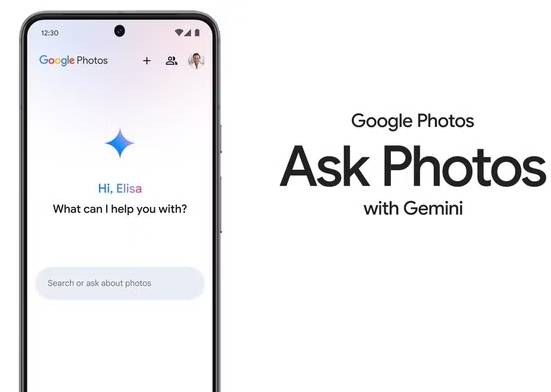
Gems are custom versions of Gemini configured with instructions for a repeated task, such as reviewing documents against a house style or preparing interview questions. Gems are not a private training process, so review the account’s data controls before adding sensitive source material.
Storage and other Google One benefits
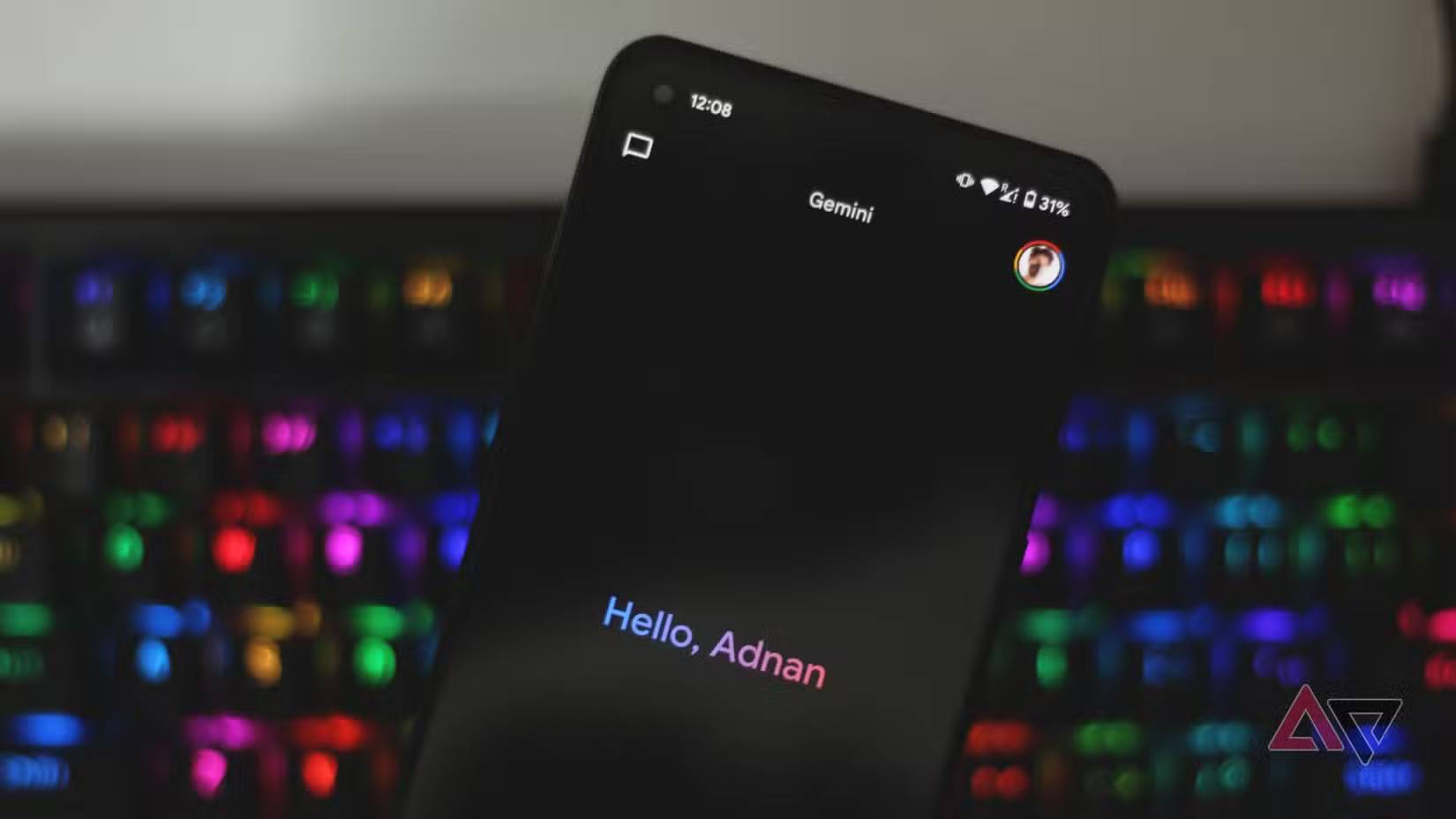
Google AI subscriptions are sold through Google One and can include cloud storage and other benefits. The storage amount and extras are not identical in every market or tier, so check the checkout page for the account you will use.
How much does it cost?
There is no single worldwide price. Taxes, currency, introductory offers, annual billing, storage choices, and eligible device promotions can change the total. Open the Gemini app, select Settings & help > View subscriptions, and compare the plans shown for your account. Do not rely on an old US price or expired phone promotion.
Is a paid Gemini plan worth it?
A paid plan is most useful if you regularly hit free limits, work with long files, depend on Gemini inside Google apps, or use premium research and media tools enough to justify the recurring cost. The free app is usually sufficient for occasional questions, short drafting tasks, and testing whether Gemini fits your workflow.
Before subscribing, list the two or three features you actually need and confirm they are available in your country and language. Then test the same real task on the free tier. A higher limit is valuable only if the model and integration improve that task.
Review the current Google AI plan comparison and Gemini limits guide before paying, because model names, benefits, and allowances change frequently.
Related Articles
 How to Use Gemini Advanced for Free: Step-by-Step Guide8 minutes read
 5 Reasons Why Gemini Advanced Is Far Superior to ChatGPT Plus7 minutes read
 Which Is Better Gemini Advanced or ChatGPT Plus: What to Know13 minutes read
 Gemini Now Supports File Uploads: Features, Uses, and Practical5 minutes read
 Gemini 3.1 Pro or Gemini 3 Pro: Better?8 minutes read
 Google Launches Gemini 2.5 Deep Think - Surpassing OpenAI o3 and3 minutes read
Reader Comments 0
Sign in with email or Google to join the discussion.