Table of Contents
Supermarket Simulator is a paid first-person management game by Nokta Games. The official PC version is sold through Steam; avoid websites advertising a cracked or “free full version.” After purchase, Steam downloads updates automatically and lets you reinstall the game from your Library.
Download Supermarket Simulator through Steam
- Install Steam from its official website, open the client and sign in.
- Search for Supermarket Simulator.
- Choose the listing by developer and publisher Nokta Games. The Steam app ID is
2670630. - Review the current price, supported languages and system requirements, then select Add to Cart.
- Complete the purchase for your account. Open Library, select the game and choose Install.
- Select an installation drive with enough free space, wait for the download, then choose Play.
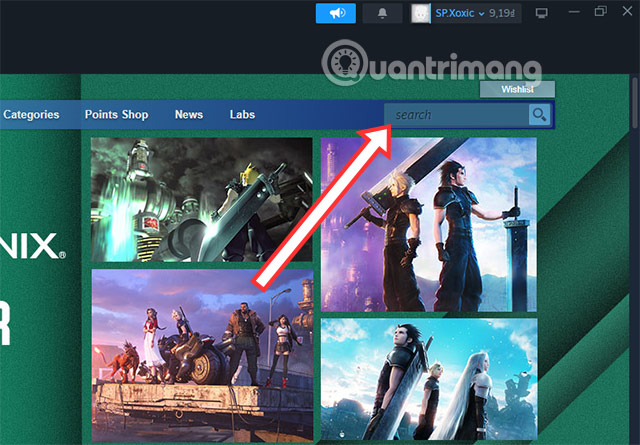
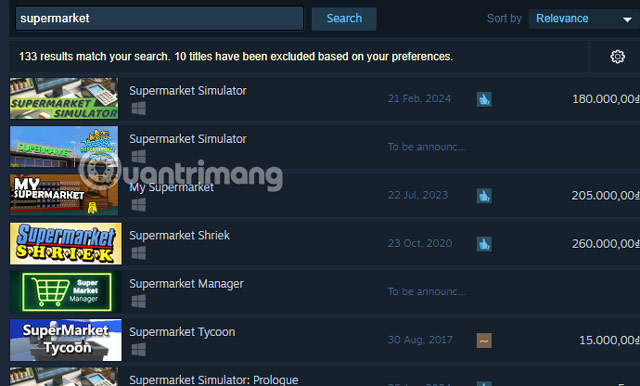
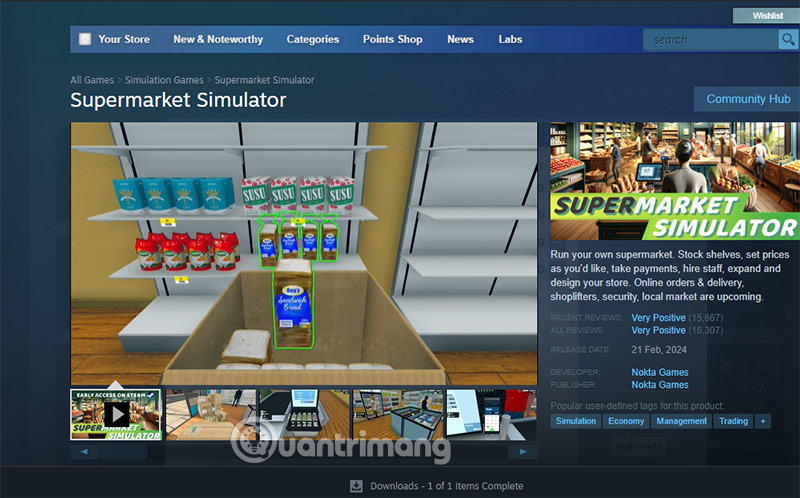
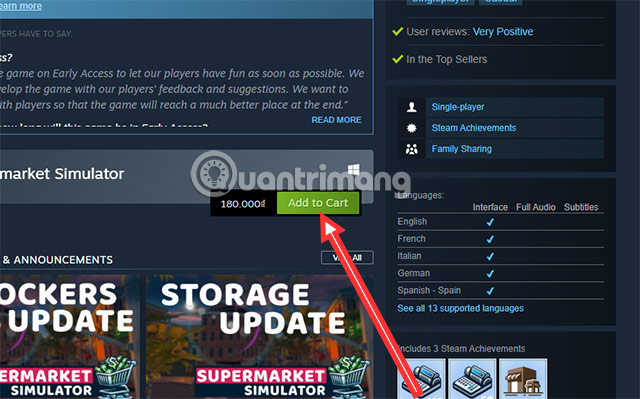
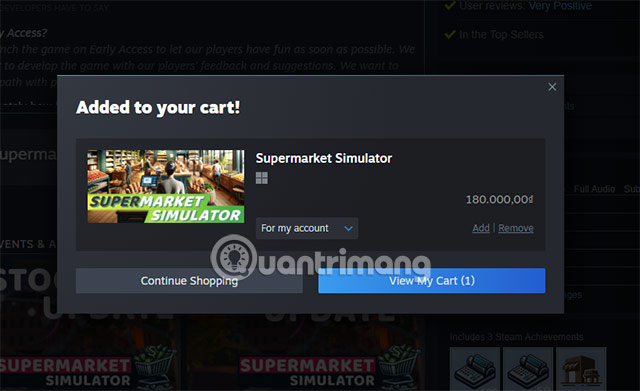
Use the official Supermarket Simulator Steam page to avoid similarly named games. If you have not bought a Steam game before, follow TipsMake's Steam purchasing guide.
Current Windows requirements
| Component | Minimum | Recommended |
|---|---|---|
| Operating system | Windows 10 64-bit | Windows 10 64-bit |
| Processor | Intel Core i5-3550 or AMD Ryzen 5 2500X | Intel Core i5-7600K or AMD Ryzen 5 2600X |
| Memory | 8 GB RAM | 16 GB RAM |
| Graphics | NVIDIA GTX 1050 or AMD R9 270X | NVIDIA RTX 2070 or AMD RX 5700 XT |
| DirectX | Version 11 | Version 11 |
| Storage | 5 GB available | 5 GB available |
The requirements above are the current values on Steam and correct older listings that stated 4 GB minimum and a GTX 1060 recommended. Updates and downloadable content can increase real disk use, so leave extra free space.
macOS support
The Steam page also lists macOS 10.15 Catalina with an Intel Core i5 and 8 GB RAM as the minimum, and an Apple M1 with 8 GB RAM as recommended. Steam shows which operating-system build will install for your device; Windows purchases and Mac availability are managed through the same Steam library.
What the game includes
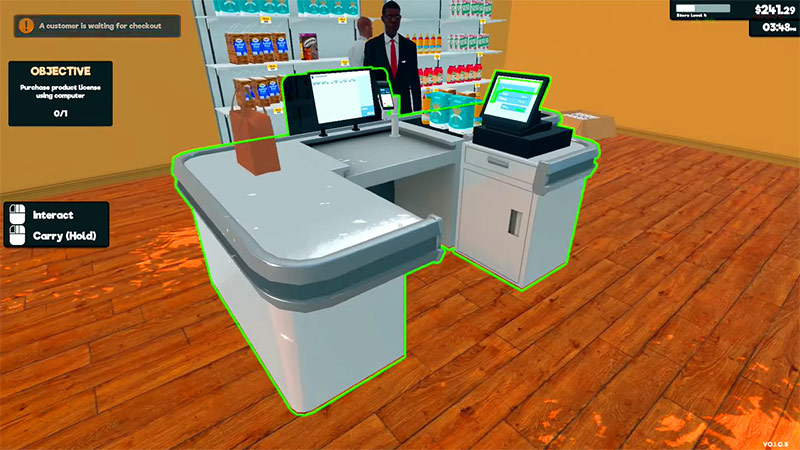
You design shelves and aisles, order and unpack stock, set prices, scan purchases, manage online orders, clean the store and protect it from shoplifting. The current Steam listing also supports online co-op for up to four players, allowing friends to share stocking, checkout, deliveries and expansion work.
If the game will not install or run
- Confirm that your operating system is 64-bit and meets the listed version.
- Restart Steam and check that the chosen drive has free space.
- In Steam, open the game's Properties and verify installed files.
- Update the graphics driver from NVIDIA, AMD or the computer manufacturer.
- Close heavy background apps and lower resolution, shadows and other graphics settings if frame rate is low.
Buying the base game does not automatically include every optional DLC bundle. Read each store package before checkout and purchase only the content you want.
Related Articles
 How to Play Supermarket Simulator to Increase Sales5 minutes read
 Supermarket Simulator Codes: Archived 2024 List4 minutes read
 Tips to Get More Customers in Supermarket Simulator: Key Facts7 minutes read
 How to Download Bus Simulator Indonesia on a Computer, PC5 minutes read
 Download Hundred Days –– Winemaking Simulator for Free4 minutes read
 How to Download and Play Lawn Mowing Simulator for Free4 minutes read
Reader Comments 0
Sign in with email or Google to join the discussion.