Table of Contents
The classic Pikachu PC puzzle is a timed tile-matching game. Select two identical pictures and remove them if you can connect them through empty space. If you no longer have a copy of the old game, a browser-based Onet or Mahjong Connect game uses the same kind of pairing rule without a Windows installation.

How to play the classic puzzle
- Start a new game and look for two tiles with the same picture.
- Check the path between them. In common versions, it must pass through empty spaces and use no more than two right-angle turns. Some boards let the path go around the outside edge.
- Clear edge pairs first when they open routes into the middle. After a match, check whether the tiles shift, since some levels change the board.
- Clear the board before the timer ends. Use a hint or shuffle if your edition offers it and there are no obvious moves.
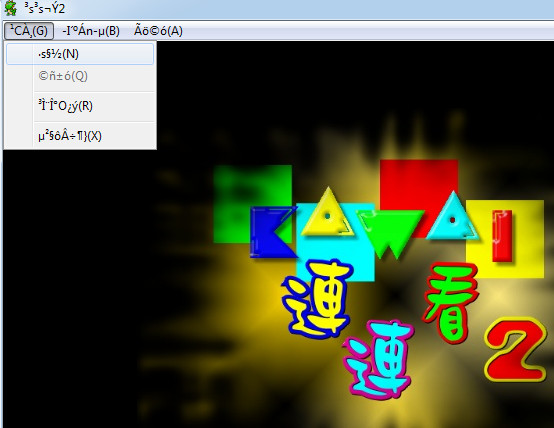
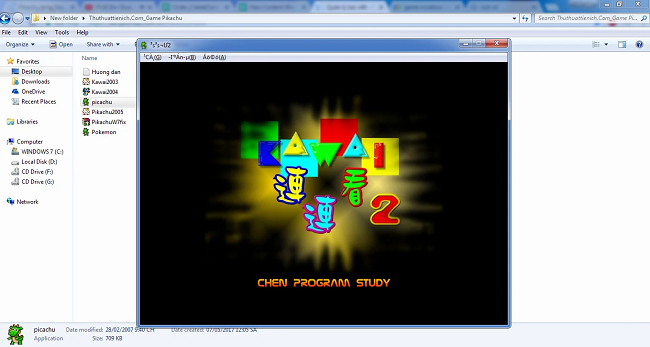
Play a similar puzzle without an old download
Older copies may be labeled Pikachu, Picachu or Kawai. The labels do not establish who packaged the executable. If you do not have a copy from a source you trust, try an Onet-style game such as Mahjong Connect in your browser. It uses different tile artwork, but you can practice the same two-turn matching rule.
Related Articles
 Tips to play classic Pikachu fast, get high scores
 Tips to play classic Pikachu to win, high ranking
 How to Evolve Pokémon in the game Pokémon GO
 Over 200 genres of classic games emulated on PC
 Invite to download Shadow Warrior, a classic FPS game that is free on Steam and GOG
 Download RetroArch 1.8.8: Free multi-system emulator to play classic games
Reader Comments 0
Sign in with email or Google to join the discussion.